

How do I find the Ramp Test?
Find the TD Ramp Test on the TrainerDay website by searching "ramp test" in Search Workouts or opening its page directly, or in the mobile app at the top of the second tab.
- On the website, click Search Workouts in the left sidebar (app.trainerday.com/search).
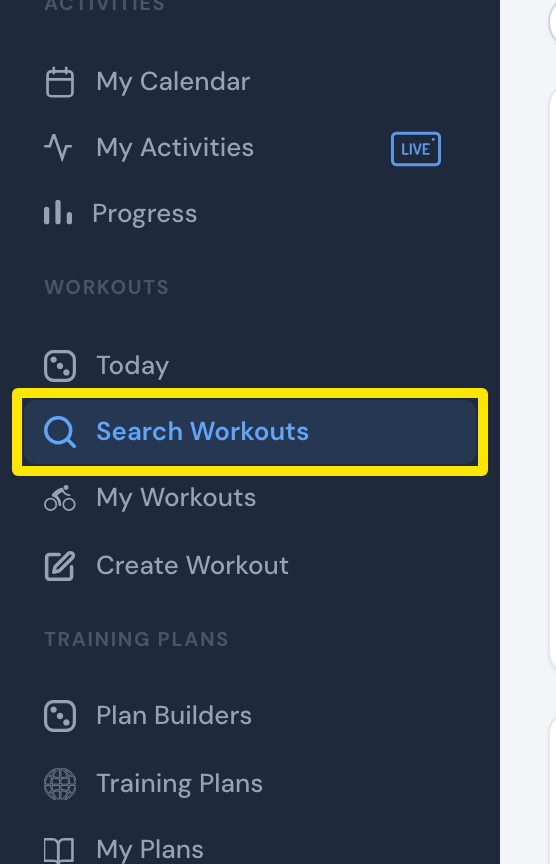 Where: Website · Search Workouts · open it
- Type "ramp test" in the search box and press Enter.
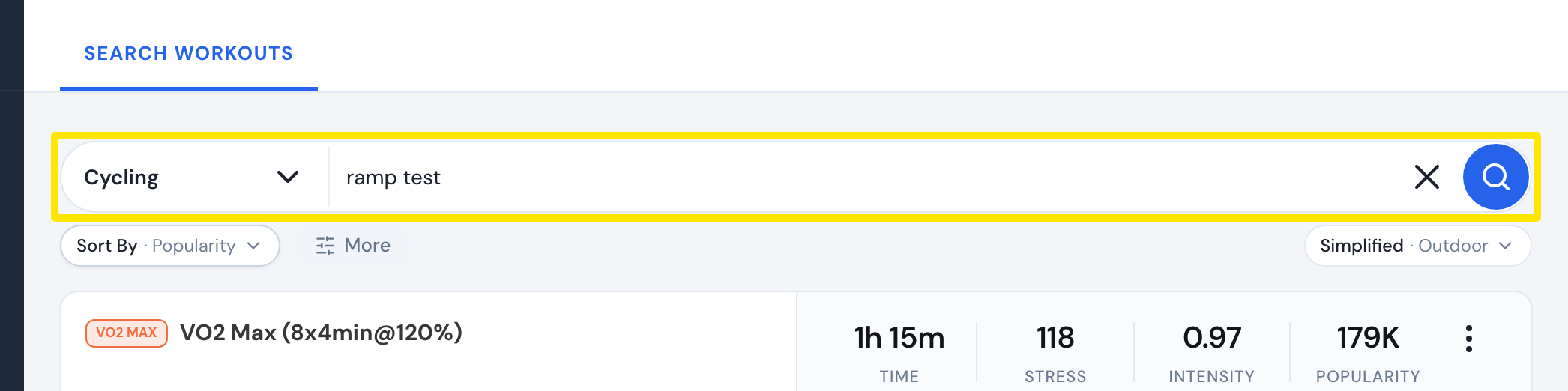 Where: Website · Search Workouts · open it
- Pick TD Ramp Test (Automatic) or the slower 6% ramp test. Both calculate FTP automatically.
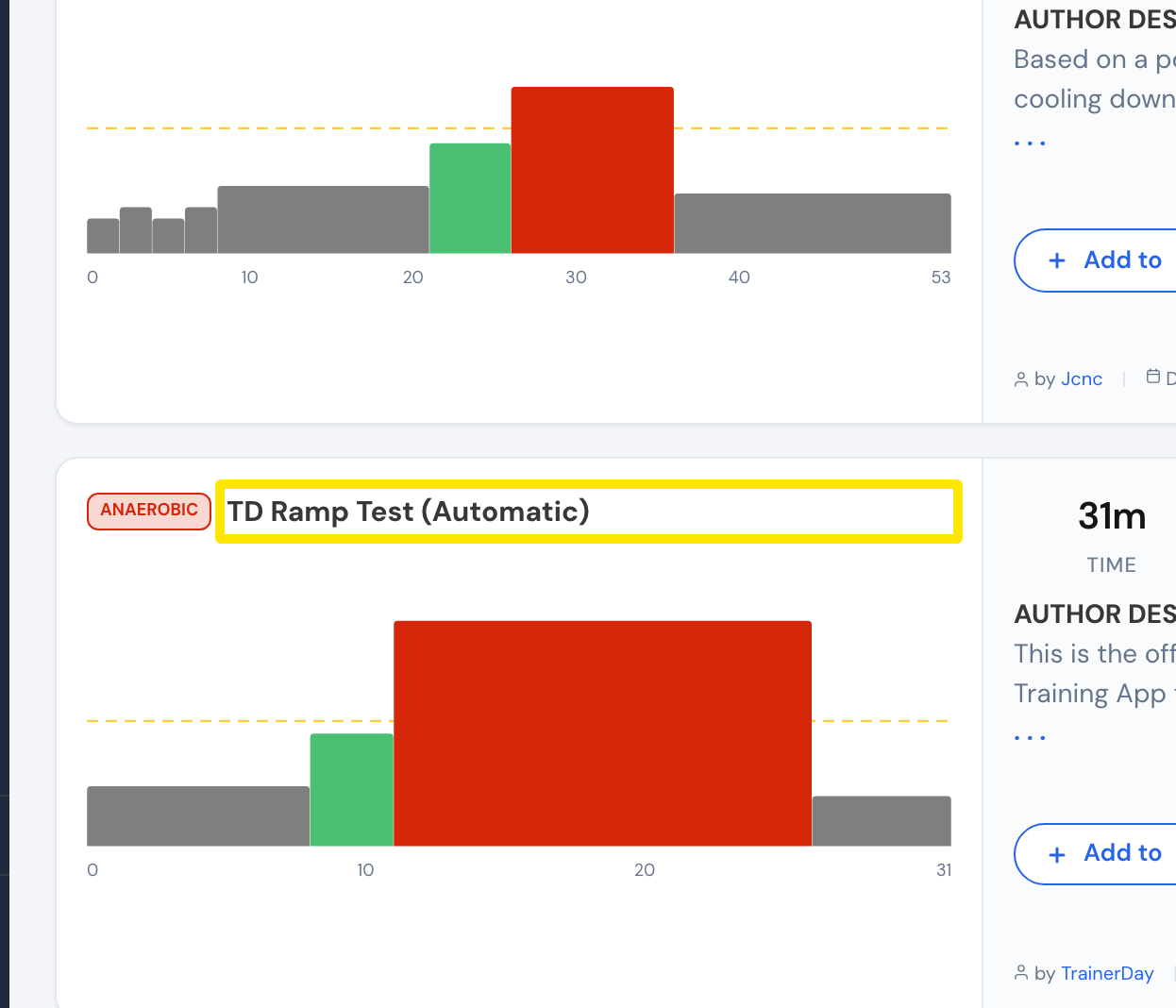 Where: Website · Search Workouts · open it
Good to know: The search in My Workouts only looks inside the selected list, so it won't find the ramp test. You can also go straight to app.trainerday.com/workouts/trainerday-ramp-test.
Works on: Website (search); mobile app: top of the second tab, or Take the ramp test in the FTP setup popup; desktop app: Take the ramp test under I don't know it in the FTP setup (needs a trainer or power meter connected).