

How do I find Zone 2 workouts?
Find Zone 2 workouts on the TrainerDay website by typing Zone: Endurance in the Search Workouts box.
- On the website, in the sidebar click Search Workouts (app.trainerday.com/search).
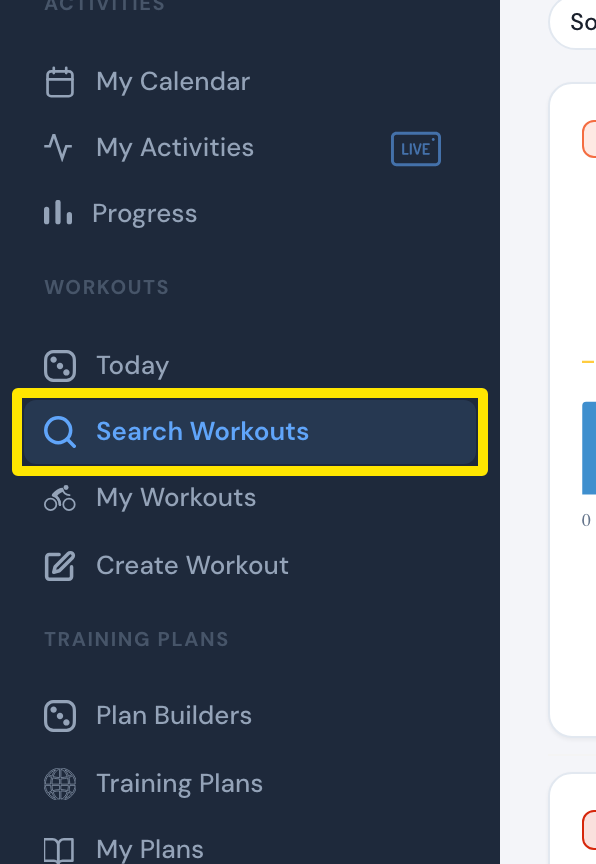 Where: Website · Search Workouts · open it
- Type Zone: Endurance in the search box. Zone 2 = Endurance. Suggestions appear as you type, also with 30, 60 or 90 min.
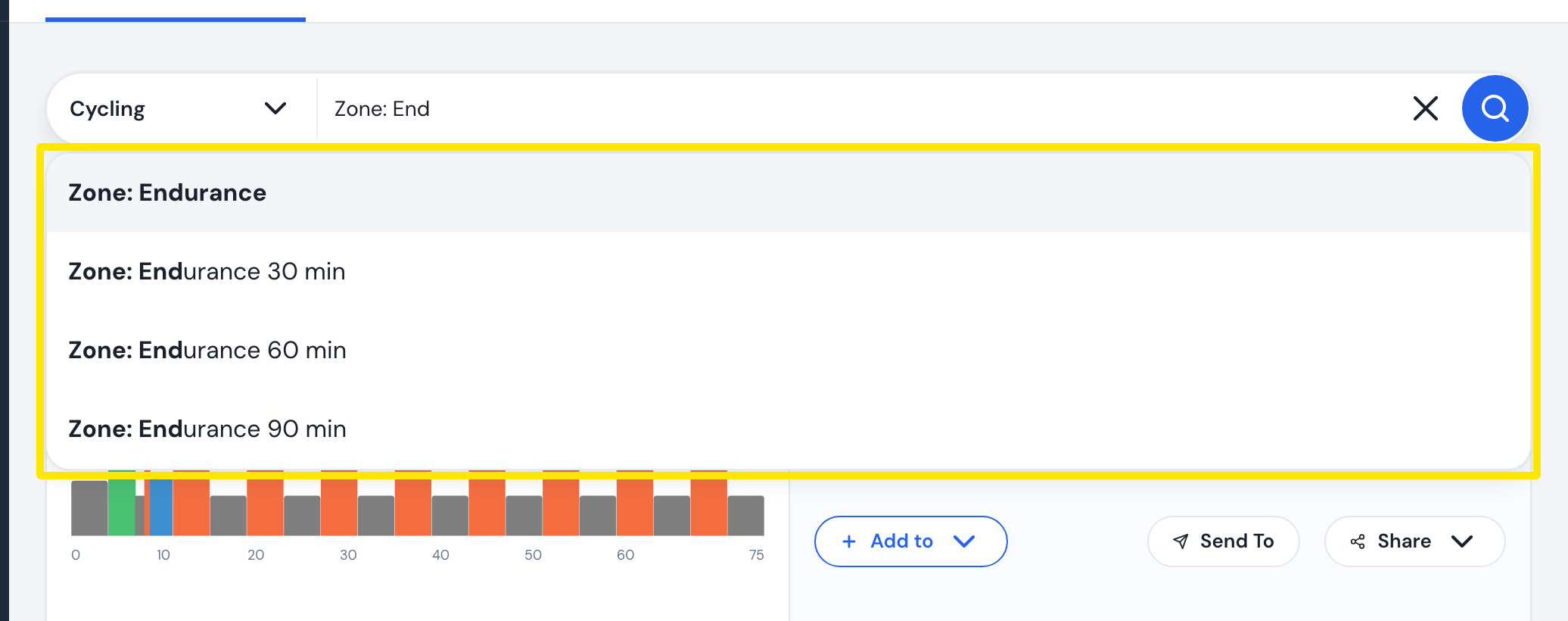 Where: Website · Search Workouts · open it
- Press Enter.
Good to know: The website's search filters have no zone filter. Zone: Aerobic gives the same results.
Works on: Website (type Zone: Endurance); mobile app (the search has a zone filter).