

How do I filter workouts by time, intensity and type?
On the TrainerDay website, open Search Workouts, pick the sport, then click More to filter by Duration (min), Stress and Intensity; there is no separate workout-type filter.
- On the website, click Search Workouts in the sidebar (https://app.trainerday.com/search).
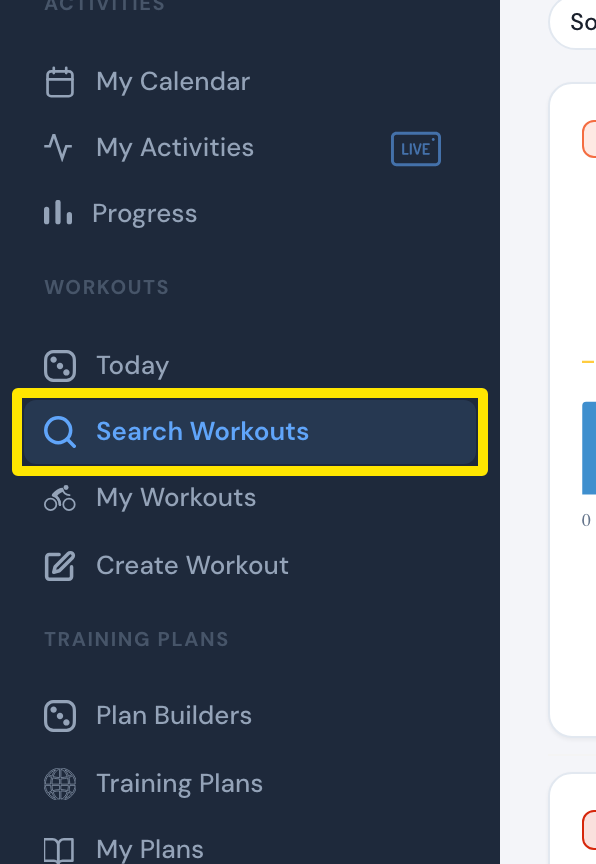 Where: Website · Search Workouts · open it
- Pick the sport (Cycling, Running, …) in the dropdown at the left of the search box. It shows only if you have more than one sport.
- Click More under the search box to open the filters.
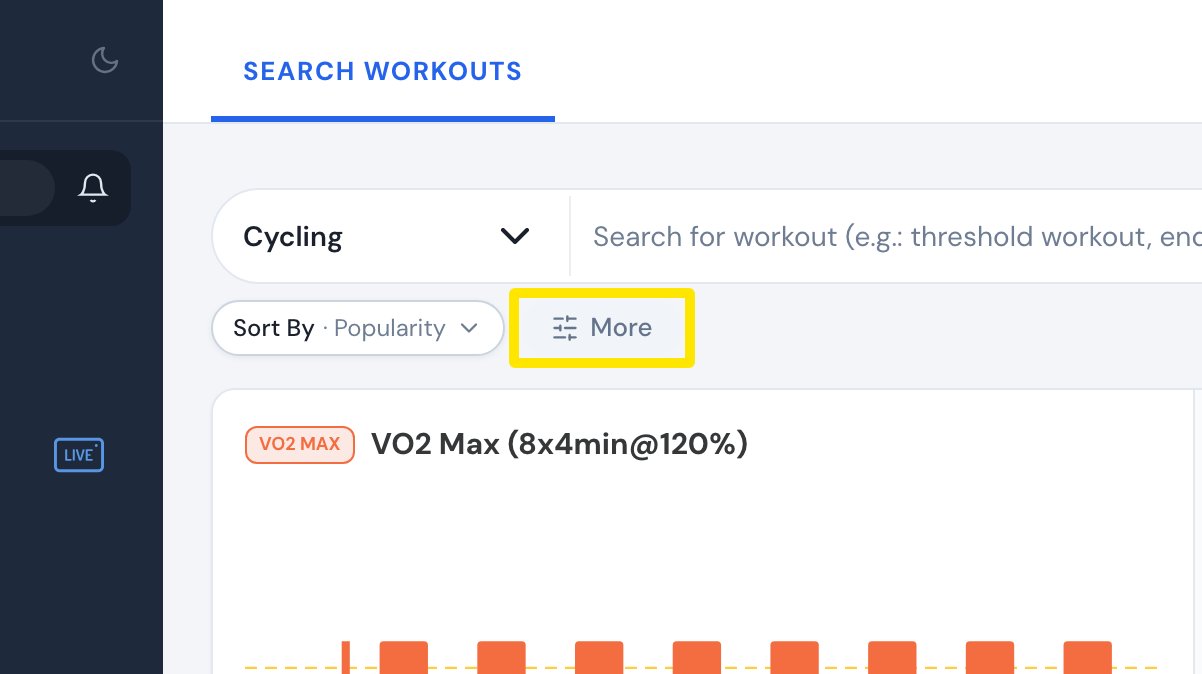 Where: Website · Search Workouts · open it
- Type a Duration (min), Stress or Intensity range (from / to) and press Enter.
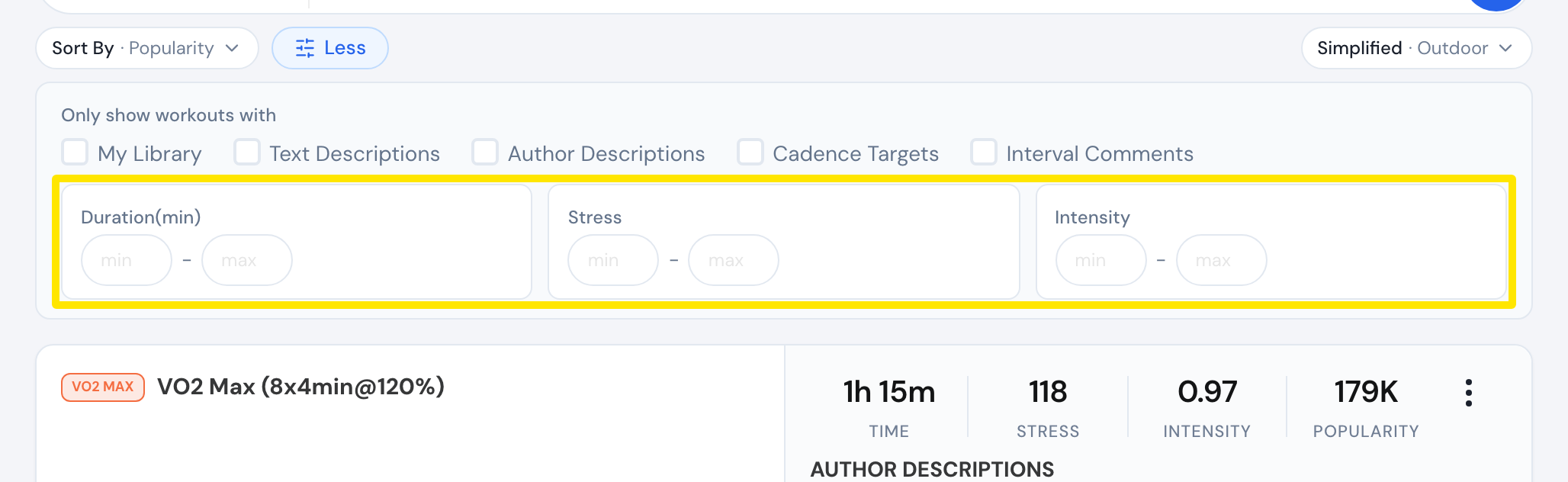 Where: Website · Search Workouts · open it
- Optionally tick My Library, Text Descriptions, Author Descriptions, Cadence Targets or Interval Comments.
Good to know: The filters under More need a premium account. To find a kind of workout (intervals, sweet spot), type words or Zone: in the search box.
Works on: Website (most filters); mobile and desktop apps have simpler Duration, Zone and Stress filters on the Workouts tab.