

How do I sort my workouts?
Sort your workouts on the TrainerDay website: in My Workouts, open List Manager, choose a list, and pick a sort order that also shows in the mobile app.
To sort the results of a workout search instead, see How do I sort workout search results?
Sorting works one saved list at a time.
- On the website, open My Workouts (app.trainerday.com/library).
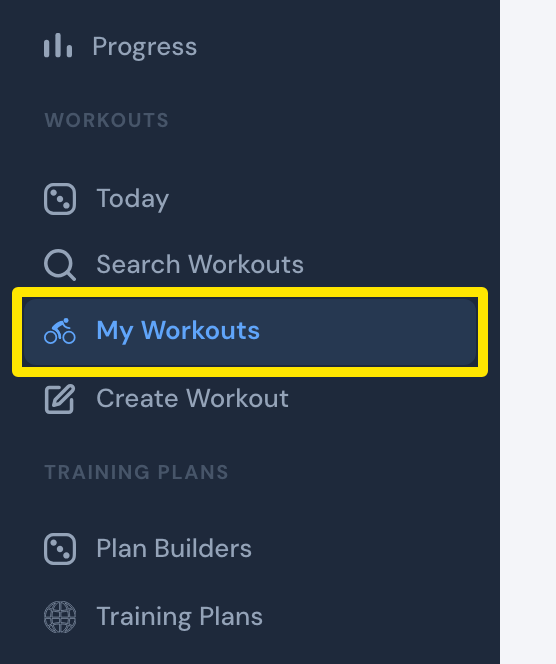 Where: Website · My Workouts · open it
- Click List Manager.
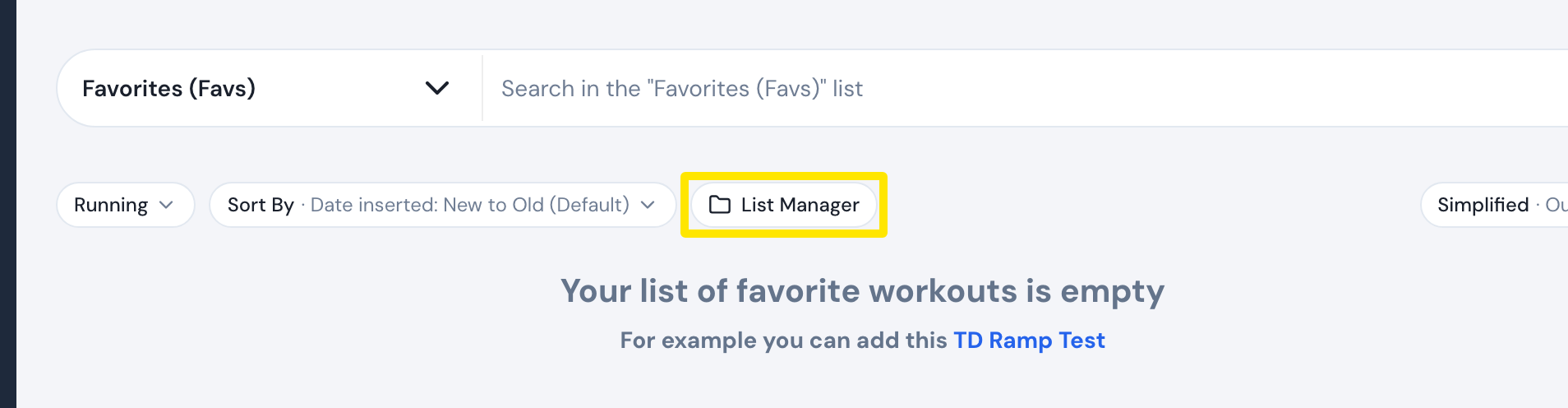 Where: Website · My Workouts · open it
- Click a list under My Lists, then open its sort menu.
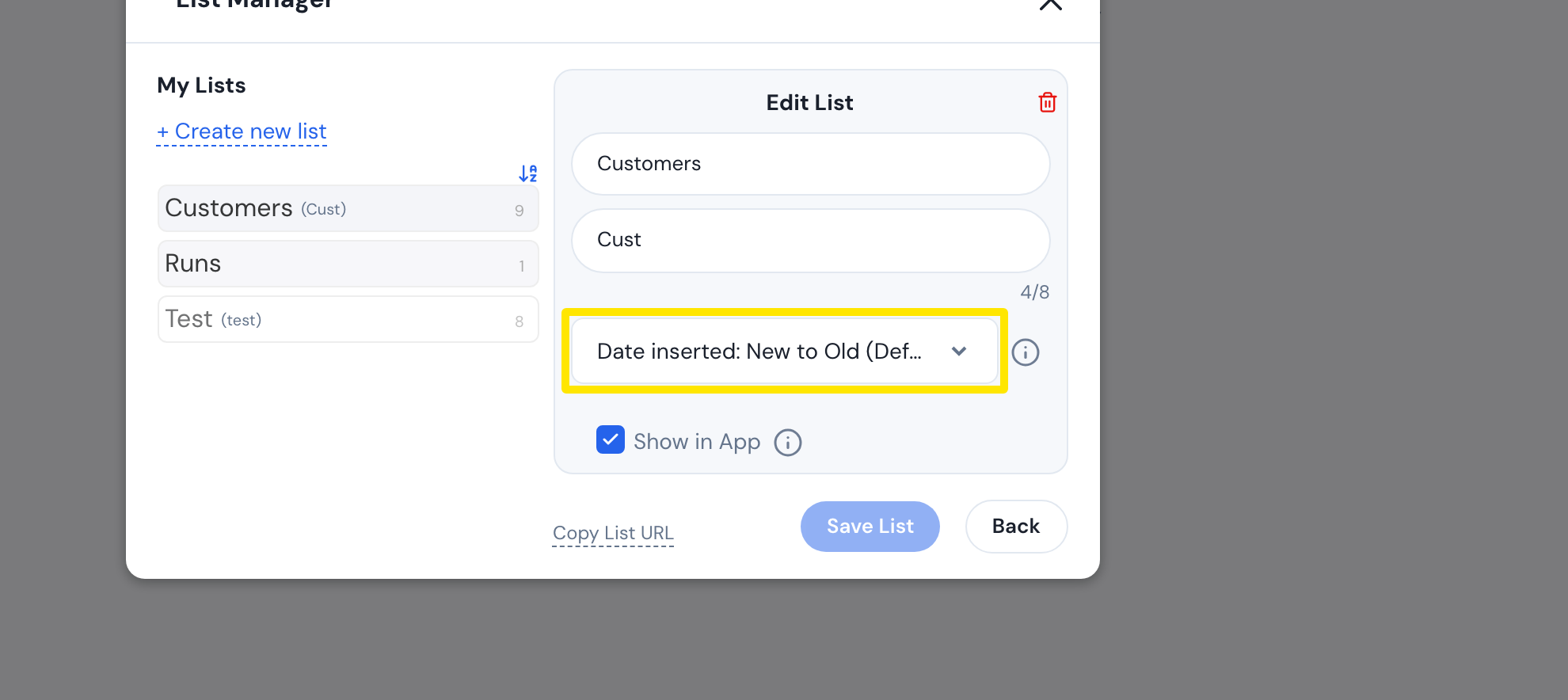 Where: Website · My Workouts → List Manager → click a list · open it
- Pick Name: A-Z, Name: Z-A, Date created, Date inserted (the default), TSS: Low to High, TSS: High to Low, or My List Order. Then click Save List.
 Where: Website · My Workouts → List Manager → click a list · open it
Good to know: The iPhone and Android apps have no sort control. They show each list in the order saved on the website.
Works on: Website (sorting); iPhone and Android apps show the saved order.