

How do I get missing workouts back in the app?
In the TrainerDay mobile app, open the Workouts tab and tap refresh. Then pick My Creations - Unlisted or your own list from the list dropdown at the top (paid users; free users see only "20-Free App Workouts").
- In the mobile app, open the Workouts tab and tap the refresh button at the top of the workout list.
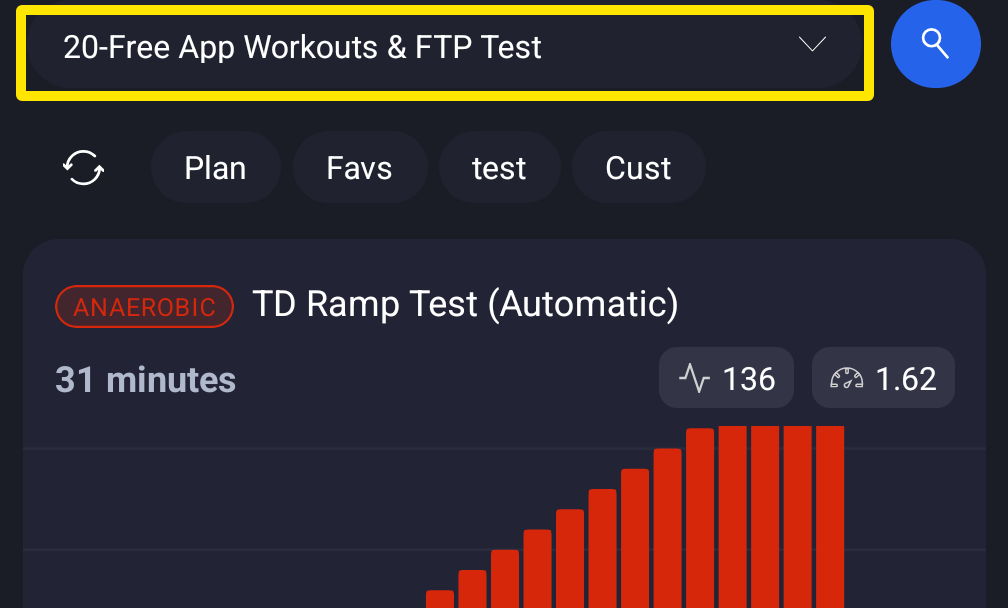 Where: Mobile app · Workouts tab
- Tap the list dropdown at the top and pick My Creations - Unlisted (workouts you created or imported that are in none of your lists) or one of your own lists.
- Still missing? Log out and back in. This reloads your workouts.
- On a computer, open My Workouts on the website (app.trainerday.com/library) and check that the workout is in your lists.
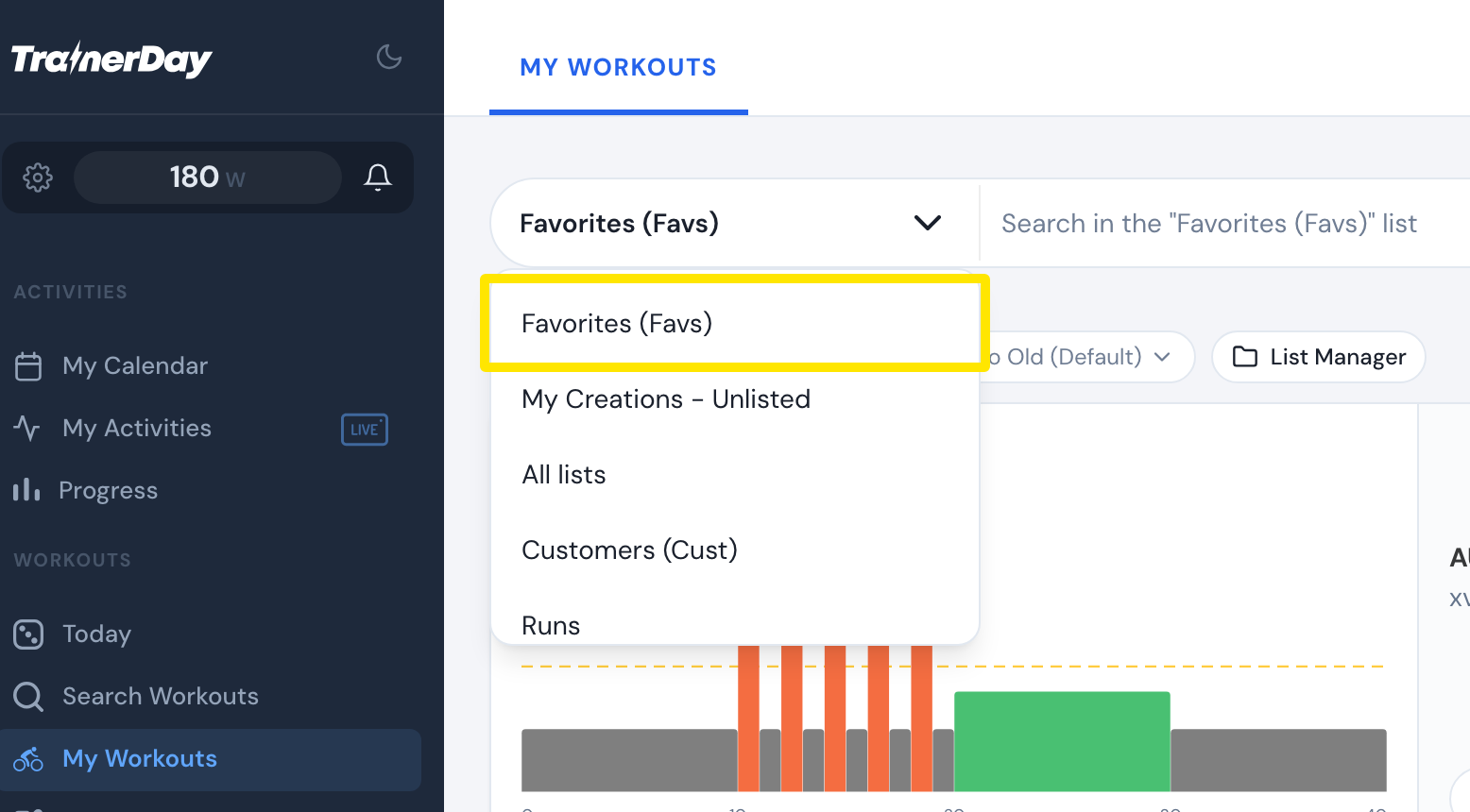 Where: Website · My Workouts · open it
Good to know: TrainerDay does not remove workouts from your library. Another author's workout can vanish if the author makes it private, unless you added it to one of your lists. Don't re-upload workouts: that makes duplicates, and a very large library of duplicates can crash the app on launch.