

How do I fix a workout that won't show up in Zwift?
A workout sent from TrainerDay shows up in the TrainerDay folder in Zwift only if Zwift is connected on the website's Connections page and the workout is sent with Send To → Zwift; a one-off send stays there for 24 hours.
- On the website, open the settings menu (gear icon) in the left sidebar and click Connections.
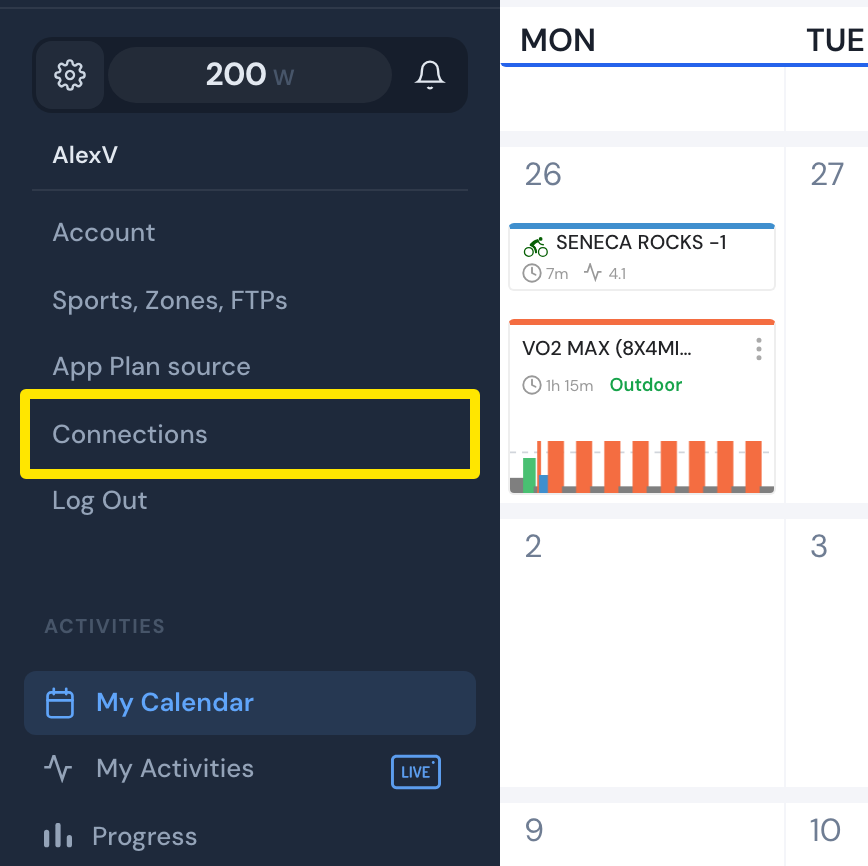 Where: Website · My Calendar · open it
- The Zwift card must say Connected. If it shows Connect, click it and sign in to Zwift.
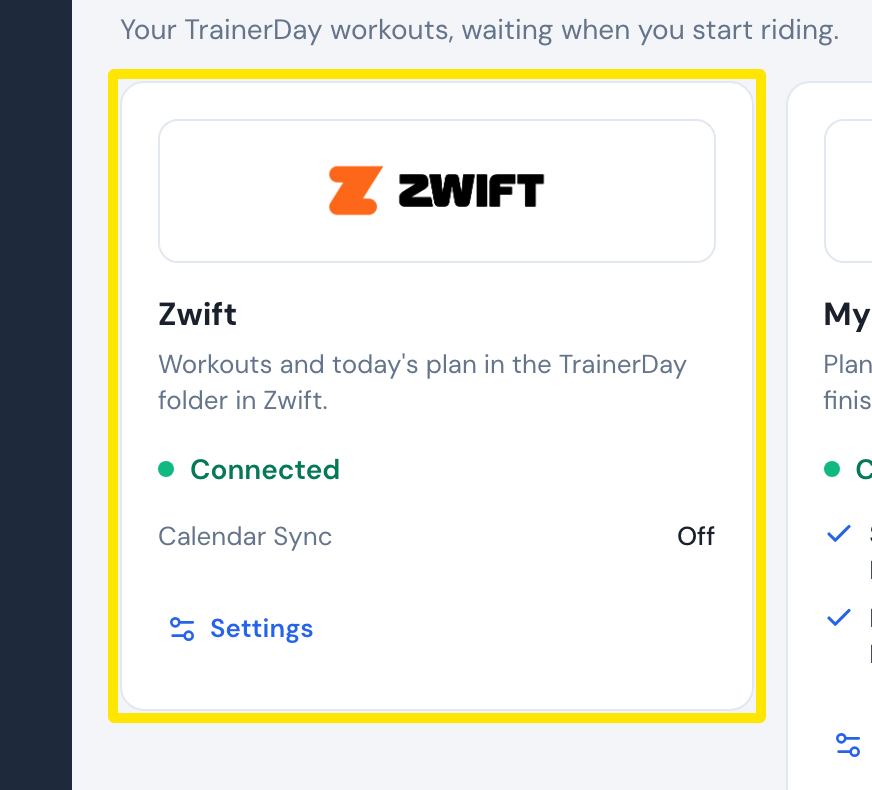 Where: Website · Connections · open it
- In the left sidebar, click Search Workouts or My Workouts, then click your workout.
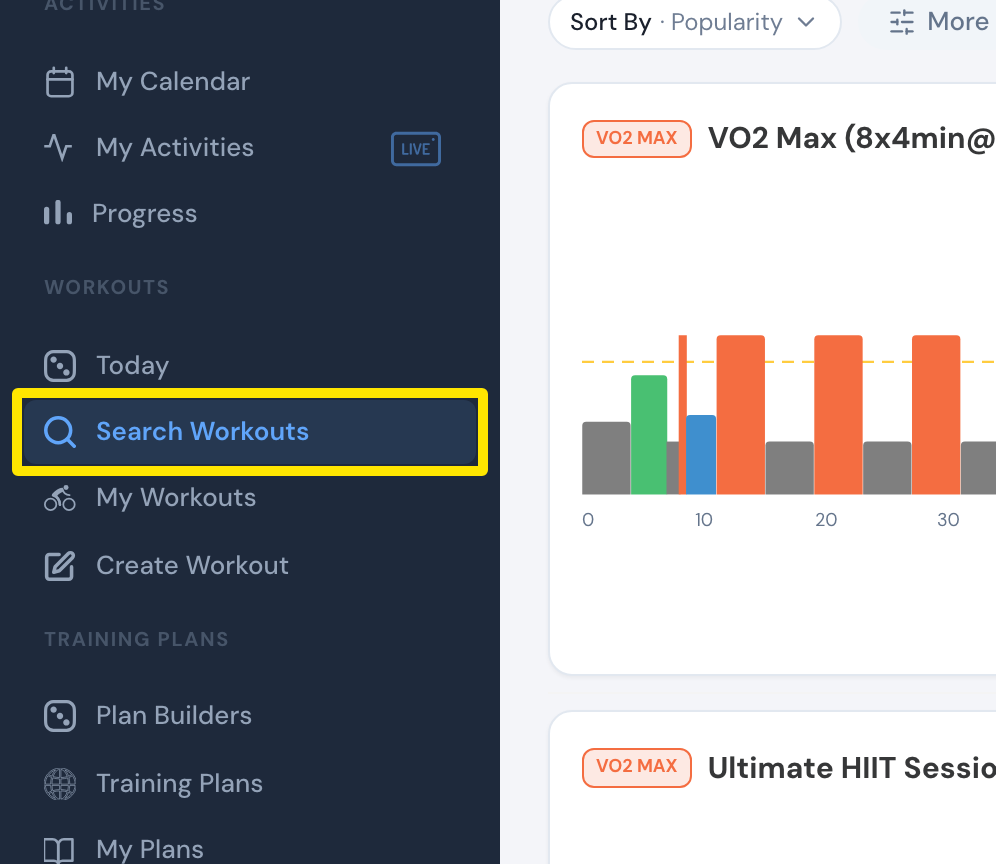 Where: Website · Search Workouts · open it
- On the workout's page, click Send To.
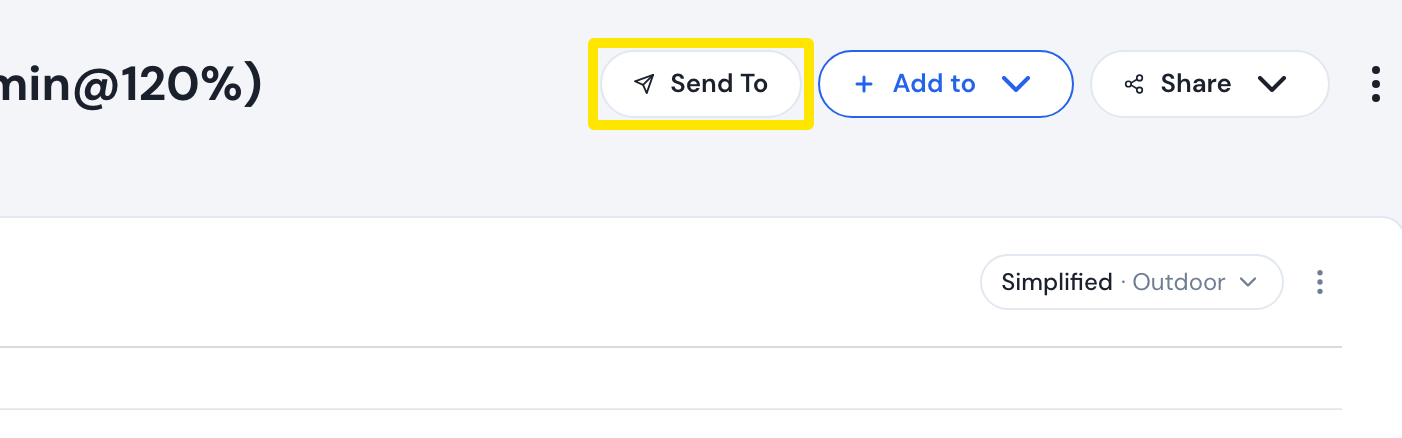 Where: Website · a workout's page
- Choose Zwift and click Send. If Send is greyed out with a red note, it is a distance-based run, which Zwift cannot take.
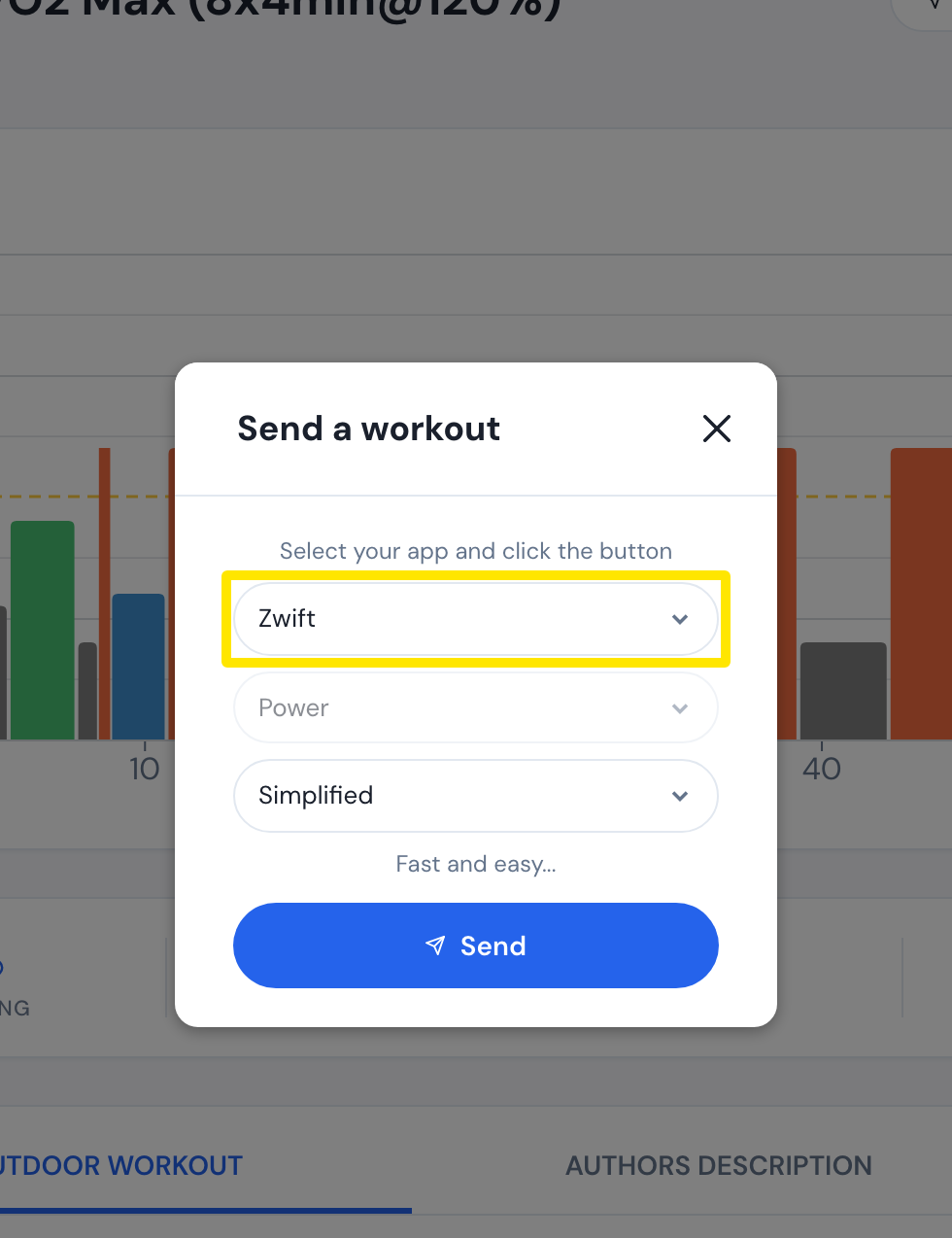 Where: Website · a workout's page
- In Zwift, open the workouts and look in the TrainerDay folder within 24 hours of the send.
Good to know: Workouts sent with Calendar Sync show in Zwift only on their own calendar day, and a free account can send 3 workouts a month.
Works on: website, mobile app and desktop app (all use Send To → Zwift).