

How do I fix a workout that won't send to Wahoo?
To fix a workout that won't send to Wahoo, first check whether a free account has used its 3 sends this month, then disconnect and reconnect Wahoo on the website's Connections page and send the workout again.
- Check the message TrainerDay shows. On a free account, a refused send can be the limit of 3 sends a month, shared by Garmin, Wahoo, Zwift, COROS, Hammerhead, TrainingPeaks and Intervals.icu. TrainerDay then shows how many free sends you used. Premium has unlimited sends.
- If the error says "Sorry your send workout to Wahoo failed" and only this one workout fails, the problem is likely that workout. If other workouts fail too, go to My Calendar, click the gear icon at the top of the left menu and choose Connections.
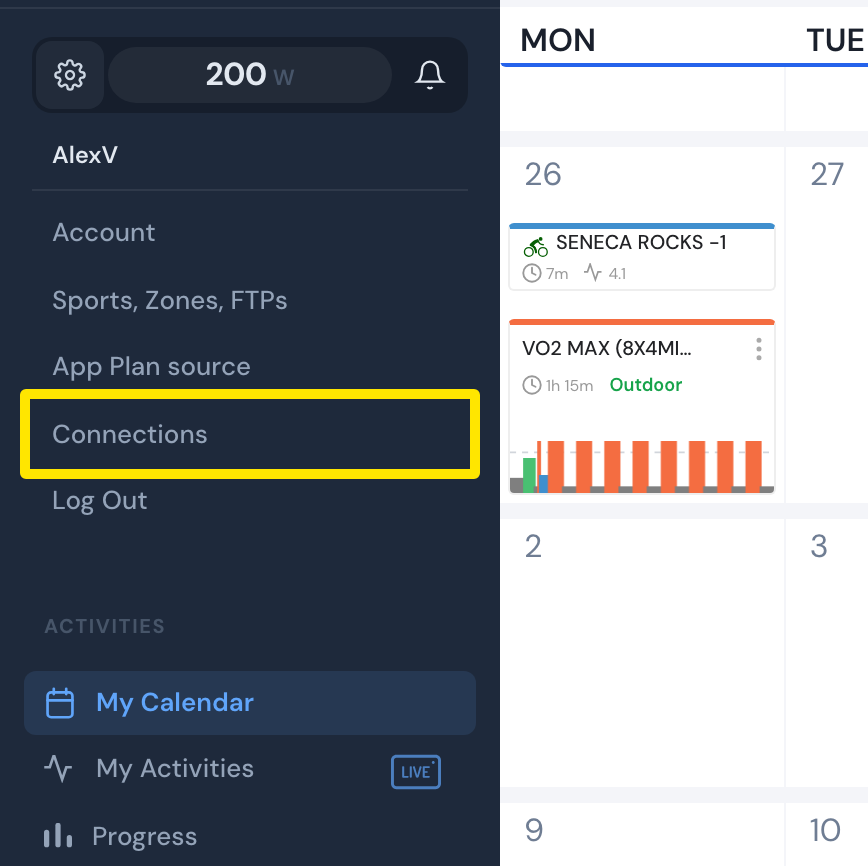 Where: Website · My Calendar · open it
- On the Wahoo tile, click Settings.
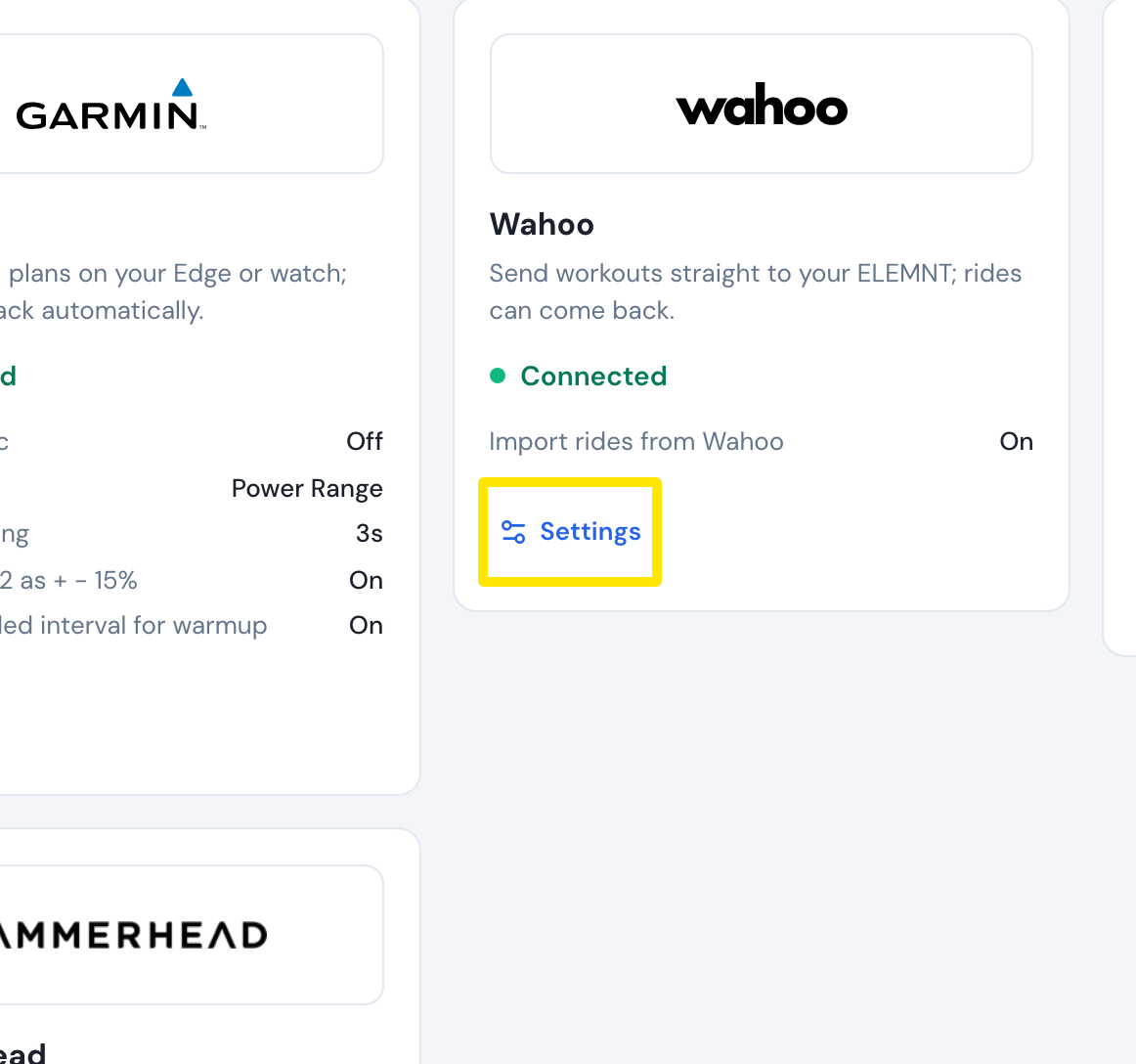 Where: Website · Connections · open it
- Click Disconnect.
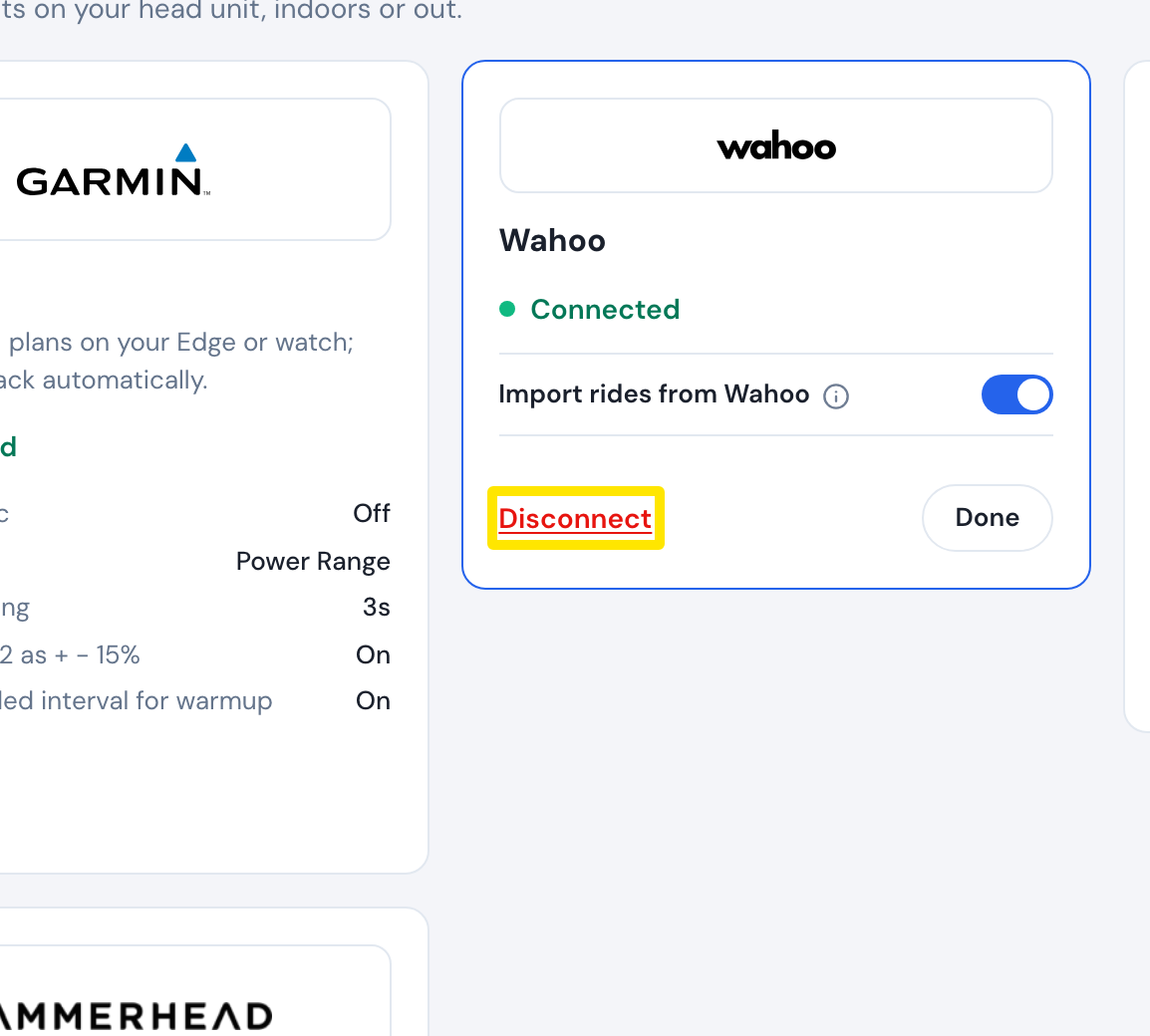 Where: Website · Connections · open it
- Click Connect on the Wahoo tile and sign in to Wahoo again.
- Open the workout's page from Search Workouts or My Workouts and click Send To.
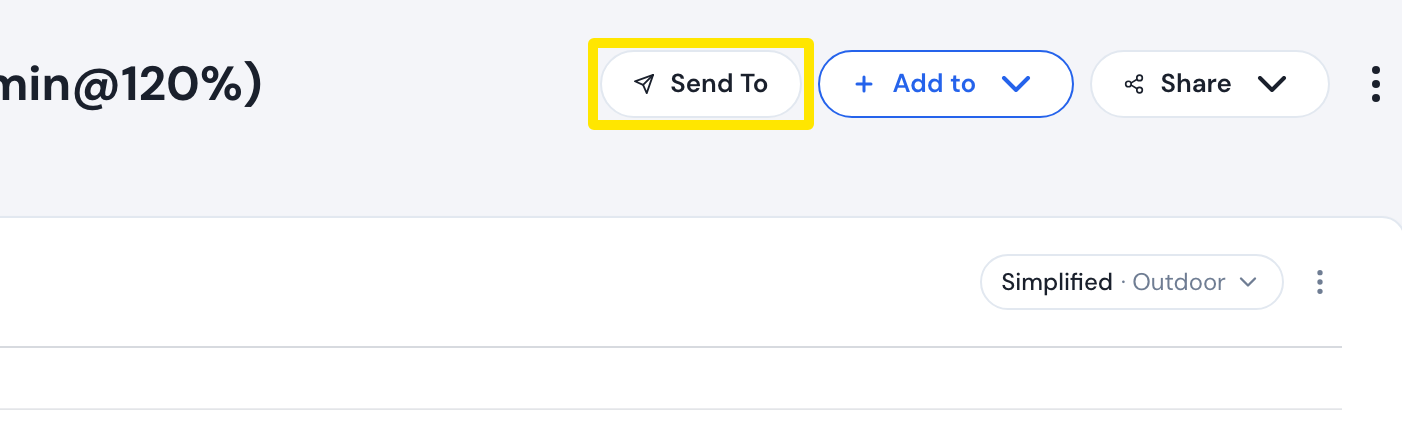 Where: Website · a workout's page
- Choose Wahoo in the first menu and send the workout again.
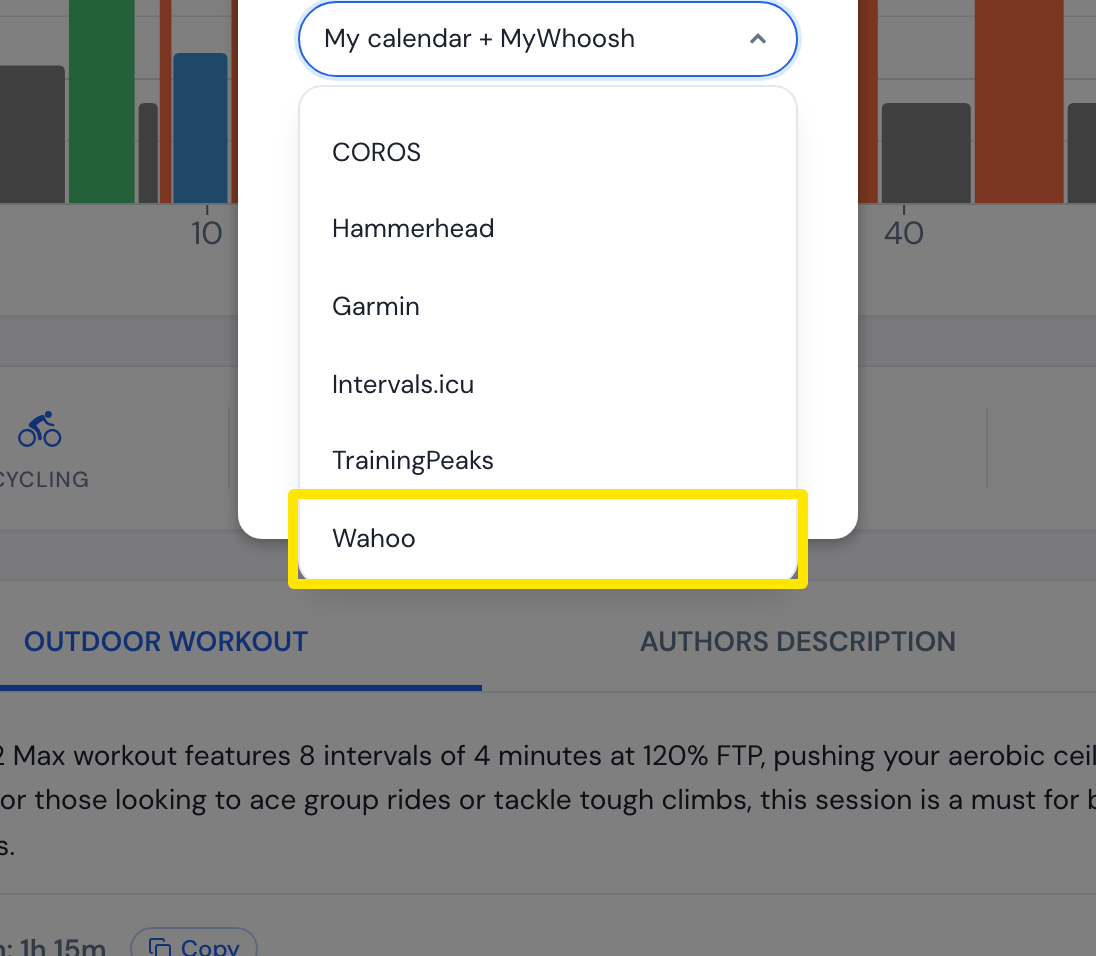 Where: Website · a workout's page
Works on: Website (steps above). The mobile app's Connections screen and the desktop app's connections panel can also connect and disconnect Wahoo.