

How do I get my finished rides into Wahoo and other apps?
TrainerDay can't send finished rides to Wahoo (or Garmin), but you can send them to Strava, TrainingPeaks, Intervals.icu, COROS or Dropbox from the website's Connections page.
- On the website, click the gear icon at the top of the left menu on any page and choose Connections.
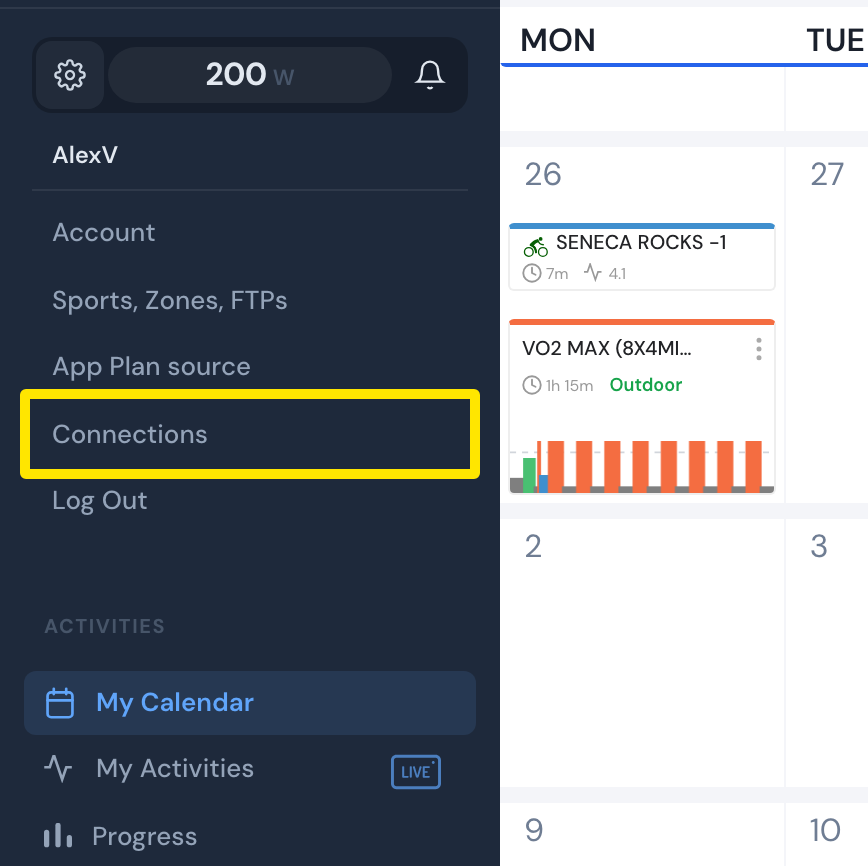 Where: Website · settings menu in the left menu (shown here over My Calendar), leading to Connections · open it
- Then set up any of these options. You don't need all of them:
- Strava: click Connect with Strava and allow every permission. Your rides are then posted to Strava. To add another service, go back to Connections.
- TrainingPeaks, Intervals.icu or COROS: click Connect. Then click Settings on that service and set Upload Activities to On. It is On by default for TrainingPeaks and COROS, and Off for Intervals.icu.
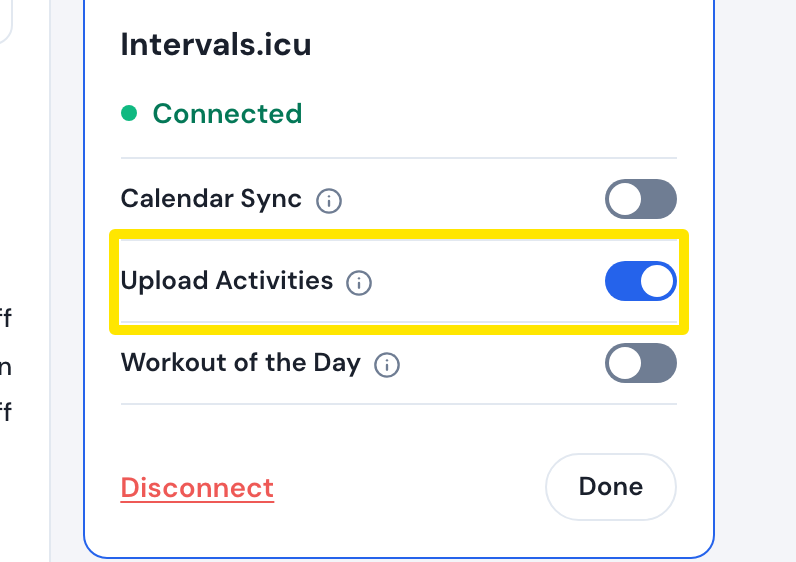 Where: Website · Connections · open it
- Dropbox: click Connect. In Settings, choose FIT or TCX as the Activity export file format.
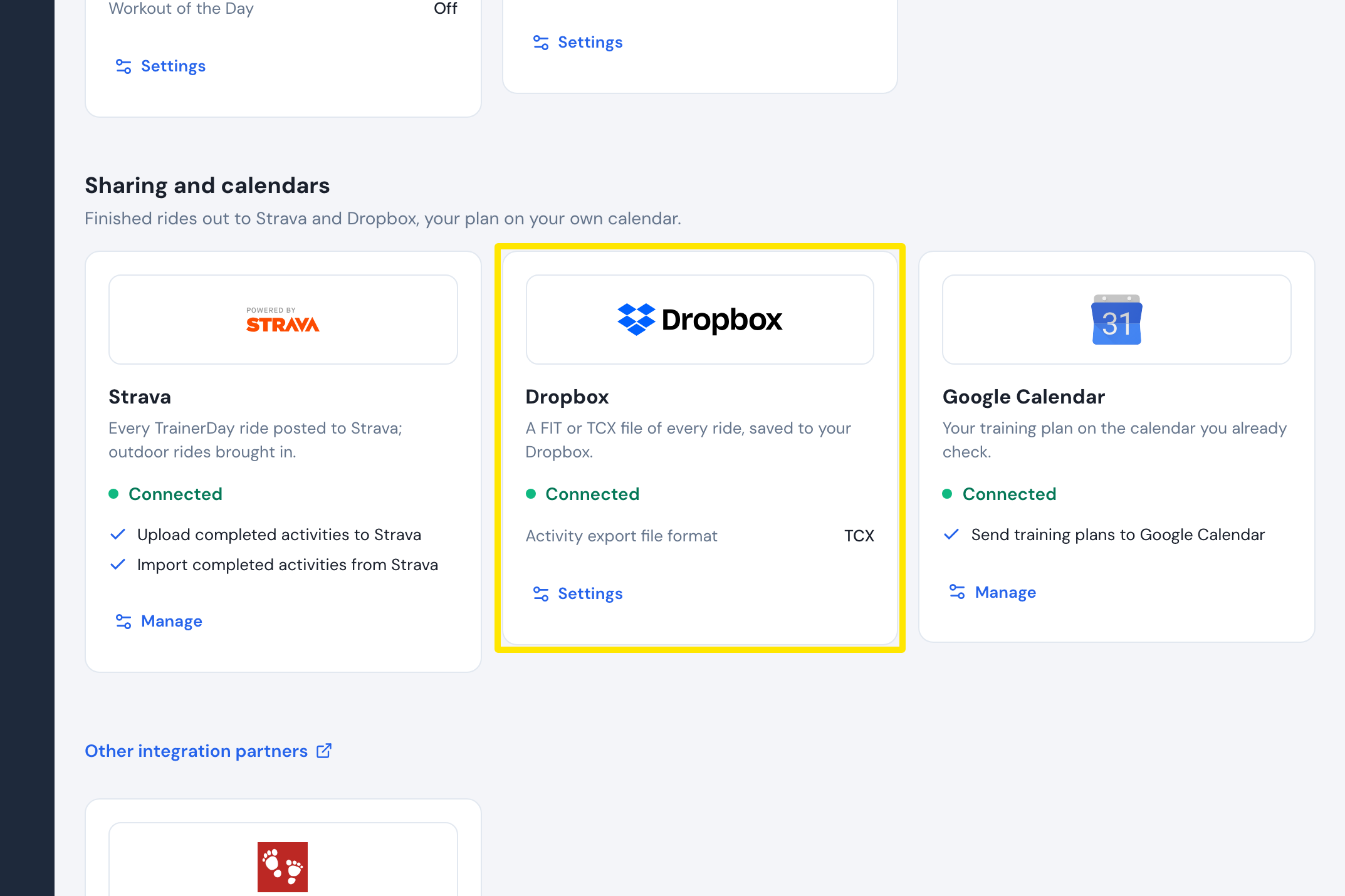 Where: Website · Connections · open it
Good to know: Strava gets every ride of 60 seconds or longer. TrainingPeaks and Dropbox uploads are for Pro members only. The Wahoo connection only brings rides from Wahoo into TrainerDay. The mobile app also saves rides to Apple Health or Health Connect, including desktop-app rides from the last 14 days, on its next sync.