

How do I send a TrainerDay workout to my Hammerhead Karoo?
Connect Hammerhead once on the TrainerDay website's Connections page, then open a bike workout, click Send To, choose Hammerhead and click Send so it syncs to your Karoo.
- On the website, click the gear icon at the top of the left menu and choose Connections.
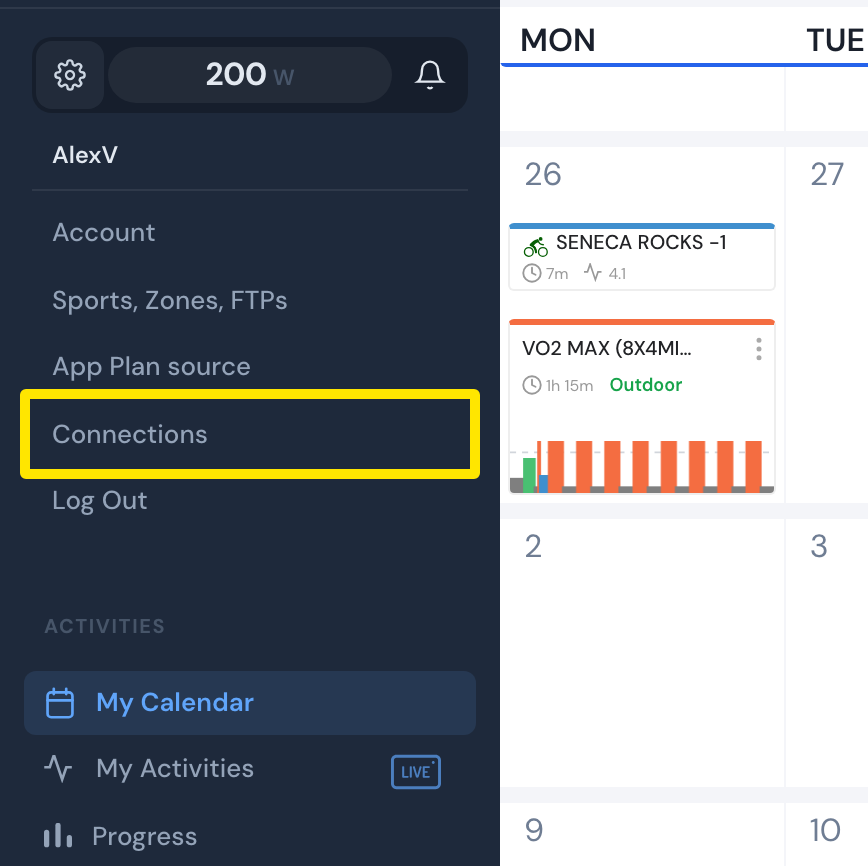 Where: Website · My Calendar · open it
- On the Hammerhead card, click Connect. Sign in to Hammerhead and allow access.
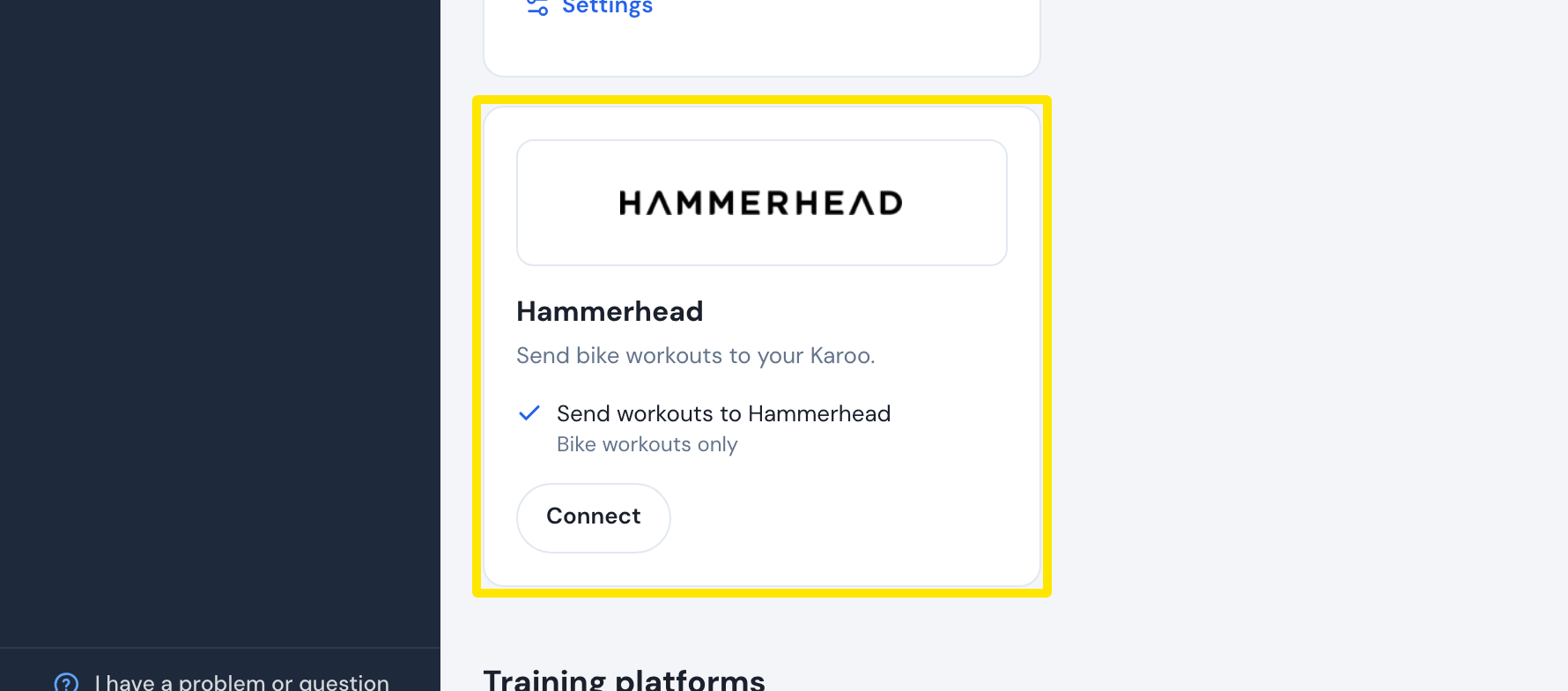 Where: Website · Connections · open it
- Open a bike workout's page and click Send To.
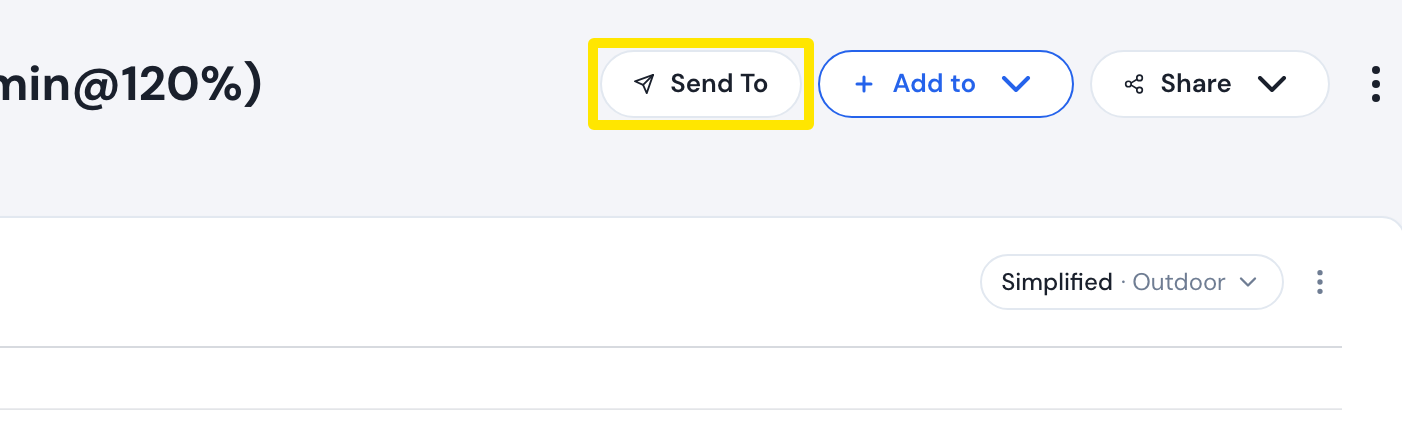 Where: Website · a workout's page (click a workout in Search Workouts or My Workouts)
- Choose Hammerhead in the first menu.
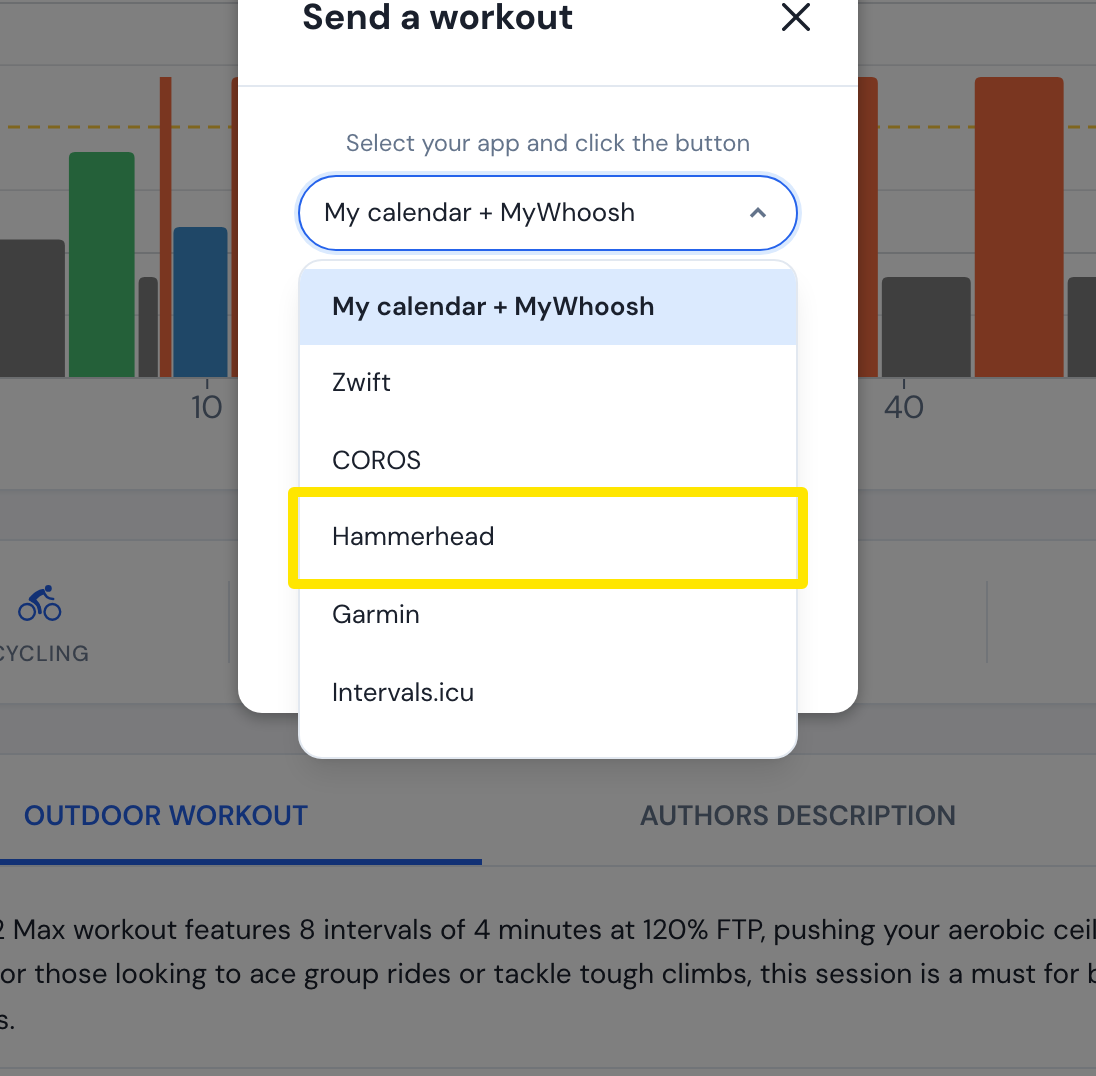 Where: Website · a workout's page (click a workout in Search Workouts or My Workouts)
- Power is the only choice. Pick Original (good for indoor) or Simplified (good for outdoor).
- Click Send. The workout goes to your Hammerhead account without a date and shows on the Karoo after it syncs.
Good to know: Only bike workouts can be sent, and distance-based workouts are not supported by Hammerhead.
Works on: website, mobile app and desktop app (bike workouts, power only).