

How do I send TrainerDay workouts to Zwift?
Connect Zwift once on the TrainerDay website's Connections page, then open any workout, click Send To and choose Zwift.
- On the website, open Connections. On the Zwift card, click Connect and sign in to Zwift.
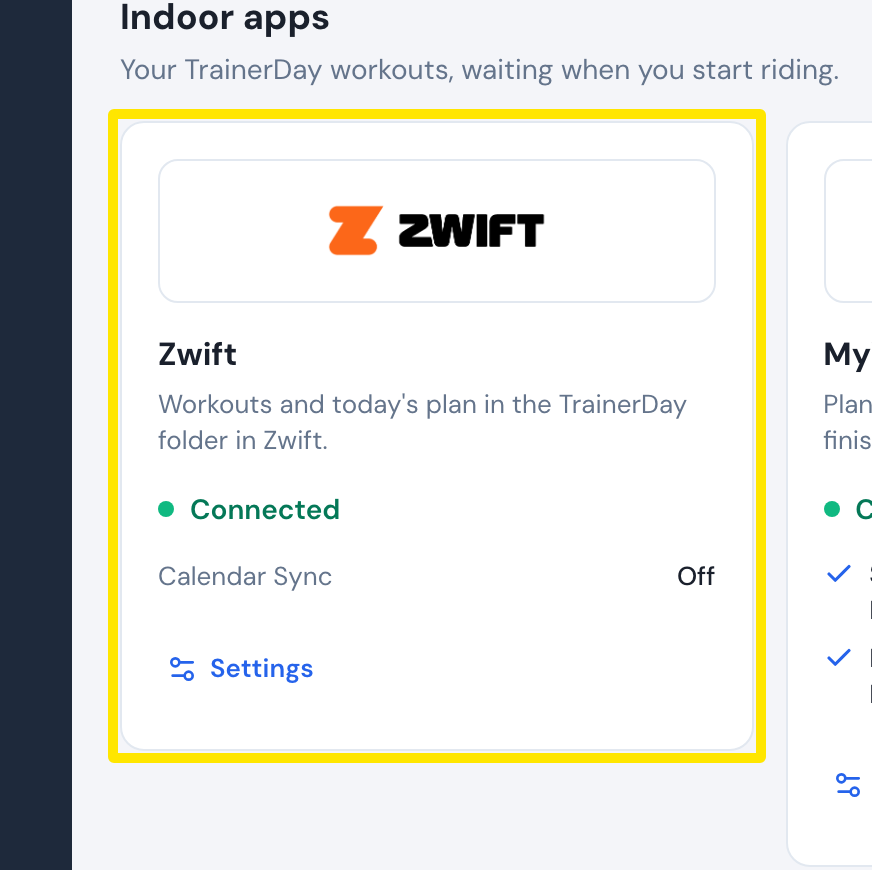 Where: Website · Connections · open it
- Open a workout's page (click a workout in Search Workouts or My Workouts) and click Send To.
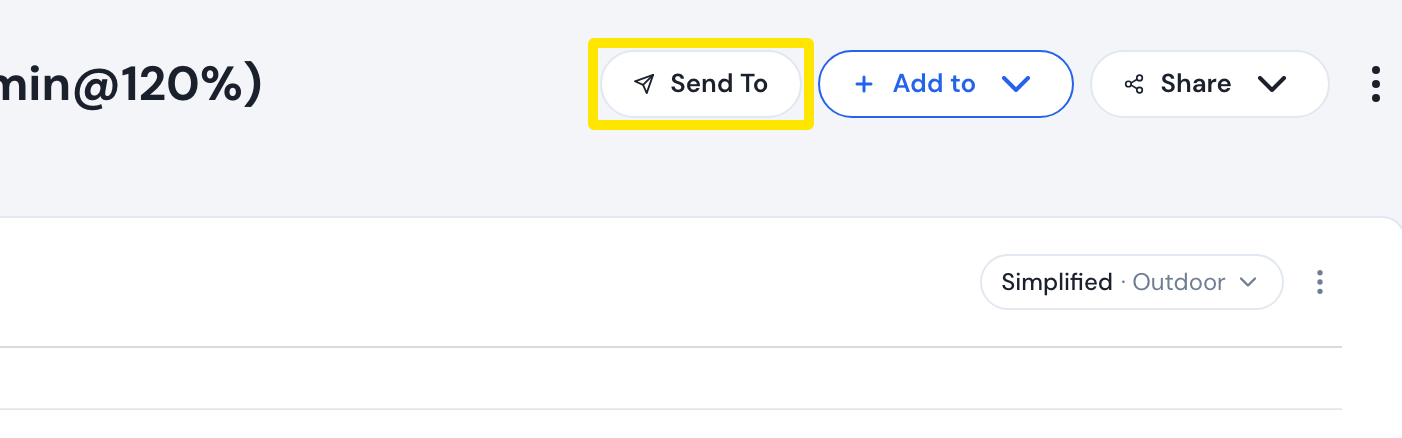 Where: Website · a workout's page
- In the Send a workout window, choose Zwift and click Send. Zwift is greyed out until it is connected.
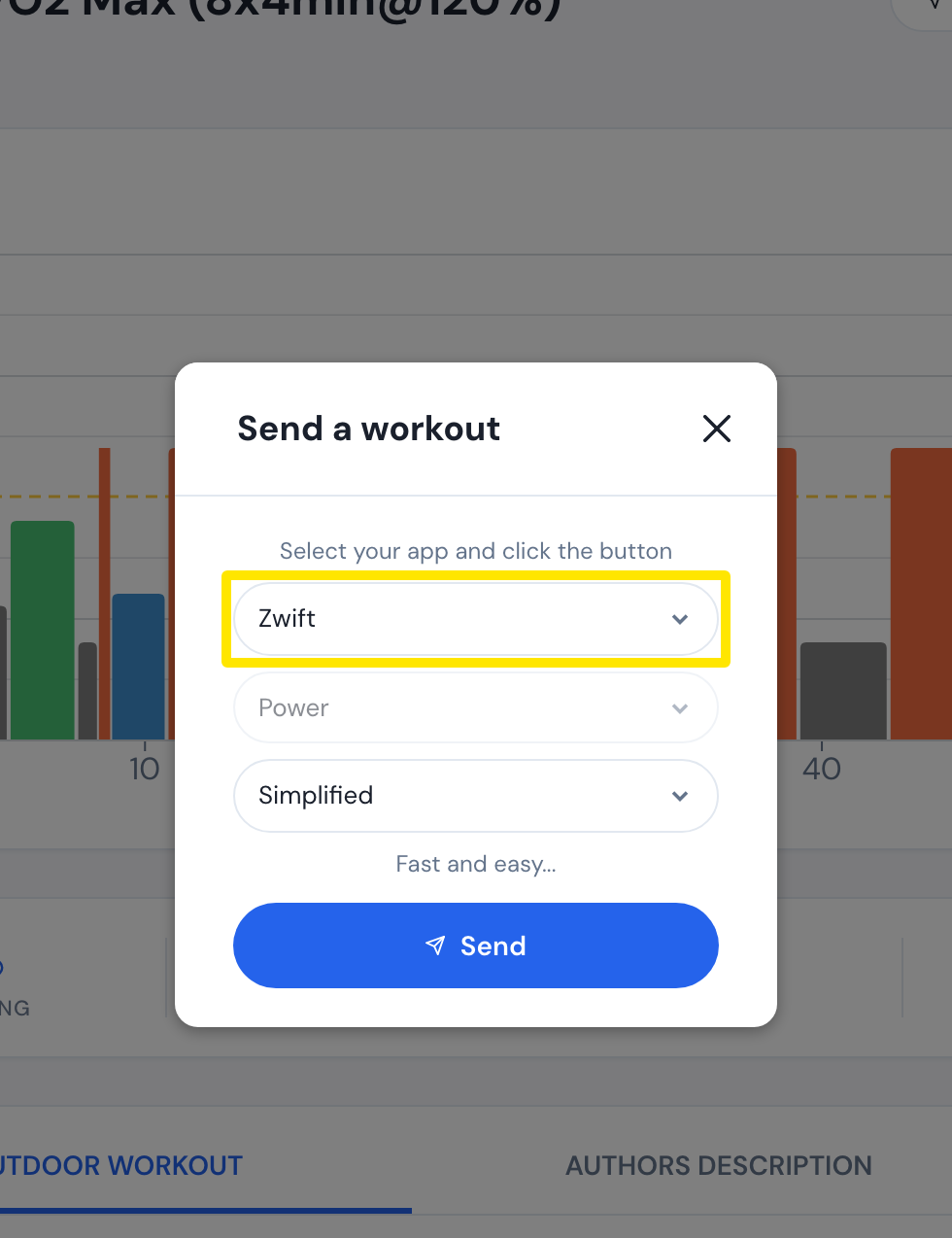 Where: Website · a workout's page
Good to know: Zwift gets the workout as ERG with power targets only, even on a free Zwift account. It stays there for 24 hours and is not added to your TrainerDay calendar. Free TrainerDay accounts get 3 Zwift sends a month.