

How do I fix wrong watts in MyWhoosh workouts?
MyWhoosh works out the watts from its own FTP, because TrainerDay sends calendar workouts in percent of FTP, so set the same FTP in MyWhoosh as on the TrainerDay website and send workouts as Power in the original indoor format.
- On the website, click the FTP at the top of the left sidebar (or gear menu → Sports, Zones, FTPs) and note your cycling FTP.
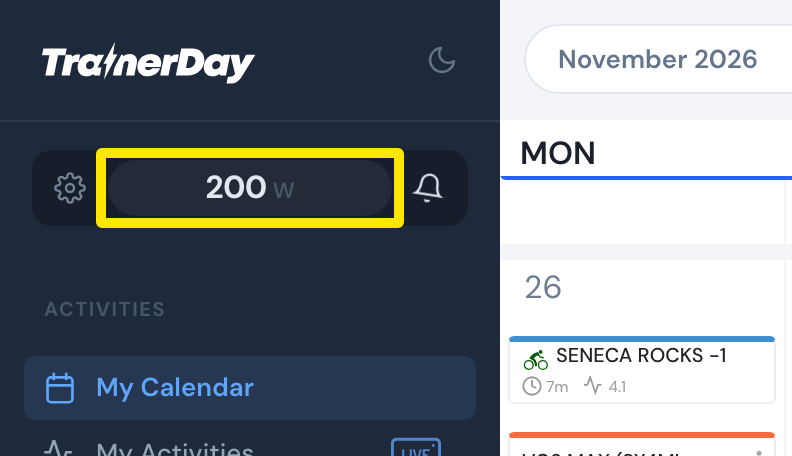 Where: Website · My Calendar · open it
- In MyWhoosh, set the same FTP in your MyWhoosh profile.
- Back on the TrainerDay website, open a workout's page and click Send To.
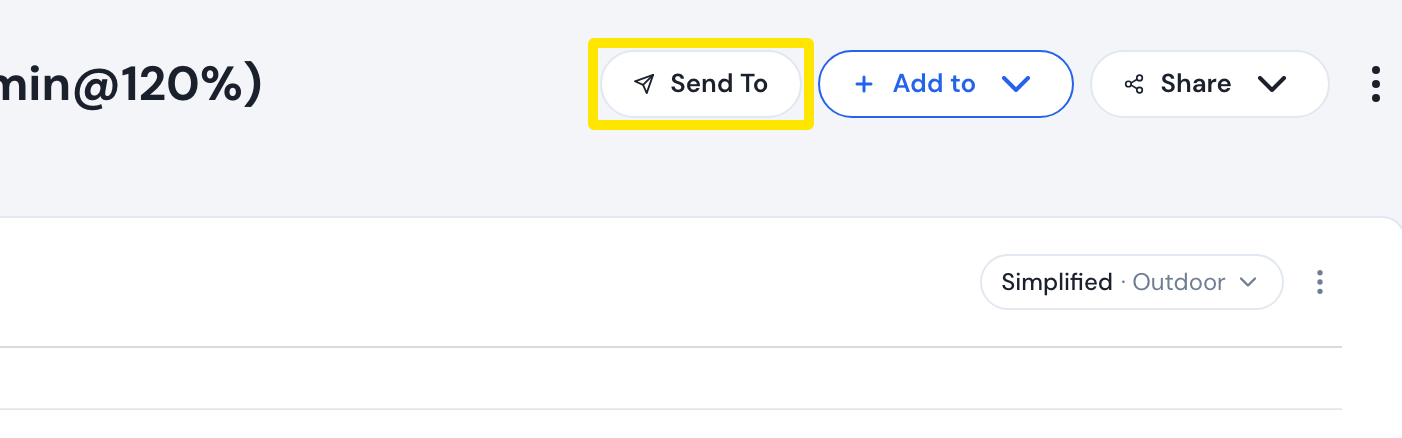 Where: Website · a workout's page
- Choose My calendar + MyWhoosh, keep Power and the original (indoor) format, and click Send.
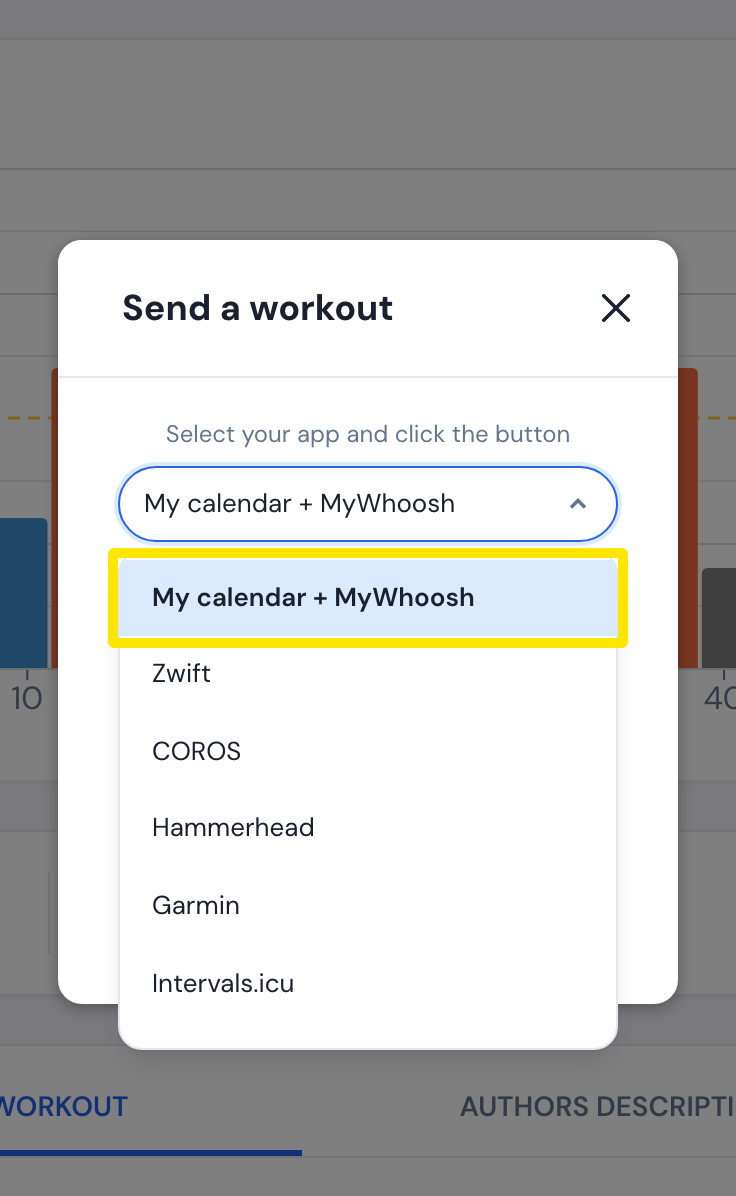 Where: Website · a workout's page
Good to know: Heart rate and outdoor versions are not indoor power workouts. The website warns "Only Indoor Power Workouts go to MyWhoosh".
Works on: You can also change your FTP in Settings in the mobile app and the desktop app. MyWhoosh reads the same TrainerDay calendar whichever app put the workout there.