

How do I stop my workout watts from changing automatically when my FTP updates?
You can't lock workout watts, because targets are a percent of your FTP, but you can stop TrainerDay from changing your FTP from your rides by setting your own FTP under Account, then Profile.
- On the website, click Account in the left sidebar, then Profile (app.trainerday.com/account/profile). On the Cycling tab, enter your own number in Functional Threshold Power and save.
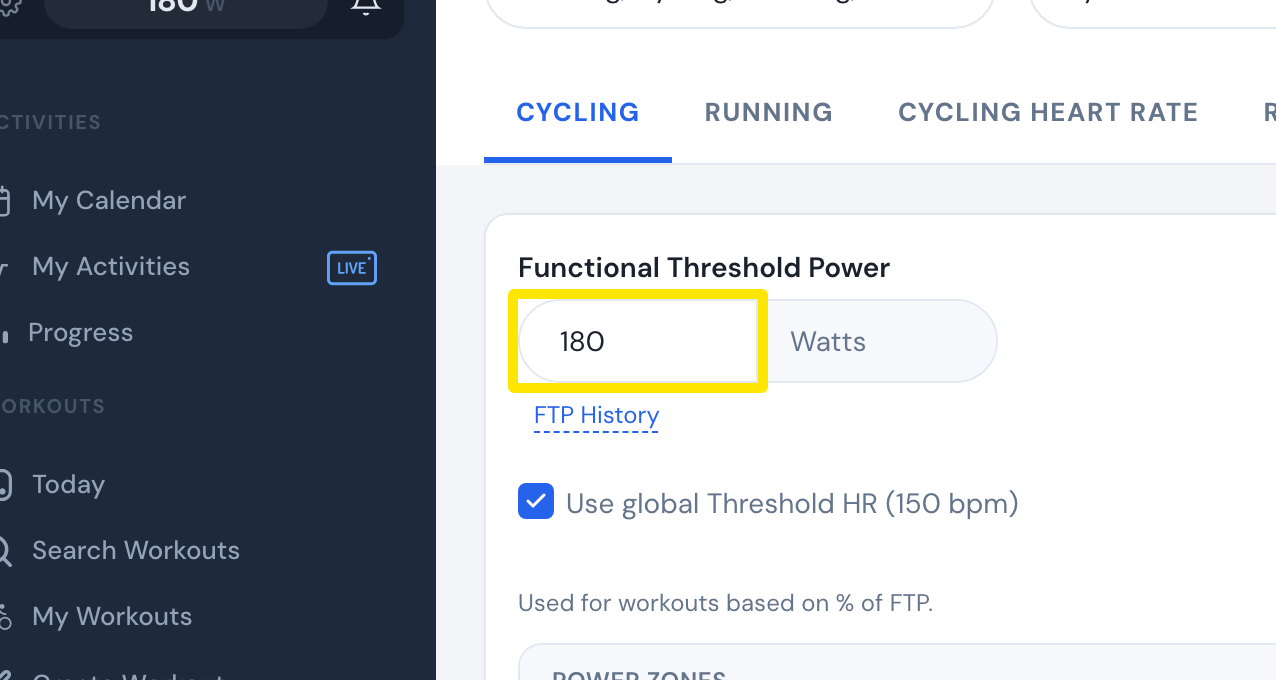 Where: Website · Sports, Zones, FTPs · open it
- That's it. Once you have set an FTP yourself, TrainerDay stops setting it from your rides. There is no separate on/off setting.
- To check your FTP changes, click the FTP History link under the FTP box on the same page.
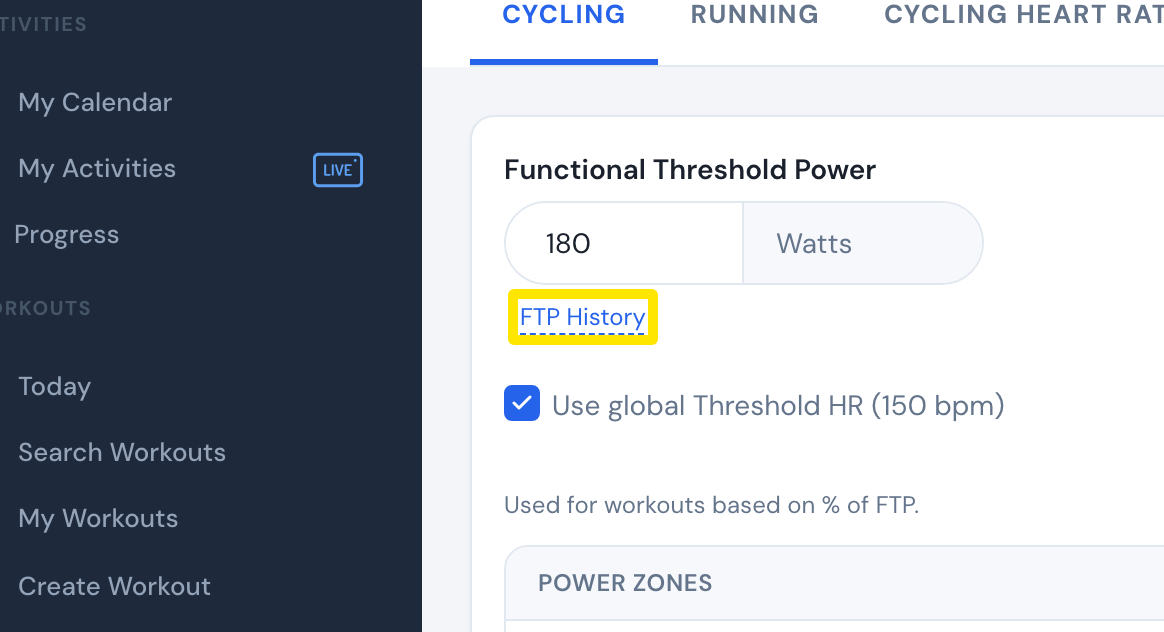 Where: Website · Sports, Zones, FTPs · open it
Good to know: Workout watts still follow the FTP you set. They change only when you change your FTP.
Works on: Website (above). Mobile app: Settings tab, then the FTP setting under the sport. Desktop app: Settings, then Thresholds. An FTP set in either app also counts as your own.