

How do I avoid rounding errors when I enter watts in a workout?
On the website's Create Workout editor, switch the power display to Watts and type watts that are a whole percent of your profile FTP (or pick an FTP that rounds cleanly), because each value is saved as a whole FTP%.
- On the website, click Create Workout in the sidebar (open it), or open your workout and choose Edit workout.
- Open the power display dropdown above the table (it shows FTP%) and choose Watts.
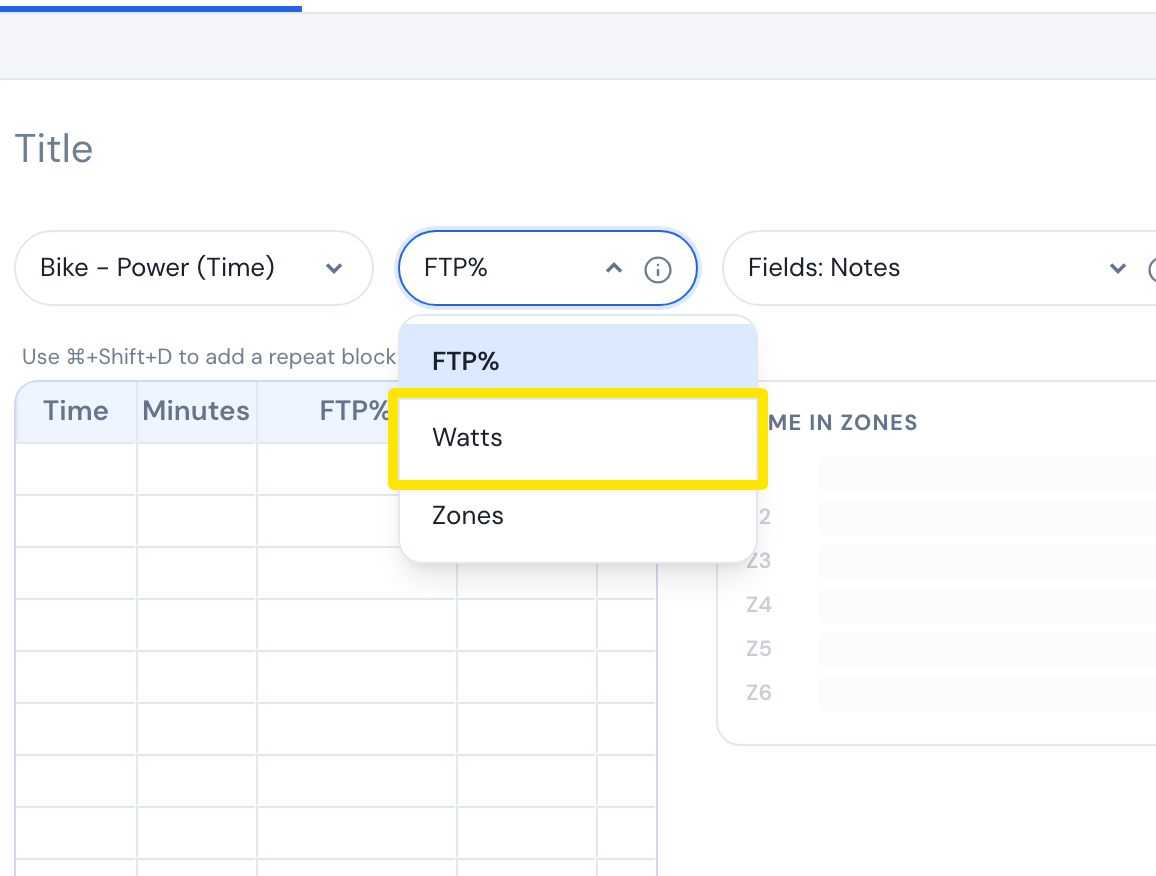 Where: Website · Create Workout · open it
- Type the watts in the Watts column. Each value is saved as a whole % of your profile FTP. With FTP 250, 1% = 2.5 W, so 201 W is saved as 80% (200 W).
- To stay exact, type watts that are a whole percent of your FTP, or choose an FTP that rounds cleanly.
Good to know: True absolute watt targets are not supported. The saved % follows your FTP, so target watts change when your FTP changes.
Works on: Website only. Mobile and desktop have no workout editor and work out watts from the saved % and your current FTP.