

Can I do and log strength training workouts in TrainerDay?
You can do strength workouts in TrainerDay, but there is no strength log: TrainerDay has no separate workout type for strength training, so the only way to record a session is to write it in a workout's Notes on the website's Create Workout page.
If you want to bring a completed strength session into TrainerDay from another app or device, see Can I upload or sync non-cycling activities, like runs, to TrainerDay?
Doing strength workouts: yes. TrainerDay has standalone strength workouts in a strength category.
Logging them: no, not as strength. There is no separate workout type for strength training. These steps are a workaround: you write your exercises in the Notes of a workout.
- On the website, open Create Workout. Check that Notes is ticked under Fields.
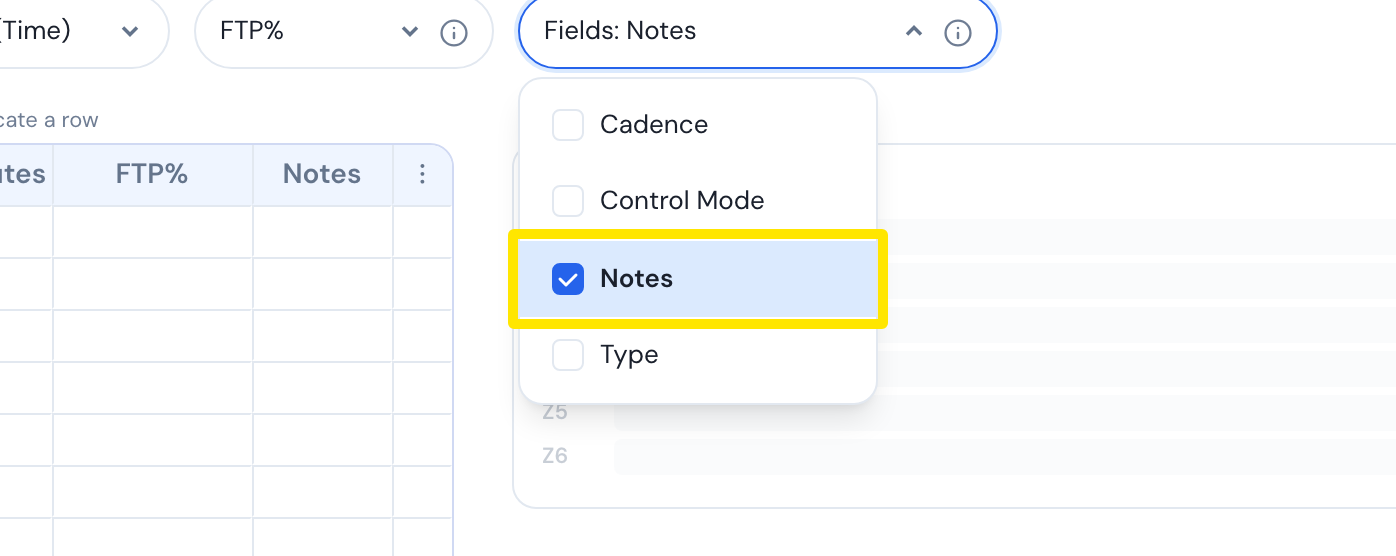 Where: Website · Create Workout · open it
- Click the Notes box of a step, then click + Add note.
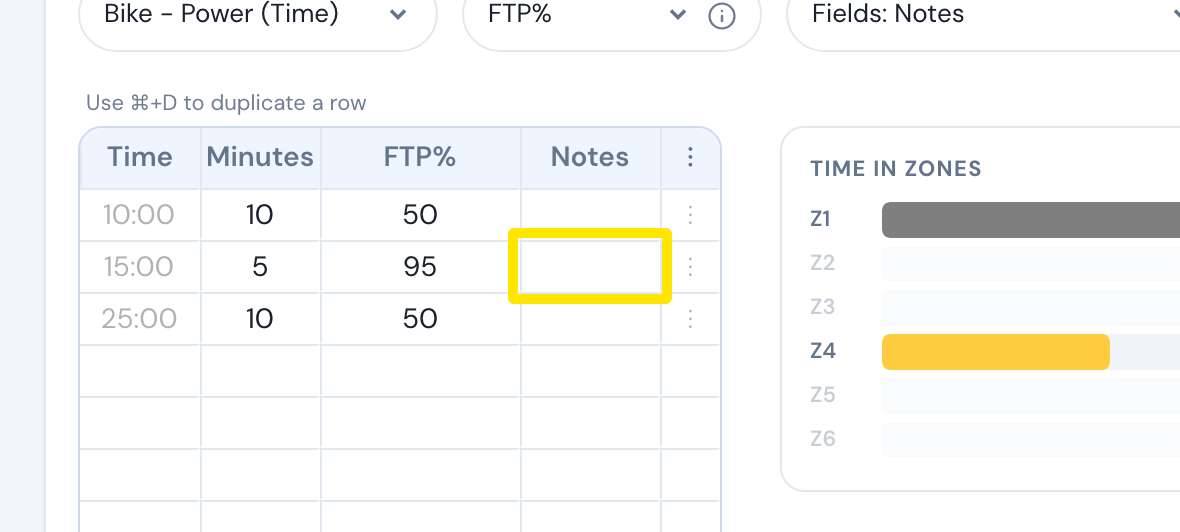 Where: Website · Create Workout · open it
- Type your exercises, sets and reps. Close the window with the X. The box now shows 1.
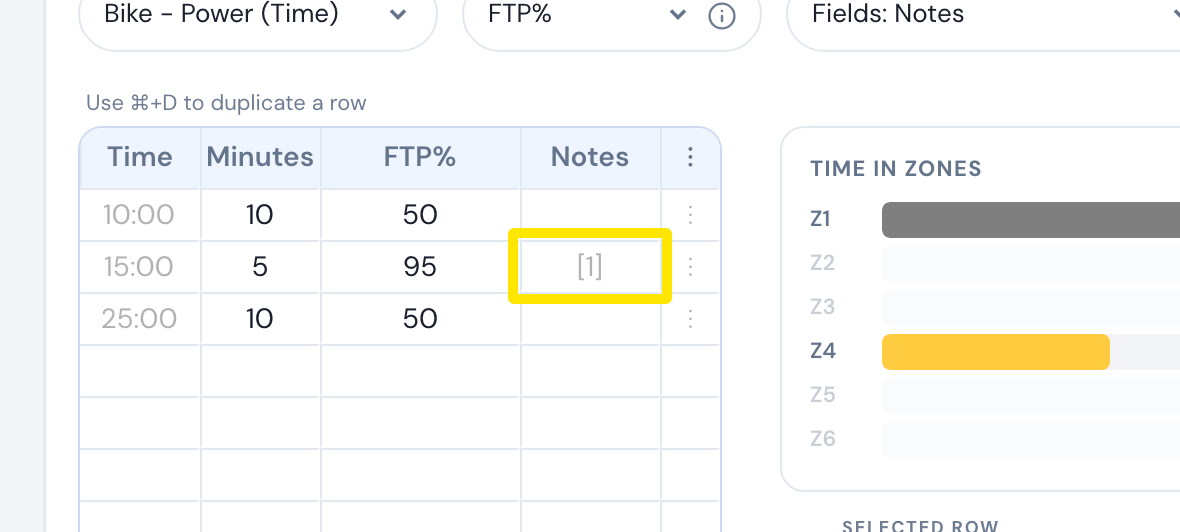 Where: Website · Create Workout · open it
Good to know: This is a note on a workout, not a strength log. TrainerDay does not track strength sets or loads.