

How do I see the W'bal graph for a workout?
Open the workout in the website's Create Workout page and switch the graph from Metrics to W' to see the W'bal line.
- On the website, open Create Workout from the sidebar, with the workout you want to check.
- Below the workout graph, click W' on the Metrics/W' switch. The W'bal line appears over the workout's intervals.
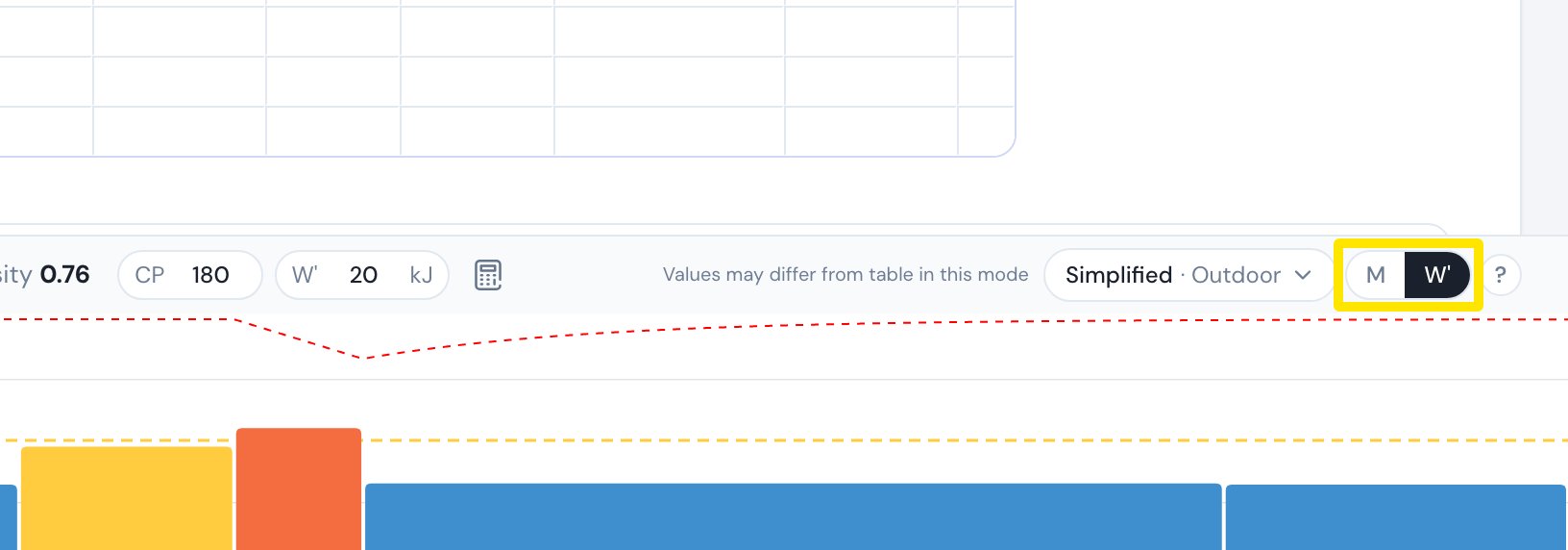 Where: Website · Create Workout · open it
Good to know: The W'bal view is not shown on the general workout search pages, only in the workout creator.