

How do I set when an interval comment appears?
Set when an interval comment appears by giving it an offset in seconds in the Notes column of the website's Create Workout editor.
- Open the editor at https://app.trainerday.com/workouts/create. Make sure the Notes column is on under Fields.
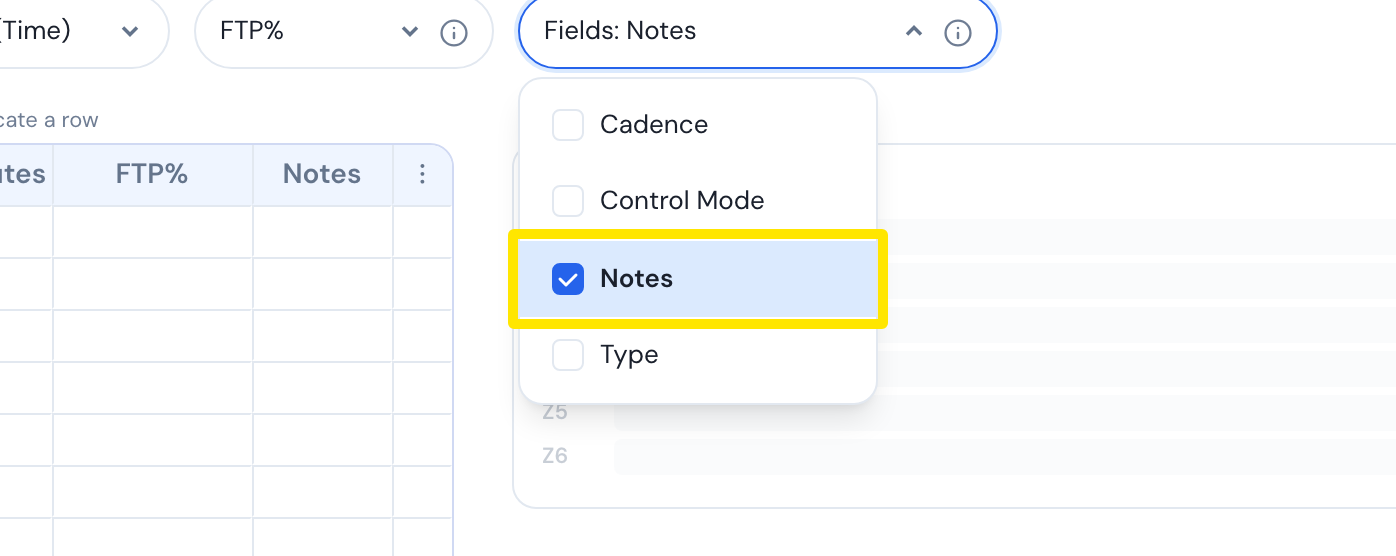 Where: Website · Create Workout · open it
- Click the Notes cell of the interval.
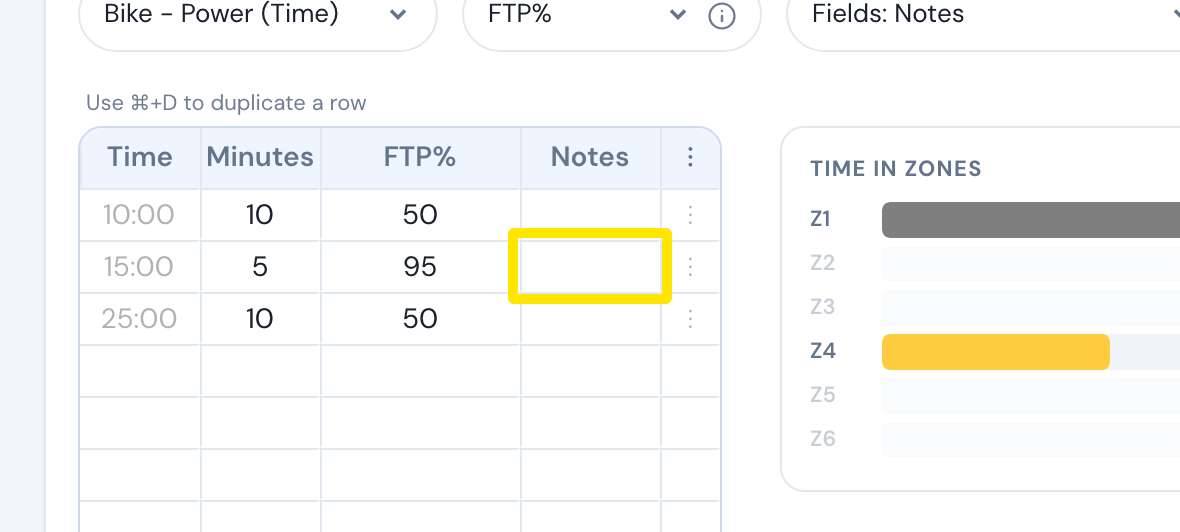 Where: Website · Create Workout · open it
- Click Add note. In the sec box, type the offset in seconds from the start of that interval. Then type the text in Message text....
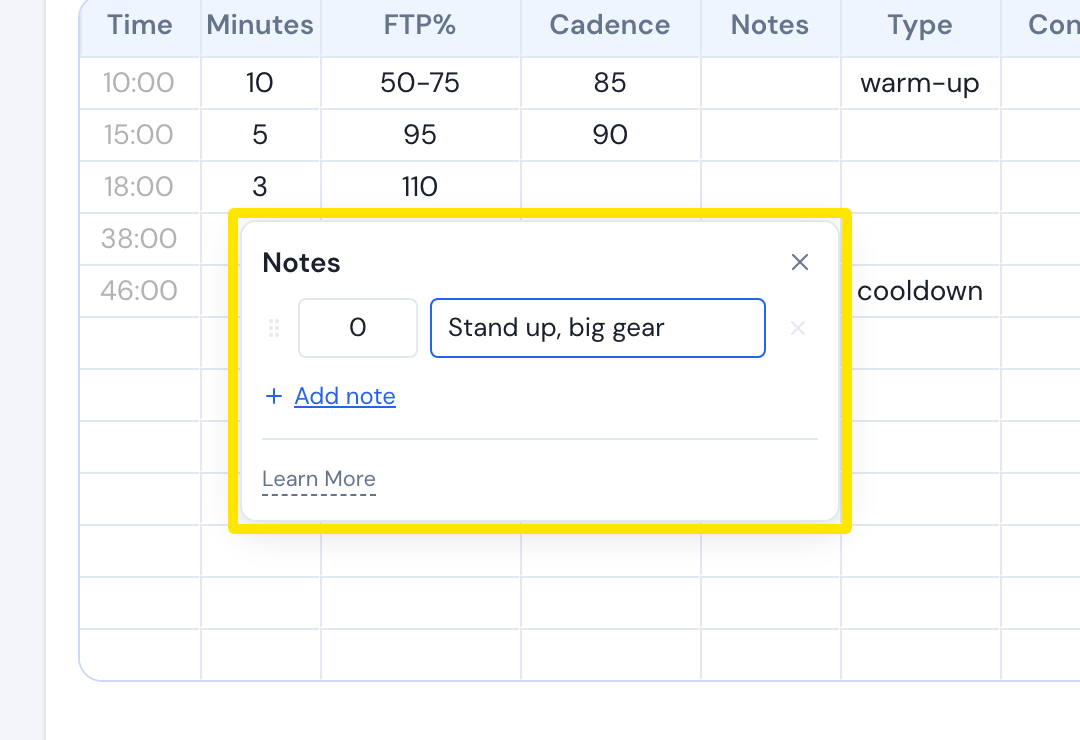 Where: Website · Create Workout · open it
- Click outside the popup to close it. The cell shows N, the number of comments. Save the workout.
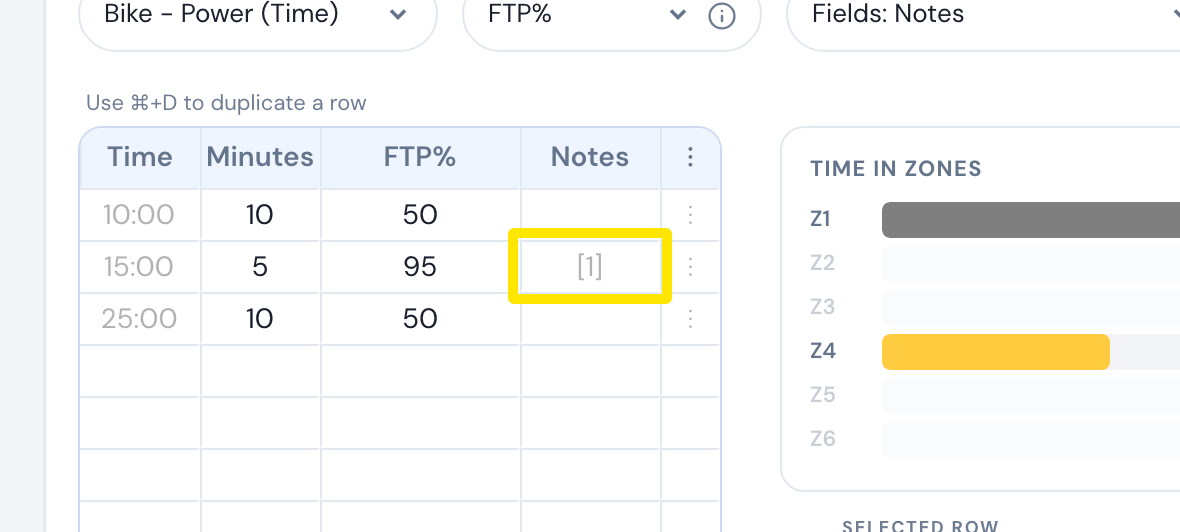 Where: Website · Create Workout · open it
Good to know: The offset must be a whole number from 0 up to less than the interval's length, or the save stops.
Works on: Comments show in the mobile app (about 2 s + 0.13 s per character), the Mac and Windows apps (at least 4 s, or until the interval ends with Long-Lasting Comments on), and the web ride app (at least 5 s).