

How do I expand an interval's description?
There is no expand arrow on an interval: on the website, open the workout's page and click the INTERVAL COMMENTS tab to read every interval's comments in full, or click a row's Notes cell in Create Workout to see one interval's notes.
- On the website, open the workout's page: click its name in My Workouts or in Workout Search.
- Scroll below the chart and click the INTERVAL COMMENTS tab. Every comment is listed in full with its time. The tab is greyed out when the workout has none.
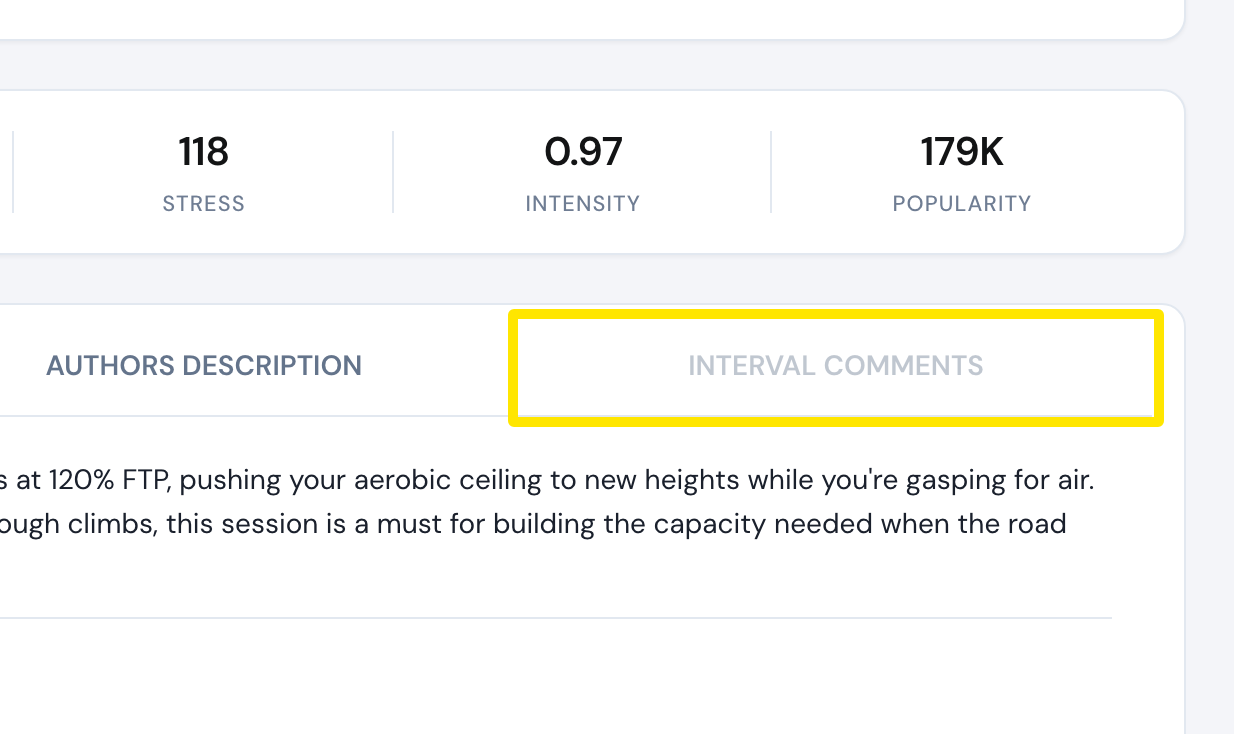 Where: Website · a workout's page (click a workout in Search Workouts or My Workouts)
- To read or write one interval's comments, open the workout in Create Workout and click that row's Notes cell. The Notes panel lists each note's offset in seconds and text, and has Add note.
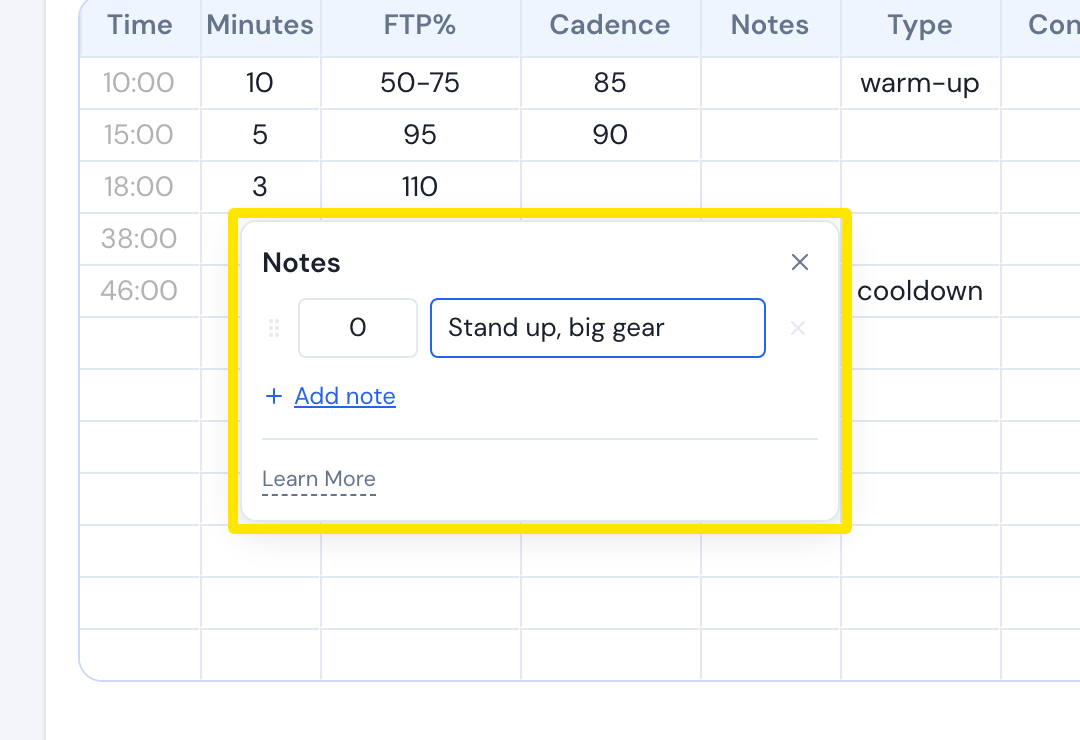 Where: Website · Create Workout · open it
Good to know: In the mobile app, tap the workout's chart to open its details and choose Interval Comments. During a ride, the apps show each comment at its time.
Works on: Website and mobile app. The desktop app has no interval comment list outside the ride.