

How do I add comments to intervals and sets?
In the website's Create Workout editor, add a comment to an interval by clicking its Notes cell and choosing Add note; each note belongs to one row, so add it to every row of a set.
- On the website, open Create Workout. Make sure the Notes column is on: it is on by default, under Fields > Notes.
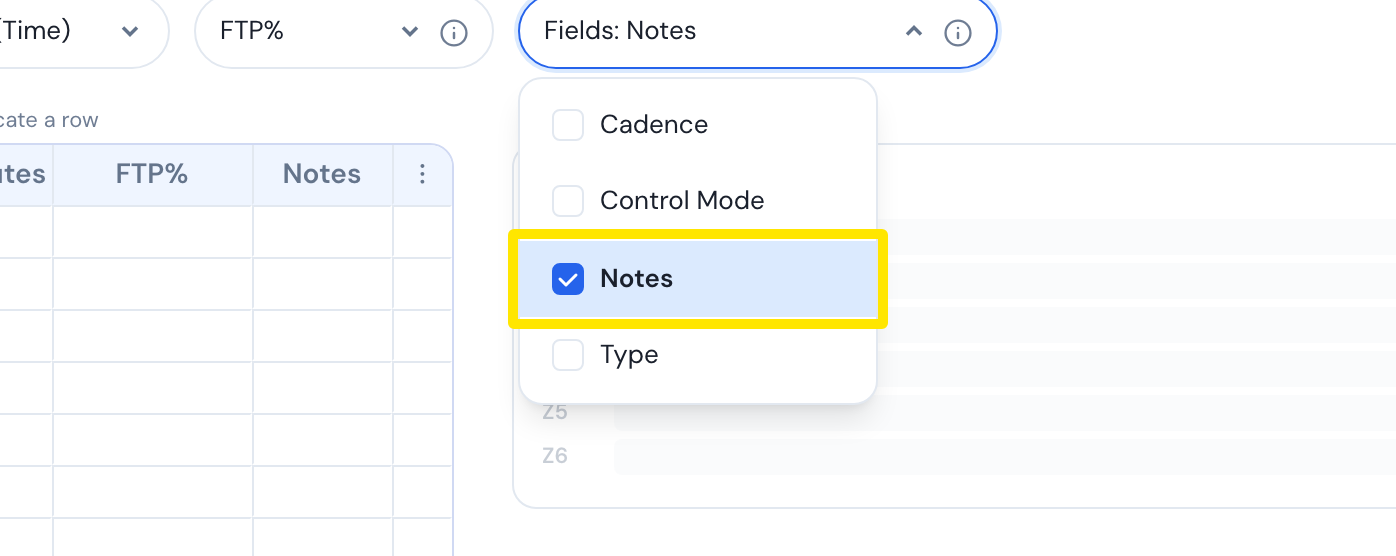 Where: Website · Create Workout · open it
- Click the Notes cell of the interval you want.
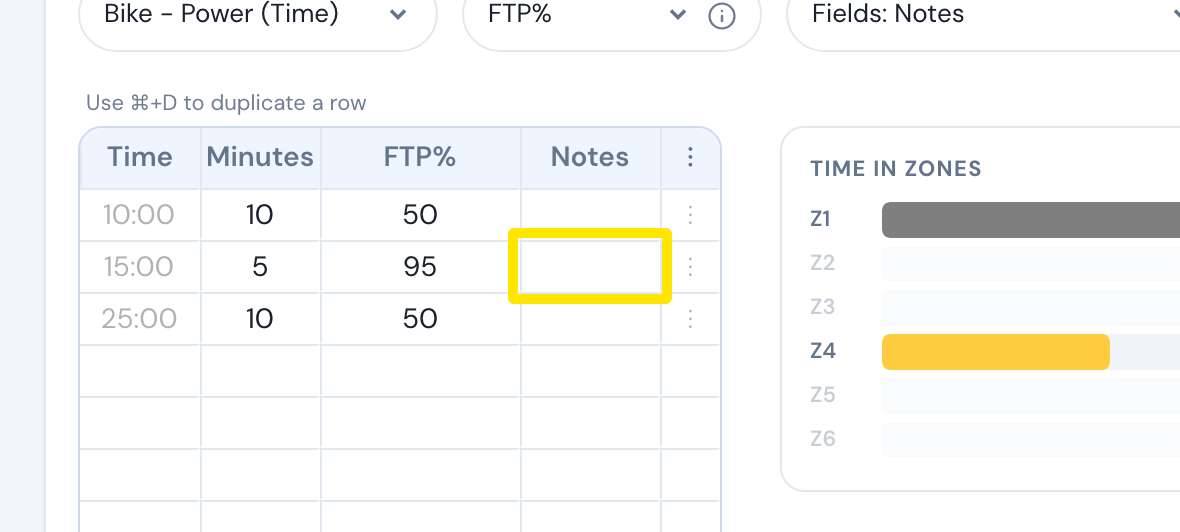 Where: Website · Create Workout · open it
- Click Add note. Type the offset in seconds and the comment text.
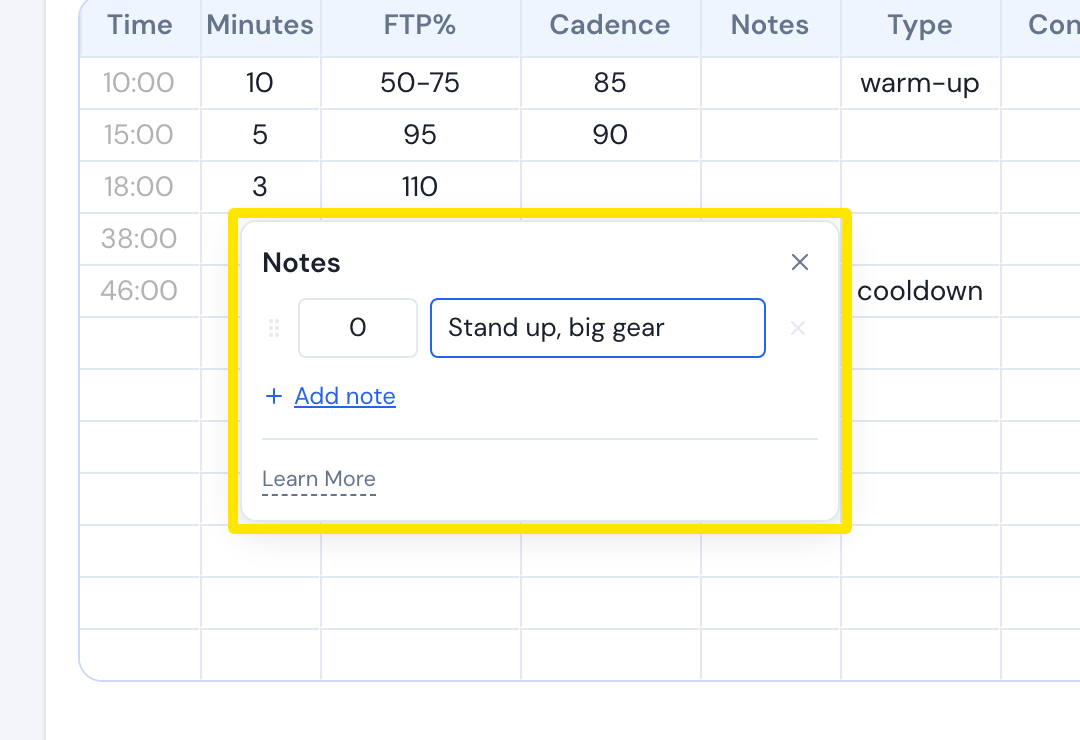 Where: Website · Create Workout · open it
- Close the window with the X or by clicking outside it. The cell shows how many notes it has, like 1.
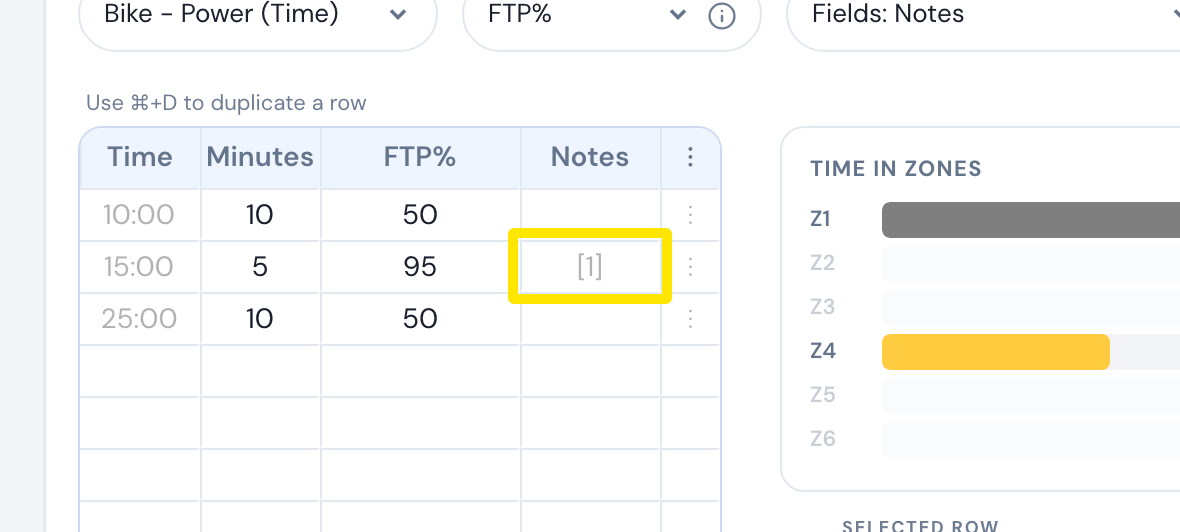 Where: Website · Create Workout · open it
A note is stored with one row only. For a set, add the note to each interval row of the set.
Good to know: The offset must be 0 or more and less than the row's time. Notes with empty text are removed.