

How do I sort workout search results?
On the website, open Search Workouts and pick an order from the Sort By menu under the search box.
- On the website, in the sidebar click Search Workouts (app.trainerday.com/search).
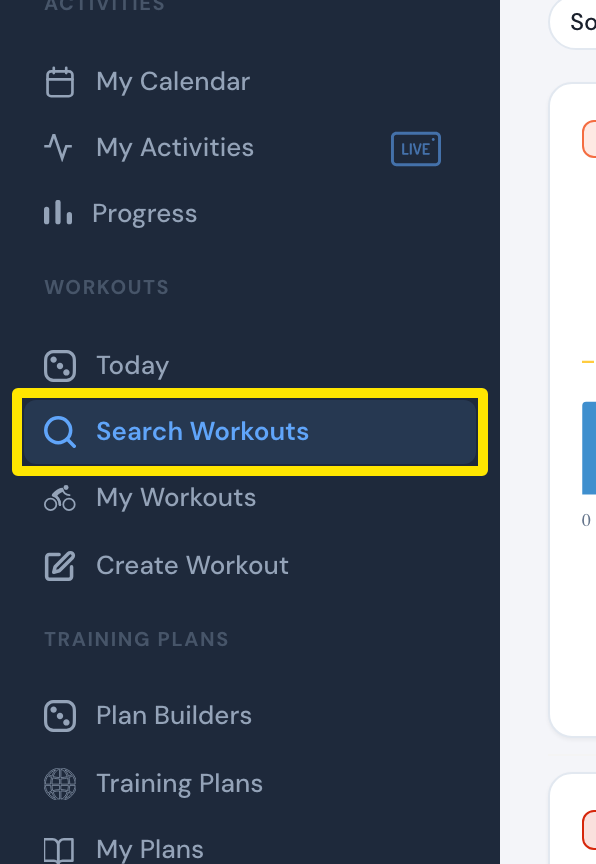 Where: Website · Search Workouts · open it
- Click the Sort By menu under the search box.
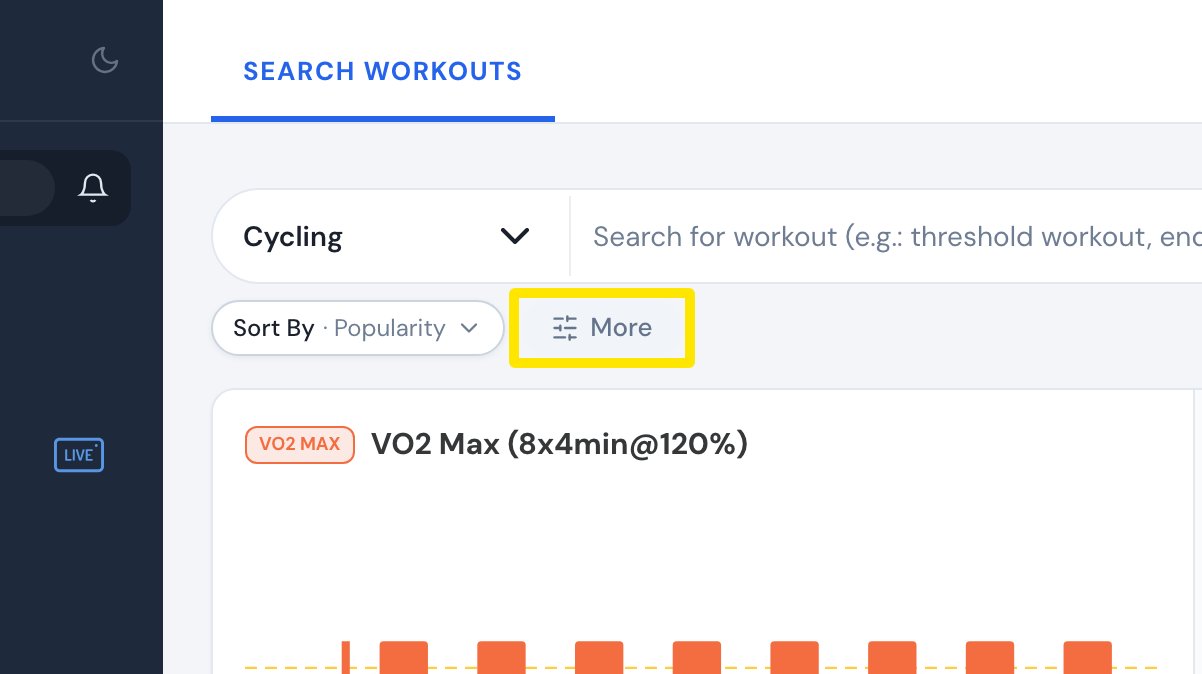 Where: Website · Search Workouts · open it
- Pick Popularity, Date, Stress(asc)/(desc), Intensity(asc)/(desc) or Duration(asc)/(desc). Choose asc or desc to reverse the order. Popularity (most popular first) and Date (newest first) cannot be reversed.
Good to know: Search results have no alphabetical sort. To sort by name (Name: A-Z or Name: Z-A), use Sort By on your My Workouts page instead.
Works on: Website. In the mobile app, search is always sorted by popularity.