

How do I search for workouts by author?
Find a specific author's workouts by typing Author: and their username in the website's Search Workouts box.
- On the website, click Search Workouts in the sidebar (app.trainerday.com/search).
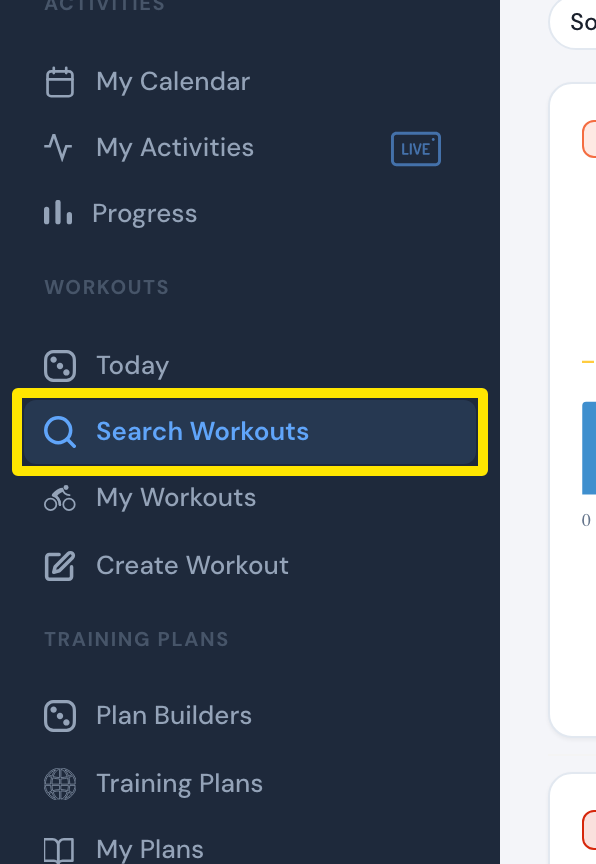 Where: Website · Search Workouts · open it
- Type Author: and the username, for example Author: Velo. Plain words also match the author.
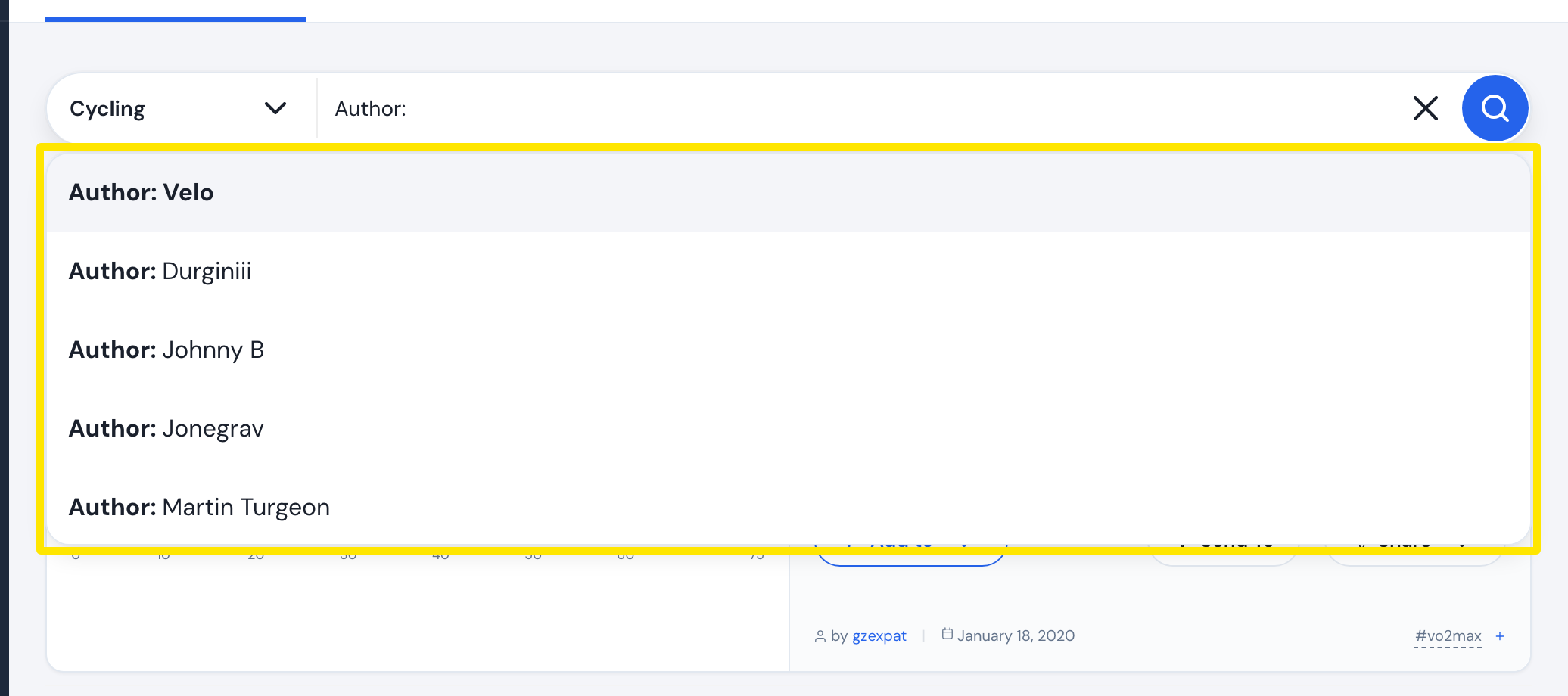 Where: Website · Search Workouts · open it
- Press Enter to see that author's workouts.
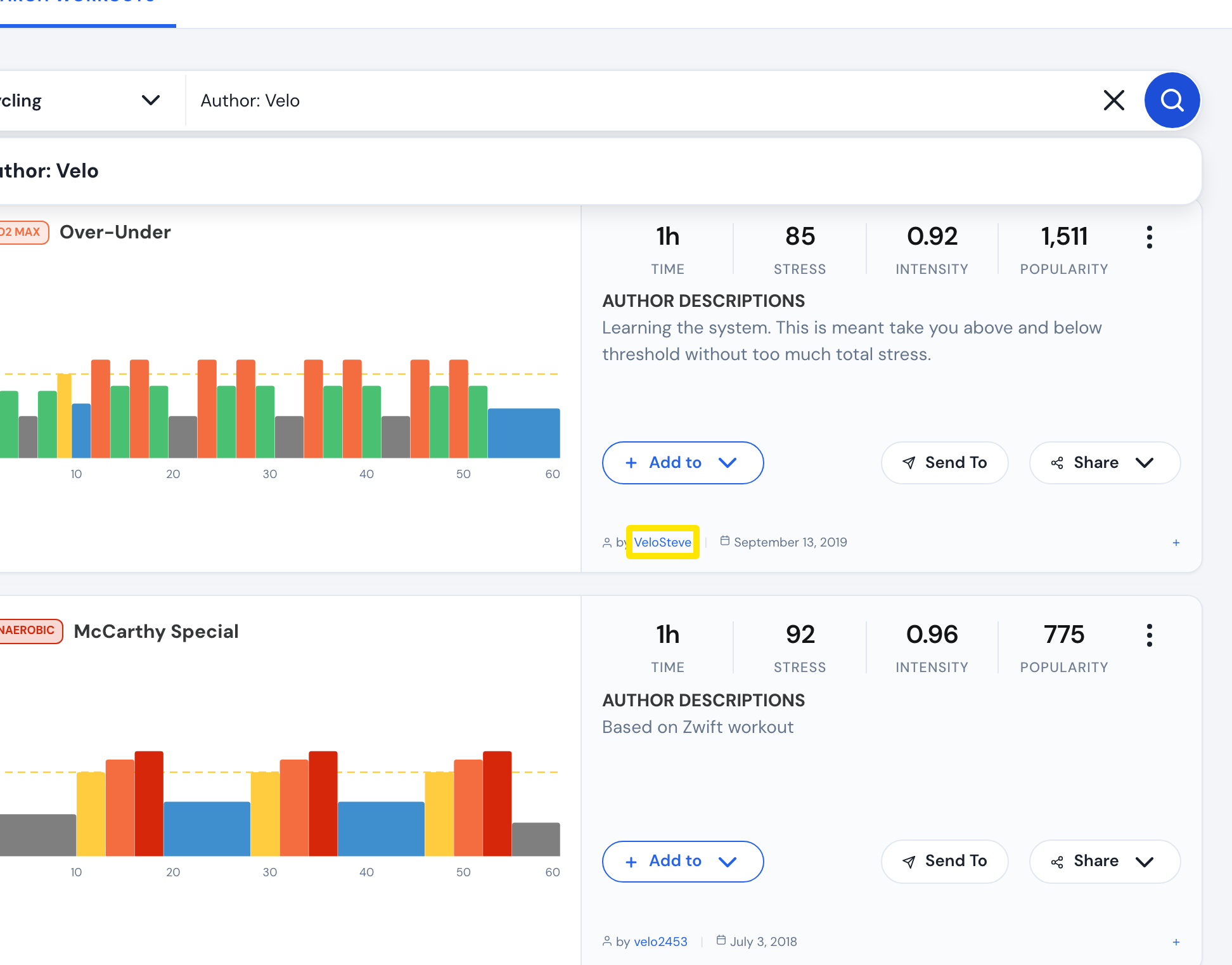 Where: Website · Search Workouts · open it
Good to know: Only the first word after Author: is used. Author: Johnny B searches author Johnny plus the word B. You can't filter to original TrainerDay workouts only.
Works on: Website (Author: search). Mobile app: plain words in the search also match the author.