

How do I contact the author of a workout?
TrainerDay has no messaging between riders, so to reach a workout's author, open the workout's page on the website and use a link the author put in the description, or ask on the TrainerDay forum.
- On the website, open the workout's page (app.trainerday.com/workouts/<name>).
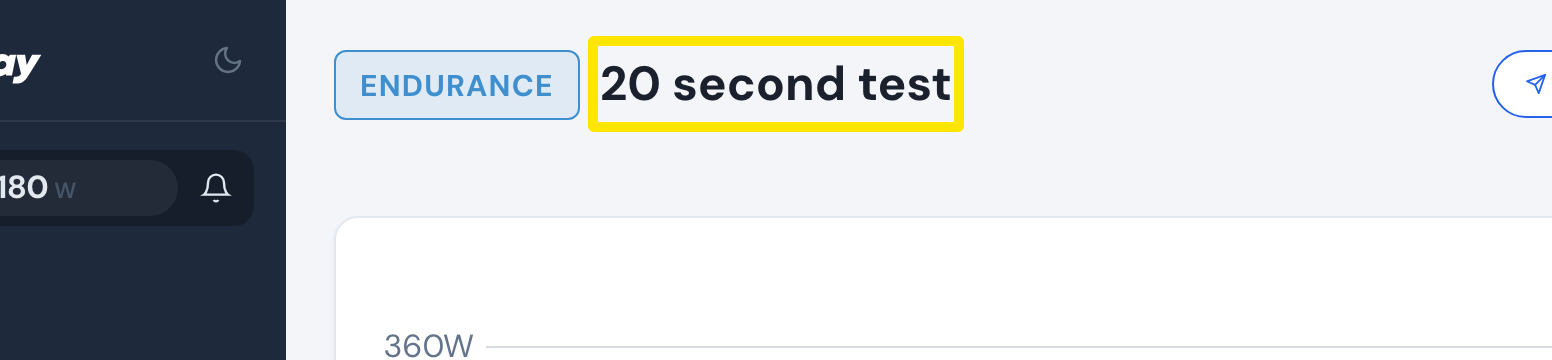 Where: Website · a workout's page (click a workout in Search Workouts or My Workouts)
- Read the workout's description. If the author added a link there, use it to reach them.
- If there is no link, note the author's name under the description tabs.
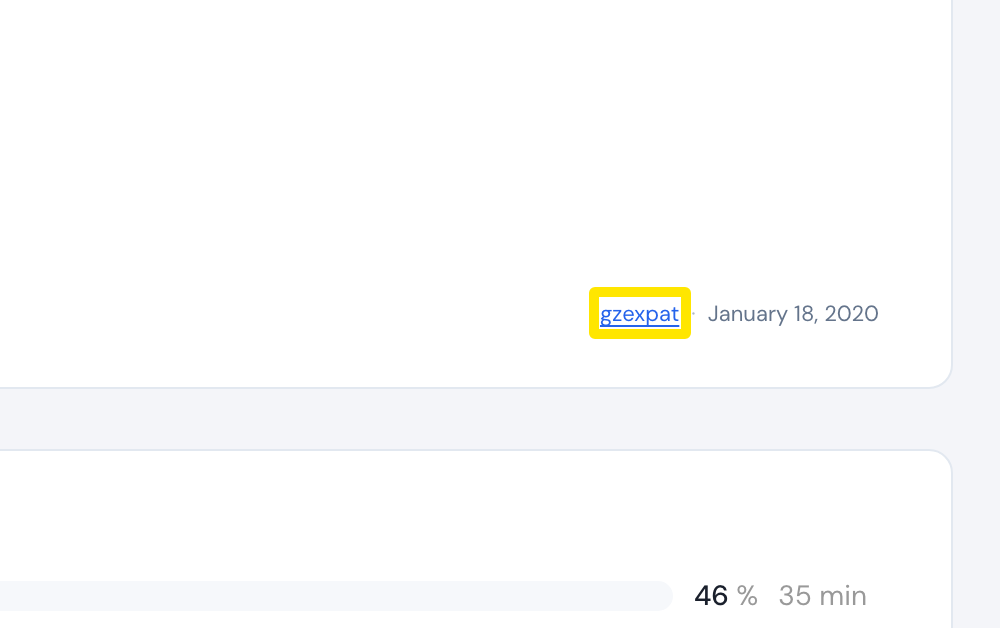 Where: Website · a workout's page (click a workout in Search Workouts or My Workouts)
- Ask for that author on the TrainerDay forum at forums.trainerday.com.
Works on: Website. The mobile and desktop apps show only the author's name and have no messaging.