

How do I share a link to a workout?
On the TrainerDay website, open the workout's page, click Share, then Copy Link to copy a link you can paste anywhere.
- On the website, open the workout's page on app.trainerday.com (click a workout in Search Workouts or My Workouts).
- Click Share.
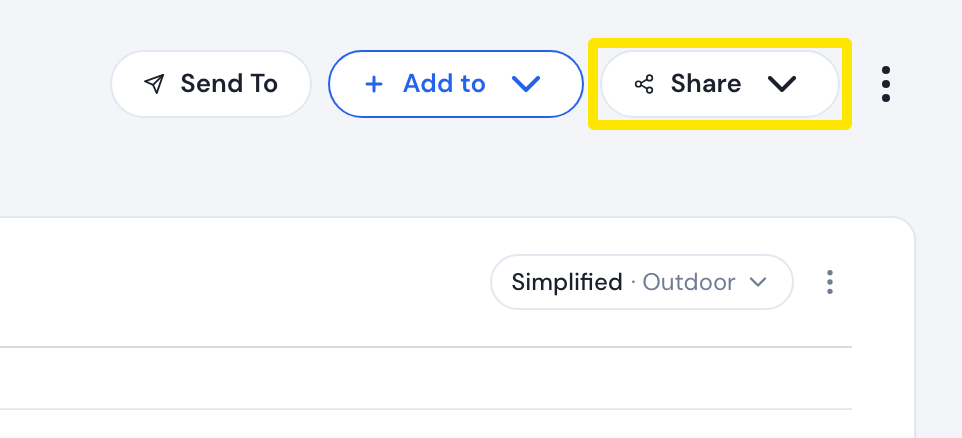 Where: Website · a workout's page
- Click Copy Link. The link is copied and you see Copied.
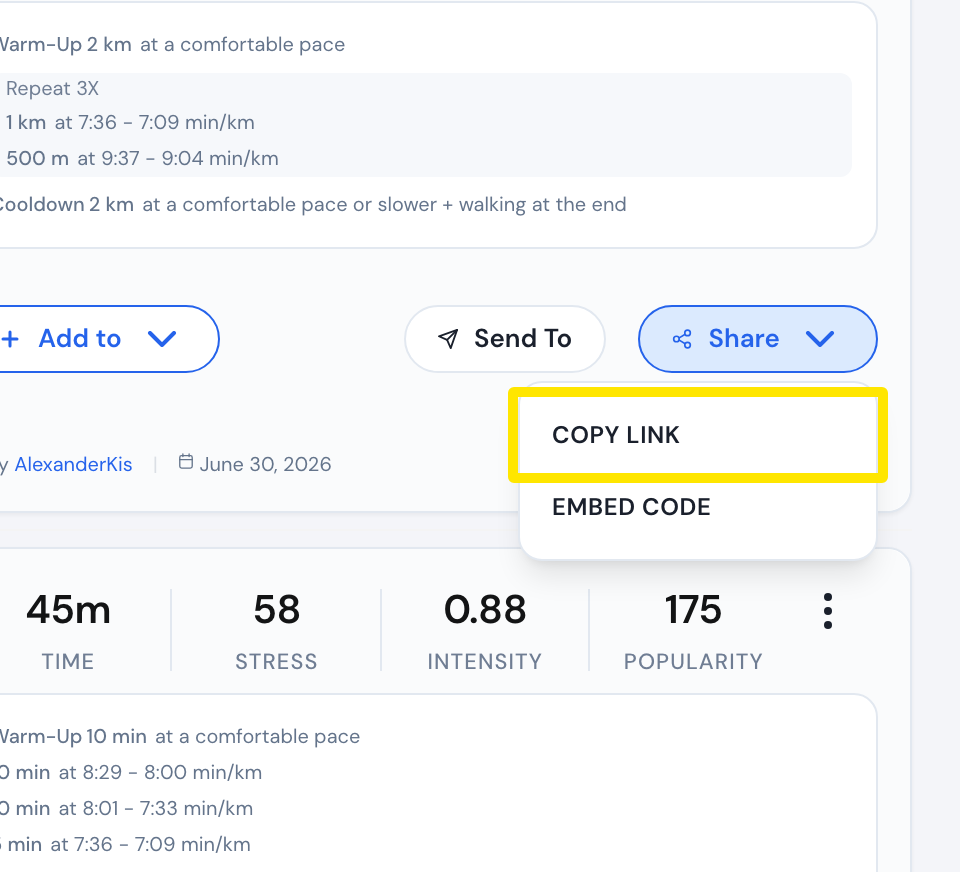 Where: Website · a workout's page
- Paste the link wherever you want, such as a forum post. To put the workout on a website, use Embed Code instead.
Good to know: A public workout's link opens for anyone, even if they are not logged in. A private workout opens only for you or a Premium member. Others see "Workout Is Private".
Works on: Website only. The mobile and desktop apps have no copy-link for a workout.