

How do I embed a workout on my website?
Copy a workout's embed code from its page on the TrainerDay website and paste it into your web page's HTML.
- On the website, open the workout's page on app.trainerday.com.
- Click Share at the top right.
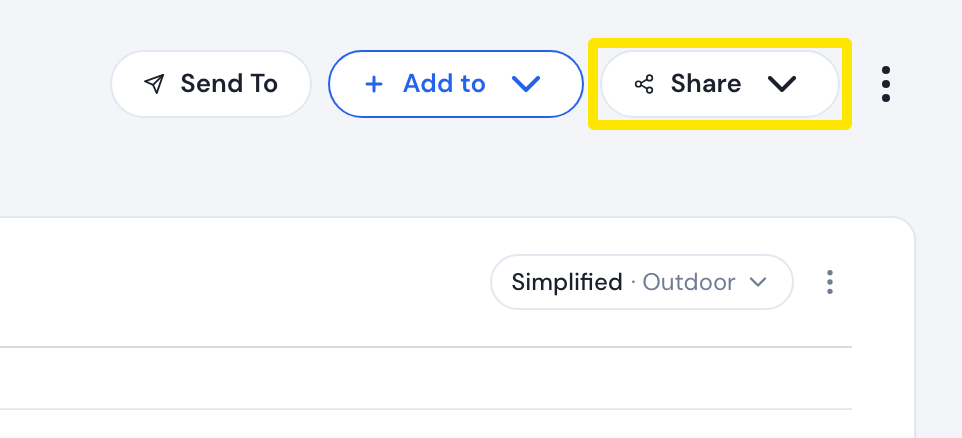 Where: Website · a workout's page (click a workout in Search Workouts or My Workouts)
- Click Embed Code. The Workout Embedding window shows a preview.
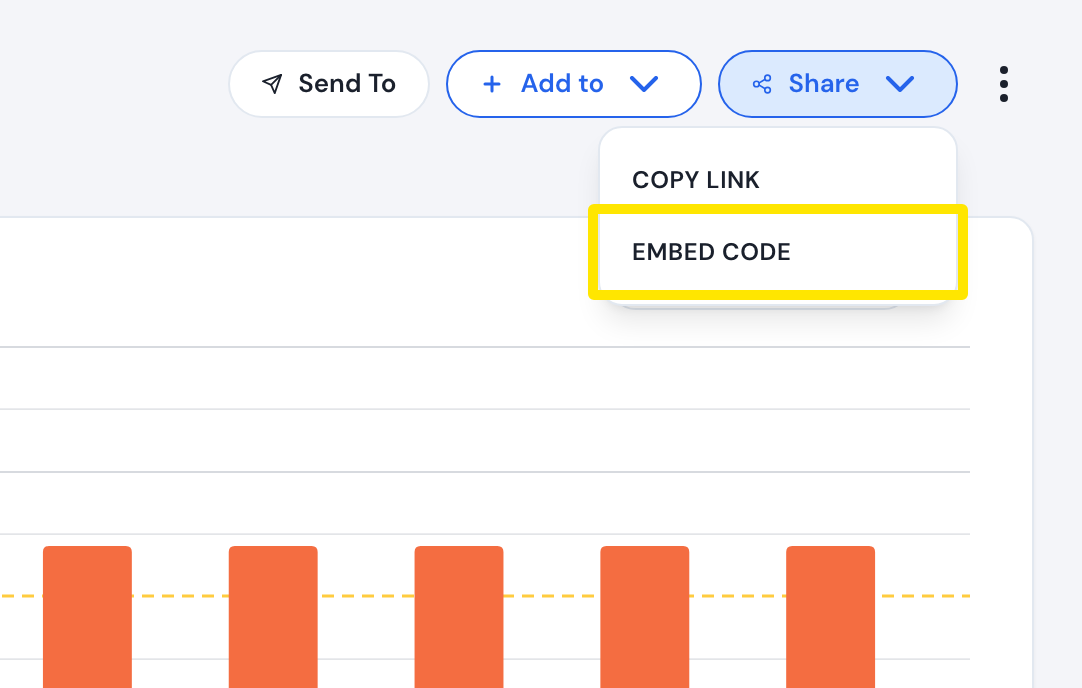 Where: Website · a workout's page
- Under Embed Options, set Shadow, Grey color, Rounded and the size (600x300 or 800x320).
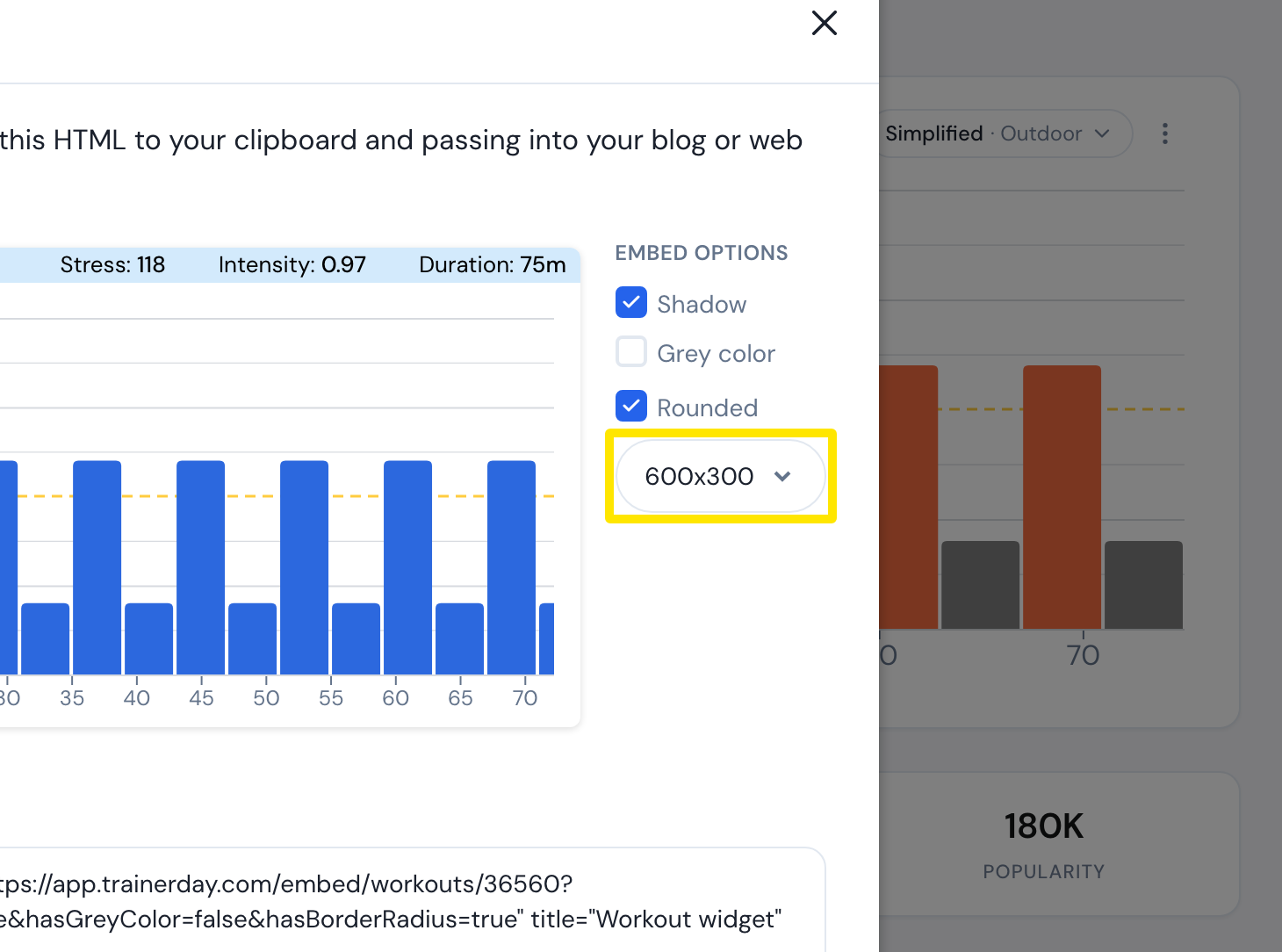 Where: Website · a workout's page → Share → Embed Code
- Click Copy and paste the code (an iframe) into your web page's HTML.
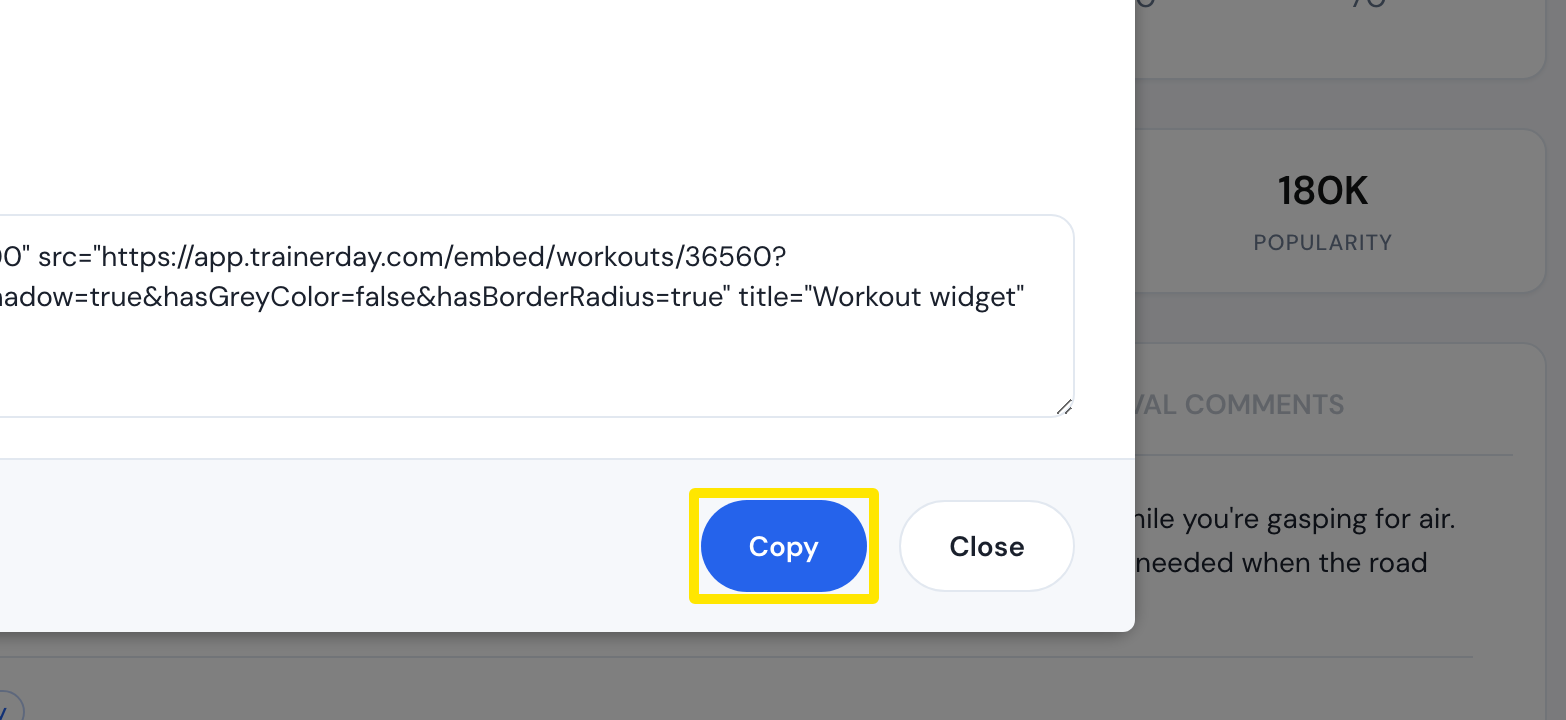 Where: Website · a workout's page → Share → Embed Code
Works on: Website only. The mobile and desktop apps have no embed code.