

How do I share a link to my ride?
TrainerDay has no shareable link for a ride, so send the ride to Strava from the ride's menu on the website and share the Strava link, or share a picture of the ride instead.
Want to share a workout (the plan you ride), not a finished ride? See How do I share a link to a workout?
- On the website, click My Activities in the left sidebar (app.trainerday.com/activities).
- Click the ride's name to open it.
- Click the three-dots menu at the top right of the ride.
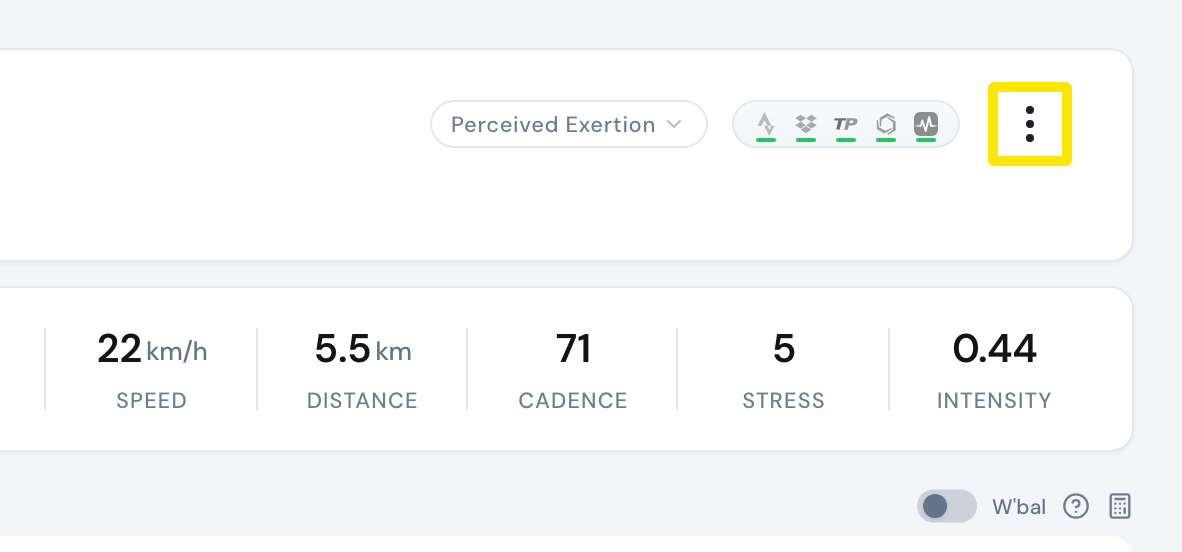 Where: Website · My Activities → click the activity's name · open it
- With a paid account and Strava connected, choose Sync with Strava, then share the ride's link from Strava. To share a picture instead, choose Download PNG file.
Good to know: A ride's page on TrainerDay opens only for you. Anyone else sees "Activity not found".
Works on: Mobile app: the ride's share button gives PNG pictures plus TCX and FIT files. Desktop app: Share Image copies the ride's chart to the clipboard. No app makes a web link to a ride.