

How do I add my ride image to Strava?
TrainerDay's Strava upload carries no picture, so download your ride's PNG from its activity page on the TrainerDay website and add it to the ride on Strava yourself.
- On the website, click My Activities in the left sidebar (open it) and click the ride's name.
- Click the three-dots button at the top right of the ride.
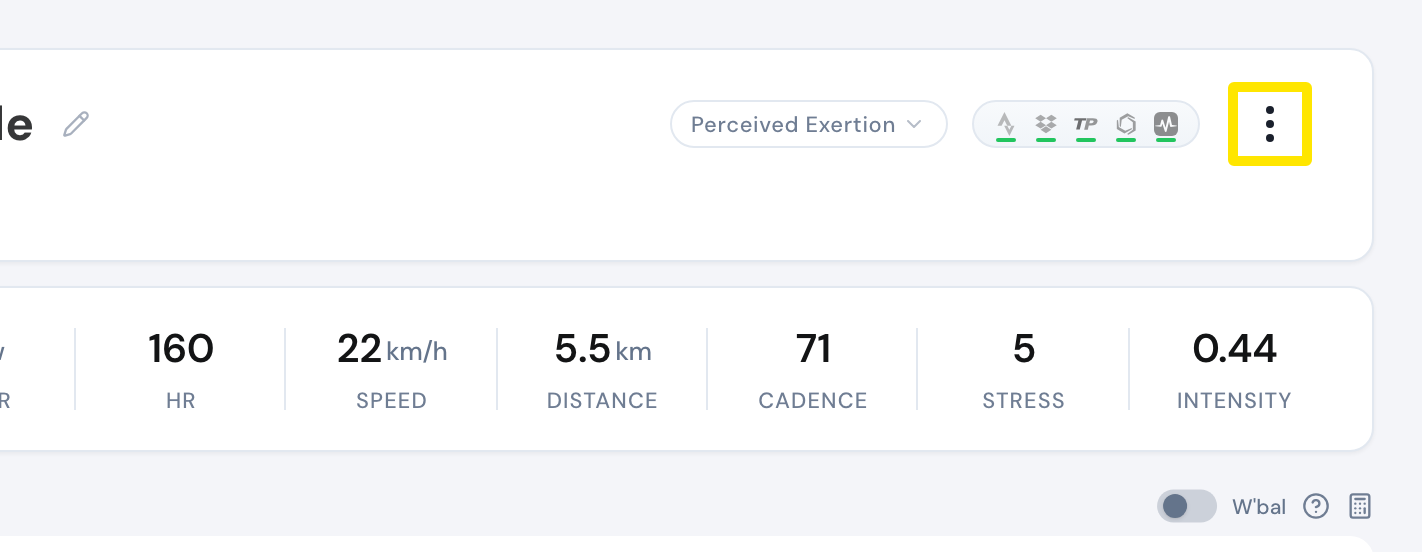 Where: Website · My Activities → click the activity's name · open it
- Choose Download PNG file.
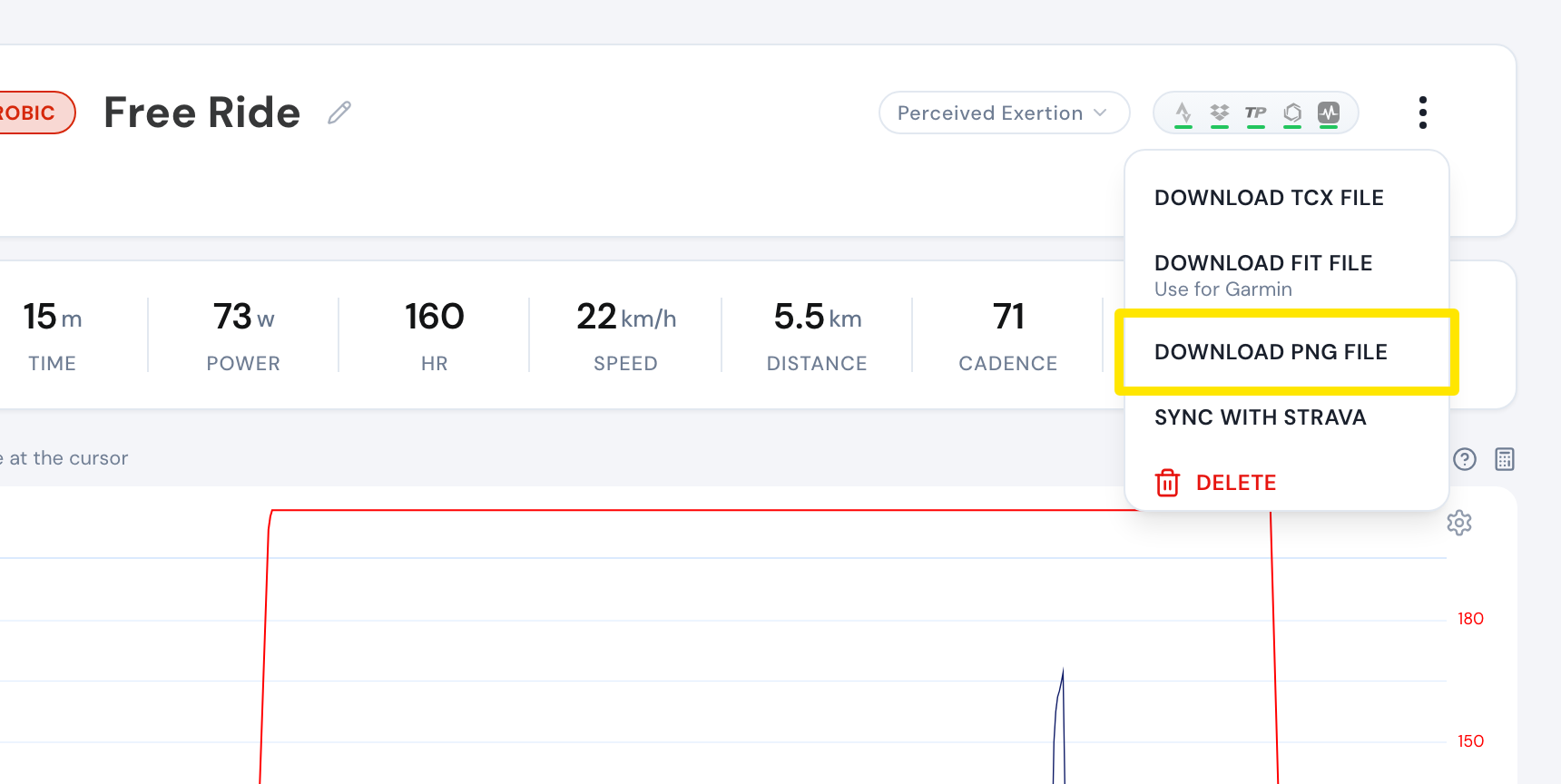 Where: Website · My Activities → click the activity's name · open it
- On Strava, open the ride, edit it and add the PNG as a photo.
Good to know: TrainerDay's Strava upload sends only the ride's name, description, TCX file and sport type, never a picture.
Works on: Website (Download PNG file); mobile app (the ride's share button, then share the picture to Strava or save it); desktop app (Share Image copies the chart to paste into Strava's photo upload).