

How do I set my ride as a regular or virtual ride on Strava?
TrainerDay always sends rides to Strava as a Virtual Ride; to make one a regular Ride, edit the activity's sport on Strava.
- Finish your ride in any TrainerDay app. TrainerDay sends it to Strava as a Virtual Ride. The website's Strava connection has no setting to change this.
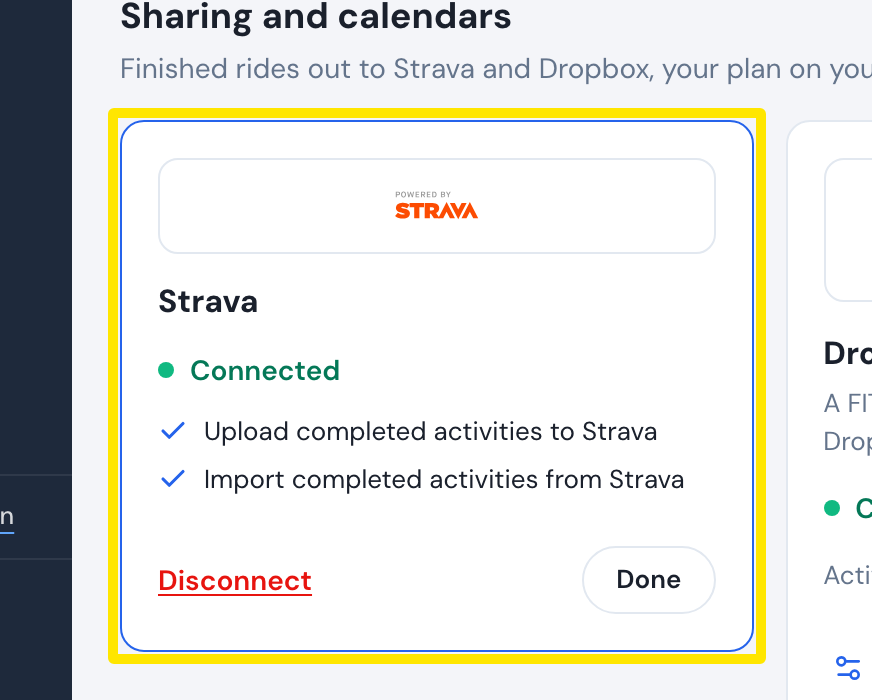 Where: Website · Connections · open it
- To make it a regular ride, open the activity on Strava (strava.com or the Strava app).
- Choose Edit, change the sport to Ride and save.
Good to know: Runs upload as Virtual Run and rows as Virtual Row.
Works on: Website, mobile app and desktop app all upload the same way. None of them has a ride-type setting.