

How do I find a specific workout by name?
Find a workout by name on the TrainerDay website's Search Workouts page by typing its title, or part of it, in the search box.
- On the website, click Search Workouts in the sidebar (app.trainerday.com/search).
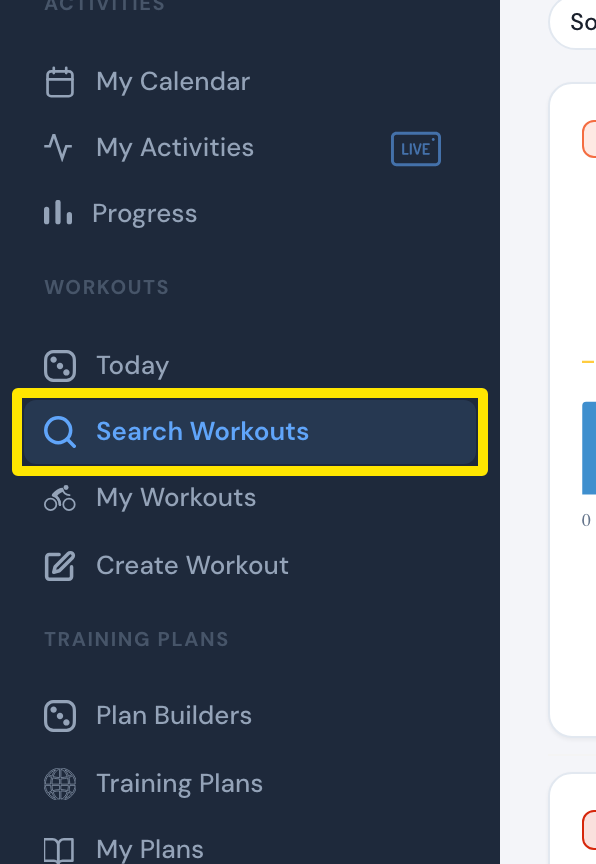 Where: Website · Search Workouts · open it
- Type the workout's name, or part of it, in the search box.
- Press Enter or click the blue search button.
 Where: Website · Search Workouts · open it
Good to know: Every word you type must match the workout's title, author or description. Search Workouts searches all public workouts. My Workouts only searches the list you have selected.
Works on: Website (Search Workouts), mobile app (Workouts tab → search icon), desktop app (Workouts page search).