

How do I use tags to find my workouts?
Tag a workout with your own tag on the TrainerDay website, then type # and the tag in the My Workouts search box to find it.
- On the website, click Search Workouts in the sidebar (app.trainerday.com/search) and click a workout to open its page.
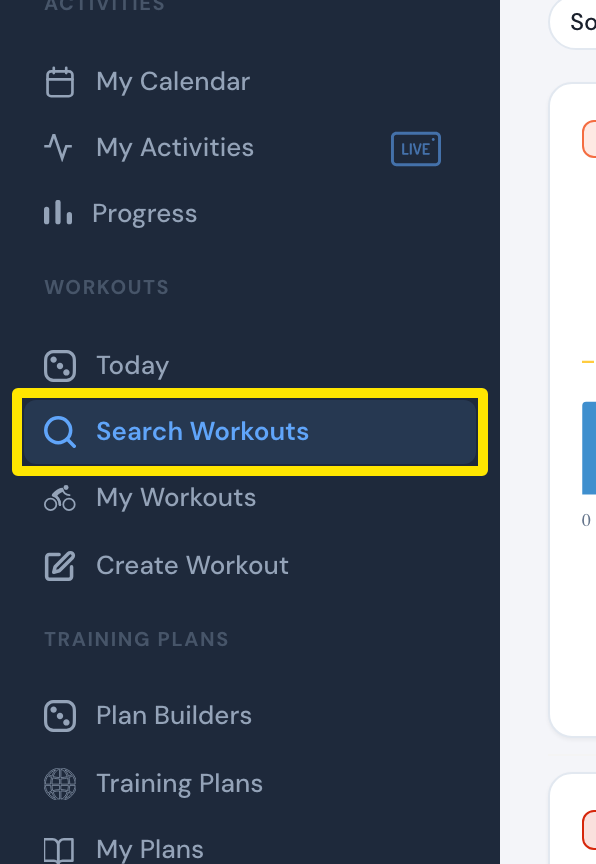 Where: Website · Search Workouts · open it
- On the workout's page, click + next to the tags under Send To and Share, type your tag in Enter tag, and save it.
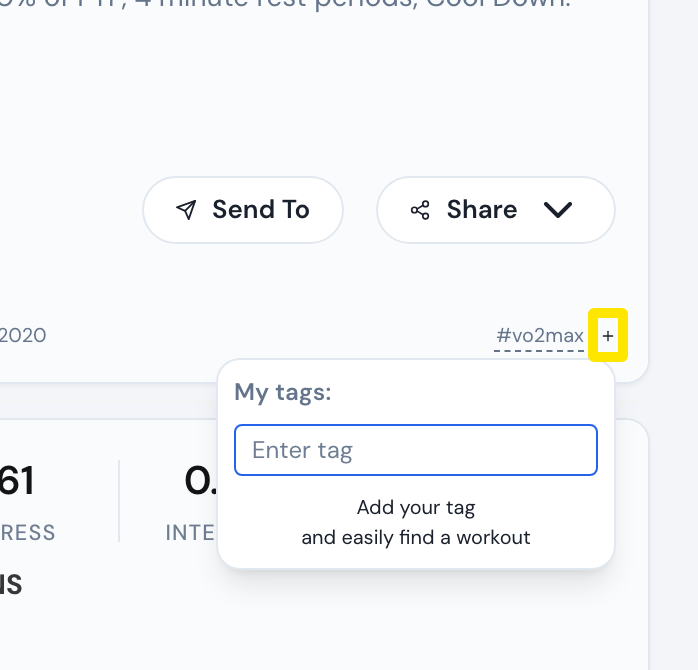 Where: Website · a workout's page opened from Search Workouts · open it
- In the sidebar, click My Workouts (app.trainerday.com/library). Type # and your tag in the search box, for example #vo2max, and press Enter.
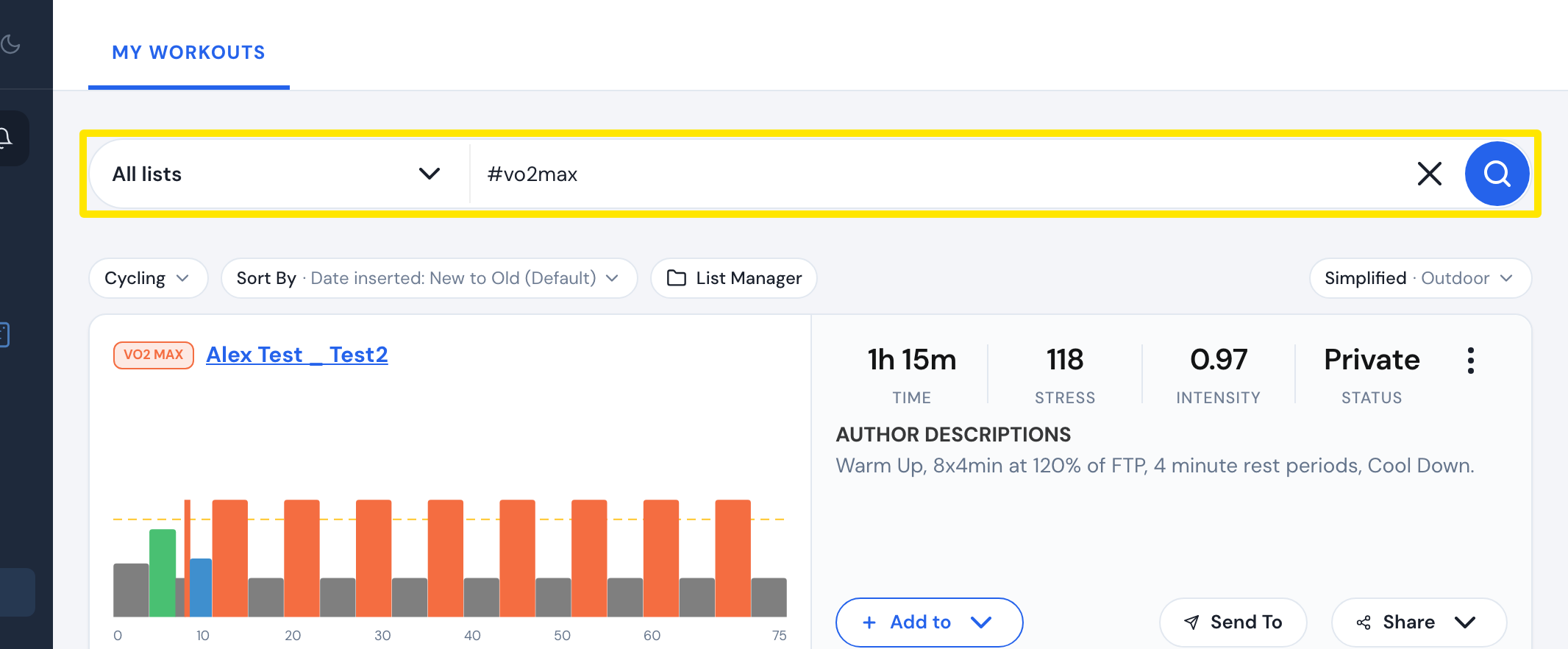 Where: Website · My Workouts · open it
Good to know: A workout can have up to 2 of your own tags, each up to 15 characters. Tags show only when you are logged in on a larger screen.
Works on: Website only. The mobile app does not show or search tags.