

How do I find the free workouts included with TrainerDay?
Open the public list "20-Free App Workouts & FTP Test" on the TrainerDay website, or pick it from the list dropdown on the mobile app's Workouts tab.
- On the website, go to the free workouts list at https://app.trainerday.com/library/td-app-free-workouts. It is the public list 20-Free App Workouts & FTP Test.
- In the mobile app, open the Workouts tab and pick 20-Free App Workouts & FTP Test in the list dropdown at the top.
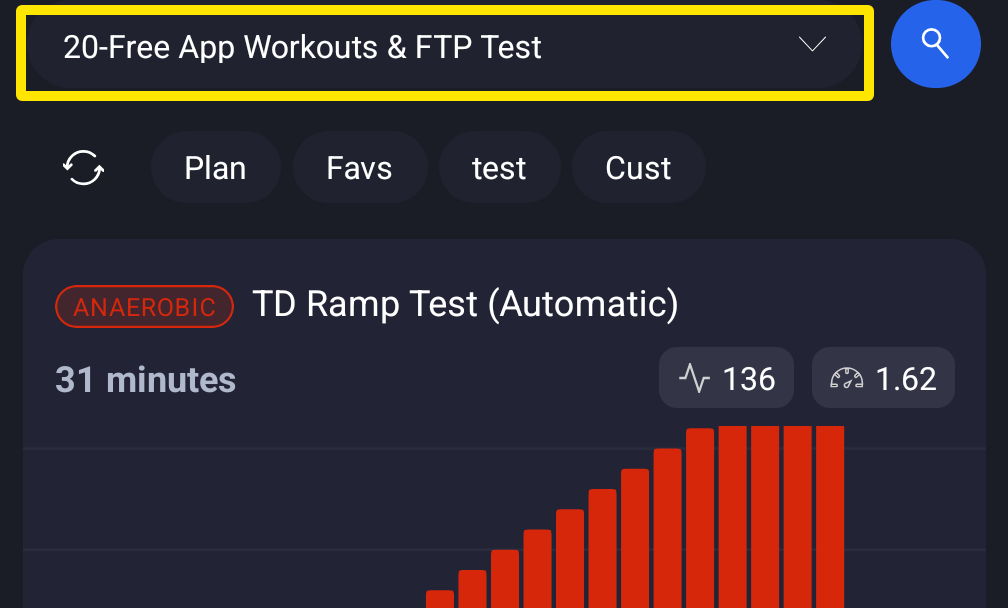 Where: Mobile app · Workouts tab
Good to know: Free users can also use the website's Search Workouts box and Sort By on all public workouts. Only the More filters panel is premium.