

How can I ride an imported workout on TrainerDay’s free plan?
On the free plan you can import a workout file on the TrainerDay website, but to ride it you download it and load it in another app such as Zwift or MyWhoosh, because the TrainerDay apps only let free accounts ride the free workout list.
- On the website, go to Create Workout in the sidebar.
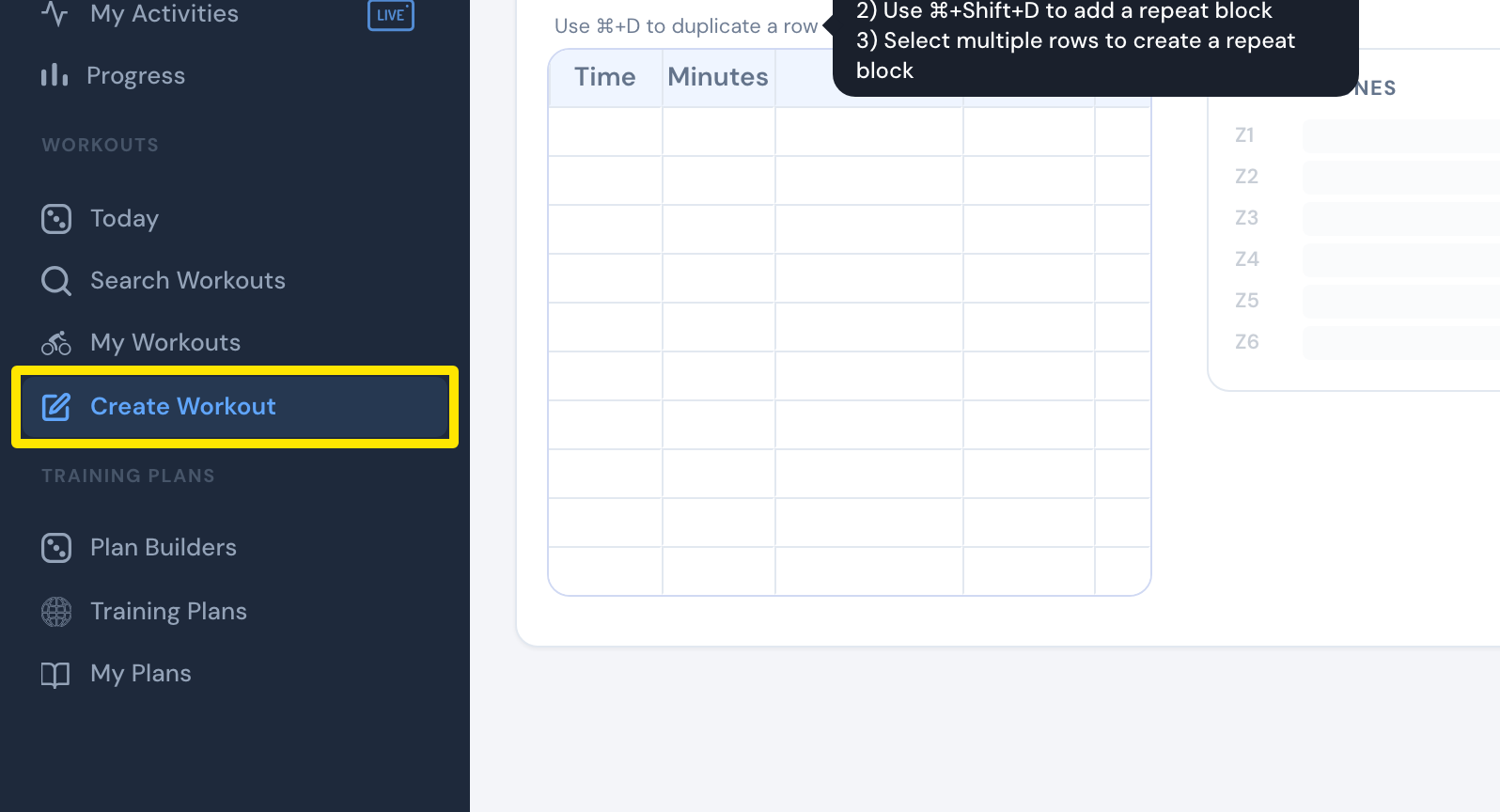 Where: Website · Create Workout · open it
- Click the Create from File tab.
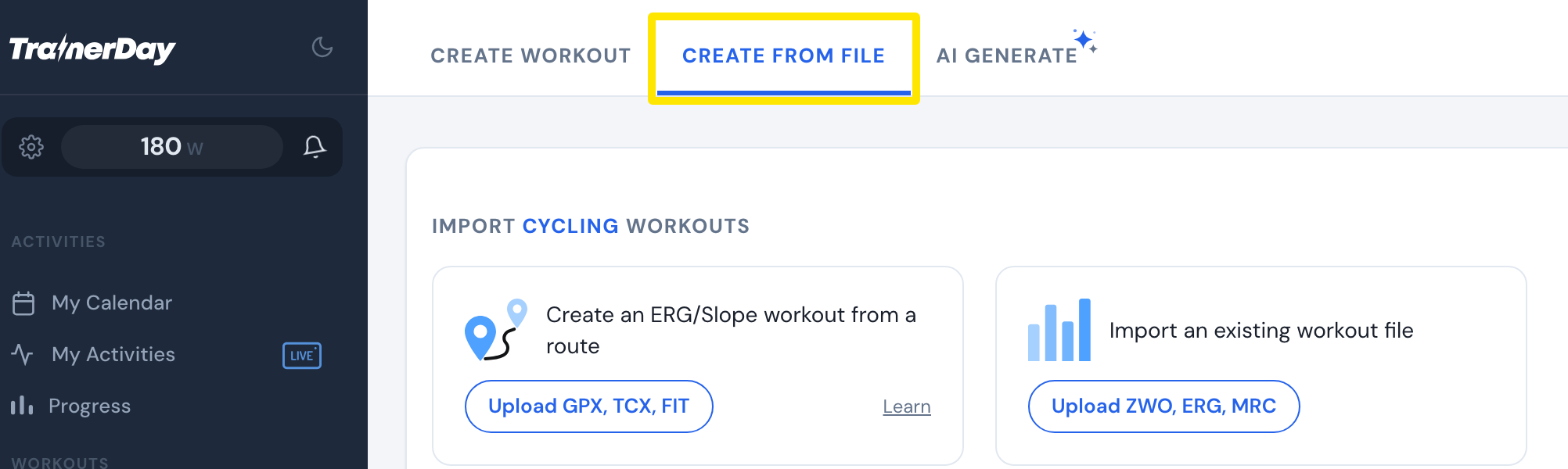 Where: Website · Create Workout · open it
- Click Upload ZWO, ERG, MRC and choose your file. For many ZWO files, use Upload ZIP of ZWO files.
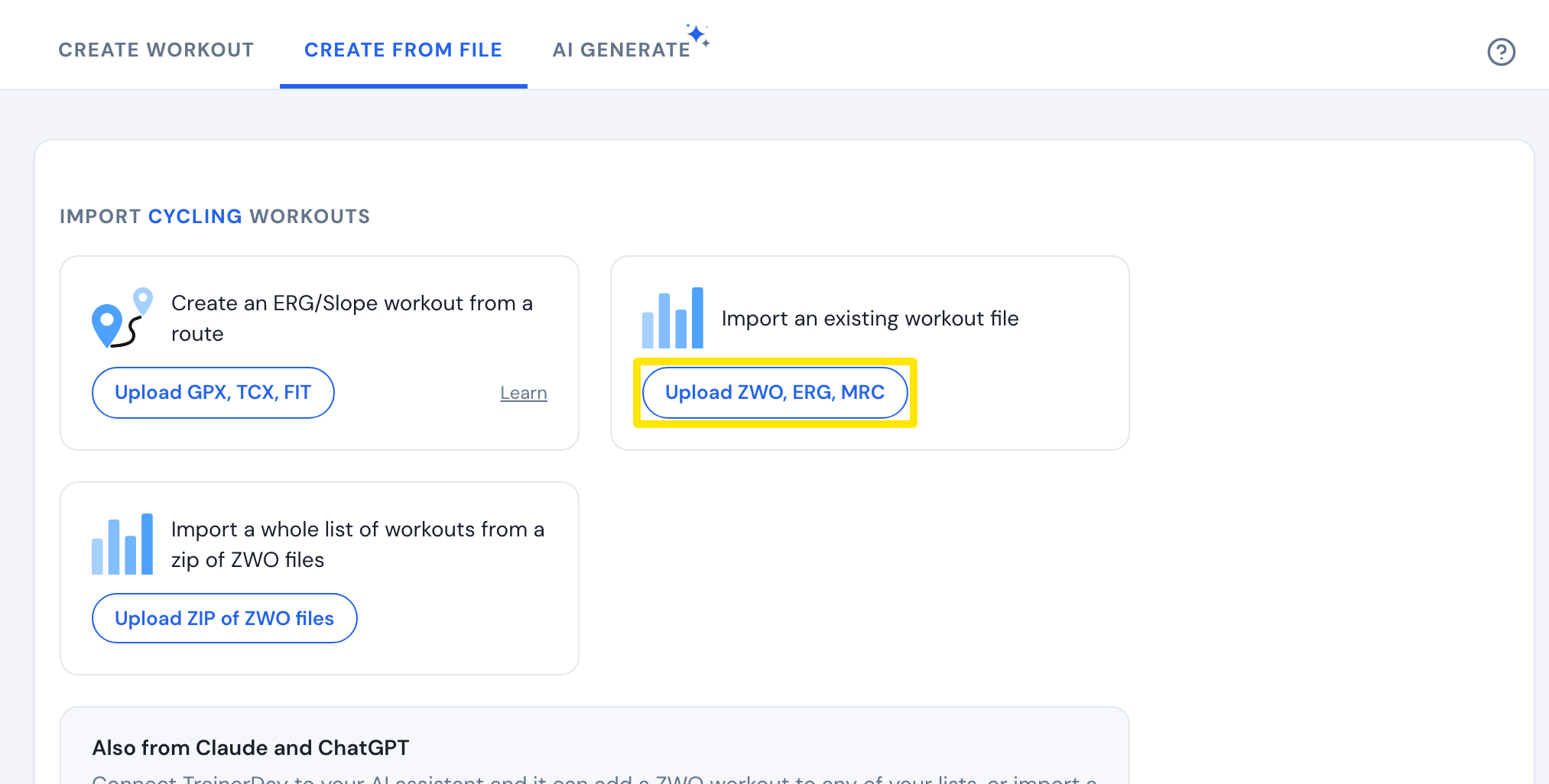 Where: Website · Create Workout · open it
- Check the workout in the editor and click Save Workout.
- Open the workout's page and click the three-dots menu, then Download file. Choose a format and click Download.
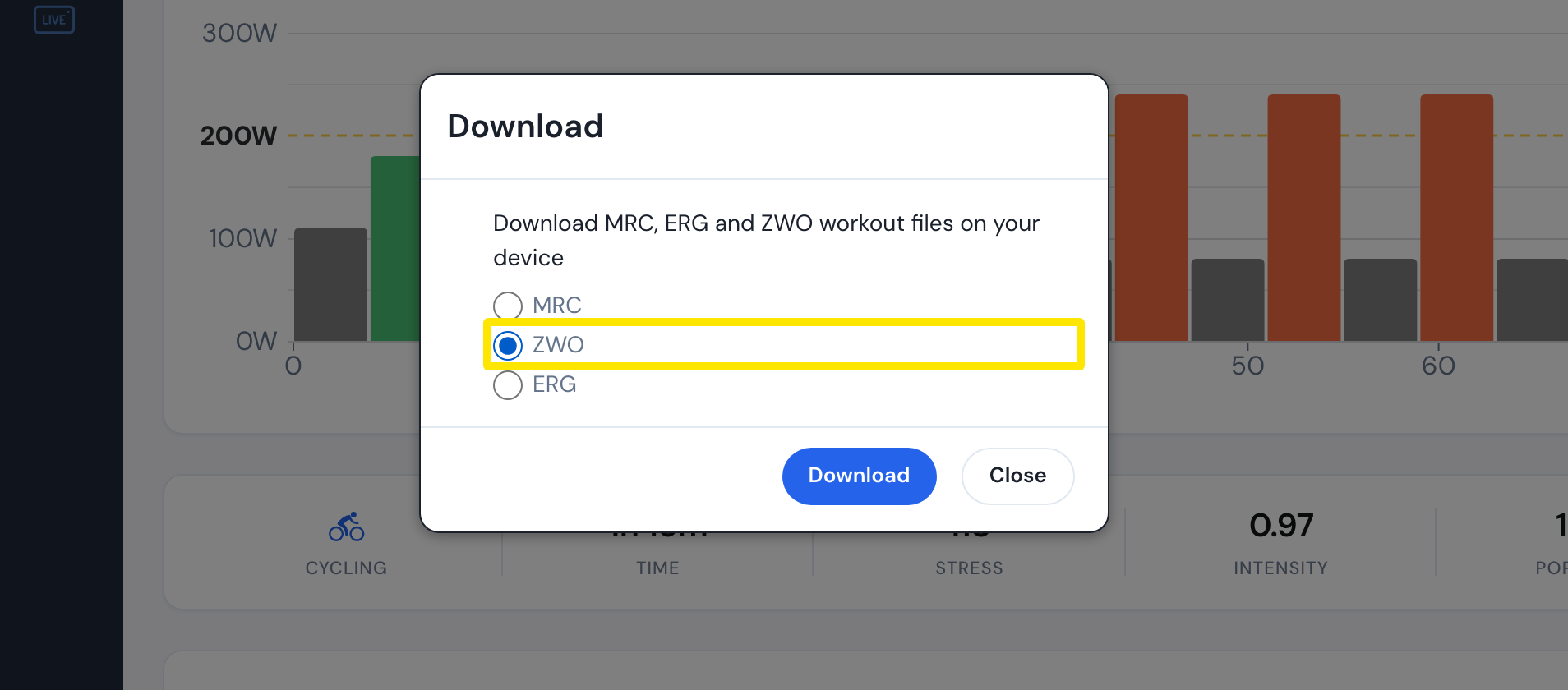 Where: Website · a workout's page
- Load the file in another app, such as Zwift or MyWhoosh, and ride it there.
Good to know: In the TrainerDay mobile and desktop apps, a free account rides only the free workout list ("20-Free App Workouts & FTP Test") and the free workouts on the Today page. Riding imported workouts there needs Pro.