

Can I import a workout or route file on TrainerDay’s free plan?
Yes: on the TrainerDay website a free account can import workout files (ZWO, ERG, MRC, a zip of ZWO files) and GPX/TCX/FIT route files and save them as workouts, but riding them in the TrainerDay apps needs Pro.
- On the website, go to Create Workout in the sidebar. A free account works.
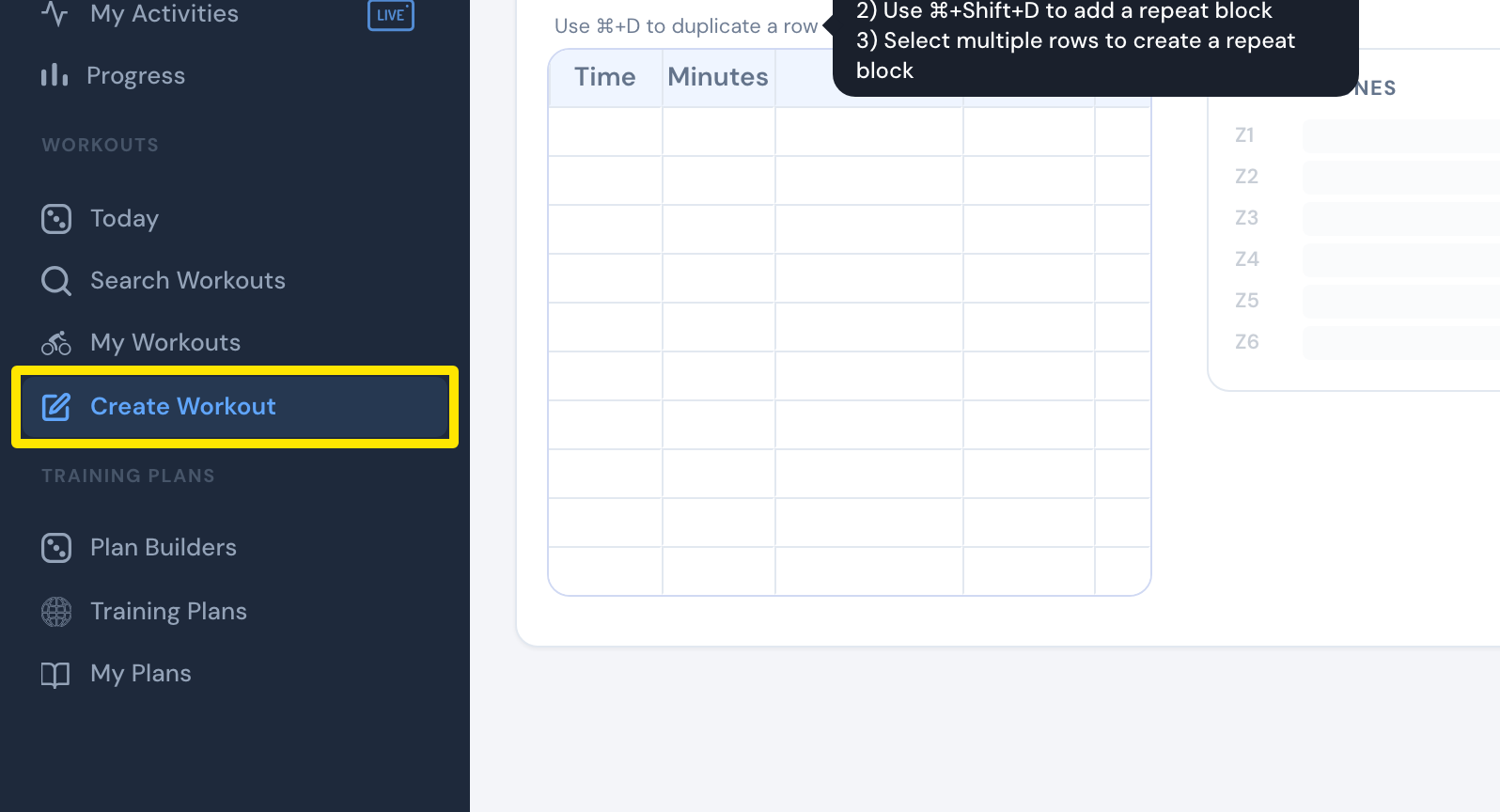 Where: Website · Create Workout · open it
- Click the Create from File tab.
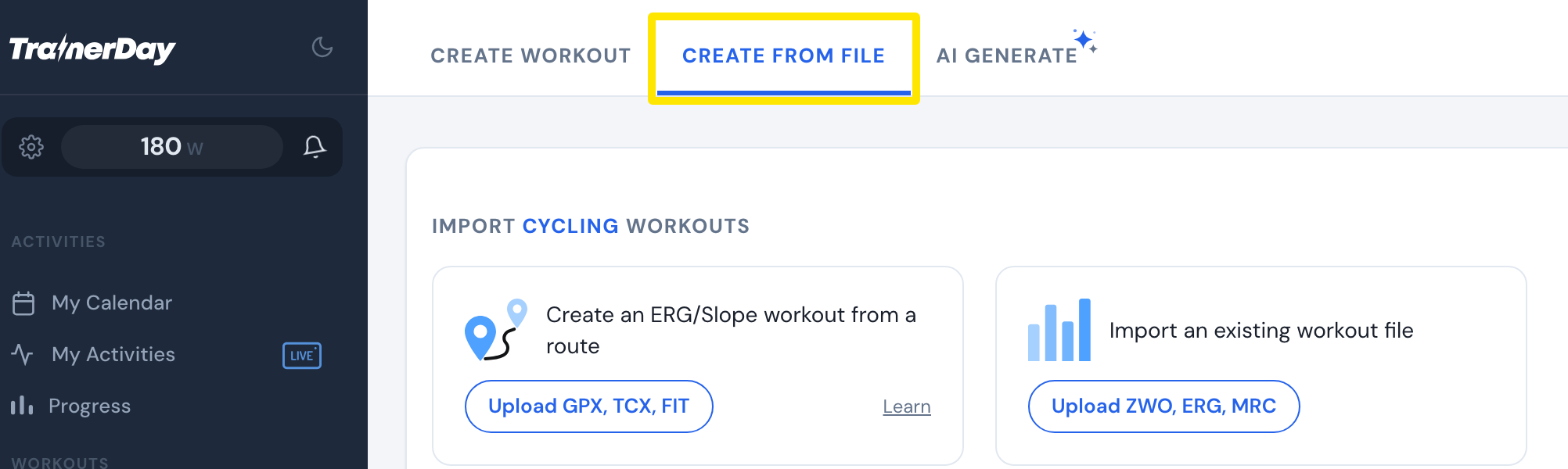 Where: Website · Create Workout · open it
- For a workout file, click Upload ZWO, ERG, MRC (or Upload ZIP of ZWO files for many). For a route, click Upload GPX, TCX, FIT. Choose your file.
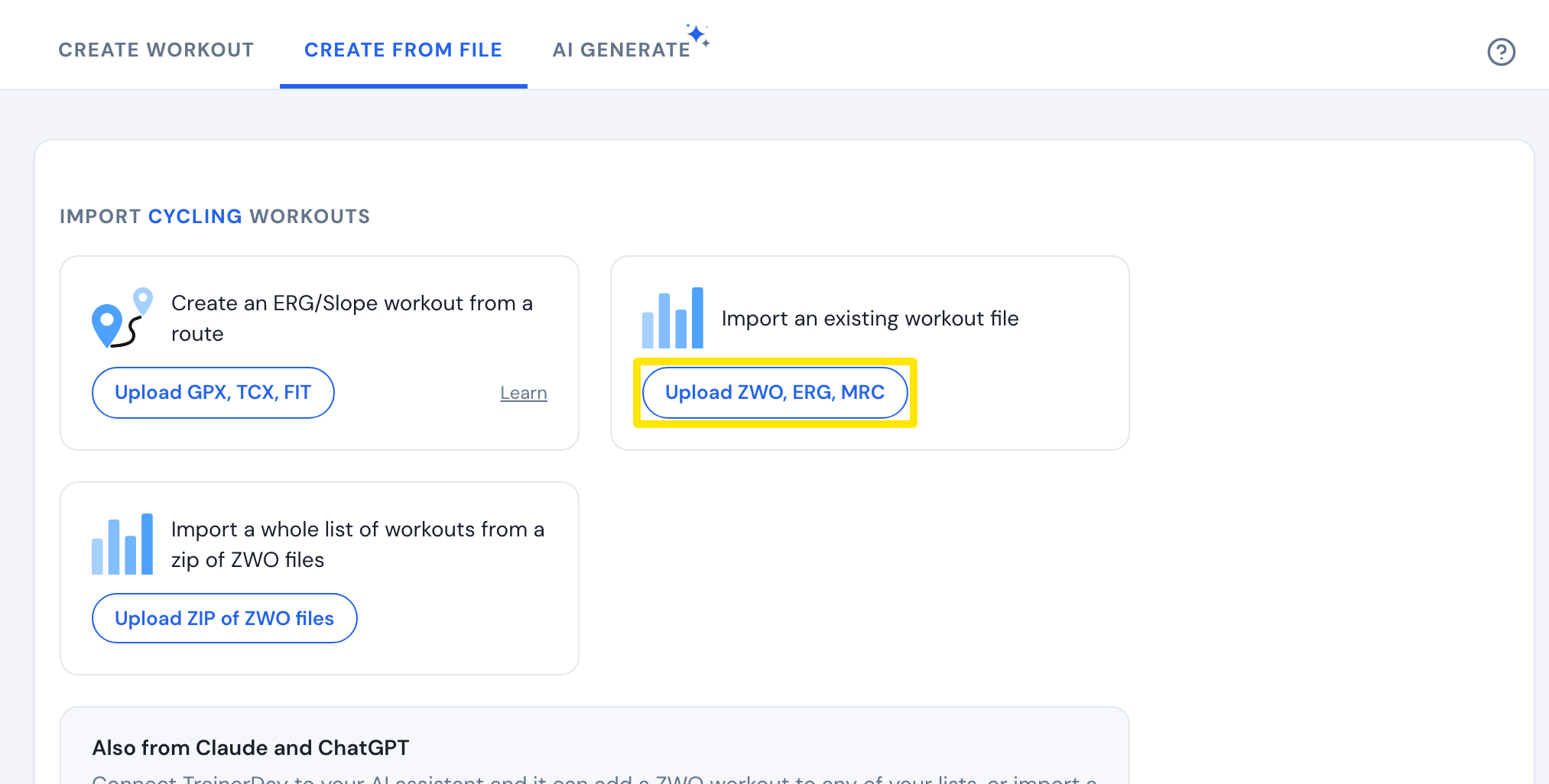 Where: Website · Create Workout · open it
- Check it in the editor and click Save Workout.
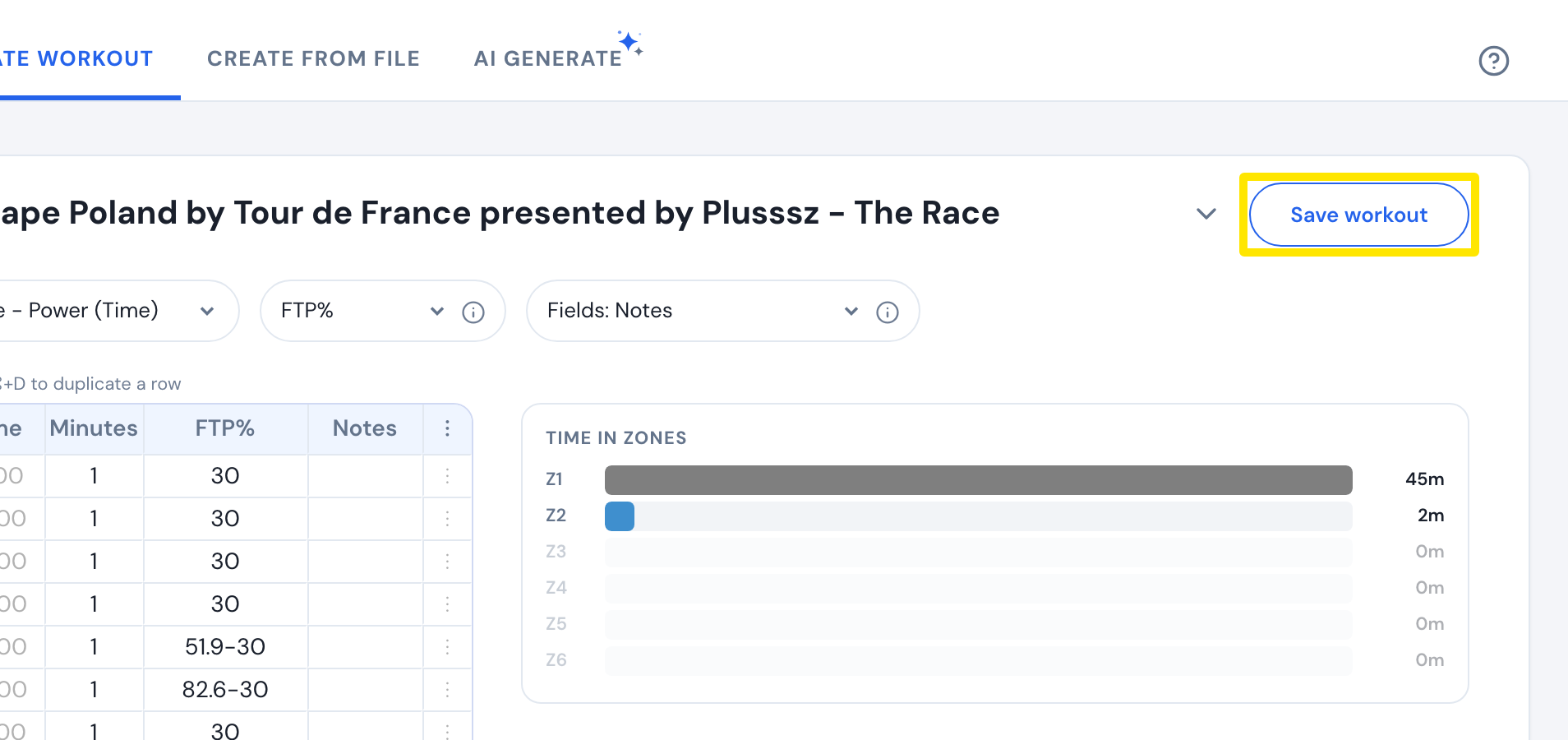 Where: Website · Create Workout · open it
Good to know: On the free plan, the TrainerDay apps ride only the free workout list. To ride your import for free, open its page, click the three-dots menu, then Download file, and load it in another app like Zwift or MyWhoosh.
Works on: Website only. The mobile and desktop apps don't import files.