

Can I import my TrainerRoad workout history and notes into TrainerDay?
There is no confirmed way to bring your TrainerRoad ride history and notes into TrainerDay; what you can bring in is workout files, from the website's Create Workout page.
If you are moving from TrainerRoad or using both apps, see how TrainerDay and TrainerRoad work together: Can I use TrainerDay and TrainerRoad together?
There is no confirmed import for your past TrainerRoad rides or notes. To bring over workouts as files:
- On the website, open Create Workout and click the Create From File tab.
- Under Import an existing workout file, click Upload ZWO, ERG, MRC and pick your file. For many ZWO files at once, use Upload ZIP of ZWO files.
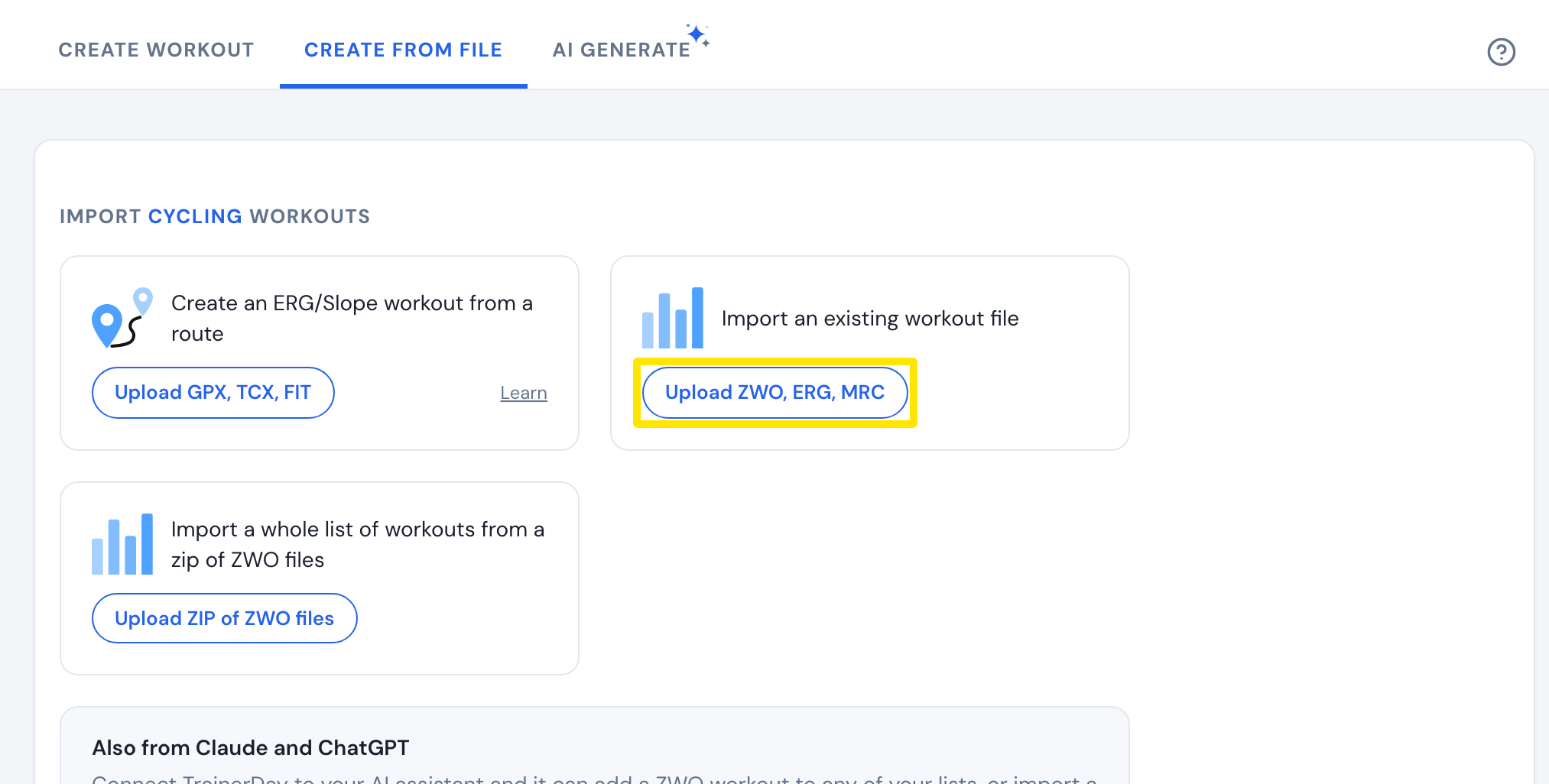 Where: Website · Create Workout · open it
Good to know: This brings in workouts to ride, not your completed rides or the notes you wrote on them.