

How do I export workouts from my calendar?
Export the planned workouts from your calendar as ERG, PLAN (Wahoo), ZWO or MRC files in one zip, on the website's My Calendar page or in the mobile app's Calendar tab.
- On the website, open My Calendar.
- Click Export at the top right of the calendar.
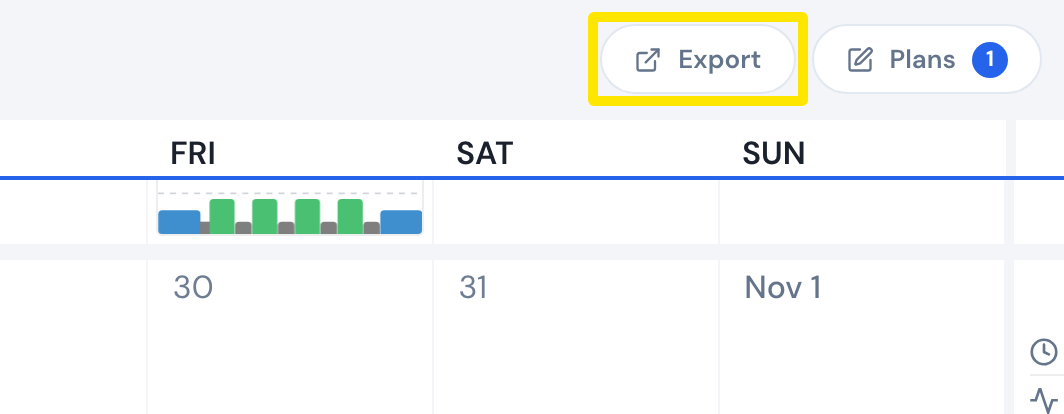 Where: Website · My Calendar · open it
- In the Export Calendar dialog, choose the File Type: ERG, PLAN (Wahoo), ZWO or MRC.
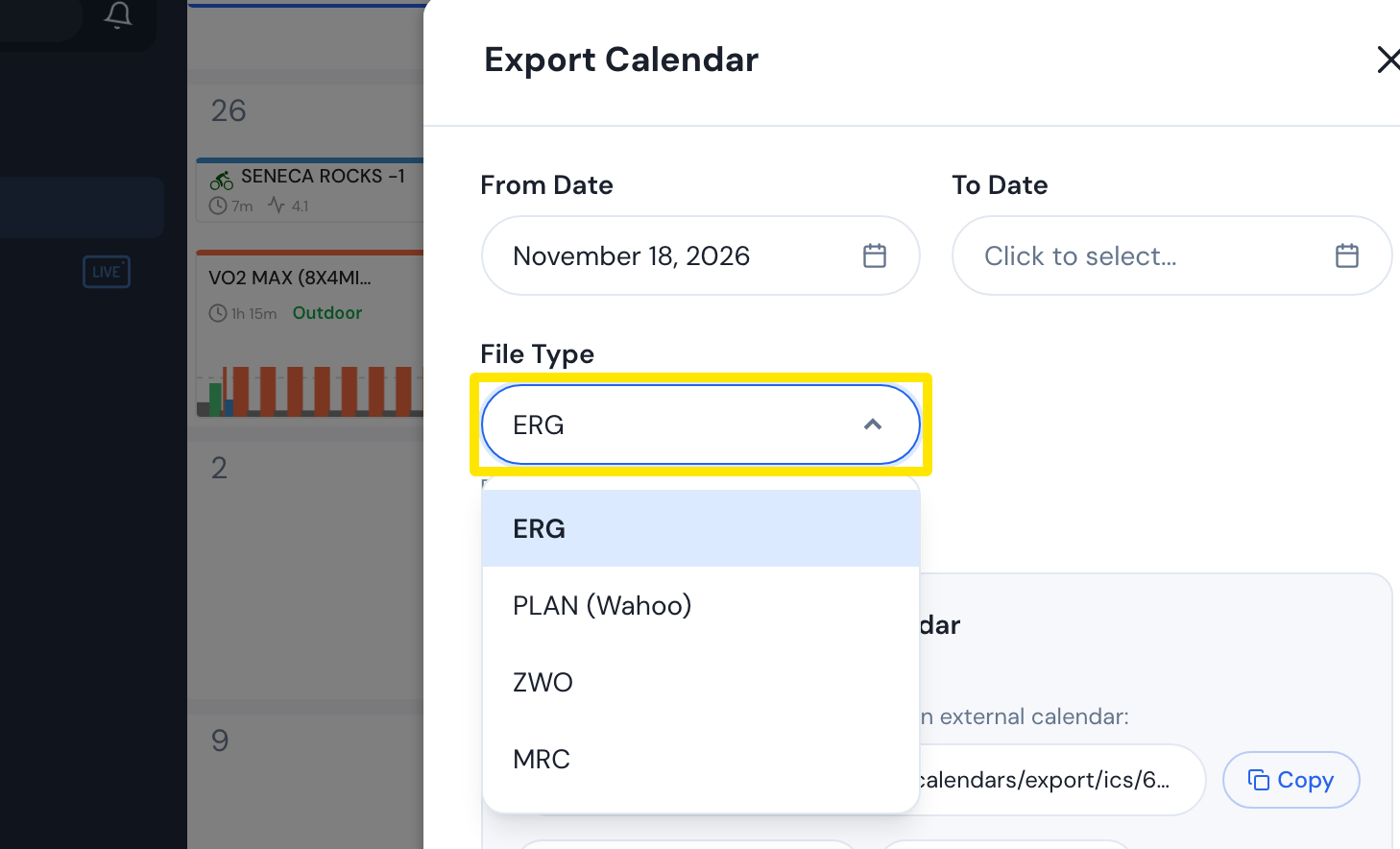 Where: Website · My Calendar · open it
- Click Export. A zip downloads with one file per planned workout, named <date>-<workout title>, plus a list.csv of dates and workout names.
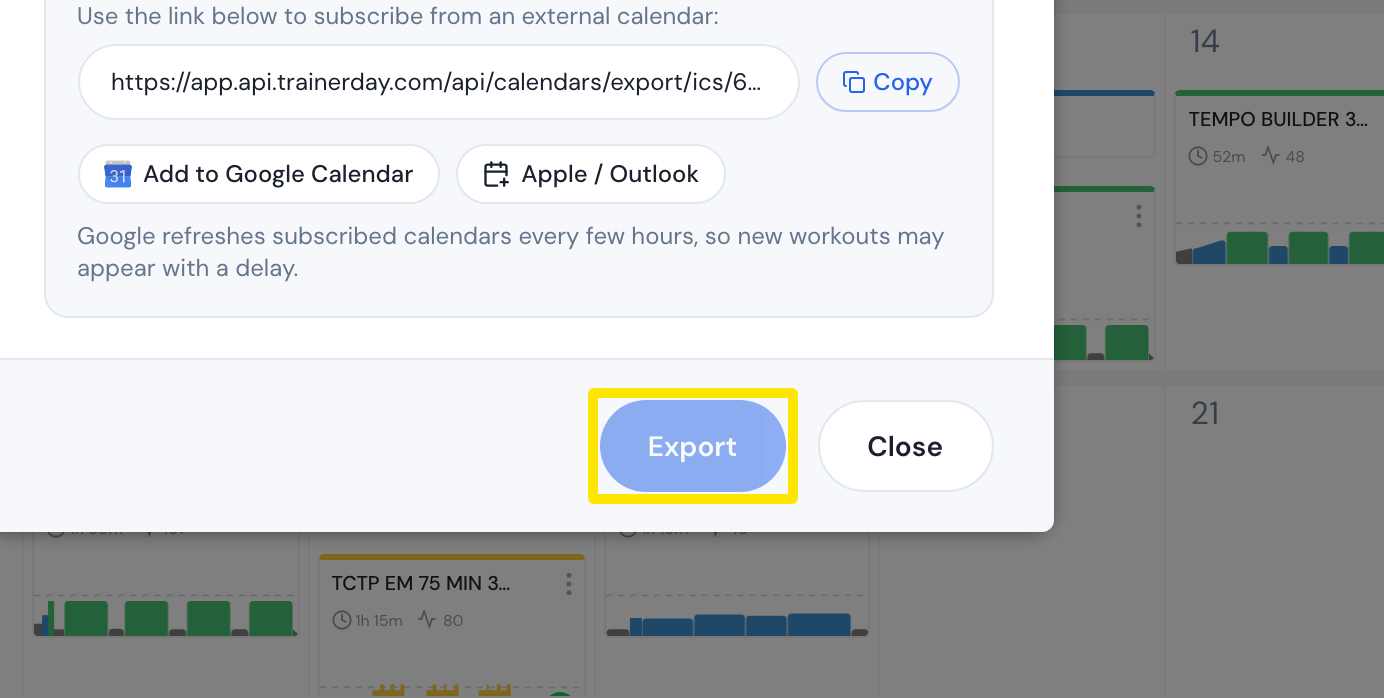 Where: Website · My Calendar · open it
Good to know: Export is for paid members only. It is greyed out on a free account. A workout renamed on the calendar is exported under its new name.
Works on: Website. Mobile app: on the Calendar tab, open the toolbar menu and choose Export workouts. Desktop app: no calendar export.