

How do I import an ERG or MRC workout file into VeloReality?
Download the workout from the TrainerDay website as an MRC or ERG file, then load that file in VeloReality with VeloReality's own workout import.
- On the website, open the workout's page (https://app.trainerday.com/workouts/<name>) and click the three-dots menu at the top right of the workout.
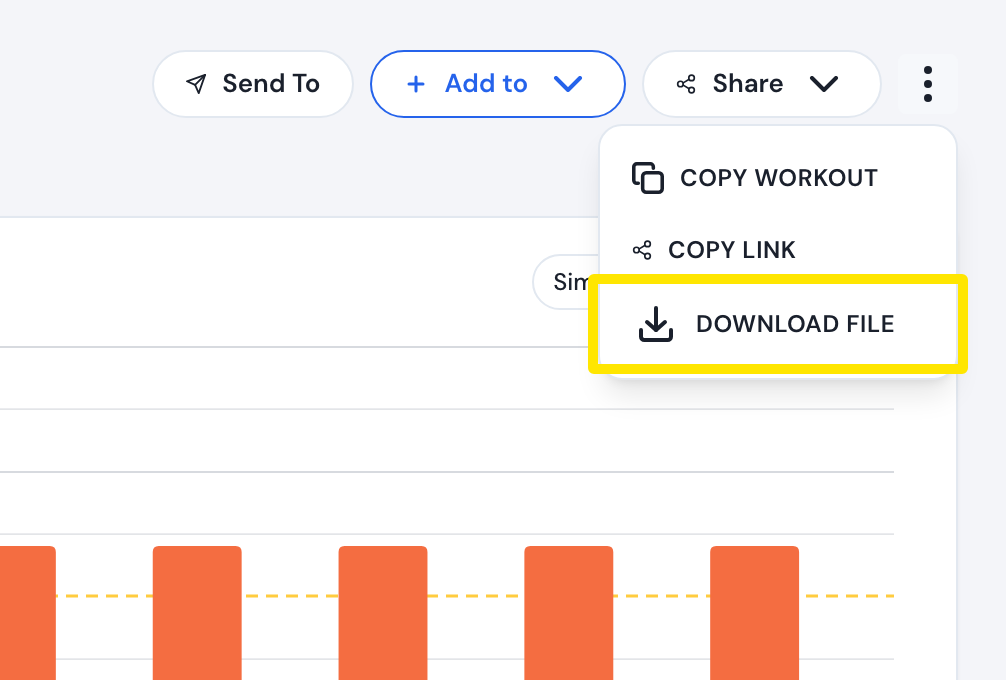 Where: Website · a workout's page (click a workout in Search Workouts or My Workouts)
- Click Download file.
- Choose MRC (power in % of FTP) or ERG (watts from your FTP; your FTP must be set) and click Download.
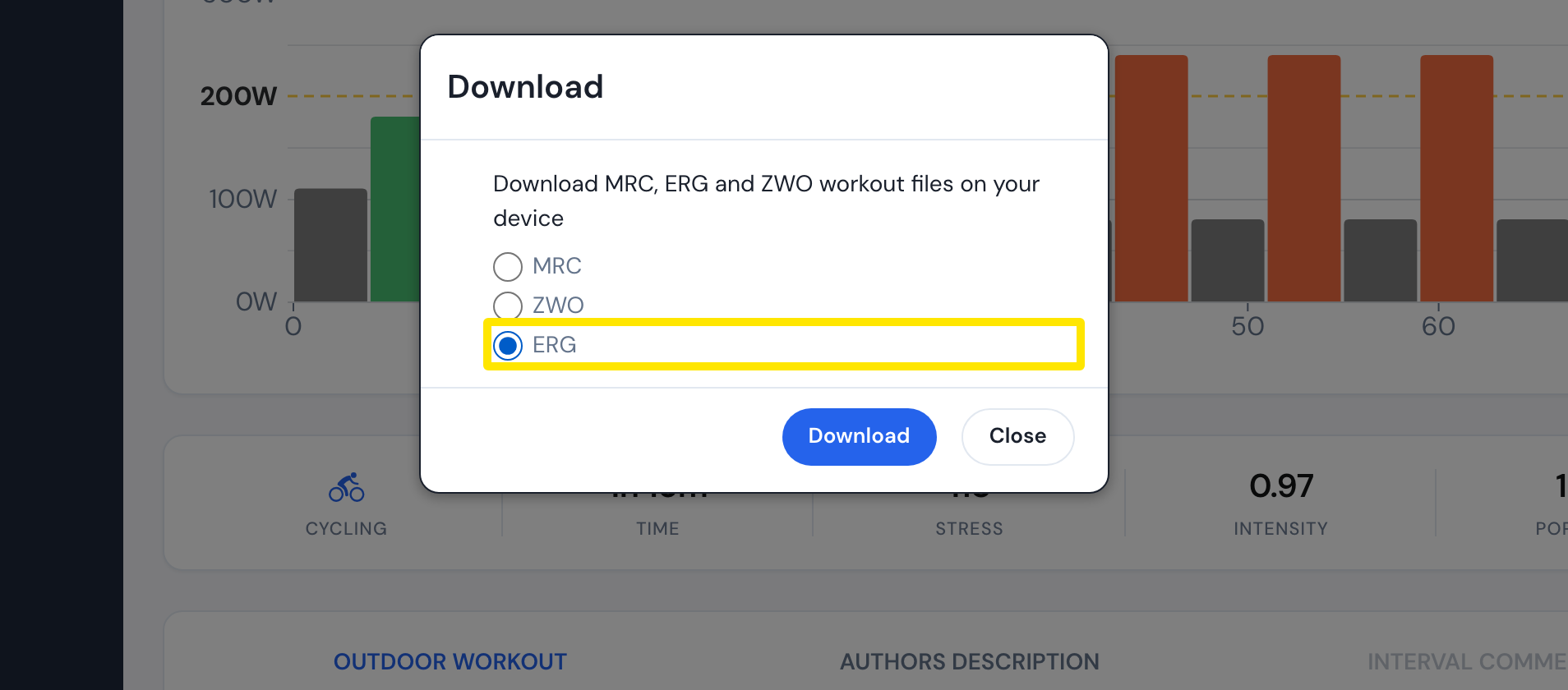 Where: Website · a workout's page (click a workout in Search Workouts or My Workouts)
- Load the file in VeloReality with VeloReality's own workout import. If you already have an ERG or MRC file, start here.
Good to know: MRC and ERG files carry only the power target: no cadence, no heart rate and no interval comments. ERG files use your FTP at download time.
Works on: Website only. The mobile and desktop apps have no file download, and TrainerDay has no direct VeloReality connection.