

How do I import a ZWO, ERG, MRC or FIT workout file?
Import ZWO, ERG or MRC workout files on the TrainerDay website from Create Workout → Create from File with Upload ZWO, ERG, MRC; FIT files go through the Upload GPX, TCX, FIT button instead.
- On the website, go to Create Workout in the left sidebar.
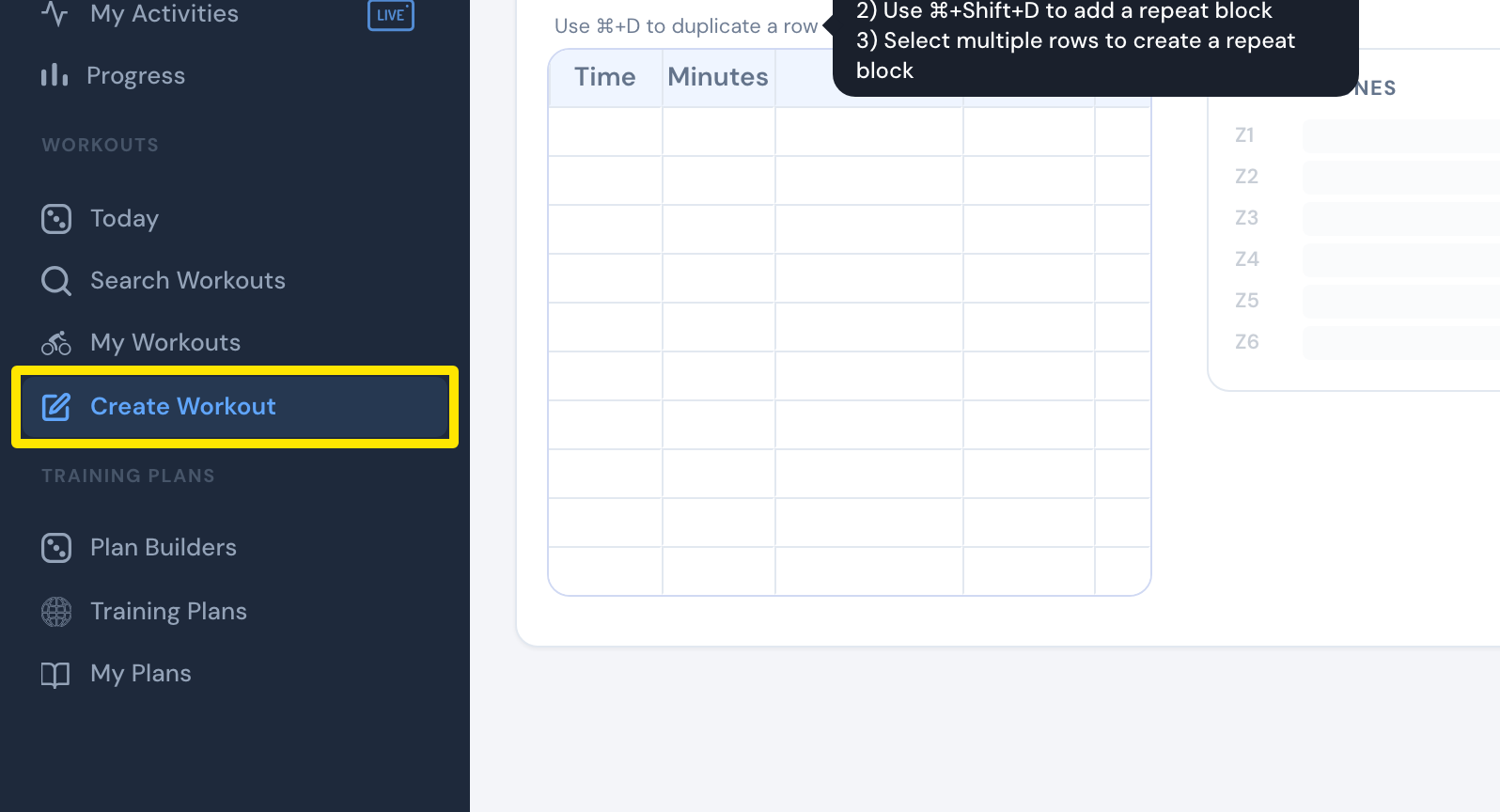 Where: Website · Create Workout · open it
- Click the Create from File tab.
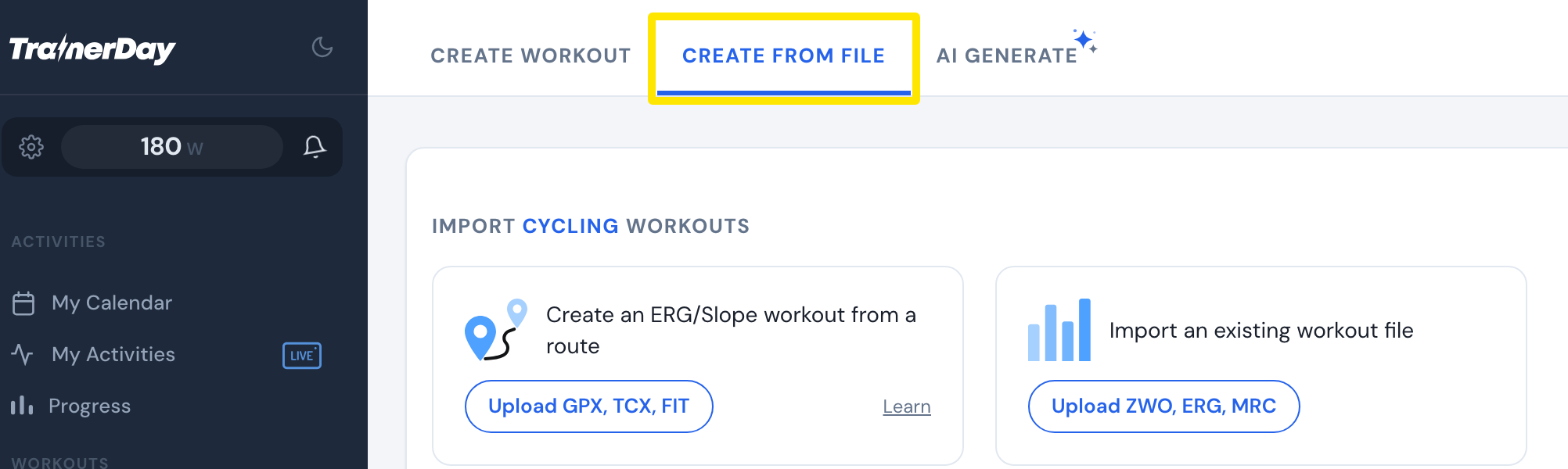 Where: Website · Create Workout · open it
- On Import an existing workout file, click Upload ZWO, ERG, MRC and choose your file. For many ZWO files at once, use Upload ZIP of ZWO files.
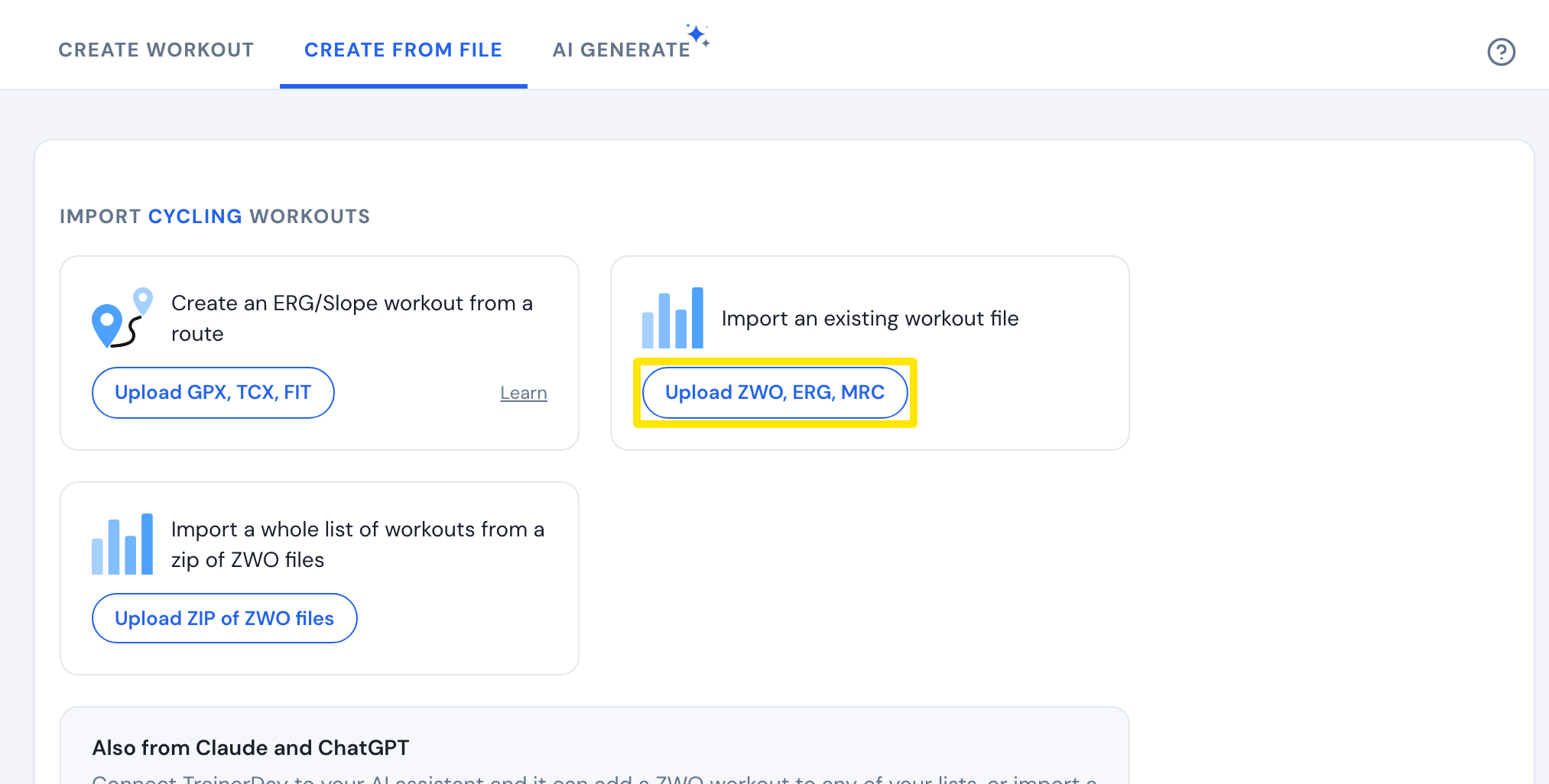 Where: Website · Create Workout · open it
- For a FIT file, including a recorded ride, click Upload GPX, TCX, FIT on the route card instead. Its power becomes the workout steps; with no power, its slope is used.
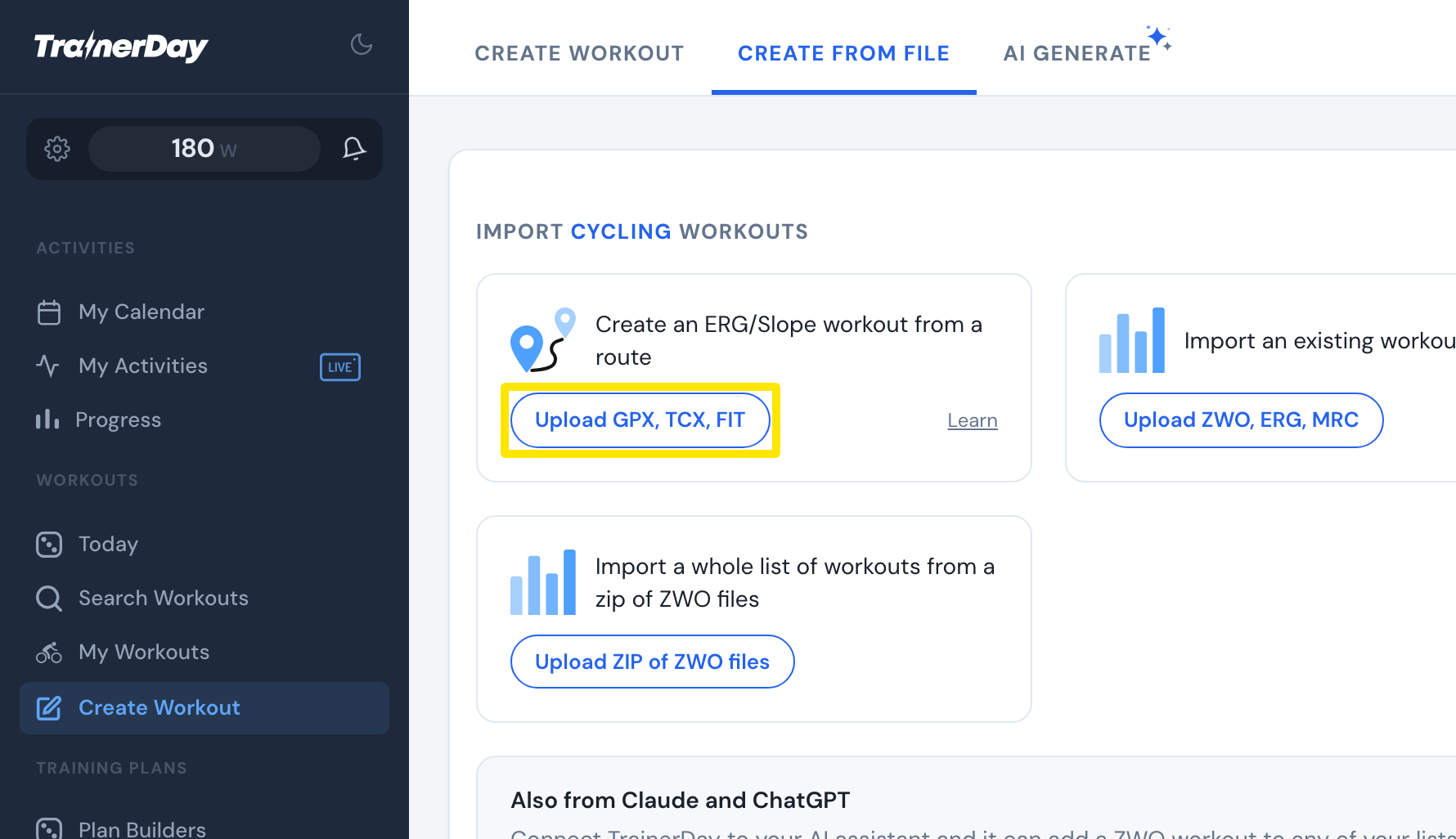 Where: Website · Create Workout · open it
- Check the workout in the editor and click Save Workout.
Good to know: A ZIP imports up to 100 ZWO workouts (5 MB); other files in the zip are skipped.
Works on: Website only. The mobile and desktop apps have no workout file import.