

How do I turn a FIT file or recorded ride into a workout?
On the TrainerDay website, upload your ride's FIT file on the Create Workout page's Create from File tab, and TrainerDay turns its power into workout steps.
If your FIT file is a structured workout (for example from Garmin Connect) rather than a ride you recorded, import it as a workout file instead: How do I import a ZWO, ERG, MRC or FIT workout file?
- On the website, click Create Workout in the sidebar, or go to https://app.trainerday.com/workouts/create.
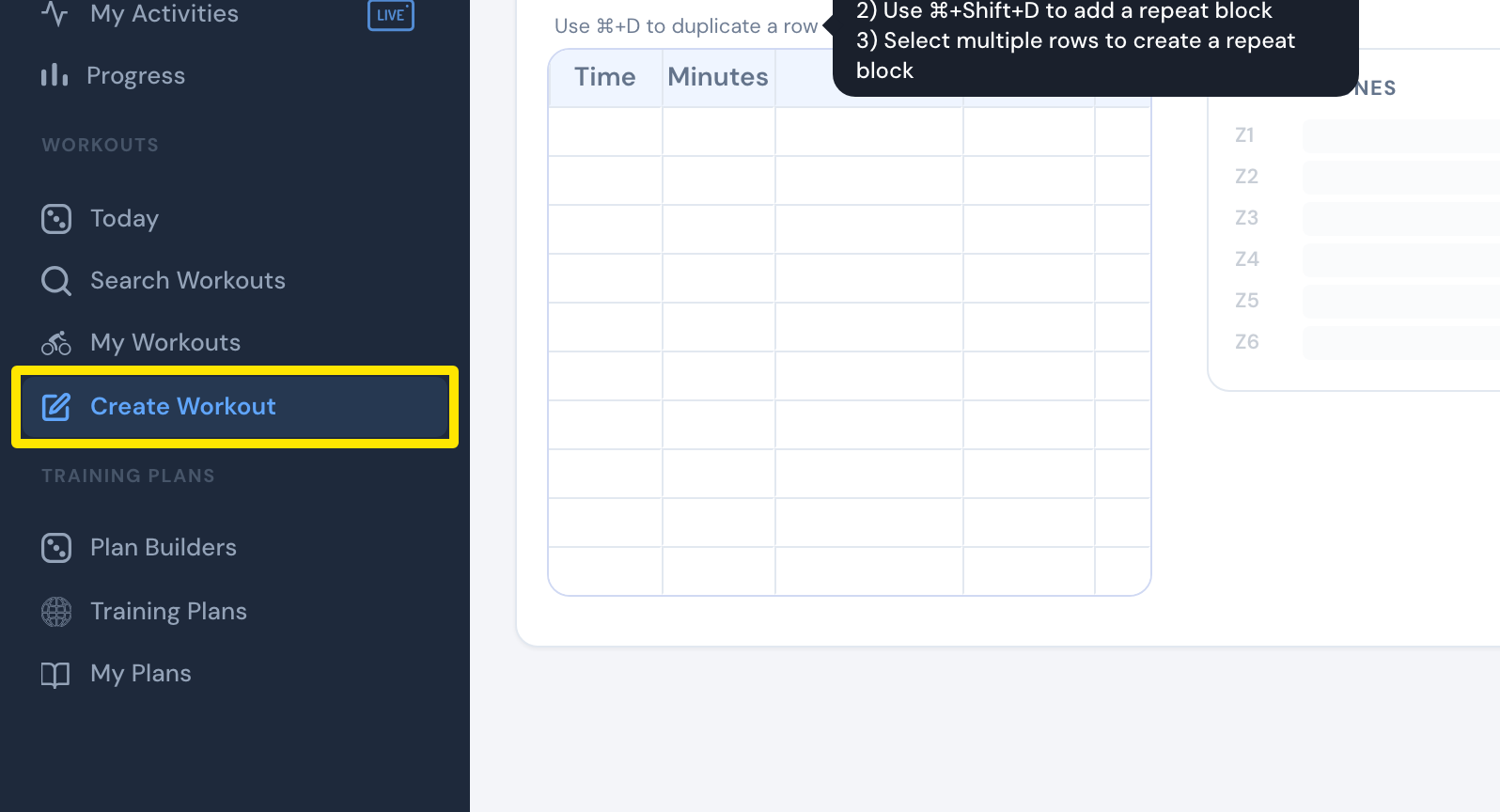 Where: Website · Create Workout · open it
- Click the Create from File tab.
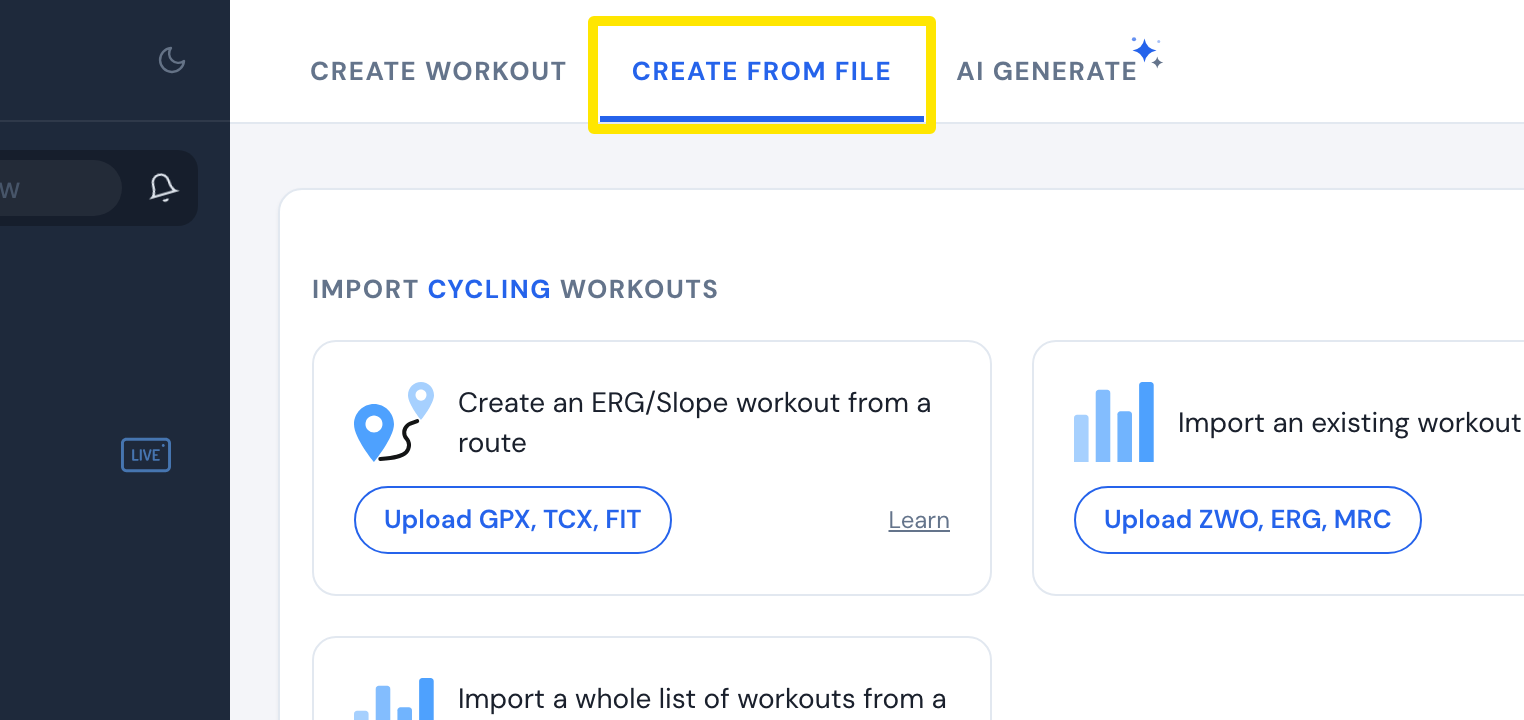 Where: Website · Create Workout · open it
- On the Create an ERG/Slope workout from a route card, click Upload GPX, TCX, FIT and choose your ride's FIT file. This card also takes recorded rides.
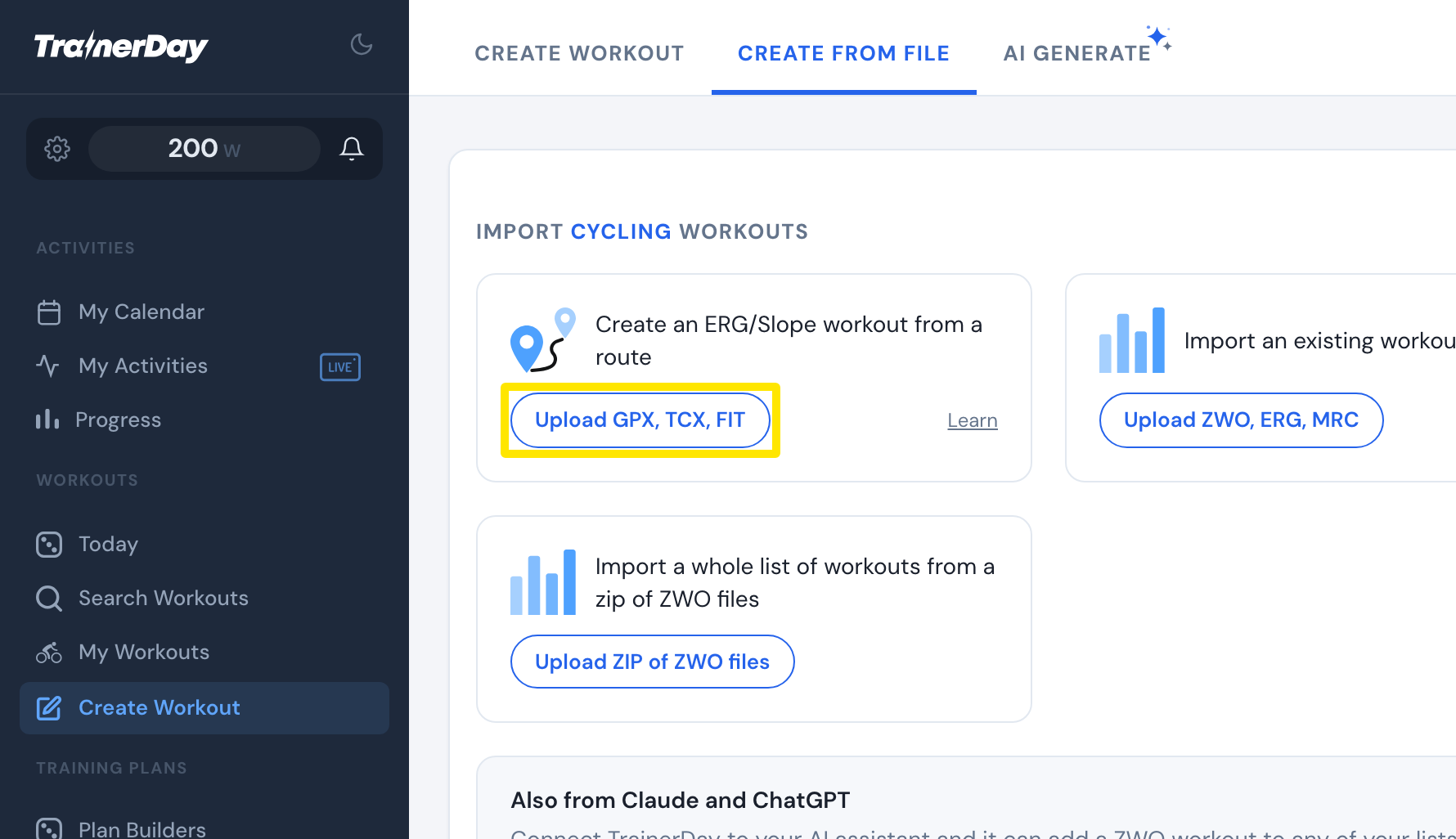 Where: Website · Create Workout → Create from File · open it
- The ride opens in the workout editor as steps. Check it and click Save Workout.
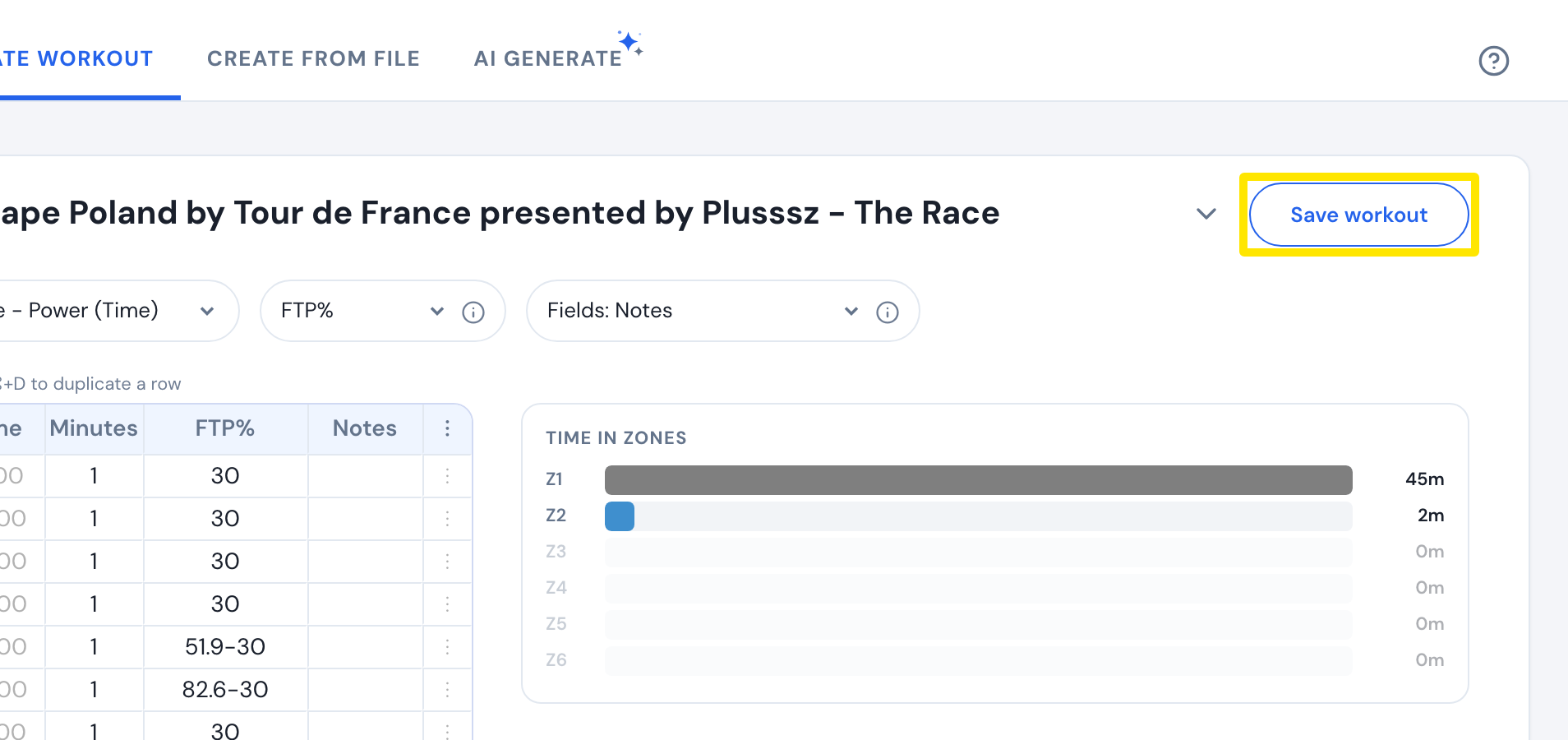 Where: Website · Create Workout → workout editor after the upload · open it
Good to know: Steps are about 30 seconds for rides up to 30 minutes and about 60 seconds for longer rides. Each step is set to the average power in watts, and no step is set below 30% of FTP. A file with no power uses the road's slope instead.
Works on: Website only. The mobile and desktop apps can't turn a file into a workout.