

How do I fix the 'Error! Incorrect file' message when importing a ZWO file?
"Error! Incorrect file" means the website could not read the file you chose as a ZWO, ERG or MRC workout, for example a web page saved as .zwo; upload a real workout file with Upload ZWO, ERG, MRC on the Create Workout page's Create from File tab.
- On the website, click Create Workout in the sidebar (app.trainerday.com/workouts/create).
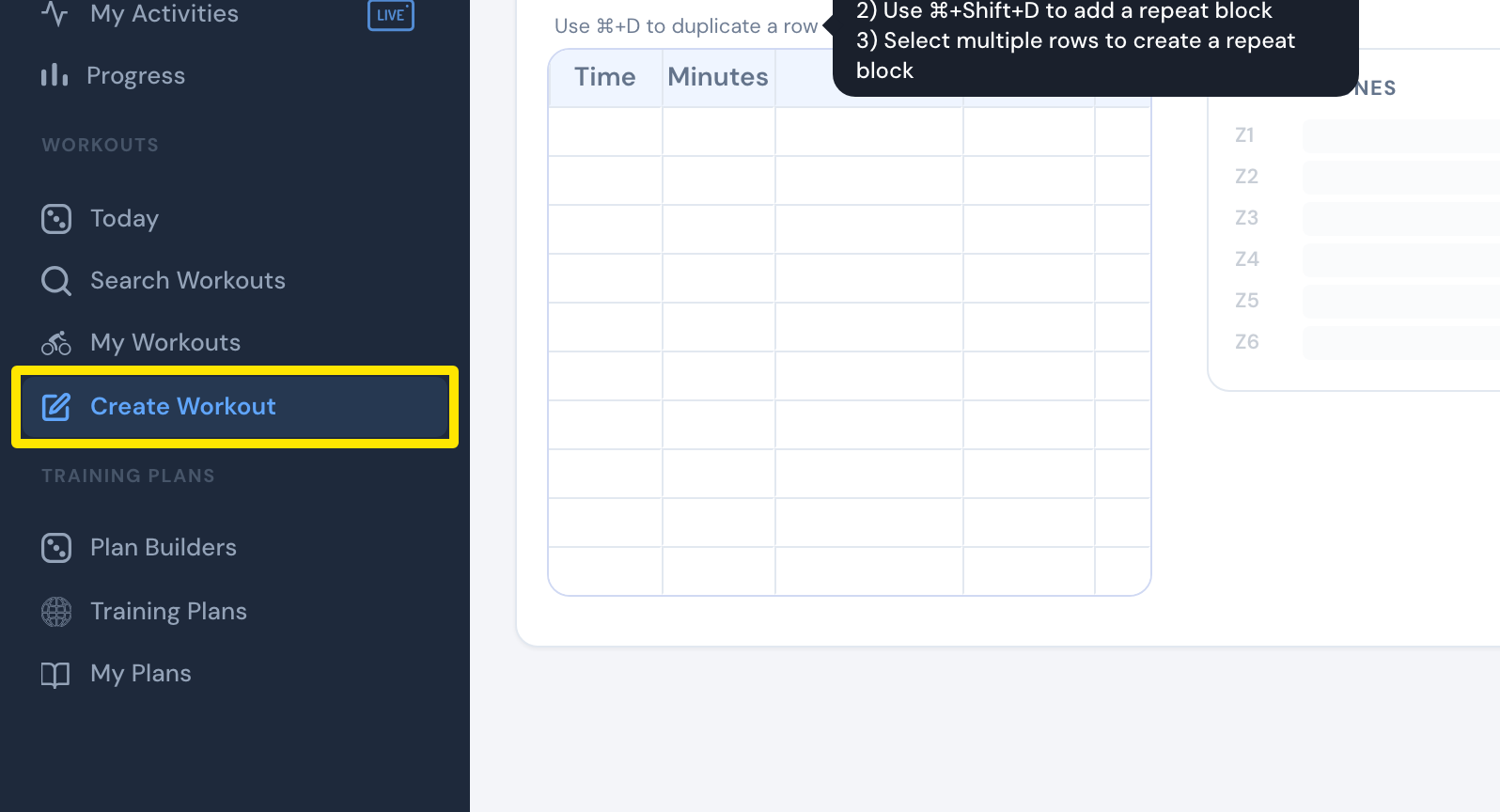 Where: Website · Create Workout · open it
- Click the Create from File tab.
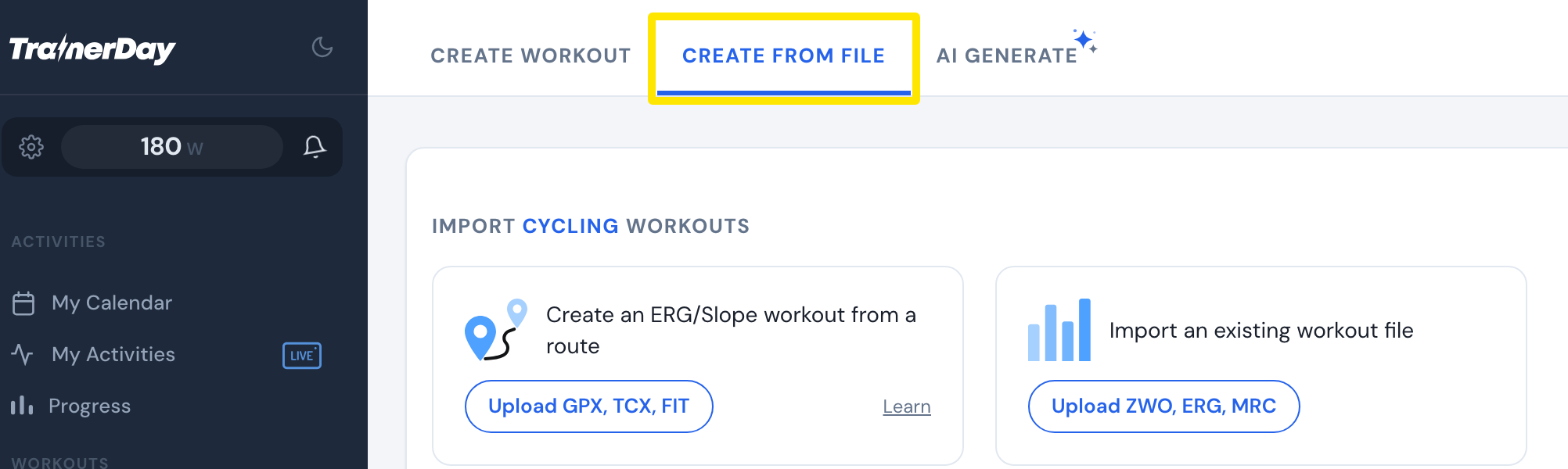 Where: Website · Create Workout · open it
- On Import an existing workout file, click Upload ZWO, ERG, MRC and choose your ZWO file. For many ZWO files at once, use Upload ZIP of ZWO files.
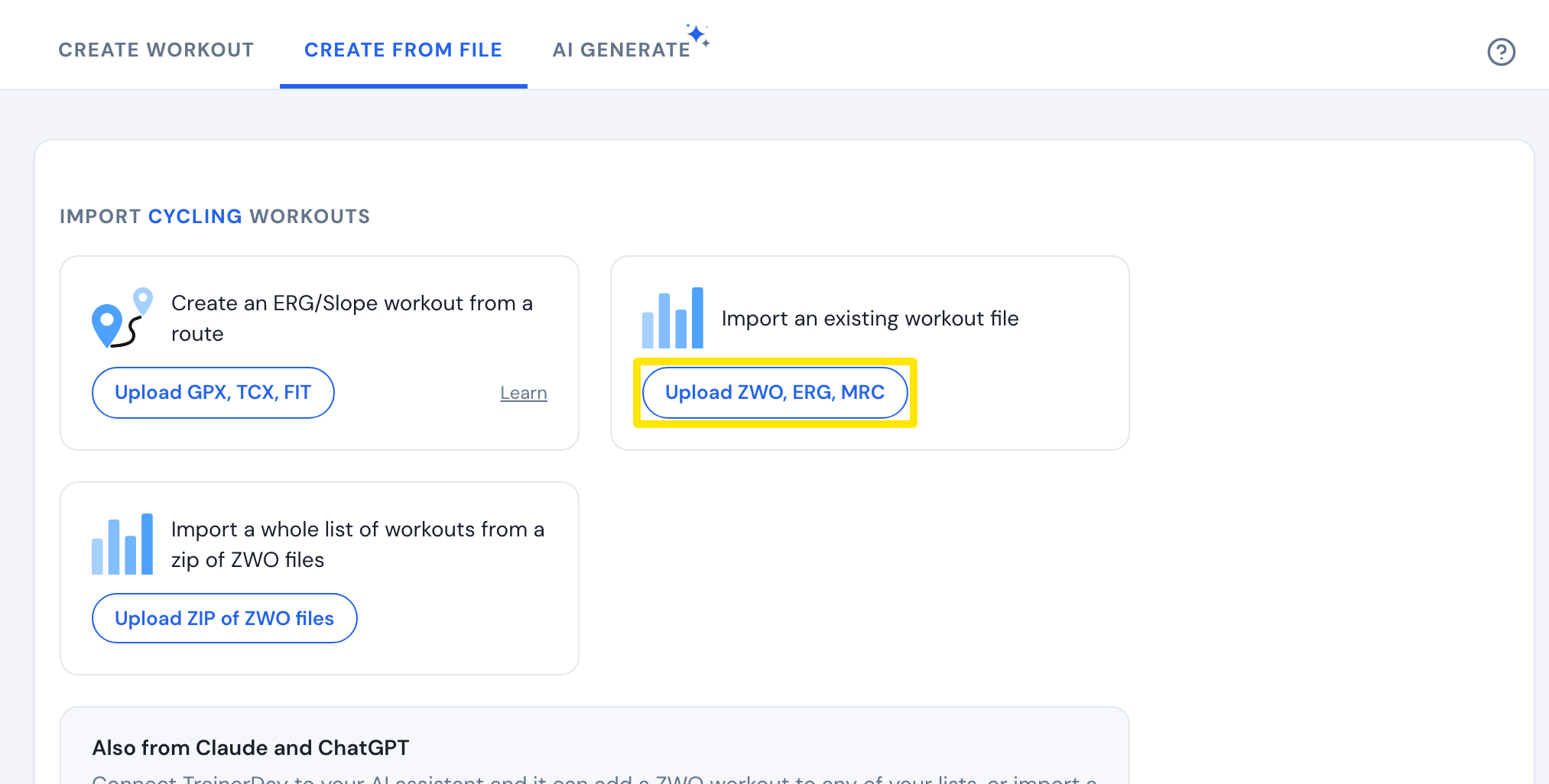 Where: Website · Create Workout · open it
- If Error! Incorrect file appears, the file is not a workout the website can read, such as a web page saved as .zwo. Choose a real ZWO, ERG or MRC workout file instead.
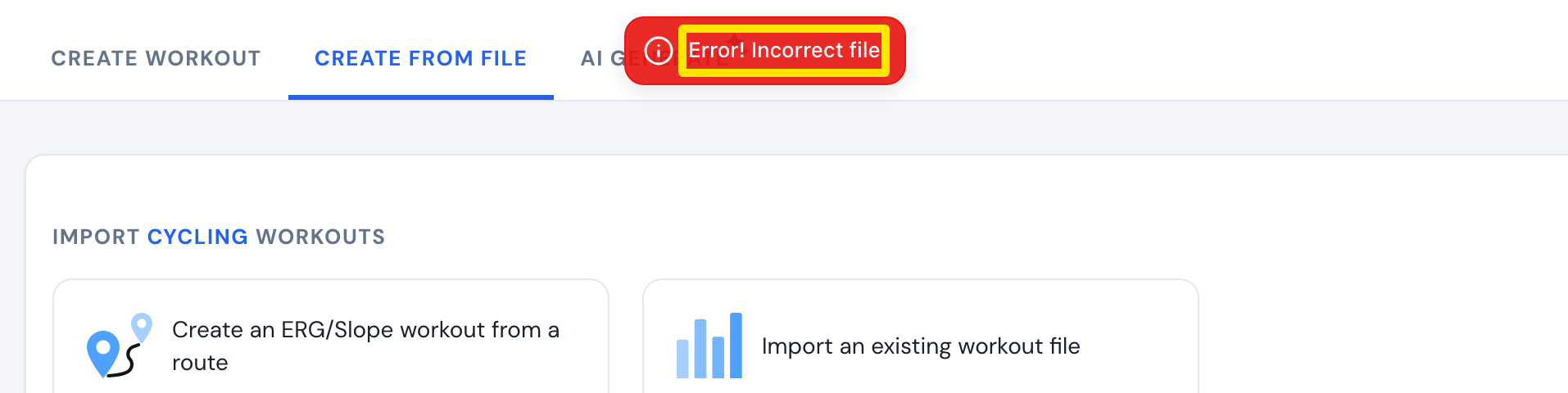 Where: Website · Create Workout → Create from File → Upload ZWO, ERG, MRC · open it
- When the workout opens in the editor, check it and click Save Workout.
Good to know: A ZWO file saved from an AI chat still imports if it has lines of three backticks (```) or an "xml" label at the top. The website removes them before reading the file.
Works on: Website only. The mobile and desktop apps have no workout file import.