

How do I import a GPX or TCX route file to make a workout?
On the TrainerDay website, go to Create Workout, open the Create from File tab and click Upload GPX, TCX, FIT to turn your route file into an ERG/Slope workout you can edit and save.
- On the website, click Create Workout in the left sidebar (app.trainerday.com/workouts/create).
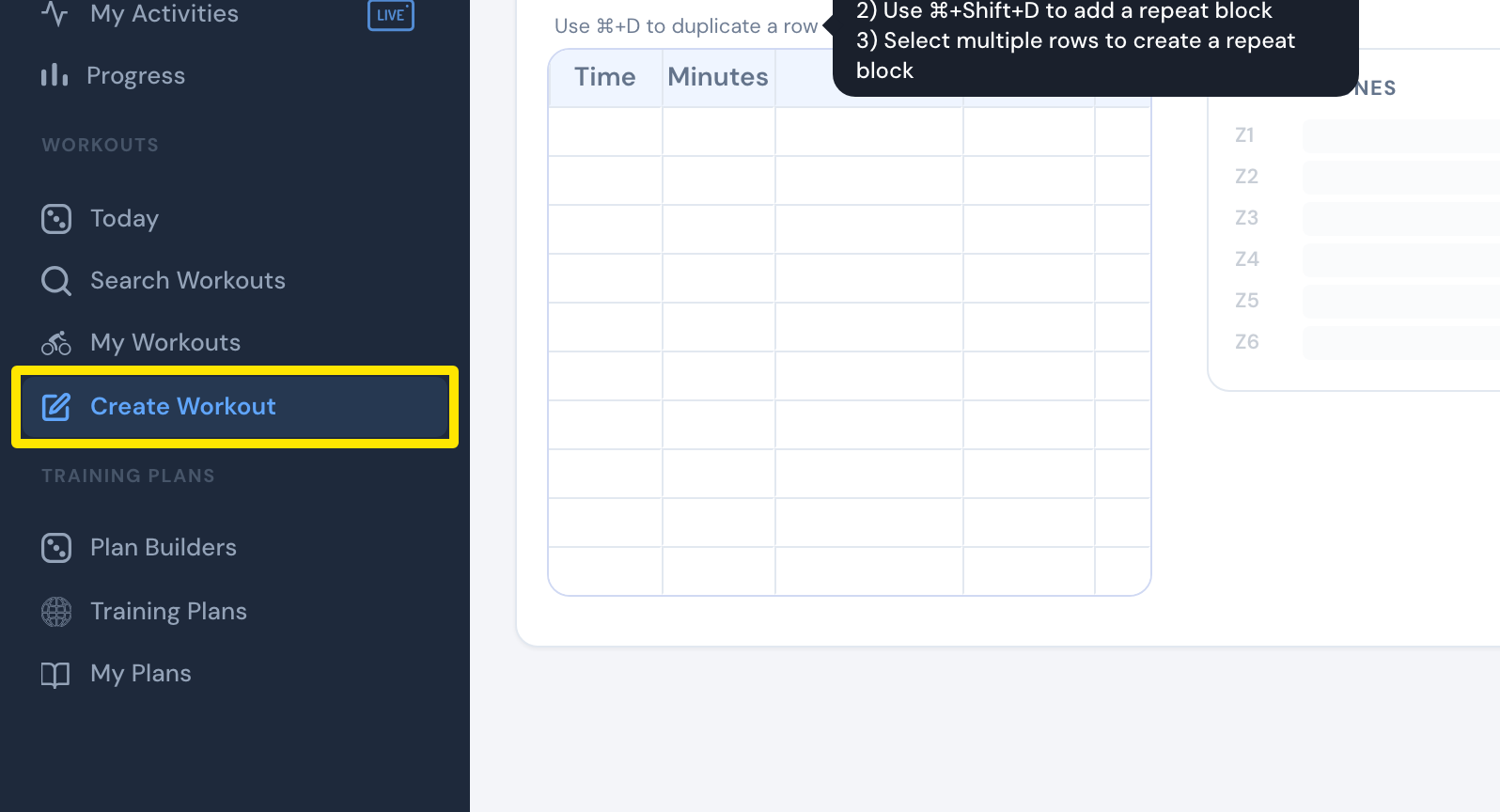 Where: Website · Create Workout · open it
- Click the Create from File tab.
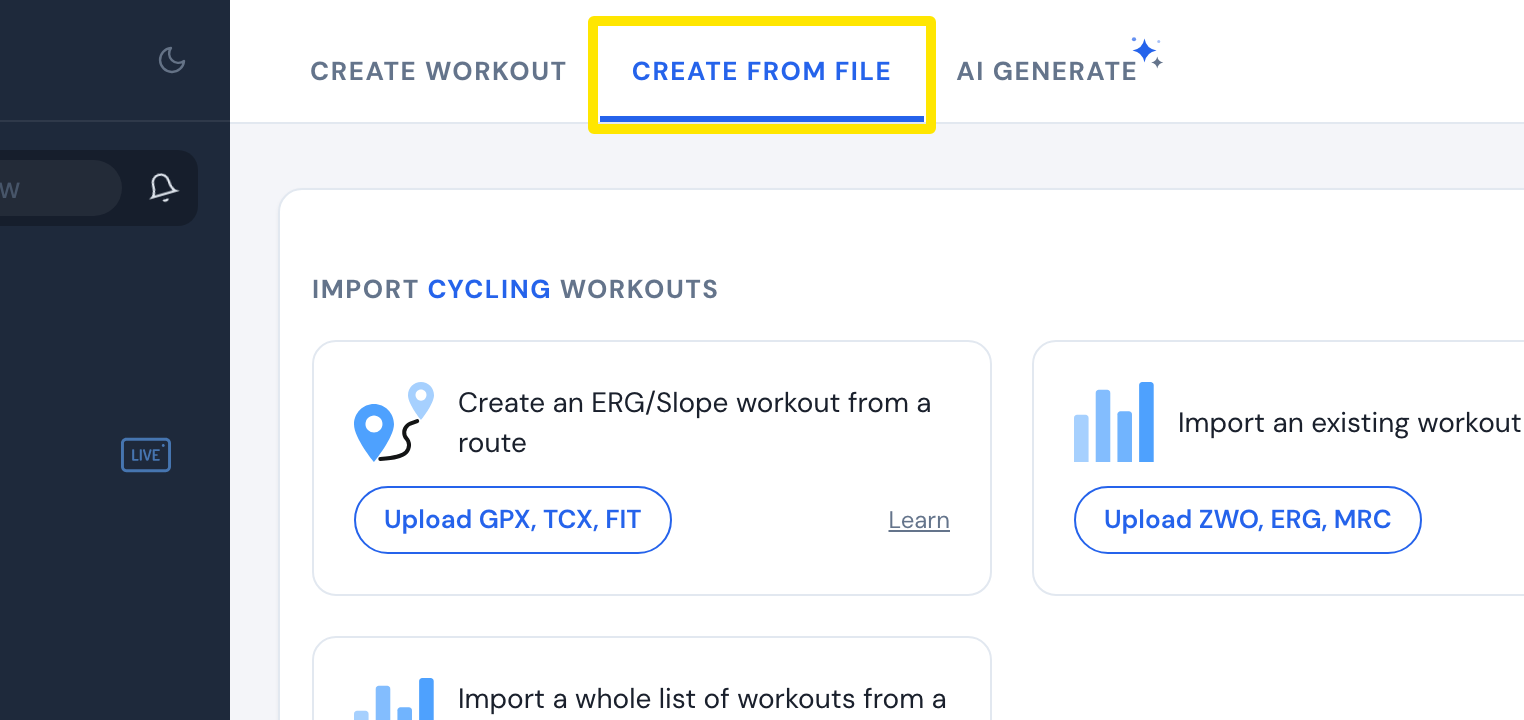 Where: Website · Create Workout · open it
- On the Create an ERG/Slope workout from a route card, click Upload GPX, TCX, FIT and pick your route file.
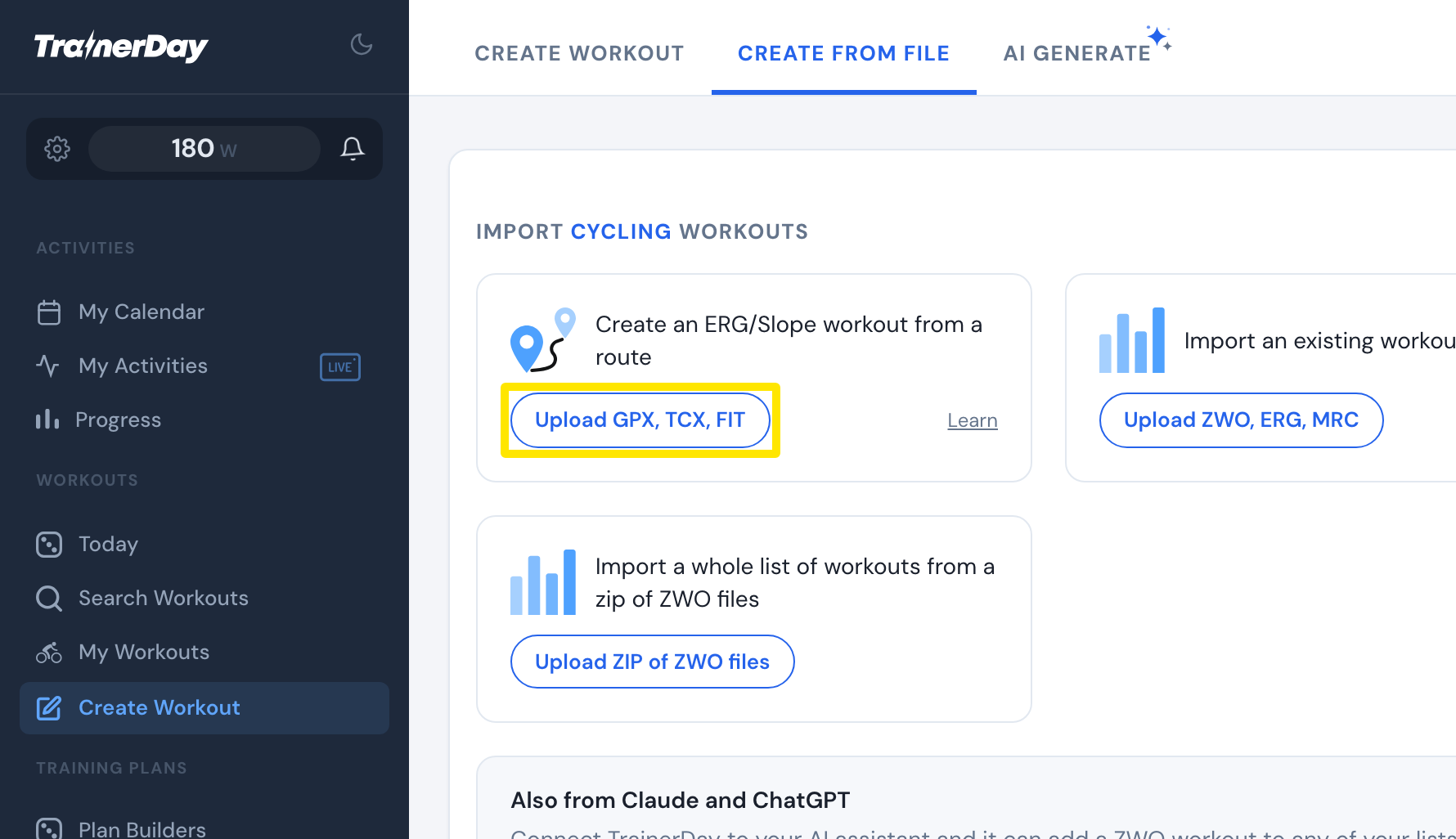 Where: Website · Create Workout · open it
- The route opens in the editor as steps. Check it and click Save Workout.
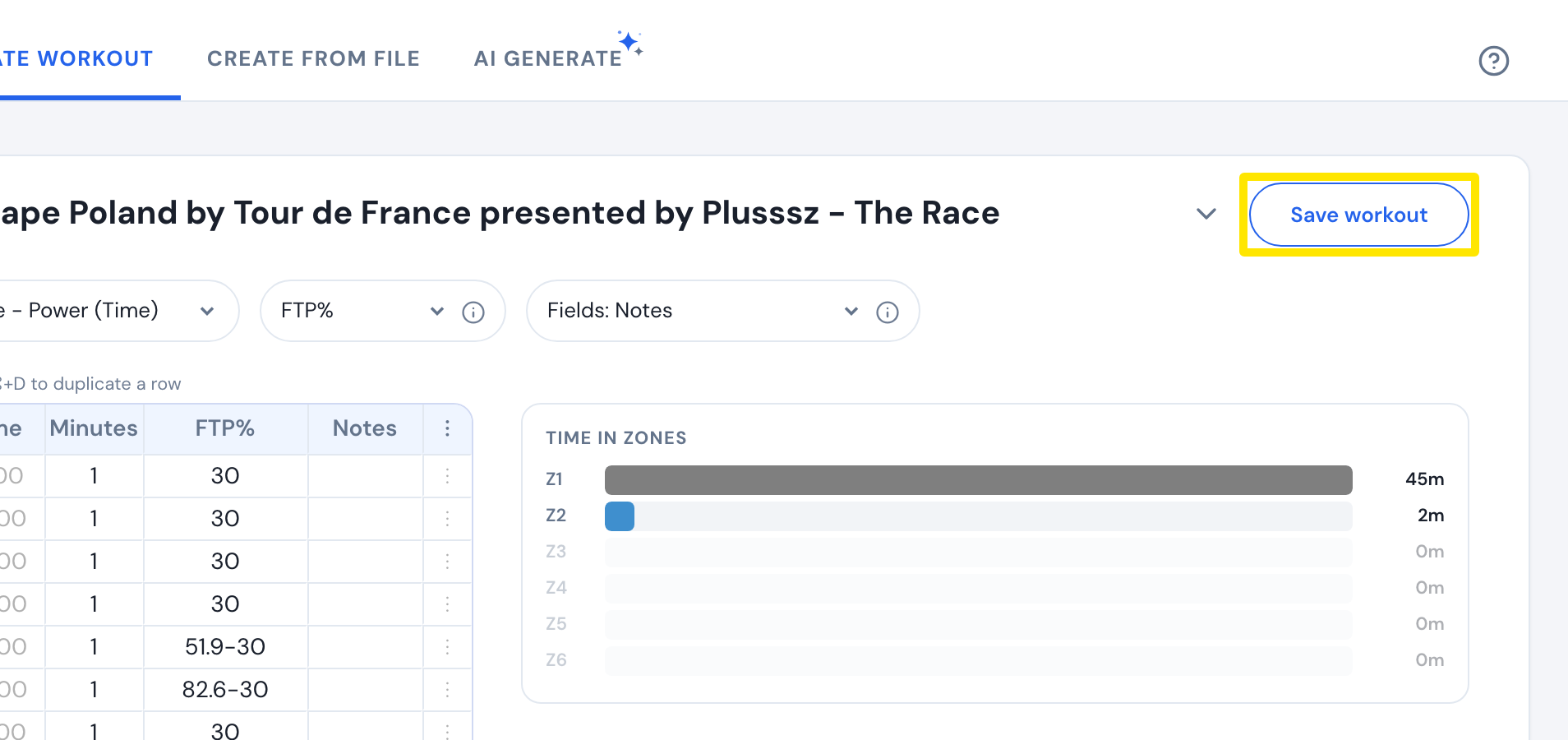 Where: Website · Create Workout · open it
Good to know: A route with power data becomes an ERG workout. A route without power keeps its slope, and each step gets an estimated FTP%.
Works on: Website only. The workout then reaches the mobile and desktop apps through your lists.