

How do I download a FIT or TCX file of my ride?
Download a FIT or TCX file of a ride recorded in TrainerDay from My Activities on the website, or from the Activities tab in the mobile or desktop app.
- On the website, click My Activities in the left menu (app.trainerday.com/activities).
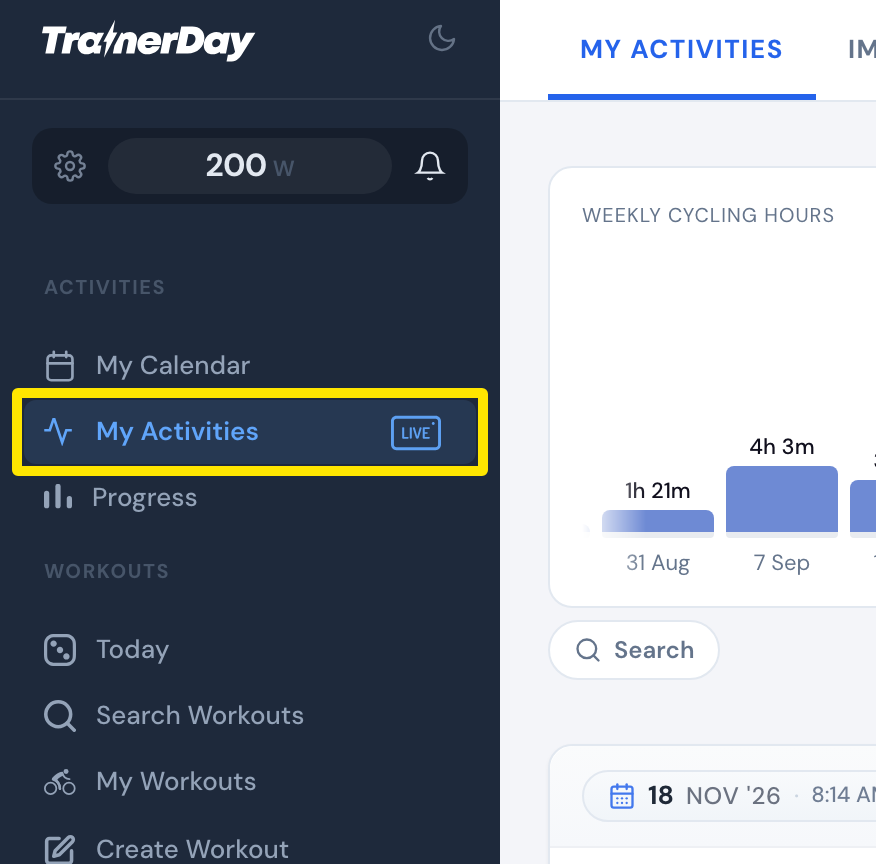 Where: Website · My Activities · open it
- Click the name of the ride.
- Click the three-dots menu at the top right of the ride.
- Click Download FIT file (marked "Use for Garmin") or Download TCX file.
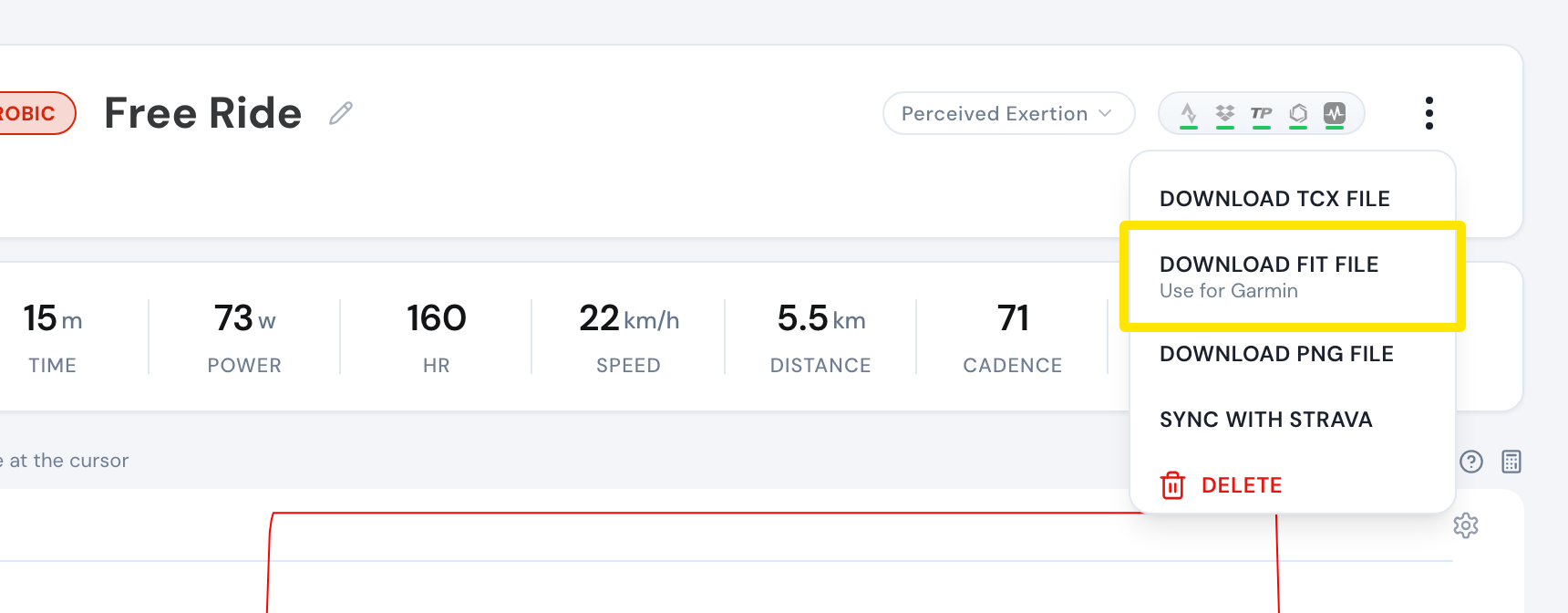 Where: Website · My Activities → click the activity's name · open it
- In the mobile app instead: open the Activities tab, tap the ride, tap the share icon, then choose TCX or FIT.
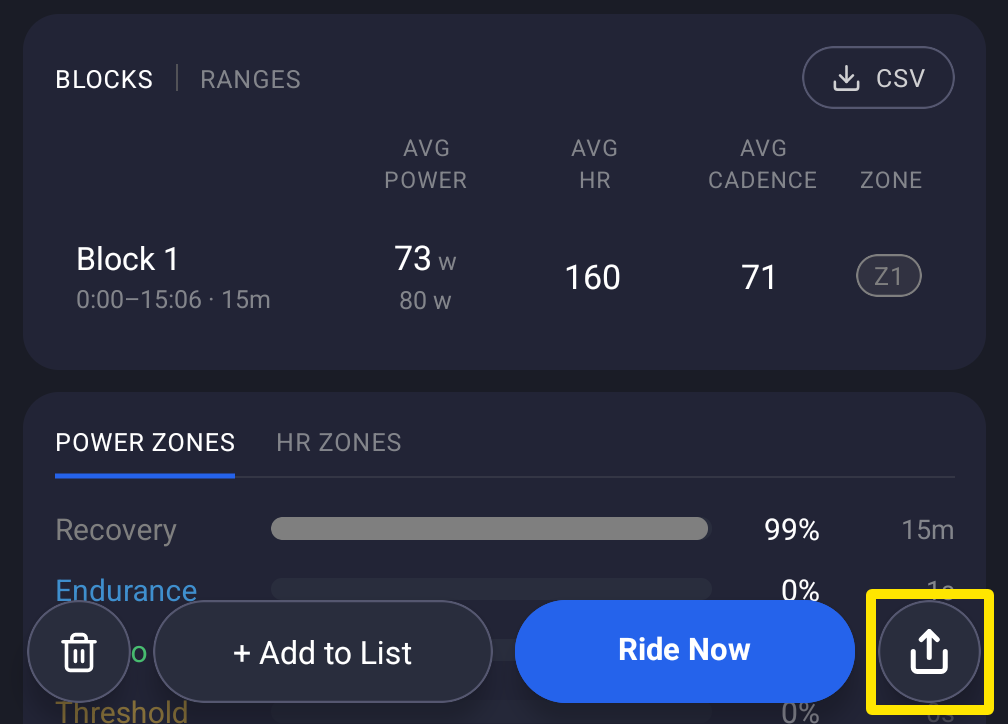 Where: Mobile app · Activities tab → tap a ride
- In the desktop app instead: open the Activities tab, open the ride, click TCX or FIT, then save (Downloads by default).
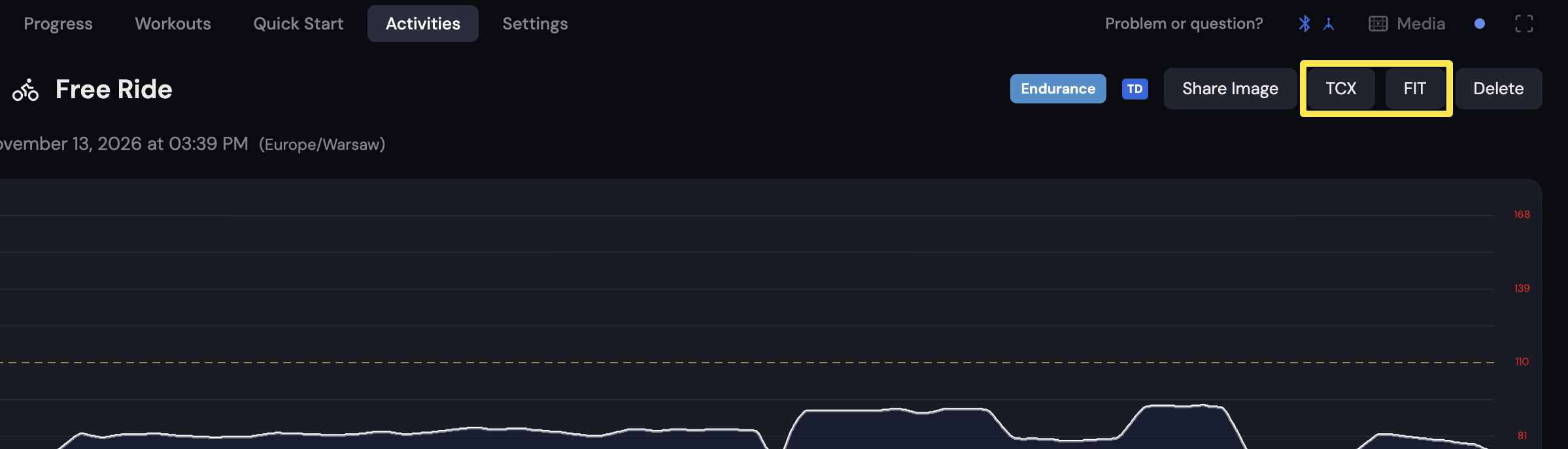 Where: Desktop app · Activities tab
Good to know: Only rides recorded in TrainerDay can be downloaded, not imported ones (Strava, Garmin). In the mobile app, FIT needs you signed in and online.
Works on: website, mobile app, desktop app.