

How do I download a slope workout as a file?
Download a slope workout from its page on the TrainerDay website as an MRC, ZWO or ERG file. The file keeps the power targets only.
- On the website, open the slope workout's page from My Workouts or Search Workouts (app.trainerday.com/workouts/<name>).
- Click the three-dots menu at the top right of the workout.
- Click Download file.
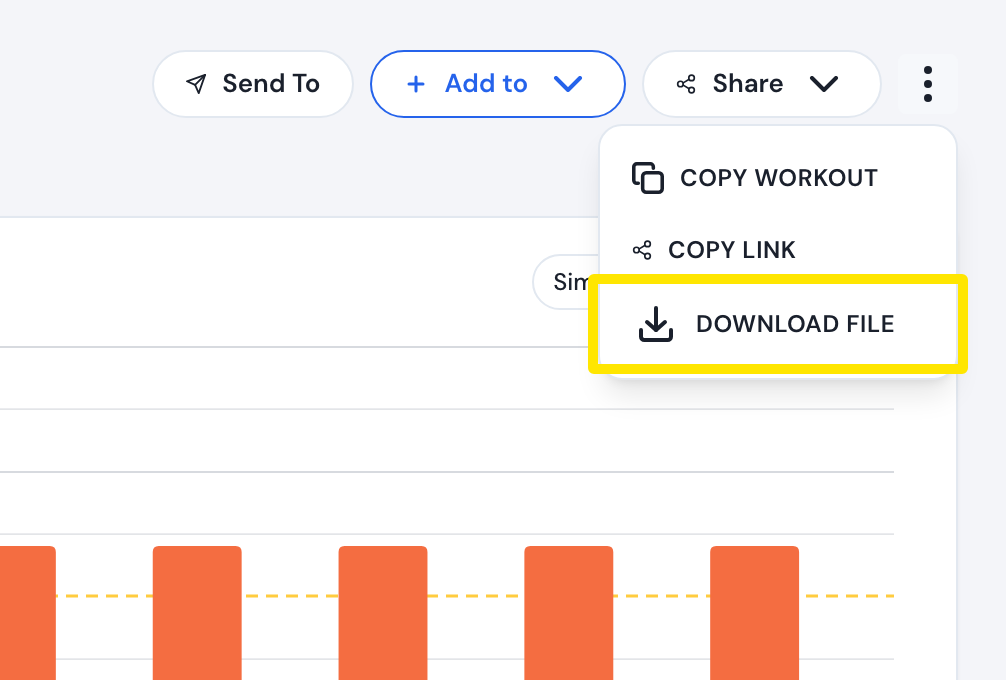 Where: Website · a workout's page (click a workout in Search Workouts or My Workouts)
- Choose MRC, ZWO or ERG and click Download.
Good to know: The file has the power targets only. No slope (grade) is written into any of the three formats.
Works on: Website only. The mobile app has no single-workout download, and the desktop app has no workout download.