

How do I choose Original or Simplified when sending to Garmin?
On the TrainerDay website, open a workout, click Send To, choose Garmin, then pick Original or Simplified in the format menu.
- On the website, open a workout (click it in Search Workouts or My Workouts), click Send To, and choose Garmin.
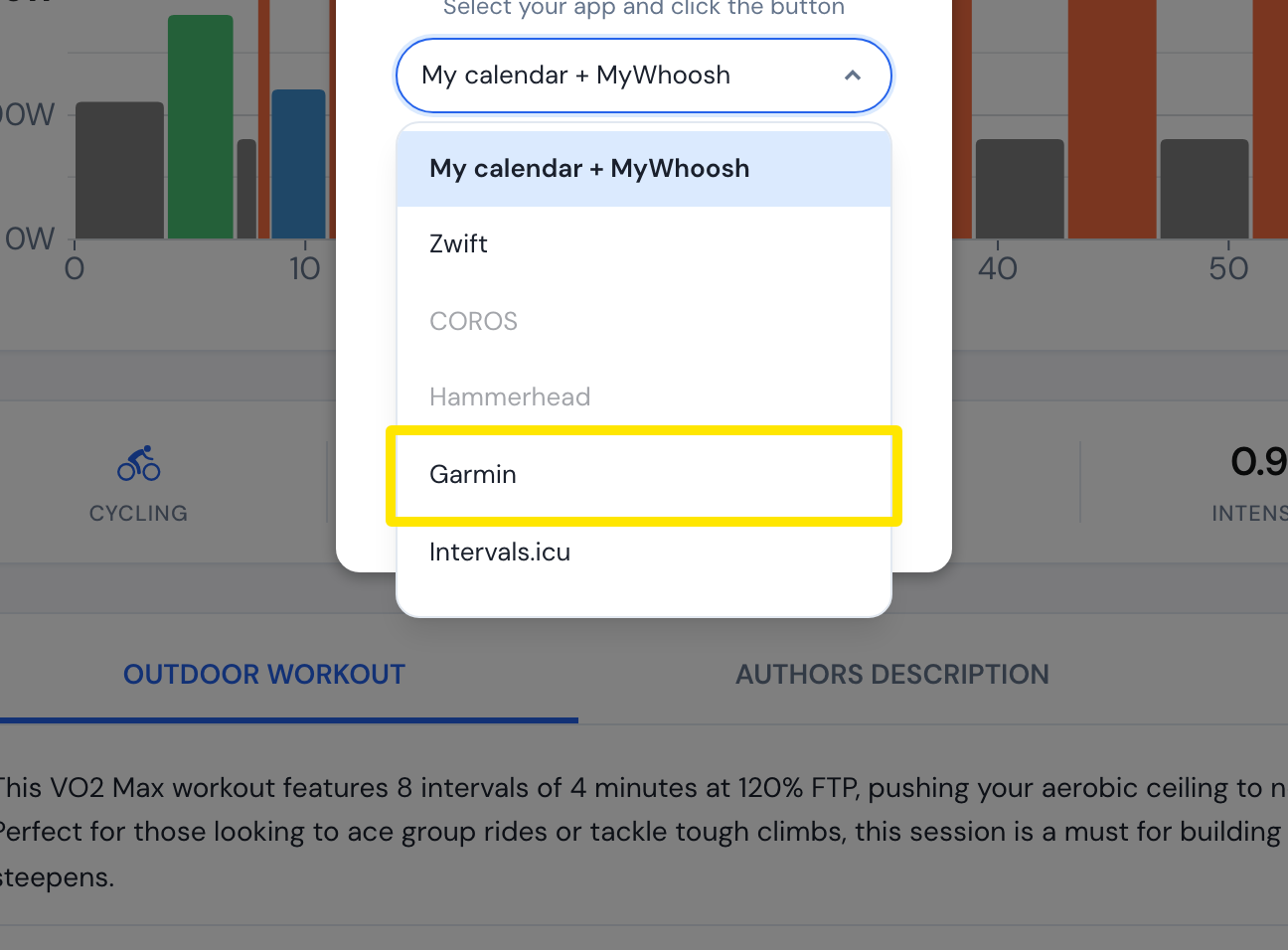 Where: Website · a workout's page
- Open the format menu and pick one:
- Original (good for indoor) sends each interval as written.
- Simplified (good for outdoor) merges steps under 90 seconds into similar intervals immediately before or after, and splits ramps by zone.
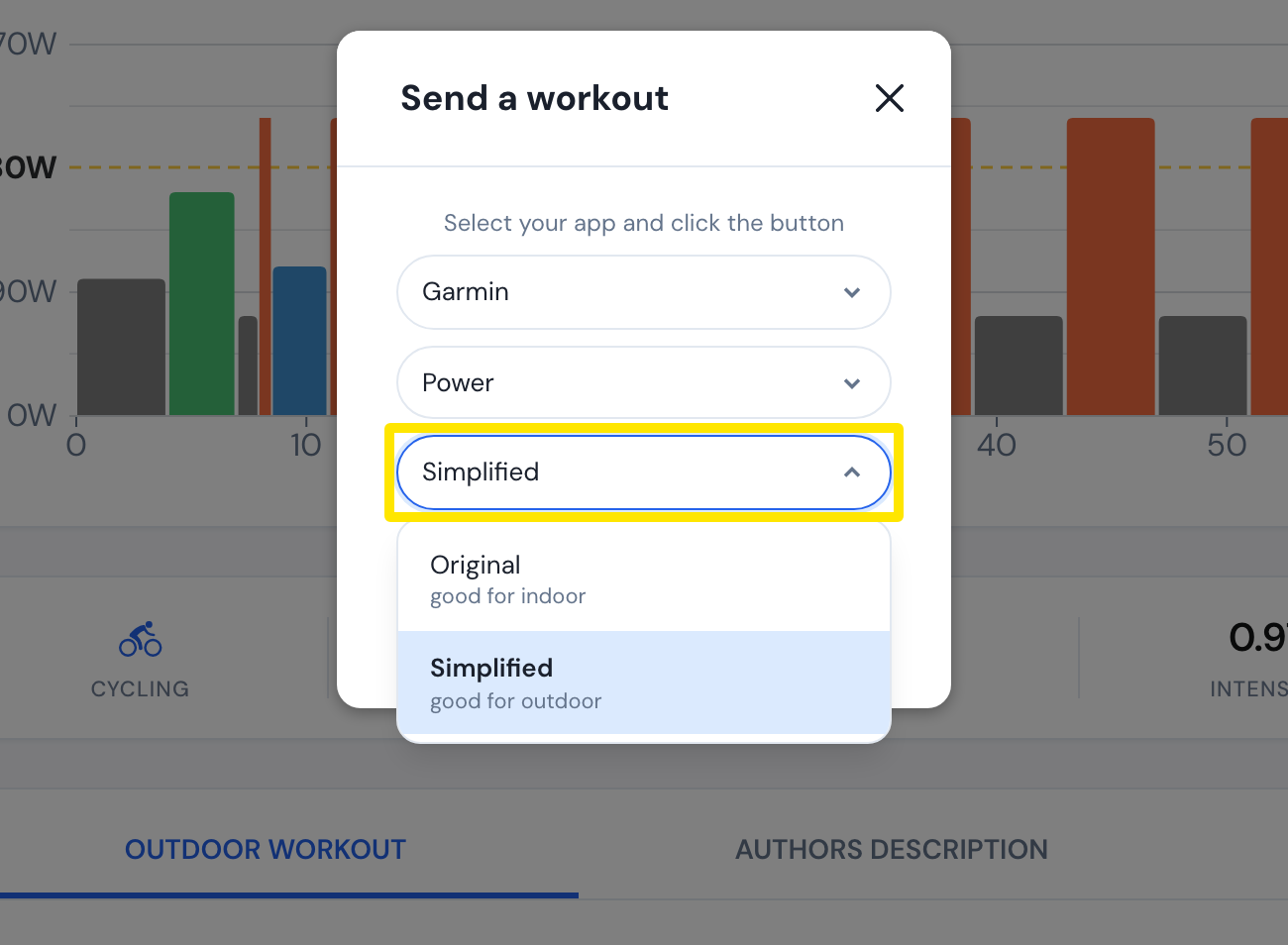 Where: Website · a workout's page
Good to know: The Original/Simplified choice is hidden for workouts sent in heart-rate mode. These always merge intervals under 2 minutes into similar intervals immediately before or after, and merge more only if the workout would pass 50 steps.