

How do I create a slope workout that simulates hills?
On the TrainerDay website, open Create Workout, turn on Control Mode in the Fields menu, then type a grade from -25 to 25 in the Slope/BPM column for each hill step.
- On the website, click Create Workout in the sidebar (https://app.trainerday.com/workouts/create).
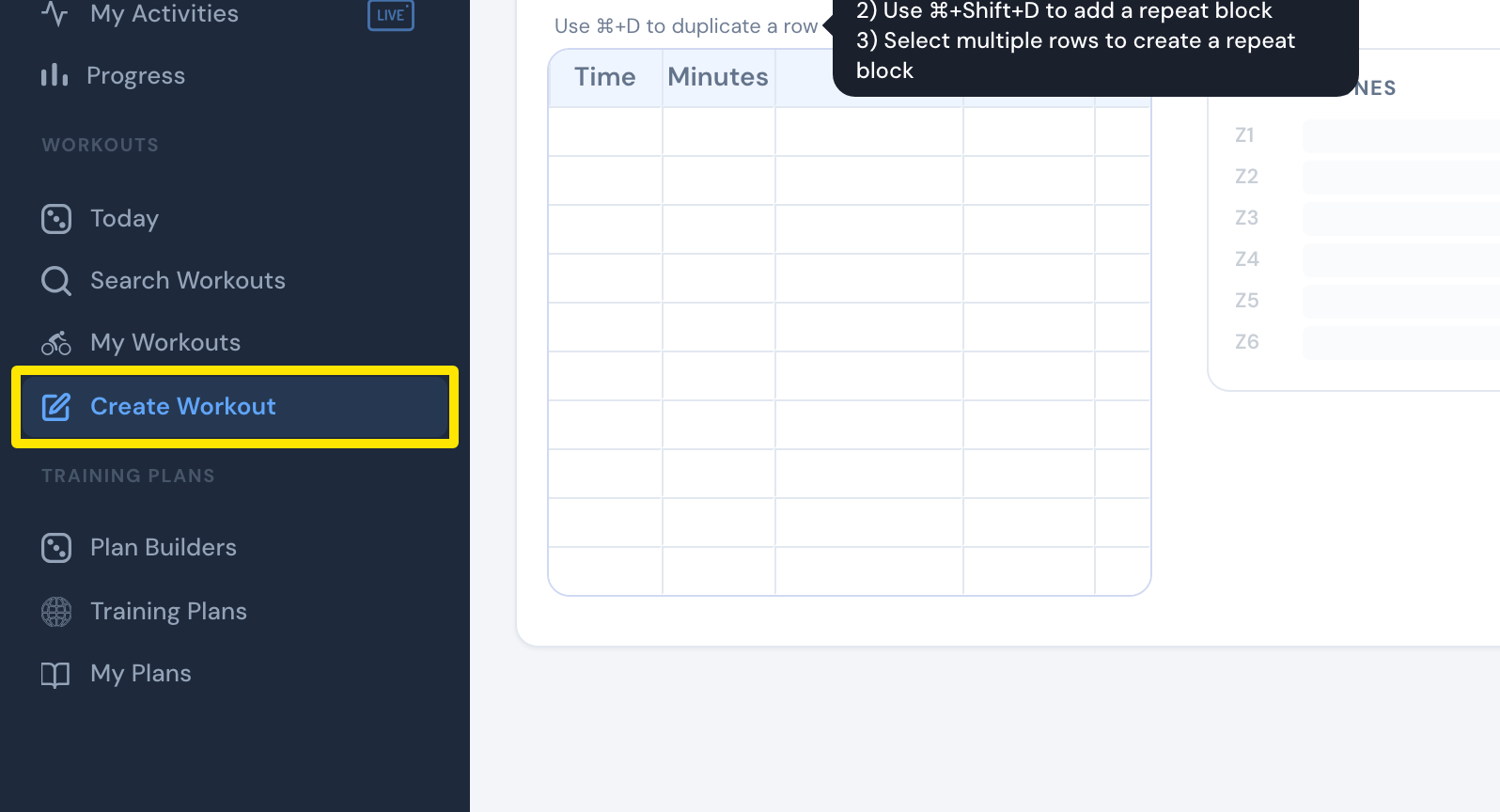 Where: Website · Create Workout · open it
- Open the Fields menu and tick Control Mode so the Control Mode and Slope/BPM columns show.
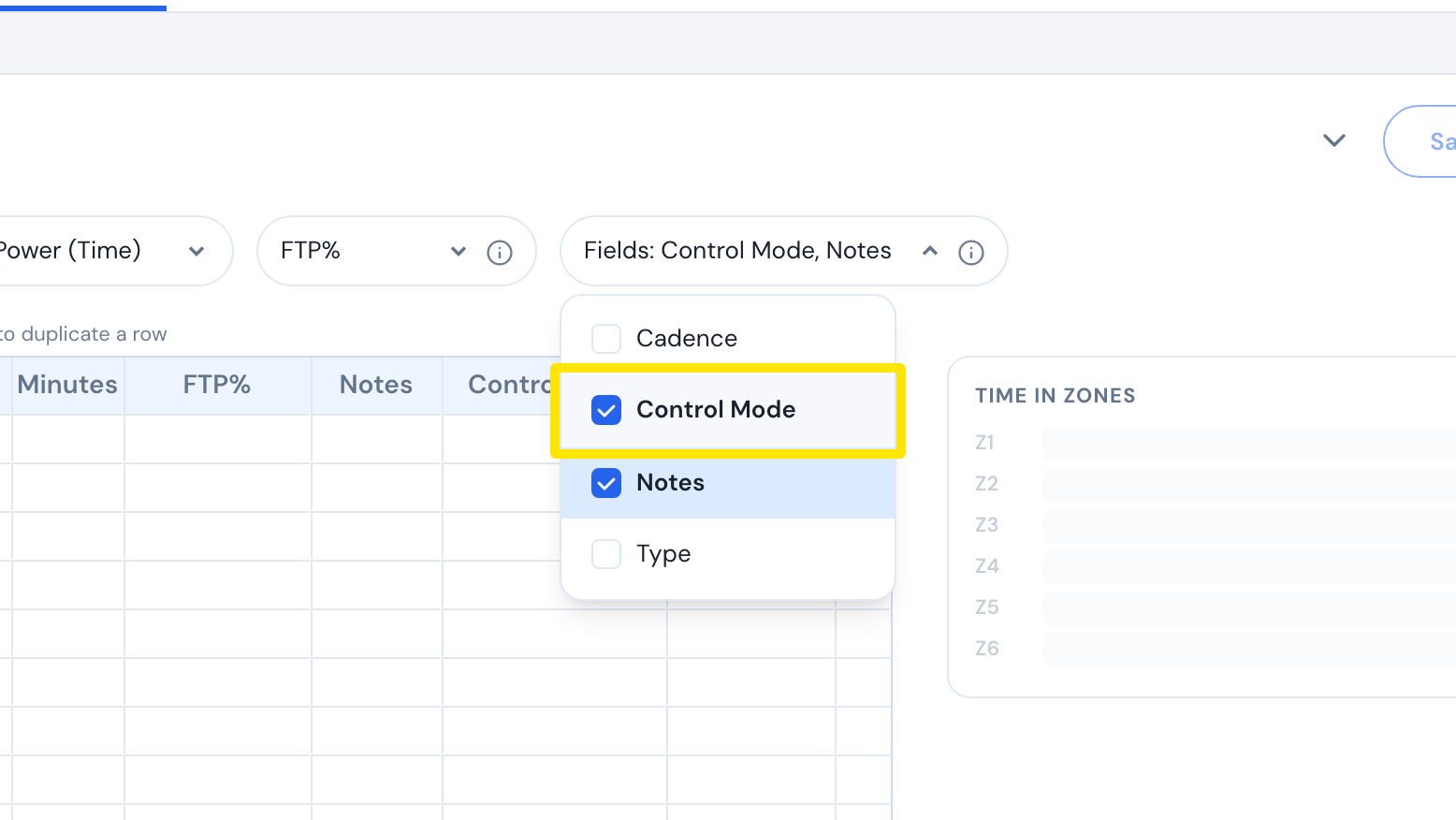 Where: Website · Create Workout · open it
- Give every step an FTP% value, also the hill steps.
- For each hill, type the grade in Slope/BPM, from -25 to 25. The step switches to slope by itself.
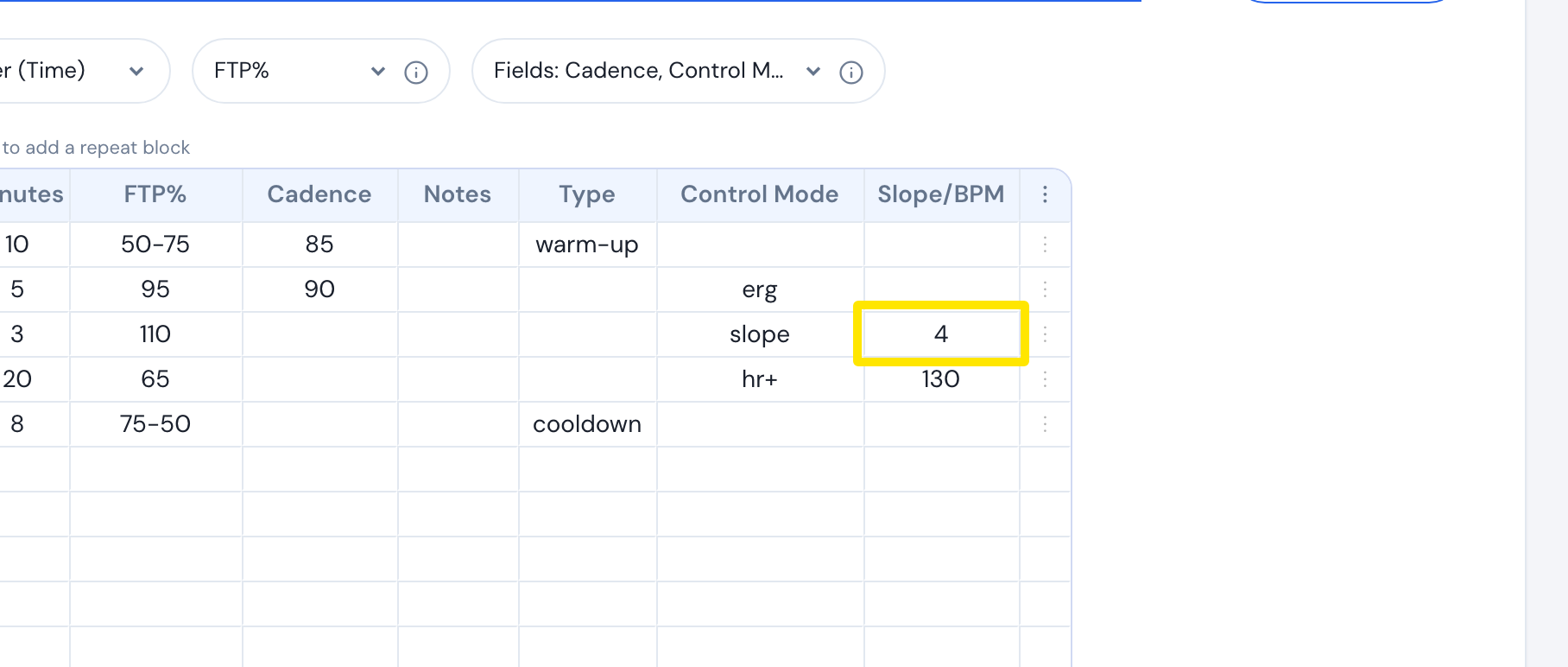 Where: Website · Create Workout · open it
Good to know: A value from 26 to 220 in Slope/BPM makes the step HR+ instead, and a step with no FTP% blocks the save.
Works on: Desktop app rides slope steps in slope mode automatically; the mobile app does when Settings > Other Options > Sim/Slope mode is on (default on).