

How do I fix the slope error when saving a heart rate workout?
The slope error appears on the website when a heart rate is typed in Slope/BPM on a row that isn't set to hr+, so it's read as a slope; fix it by setting that row's Control Mode to hr+ in Create Workout.
- On the website, open Create Workout in the sidebar (https://app.trainerday.com/workouts/create) with your workout.
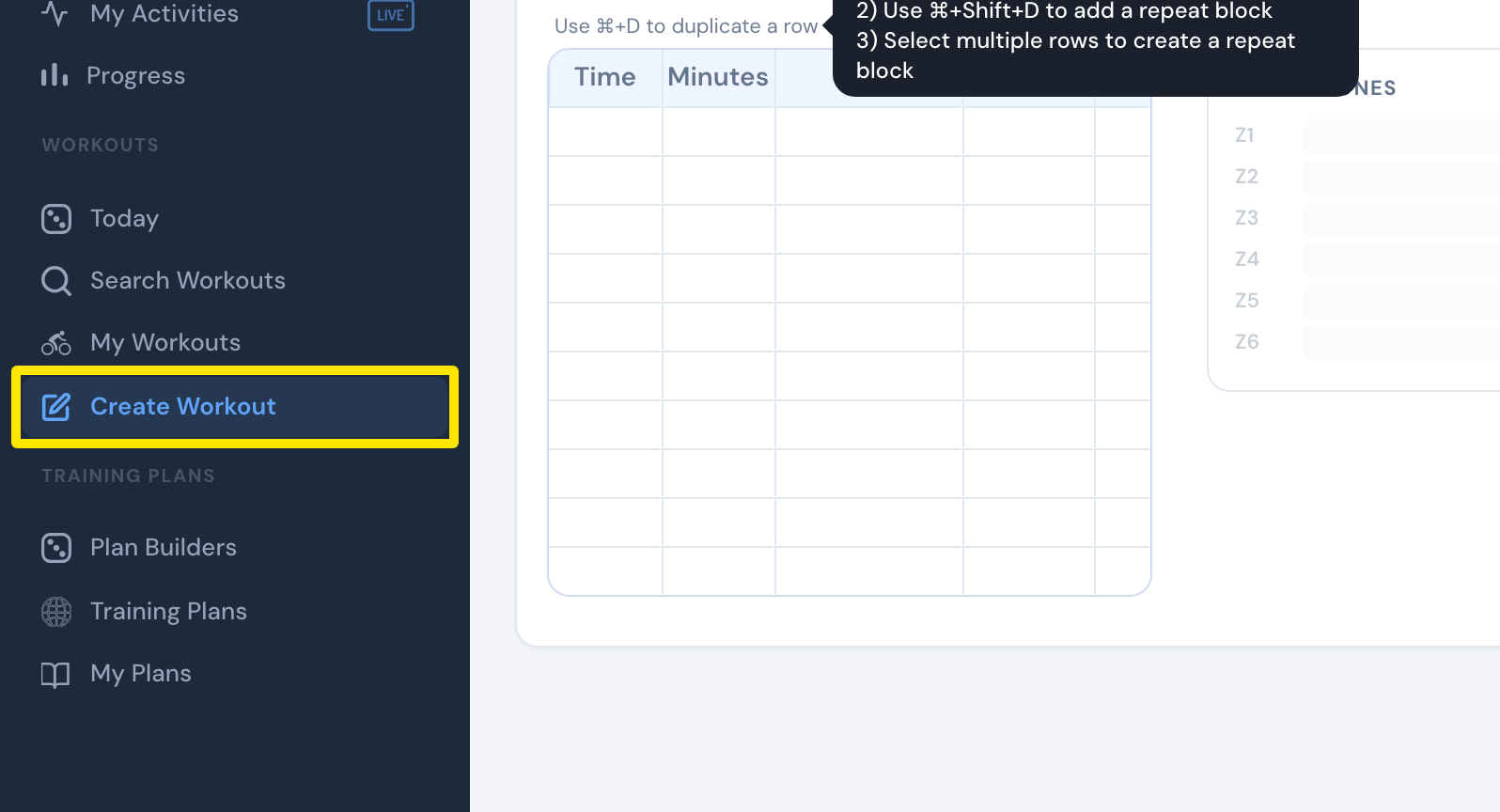 Where: Website · Create Workout · open it
- If you don't see the Control Mode column, open the Fields: dropdown and tick Control Mode.
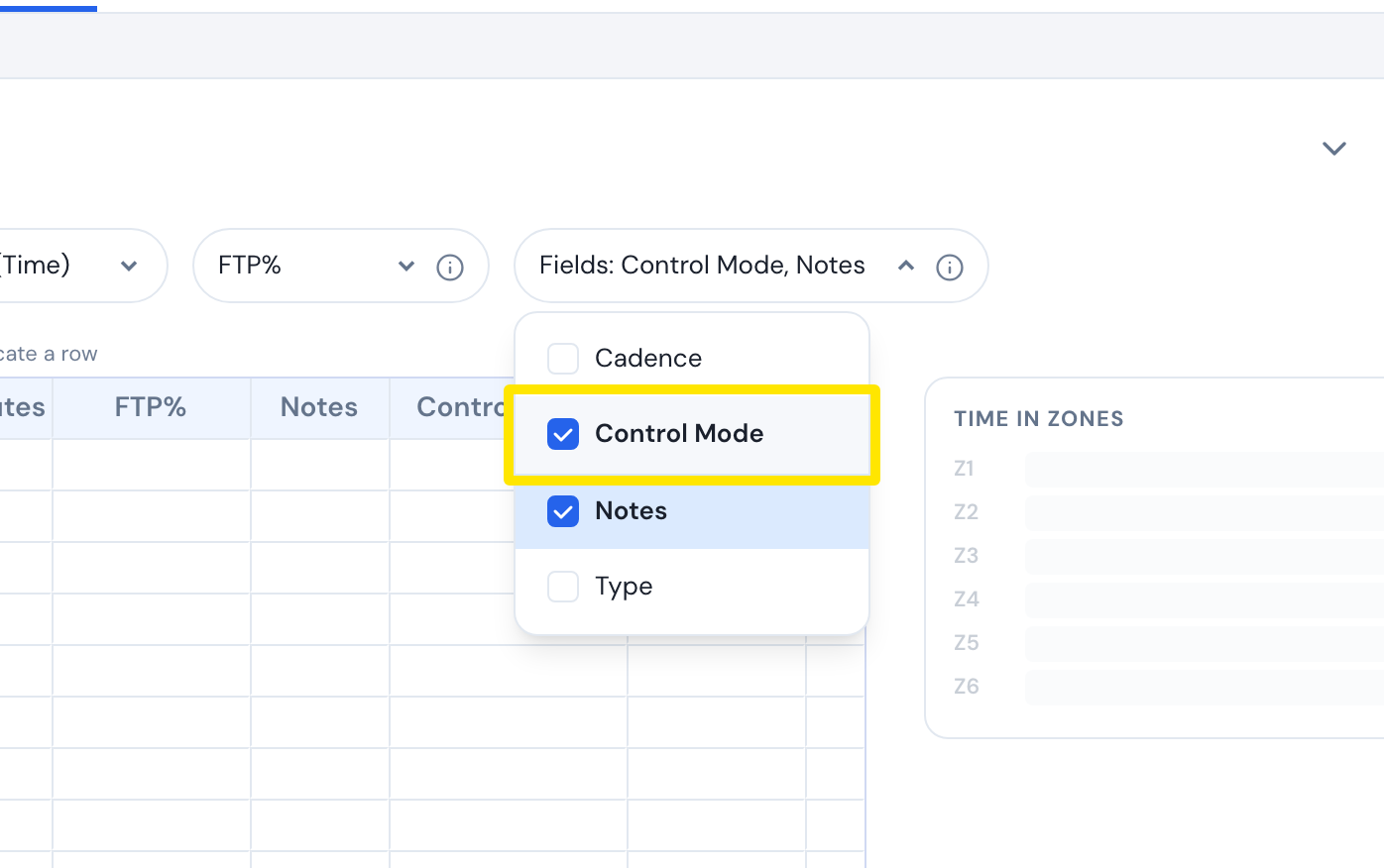 Where: Website · Create Workout · open it
- On each heart rate row, set Control Mode to hr+.
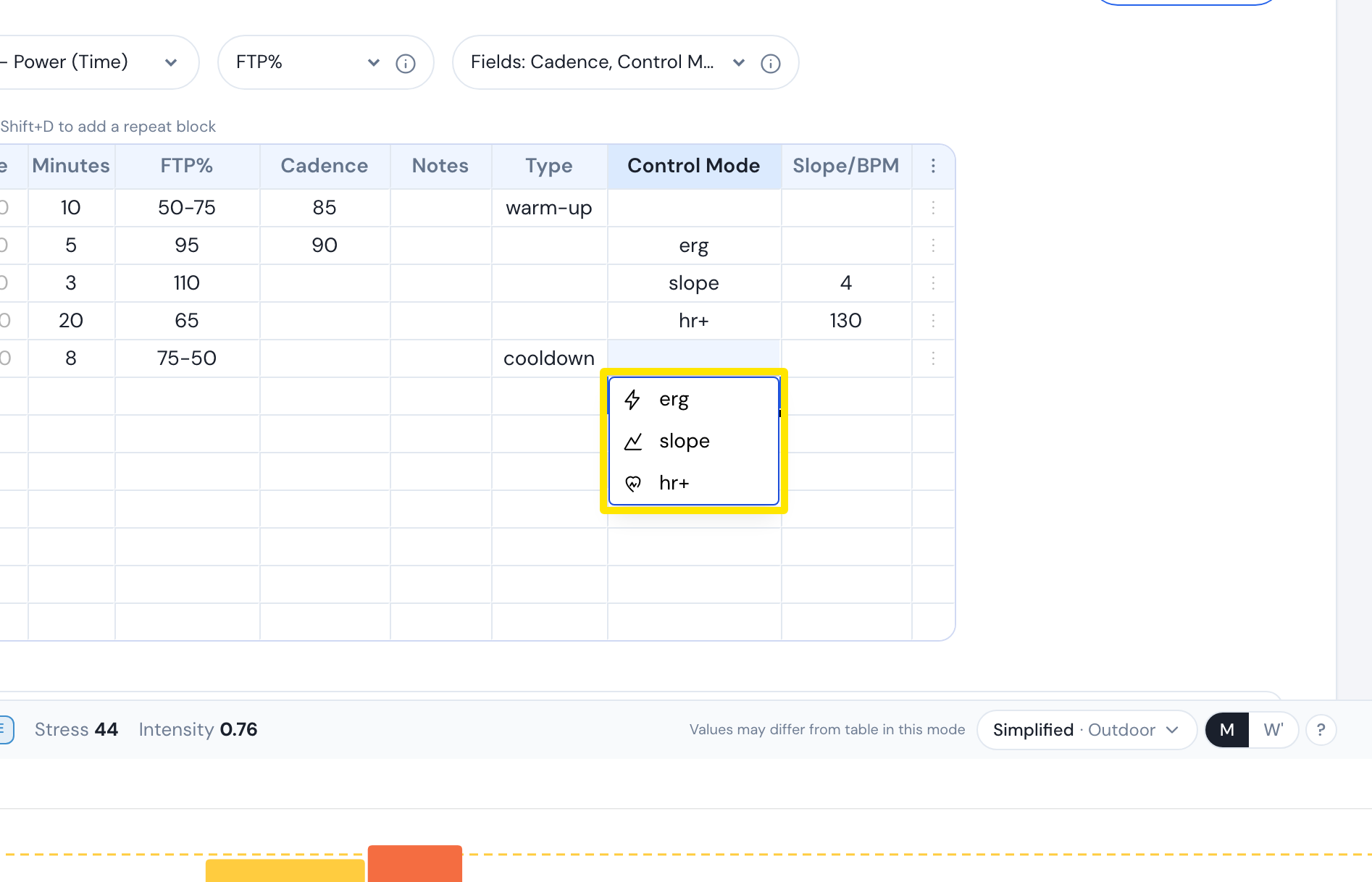 Where: Website · Create Workout · open it
- Check that Slope/BPM holds your target heart rate (26-220).
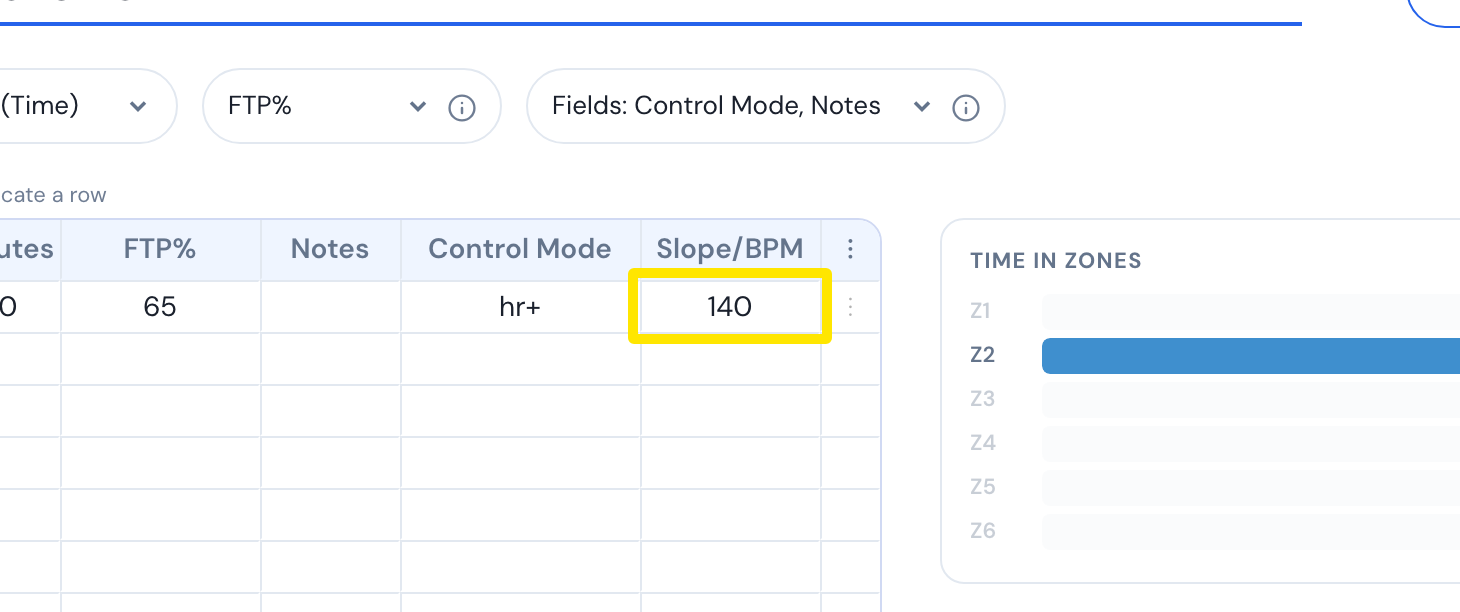 Where: Website · Create Workout · open it
- Click Save workout, then Save.
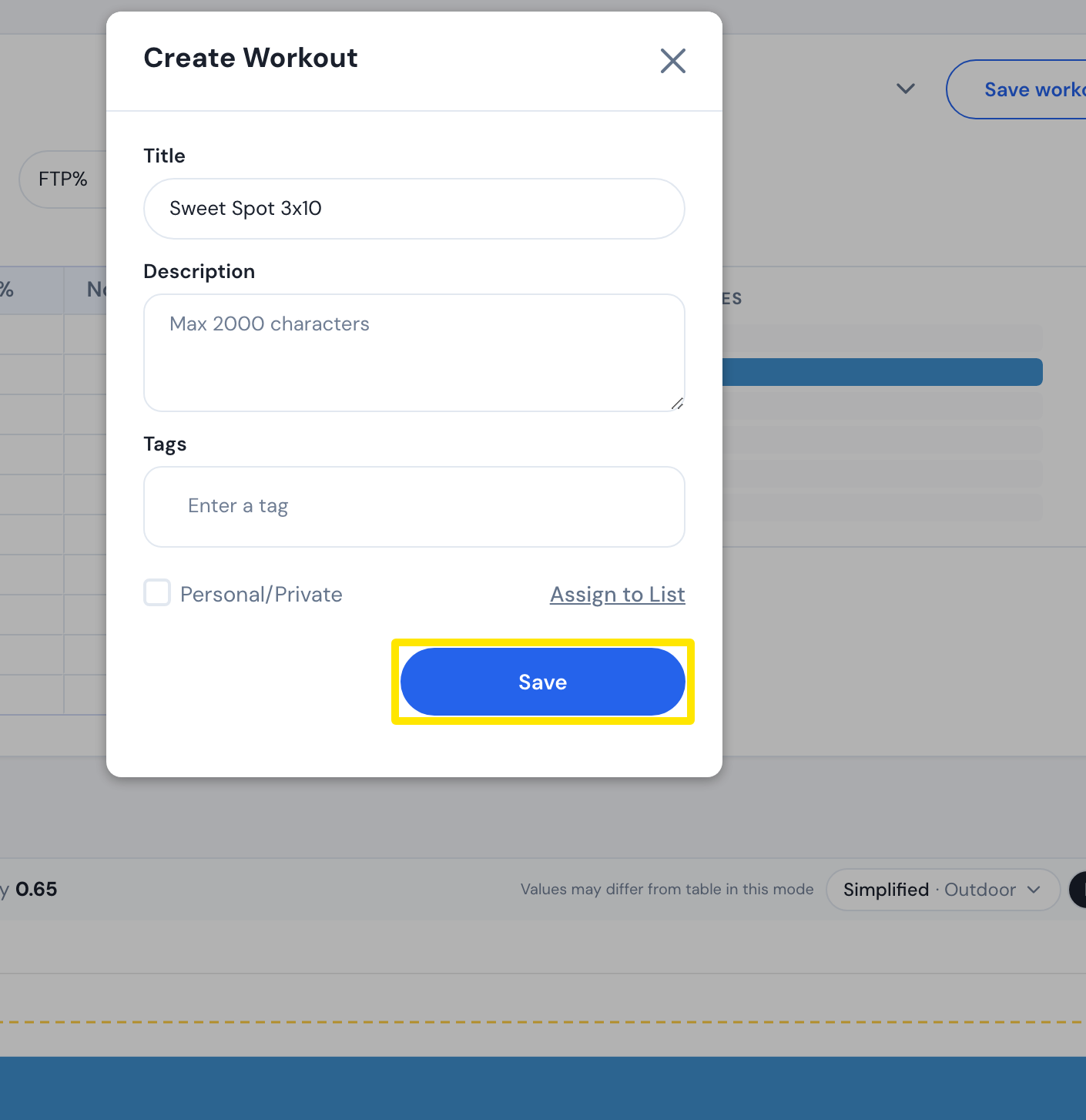 Where: Website · Create Workout · open it
Good to know: On a row not set to hr+, Slope/BPM is read as a slope, so a value above 25 gives "Slope must be between -25 and 25".
Works on: Website only. The mobile and desktop apps have no row editor.