

How do I create a heart rate workout for outdoor rides?
To get a heart rate workout for an outdoor ride, open the workout's page on the TrainerDay website, switch the chart view to Heart Rate · Outdoor, then use Send To to send it to your bike computer or training app.
To build a new heart rate workout from scratch in the editor, see How do I create a heart rate based workout? This page turns an existing workout into heart rate targets for an outdoor ride.
- Set your Threshold HR in your profile first: the bpm targets come from it.
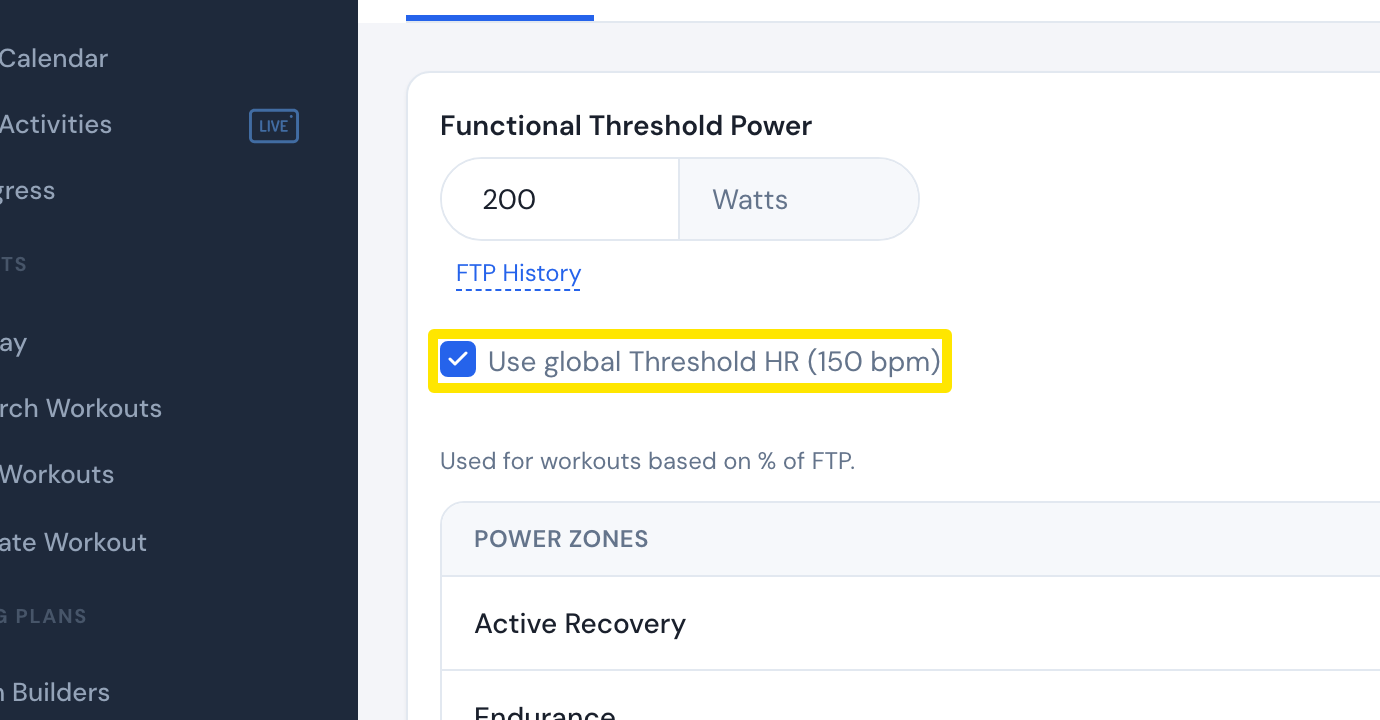 Where: Website · Sports, Zones, FTPs · open it
- Open the workout's page from Search Workouts, My Workouts or the calendar.
- On the workout's page, click the view button above the chart and choose Heart Rate · Outdoor.
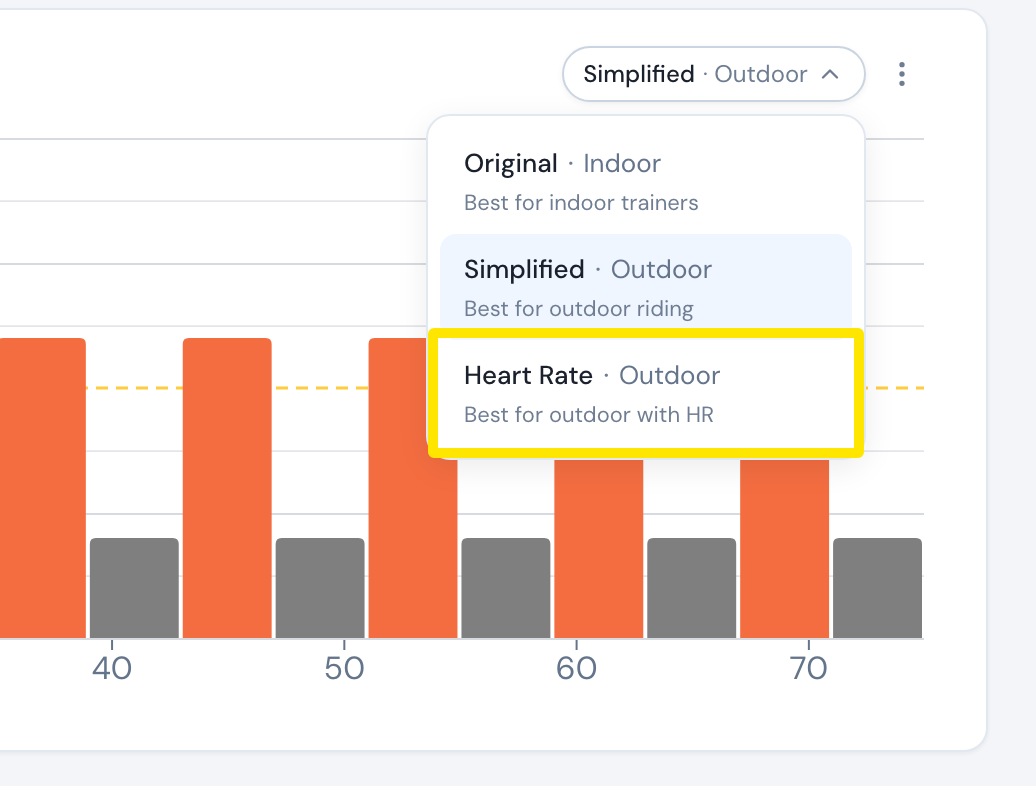 Where: Website · a workout's page
- Click Send To. The second menu is already on Heart rate. In the first menu, choose Garmin, Wahoo, COROS, TrainingPeaks or Intervals.icu, then click Send. For a Wahoo ELEMNT or RIVAL, tick HR targets in BPM.
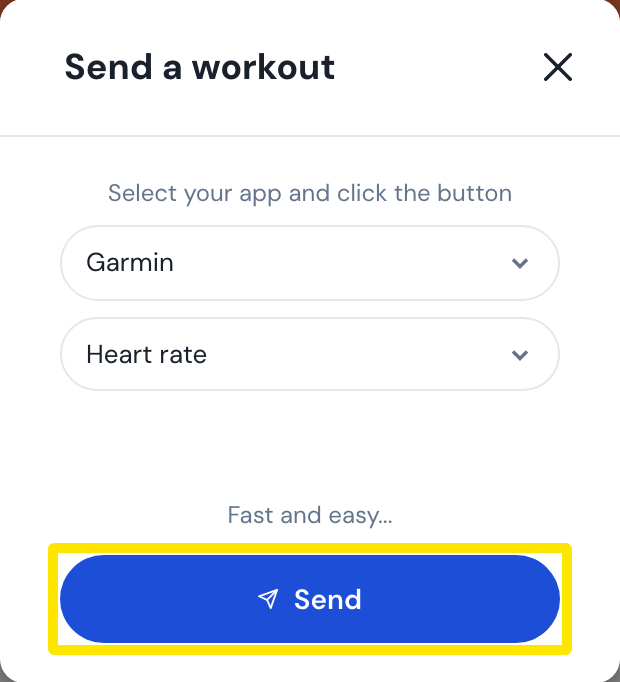 Where: Website · a workout's page → Send To
Good to know: Instead of steps 2–4, you can convert a planned workout on My Calendar. Open the workout's three-dot menu and choose Convert to HR. Calendar sync then sends it with heart rate targets.
Works on: Website. The mobile app has a Power / HR choice in Send To.