

How do I ride a GPX course on my trainer so it follows the hills?
Upload the GPX file on the TrainerDay website under Create Workout → Create from File, save it, then ride it with Ride Now in the mobile or desktop app. A GPX without power data rides in slope mode, and a GPX with power data gives power targets instead.
A GPX file follows the hills only when it has no power data. Then it becomes intervals in slope mode, each with a %FTP target estimated from its grade. A GPX with power data becomes power targets instead, averaged over about 30-second stretches.
- On the website, open My Workouts and click Create Workout in the sidebar.
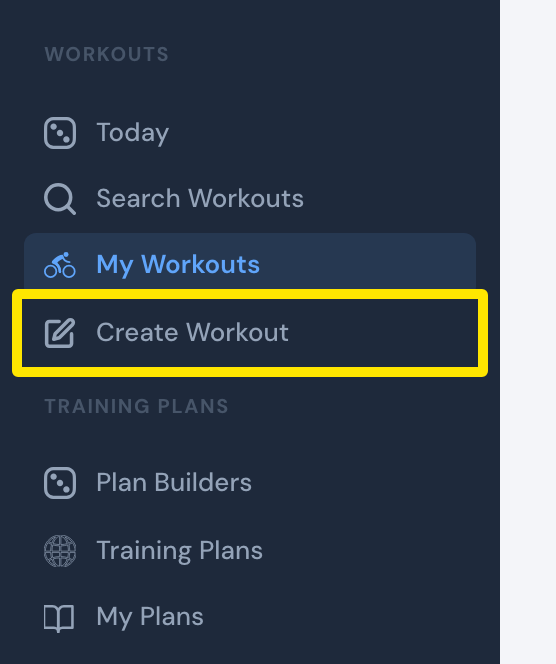 Where: Website · My Workouts · open it
- Click the Create from File tab.
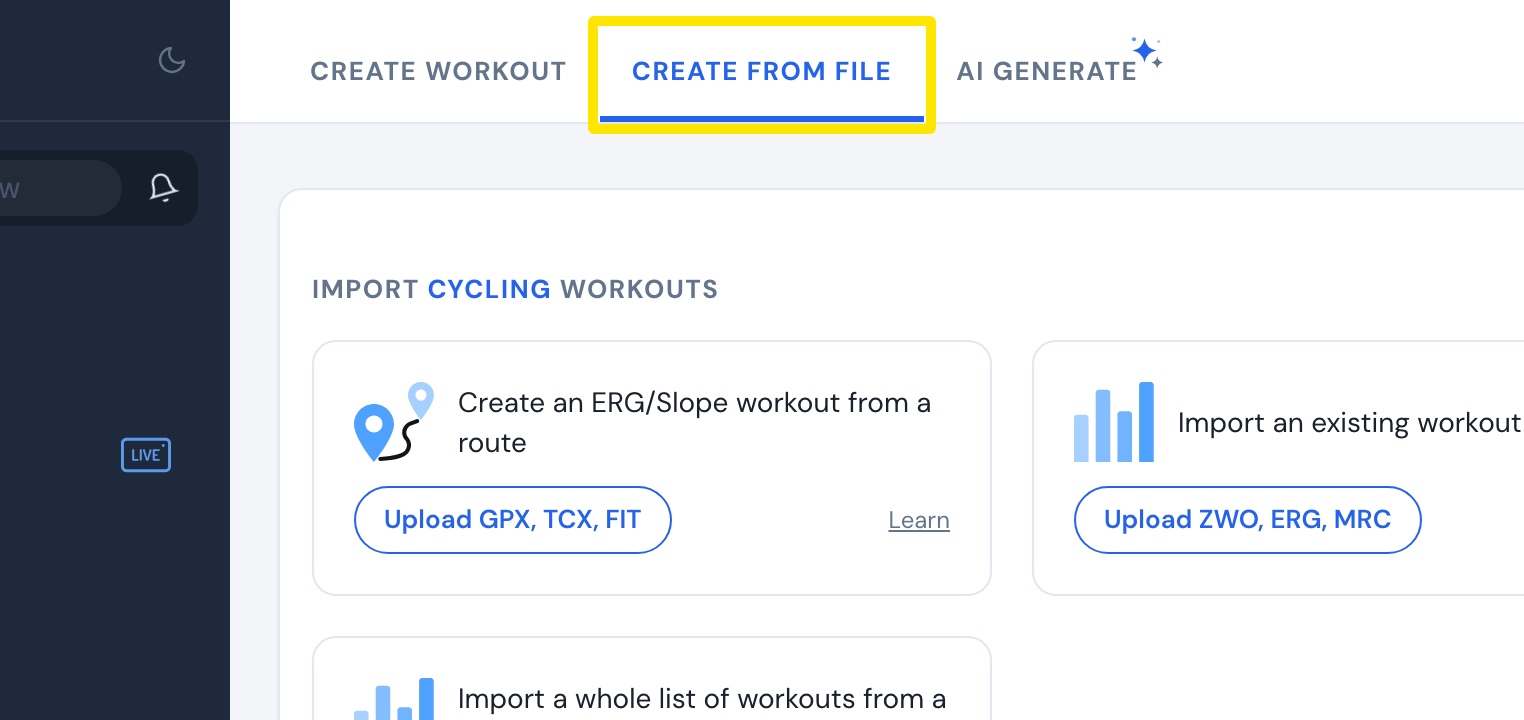 Where: Website · Create Workout · open it
- In the route card, click Upload GPX, TCX, FIT and pick your GPX file.
- Check the intervals in the editor. Then click Save workout and Save. The workout is added to My Workouts.
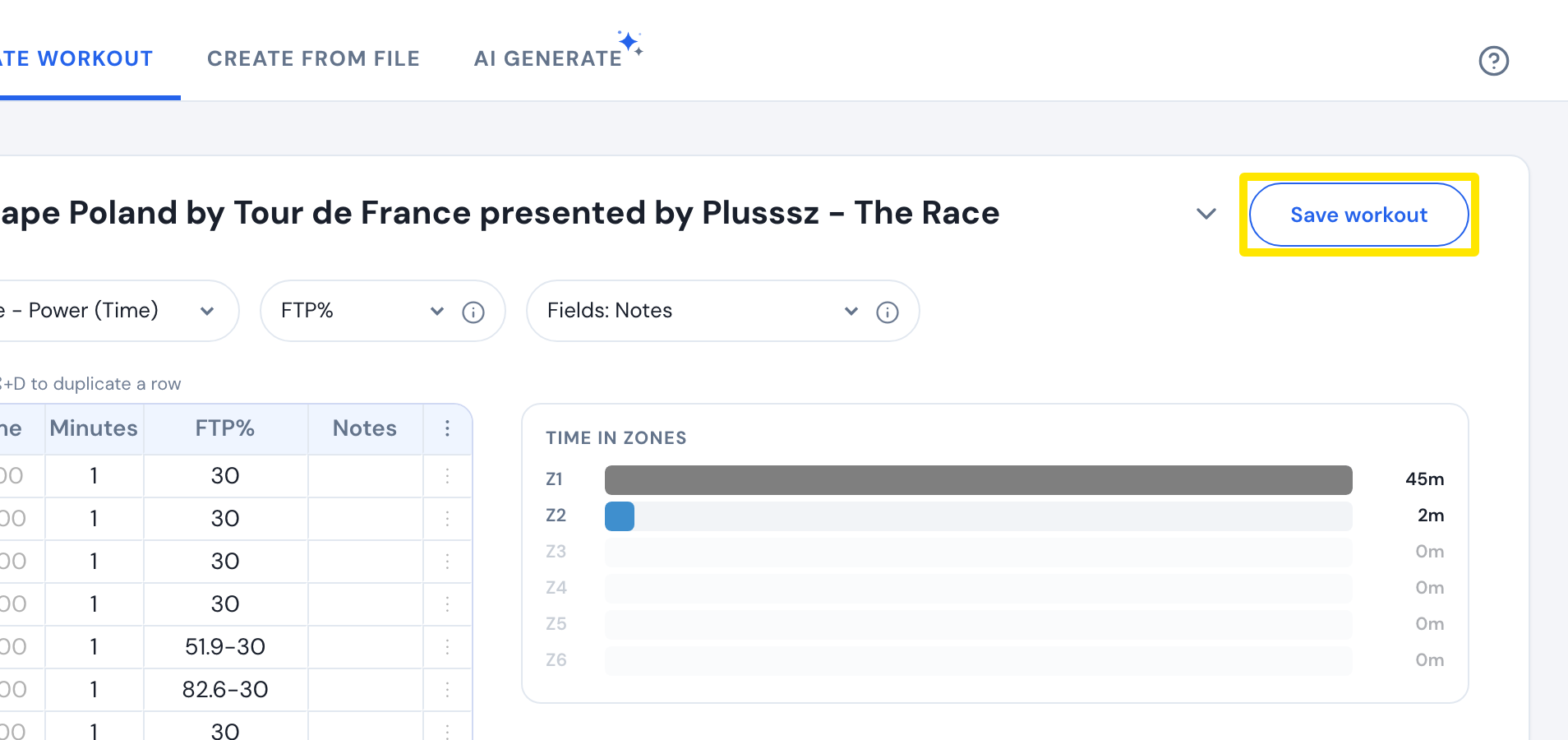 Where: Website · Create Workout · open it
- Open the mobile app, go to the Workouts tab and tap Ride Now on the workout.
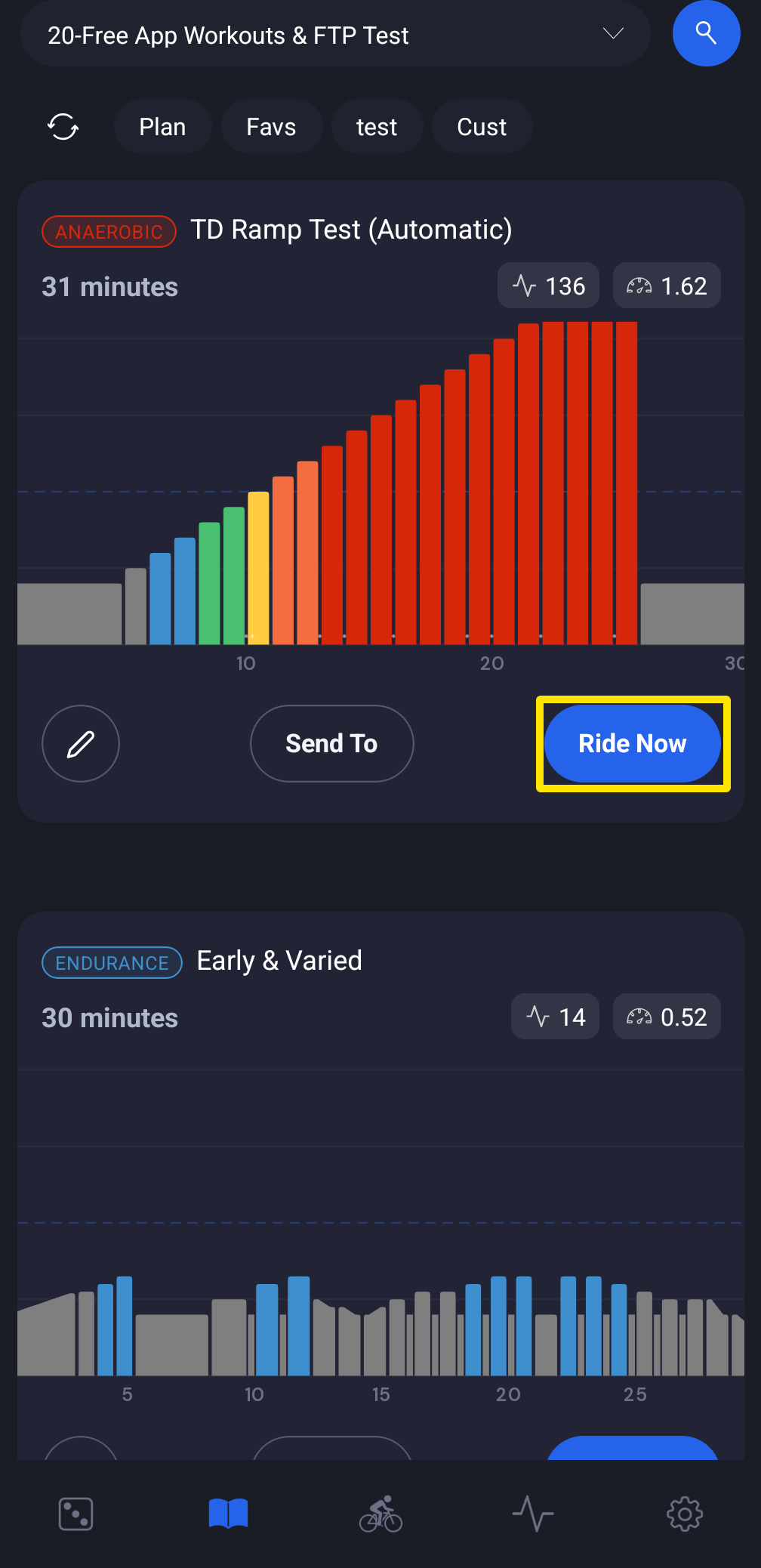 Where: Mobile app · Workouts tab
- On desktop, click Ride Now on the workout's card in the Today or Workouts tab.
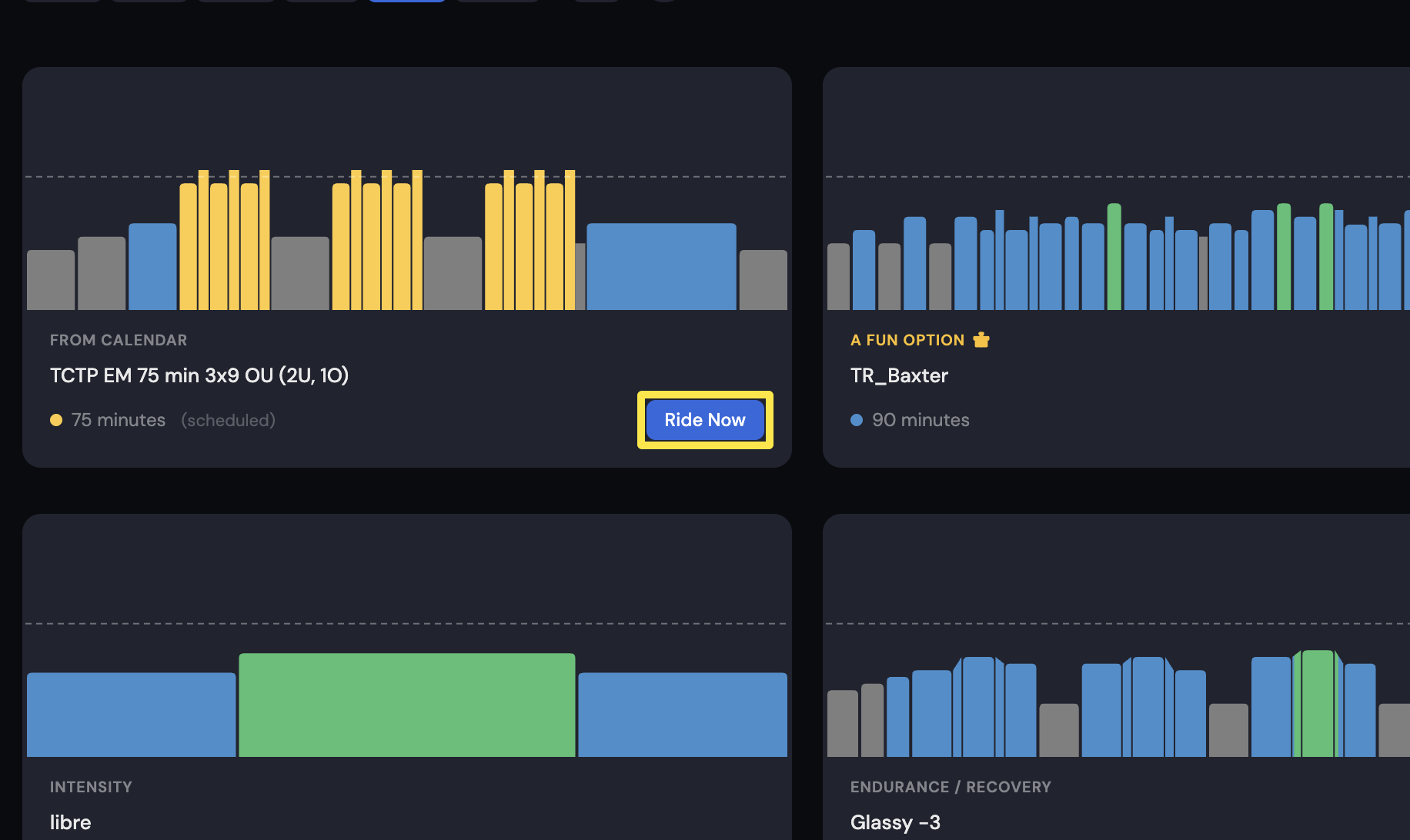 Where: Desktop app · Today tab
Works on: Upload on the website only. The mobile and desktop apps cannot import a route file, but they can ride the saved workout.