

How do I create a workout based on distance instead of time?
Distance-based workouts are for running only: on the TrainerDay website, add Run to My Sports, then pick a Run (Distance) type in Create Workout; bike workouts are always by time.
- On the website, open Account, then Profile (app.trainerday.com/account/profile), and add Run in My Sports.
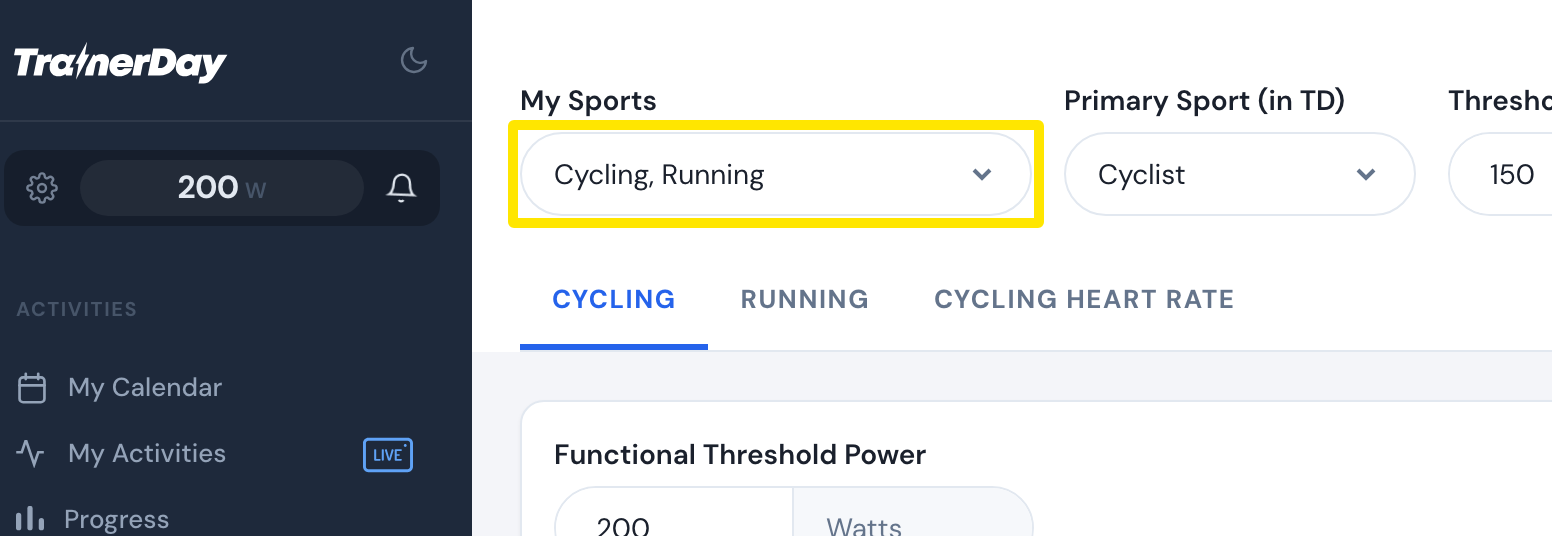 Where: Website · Sports, Zones, FTPs · open it
- Click Create Workout in the sidebar and open the workout type dropdown at the top of the editor (it shows Bike - Power (Time)).
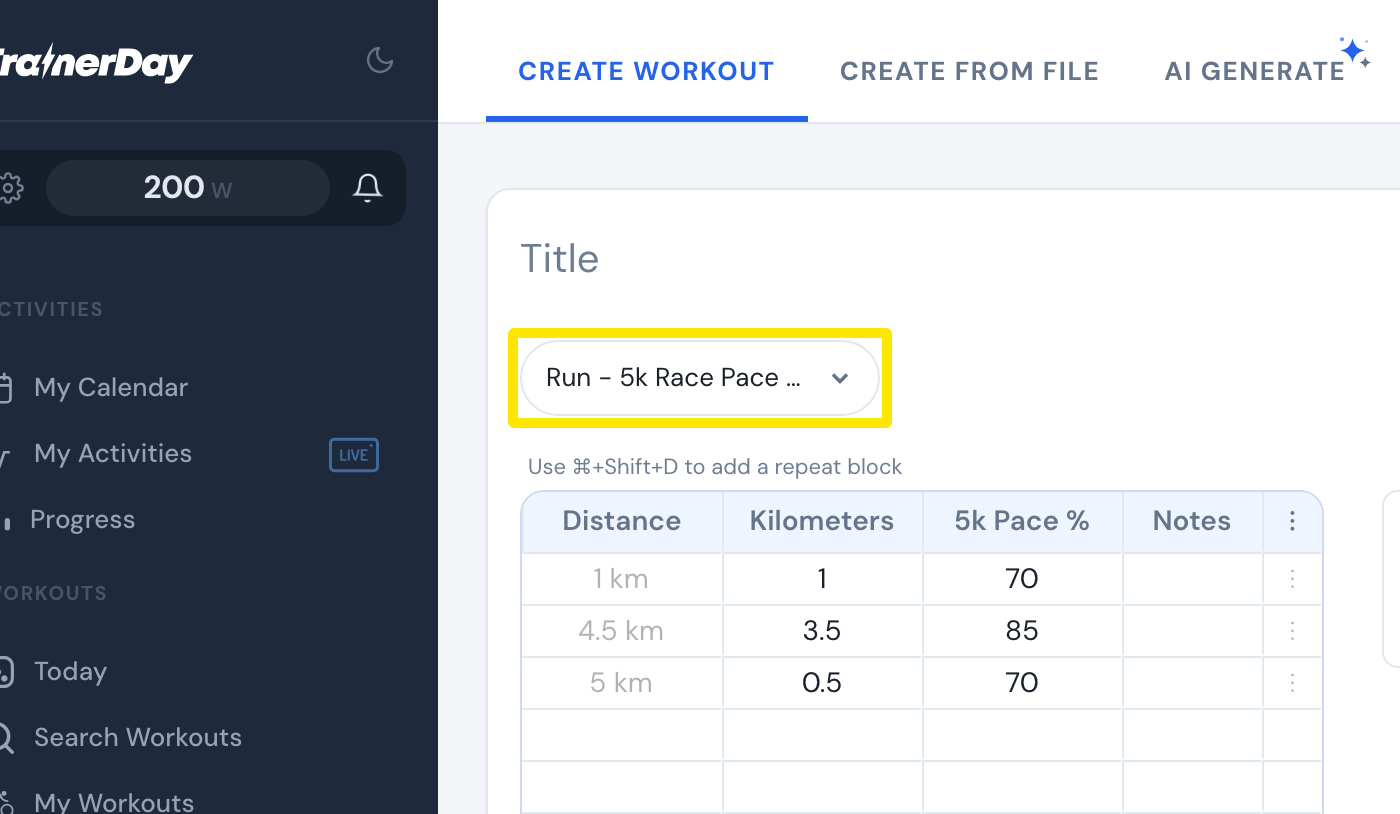 Where: Website · Create Workout · open it
- Choose Run - Threshold Pace (Distance) or Run - 5k Race Pace (Distance). The Time column becomes Distance and Minutes becomes Kilometers.
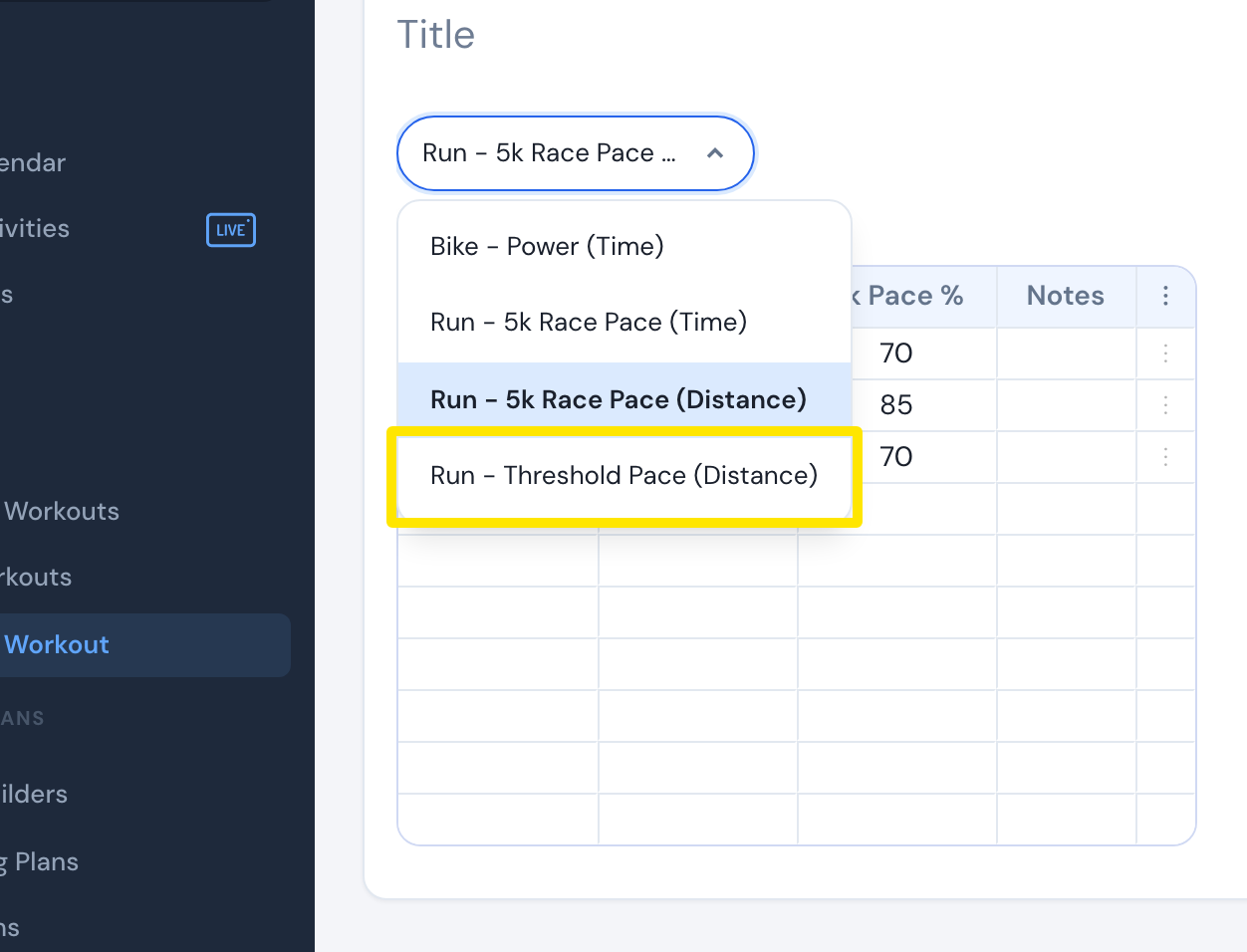 Where: Website · Create Workout · open it
Good to know: Bike, RowERG and SwimERG workouts are always by time. A ride made from a GPX route is also a list of timed steps, with no virtual distance. Zwift does not accept distance-based run workouts. Garmin does.
Works on: website only to create. Mobile and desktop have no workout editor.