

How do I choose a route or climb to ride?
TrainerDay has no built-in list of routes or climbs to ride, so you upload your own GPX, TCX or FIT route file on the website's Create Workout page and then ride it from the mobile or desktop app.
- On the website, click Create Workout in the sidebar (app.trainerday.com/workouts/create). Have your route file ready (GPX, TCX or FIT, for example exported from Strava, Garmin Connect or RideWithGPS).
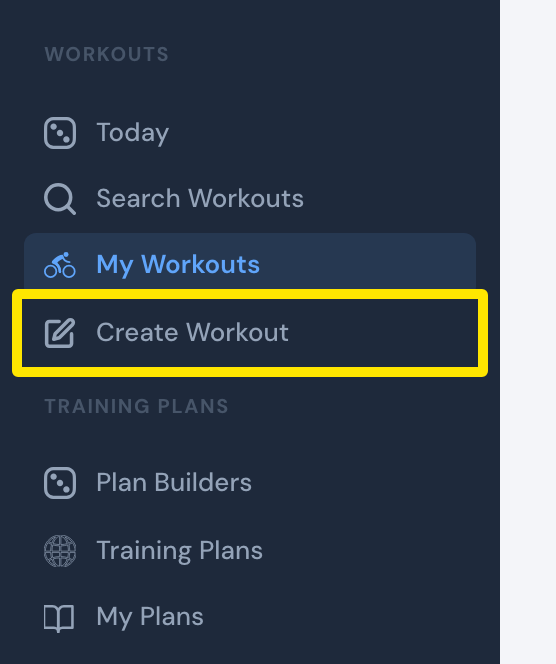 Where: Website · My Workouts · open it
- On the Create Workout page, click the Create from File tab.
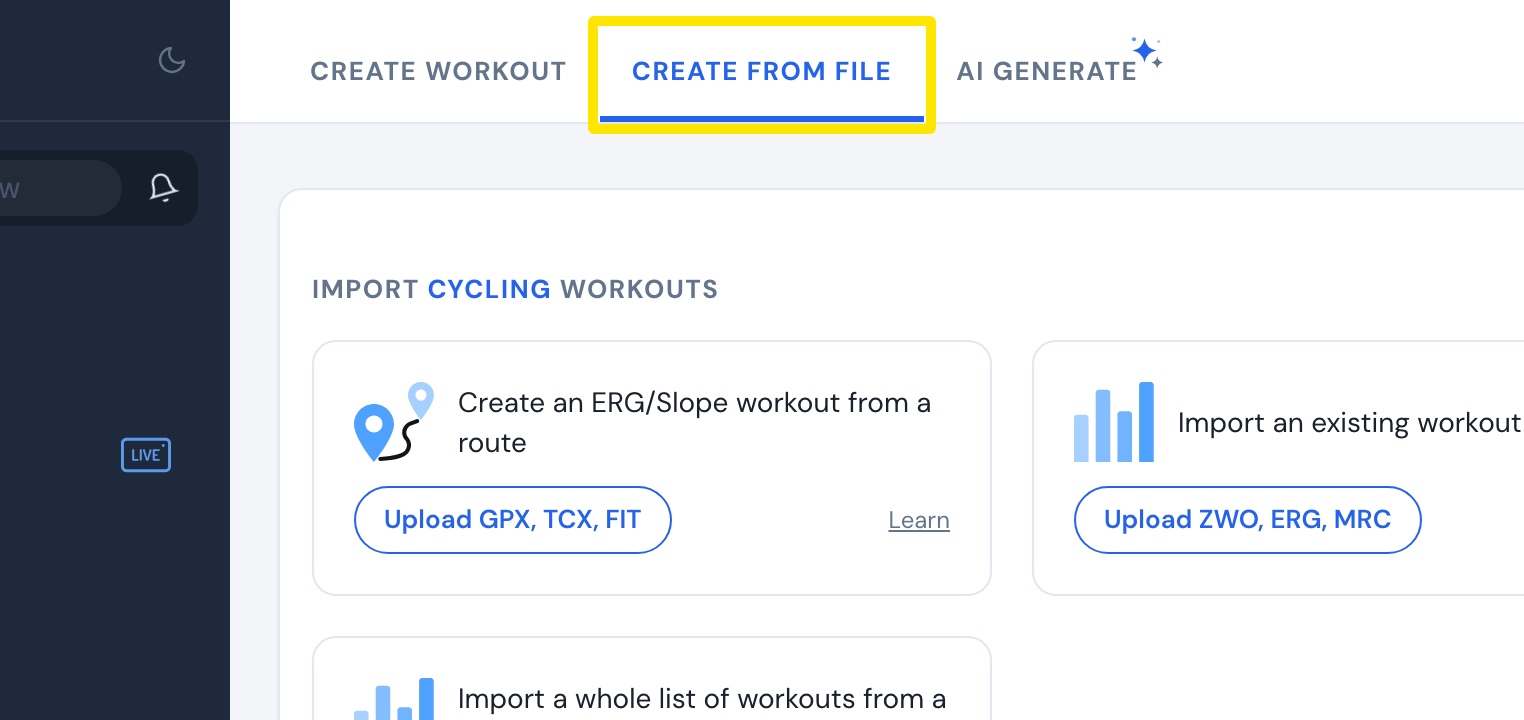 Where: Website · Create Workout · open it
- Click Upload GPX, TCX, FIT and pick your file.
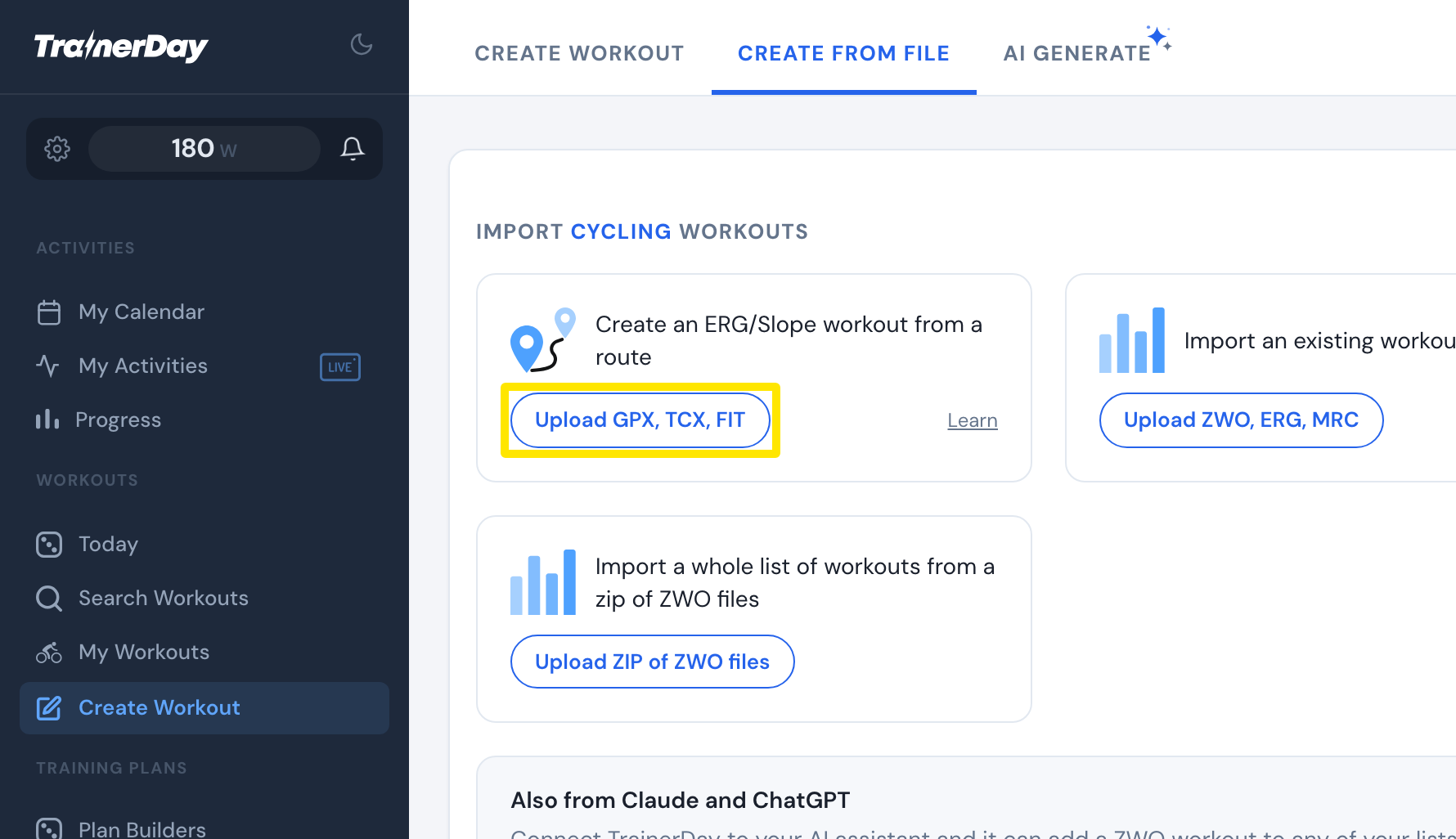 Where: Website · Create Workout · open it
- Check the blocks in the editor, then click Save workout and Save. The workout appears in My Workouts.
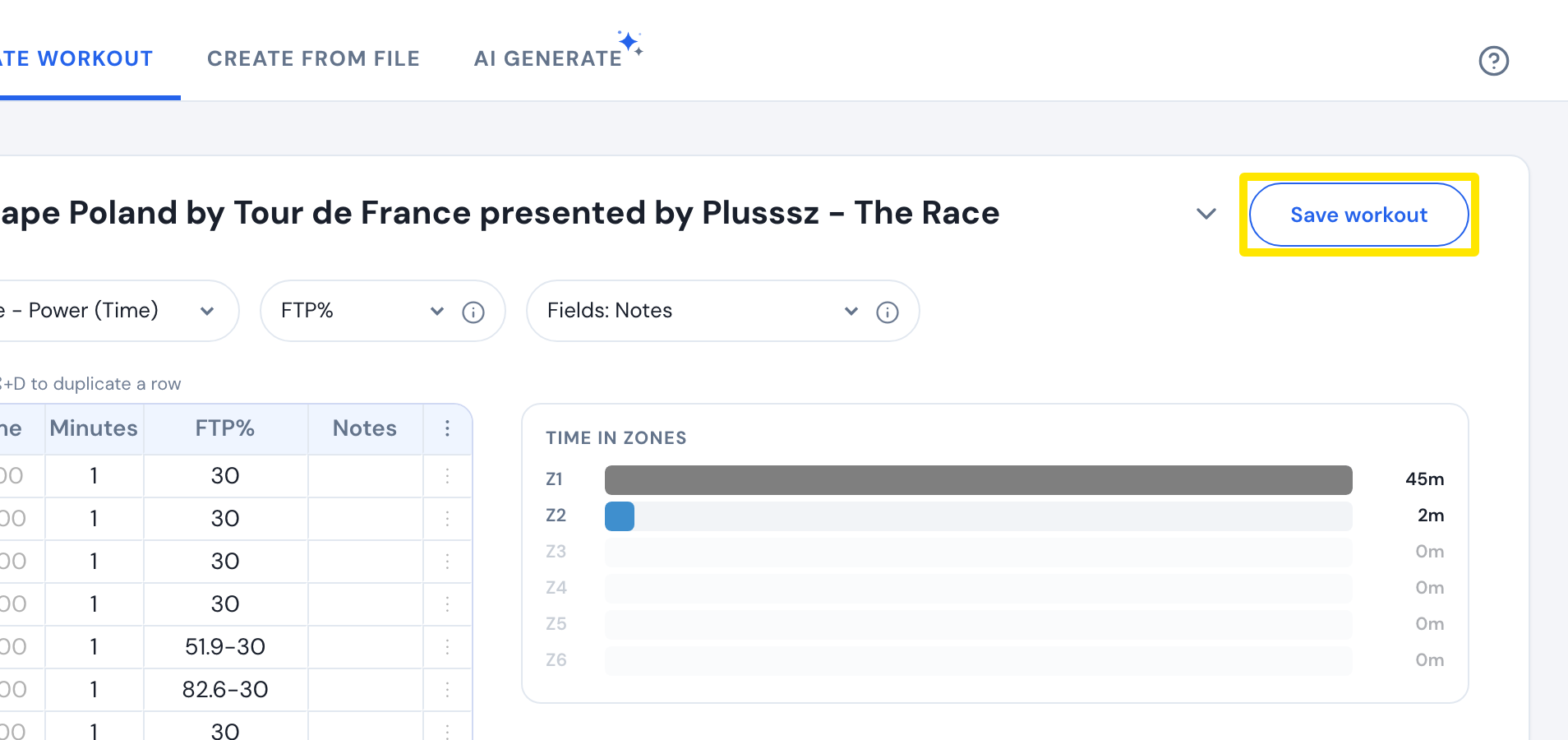 Where: Website · Create Workout · open it
- In the mobile or desktop app, find the workout in your library and tap Ride Now.
Good to know: No TrainerDay app has Climbs or Interesting Places options today. The route speed calculator has a list of famous climbs, but only to predict your time, not to make a workout.
Works on: Importing a route works on the website only; riding it works on mobile and desktop.