

How do I hide the route map during a workout?
There is no route map to hide: no TrainerDay app shows a map during a workout, so the workout screen only shows the workout chart and your numbers.
- There is nothing to turn off. In the mobile app, the workout screen during a ride shows the workout chart and your numbers, not a map.
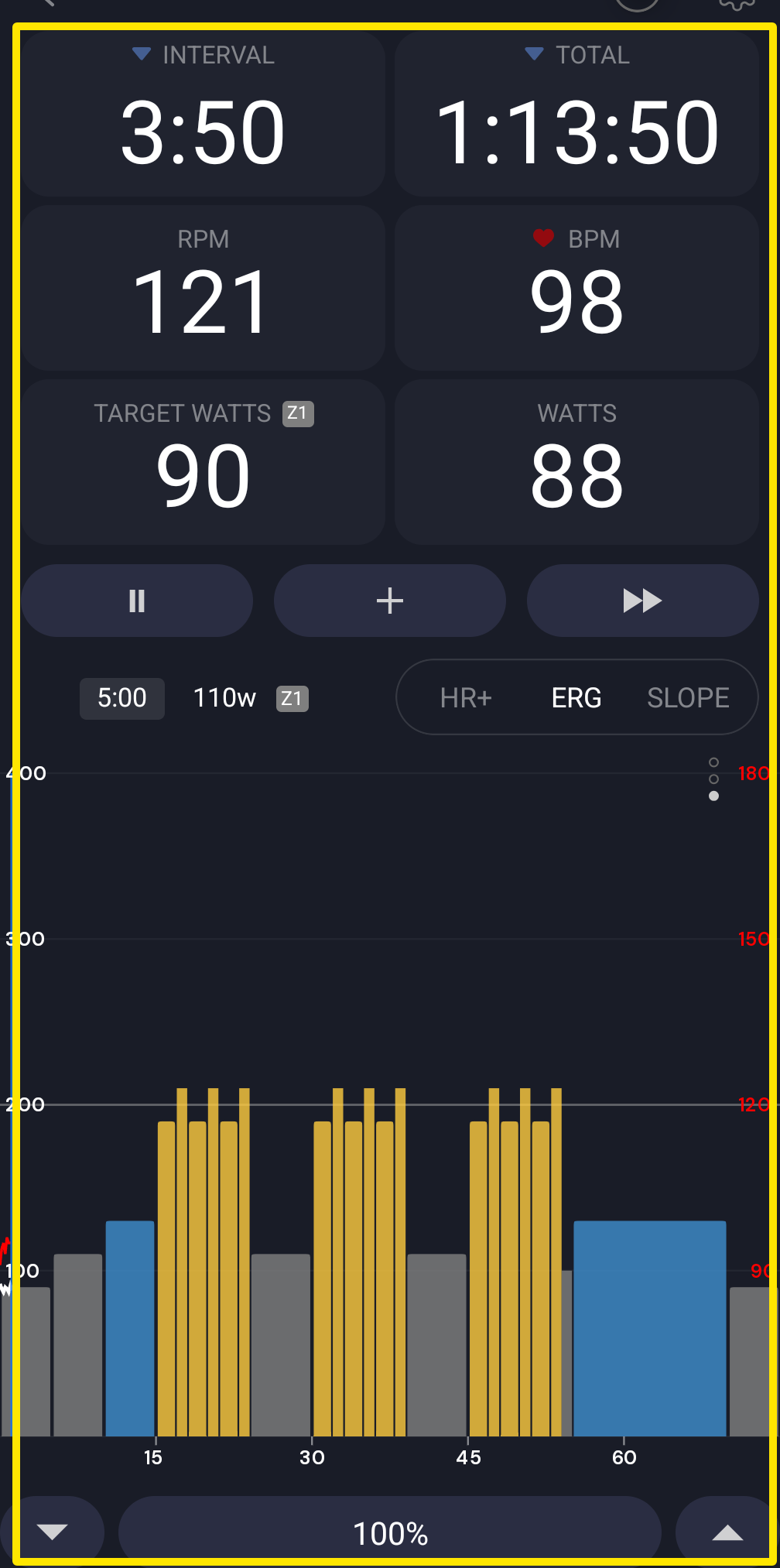 Where: Mobile app · the workout screen during a ride
- In the desktop app, it is the same. On the Today tab, click Ride Now. The workout screen shows the chart and your numbers, with no map.
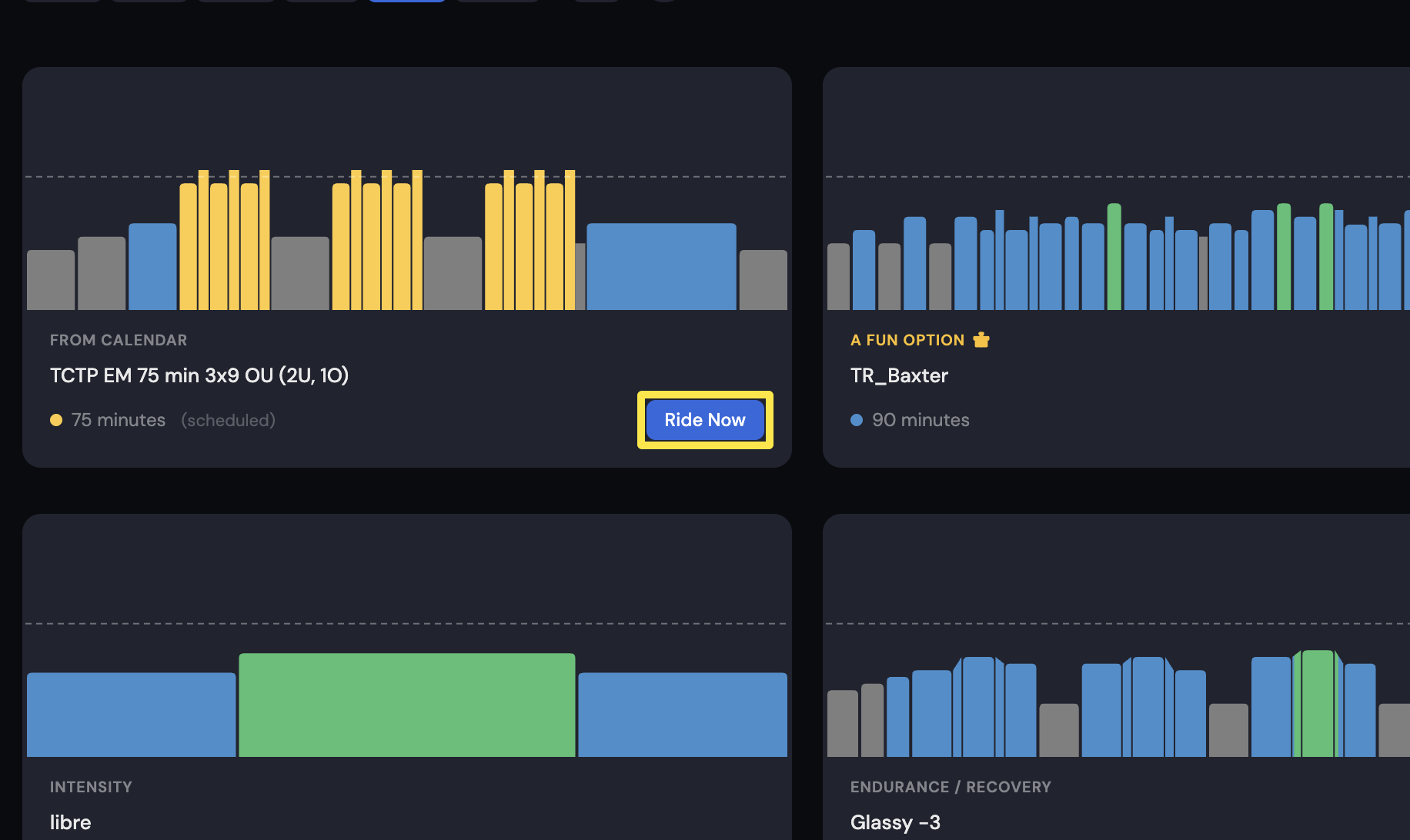 Where: Desktop app · Today tab
Works on: Website, mobile and desktop: no map in the player.