

How do I create a running workout?
Create a running workout on the TrainerDay website: add Running to My Sports, then open Create Workout and pick a running builder.
- On the website, open the gear menu at the top of the left sidebar and choose Sports, Zones, FTPs.
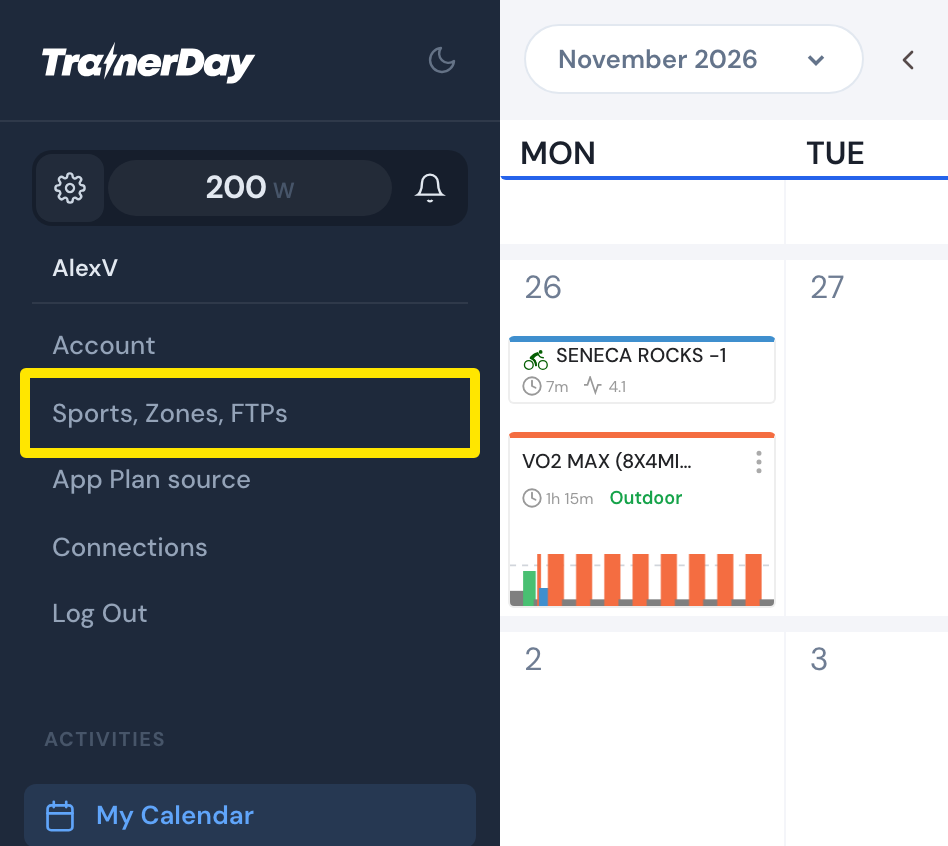 Where: Website · My Calendar · open it
- On the Sports, Zones, FTPs page, check Running under My Sports. Set your running threshold pace there too.
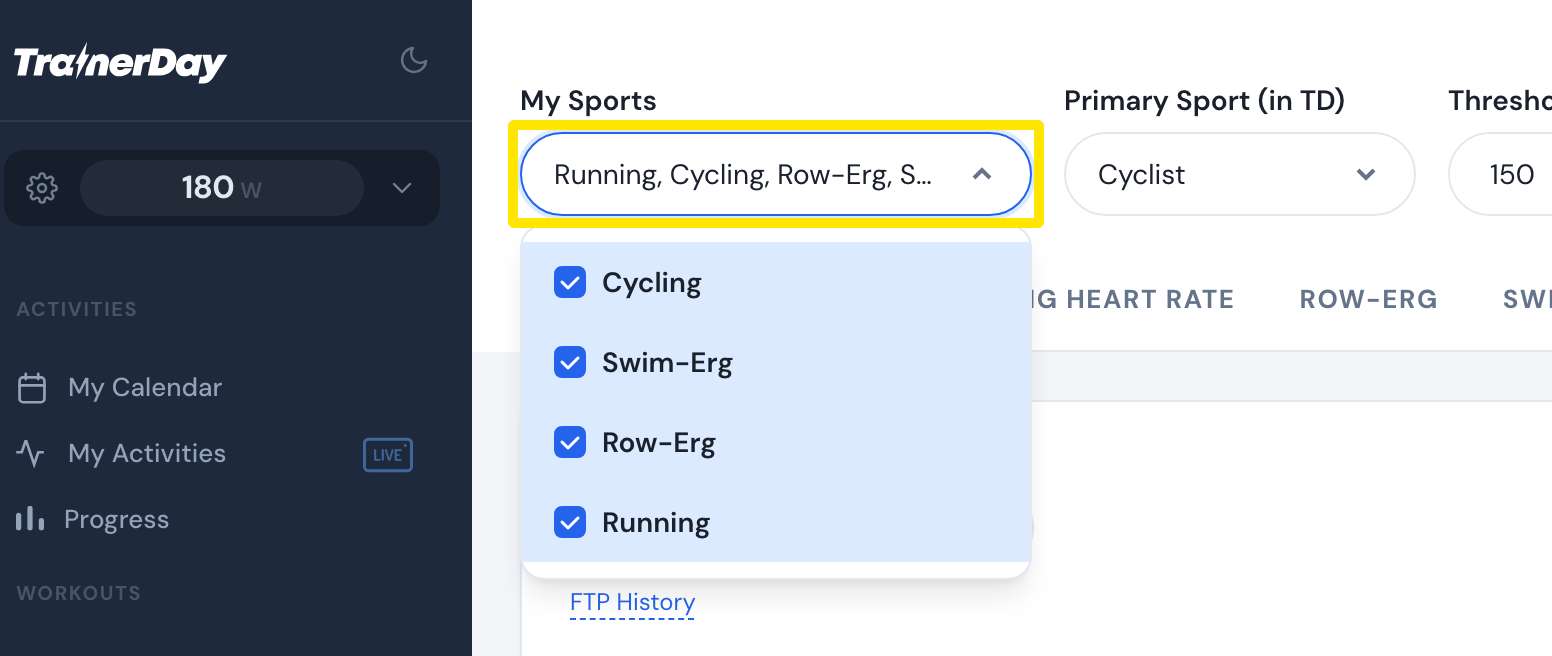 Where: Website · Sports, Zones, FTPs · open it
- Click Create Workout in the sidebar. Open the workout-type dropdown above the table and choose Run - Threshold Pace (Distance), Run - 5k Race Pace (Distance) or Run - 5k Race Pace (Time).
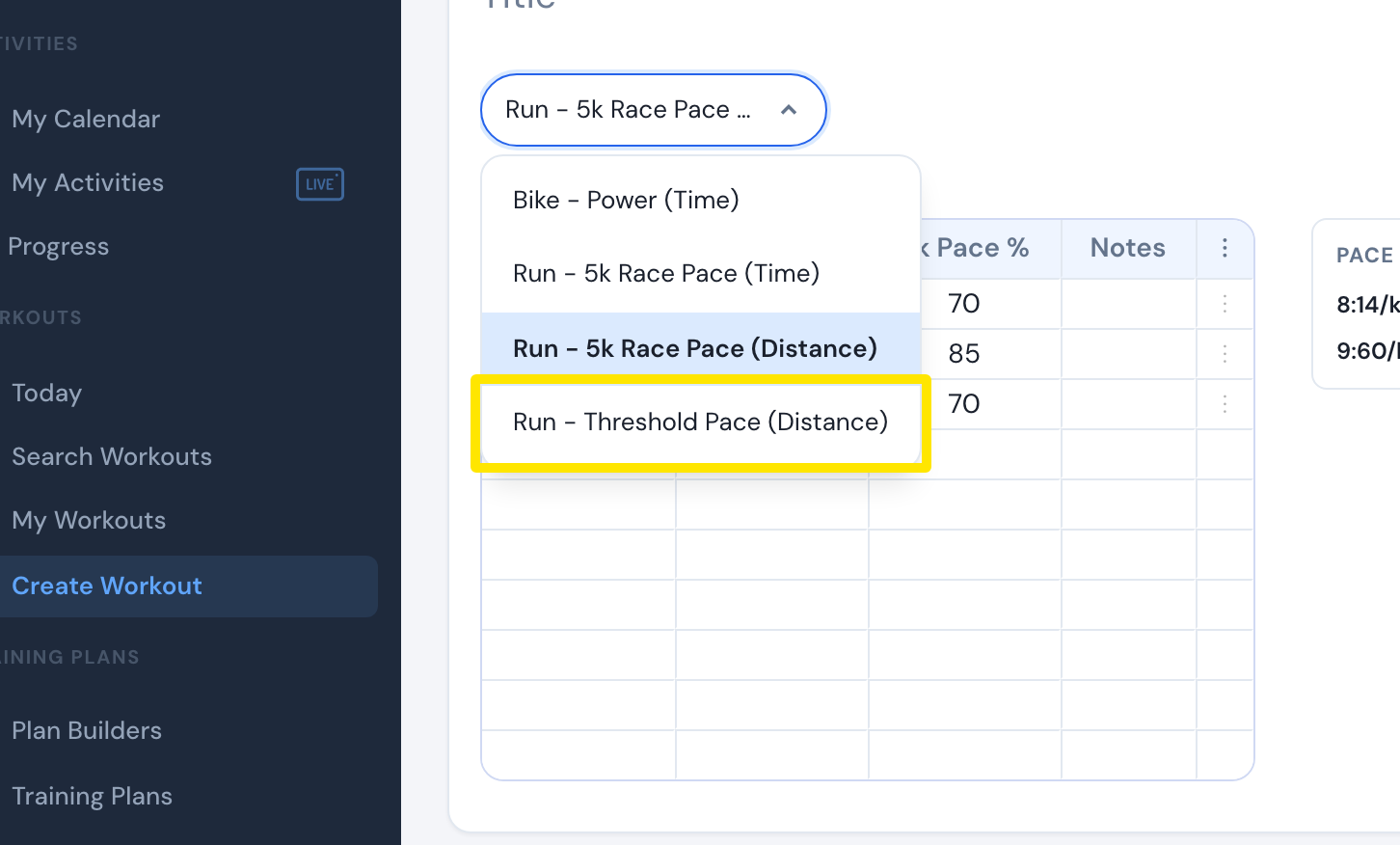 Where: Website · Create Workout · open it
- Type each step's length and target. With Threshold Pace, switch between % Thr Pace and Pace to type the pace itself.
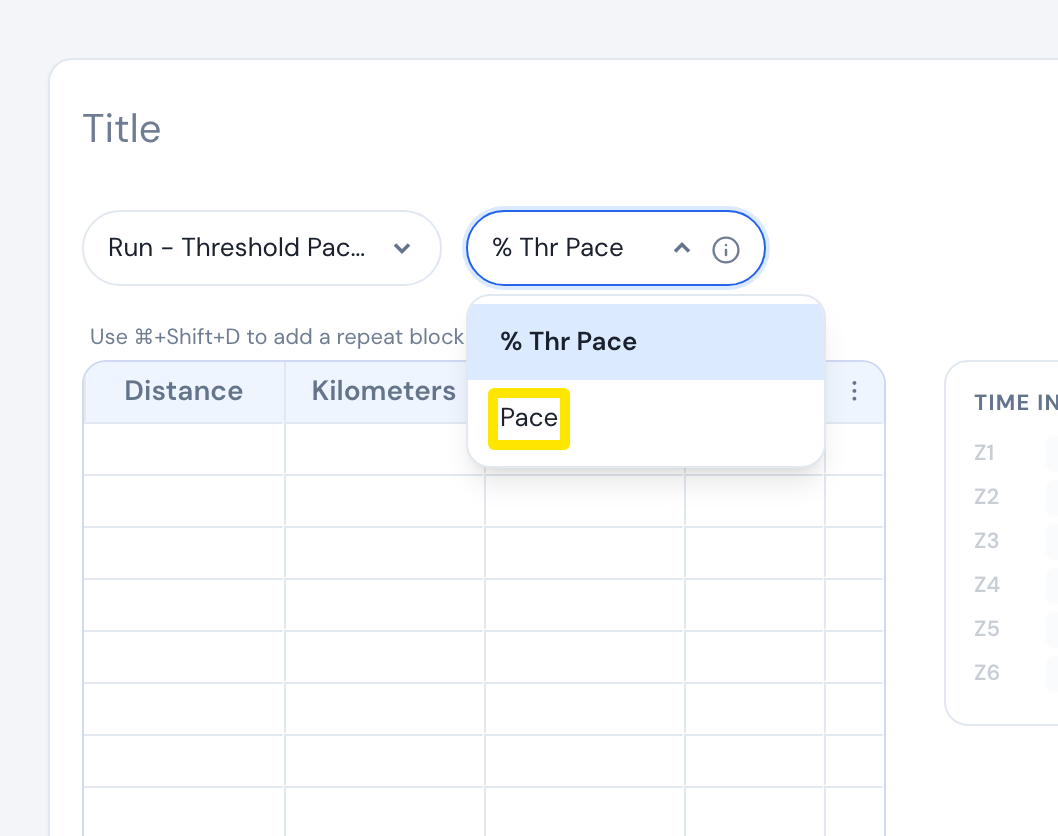 Where: Website · Create Workout · open it
- Pick the Workout Focus, name it and click Save.
Good to know: The 5k Race Pace builders take % of your 5K race pace only. TrainerDay has no running power zones or running FTP.
Works on: Website only. The mobile app has the AI Workout Builder instead. The desktop app has no editor, but it can ride running workouts made on the website.