

How do I get my running workouts into intervals.icu?
On the TrainerDay website, connect Intervals.icu in Connections, then send each running workout from its page with Send To; finished runs upload by themselves when Upload Activities is on.
- On the TrainerDay website, open the menu under your name in the sidebar and choose Connections. Open Intervals.icu and click Connect, then sign in to Intervals.icu and allow TrainerDay.
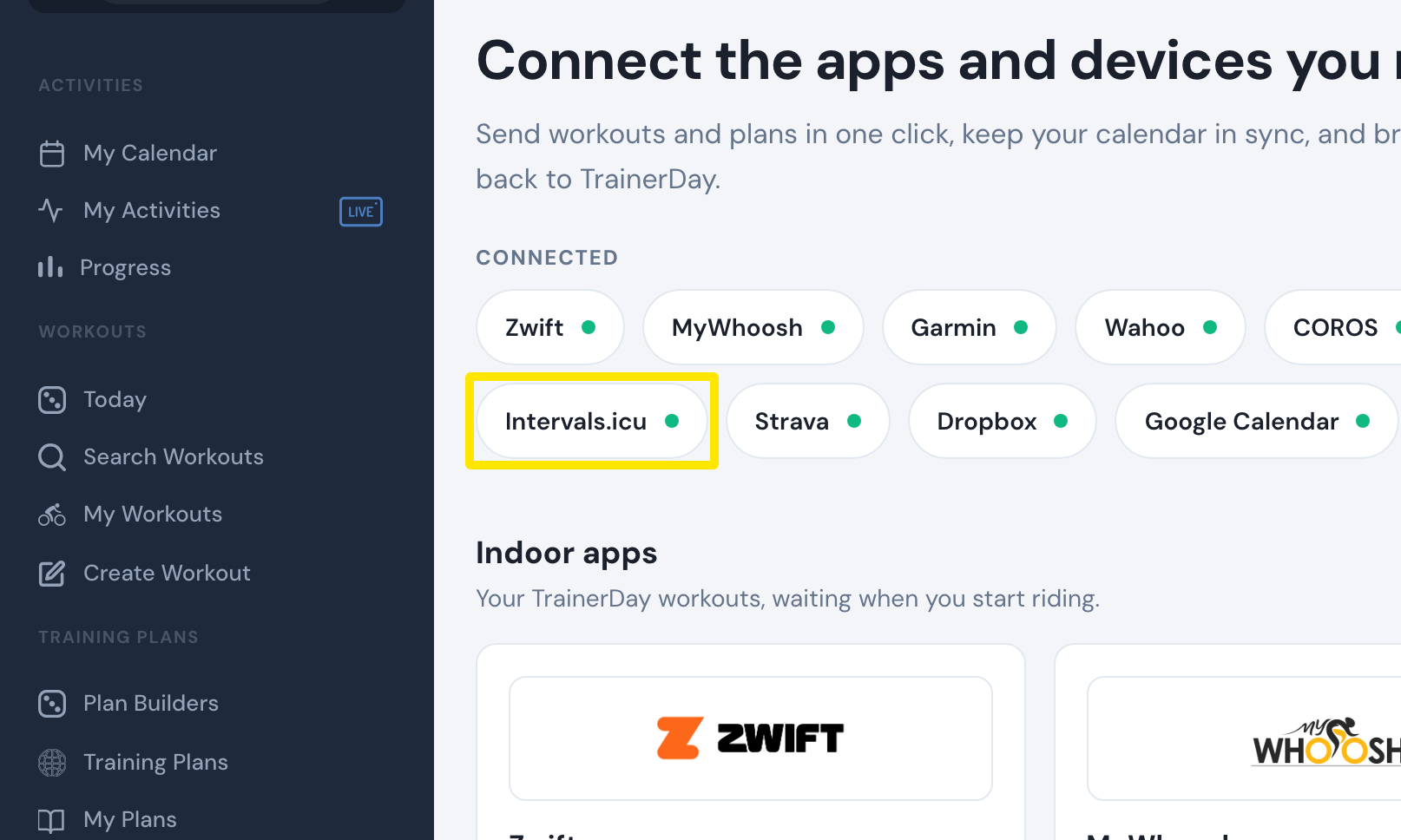 Where: Website · Connections · open it
- In the sidebar, click Search Workouts or My Workouts and click your running workout. On the workout's page, click Send To.
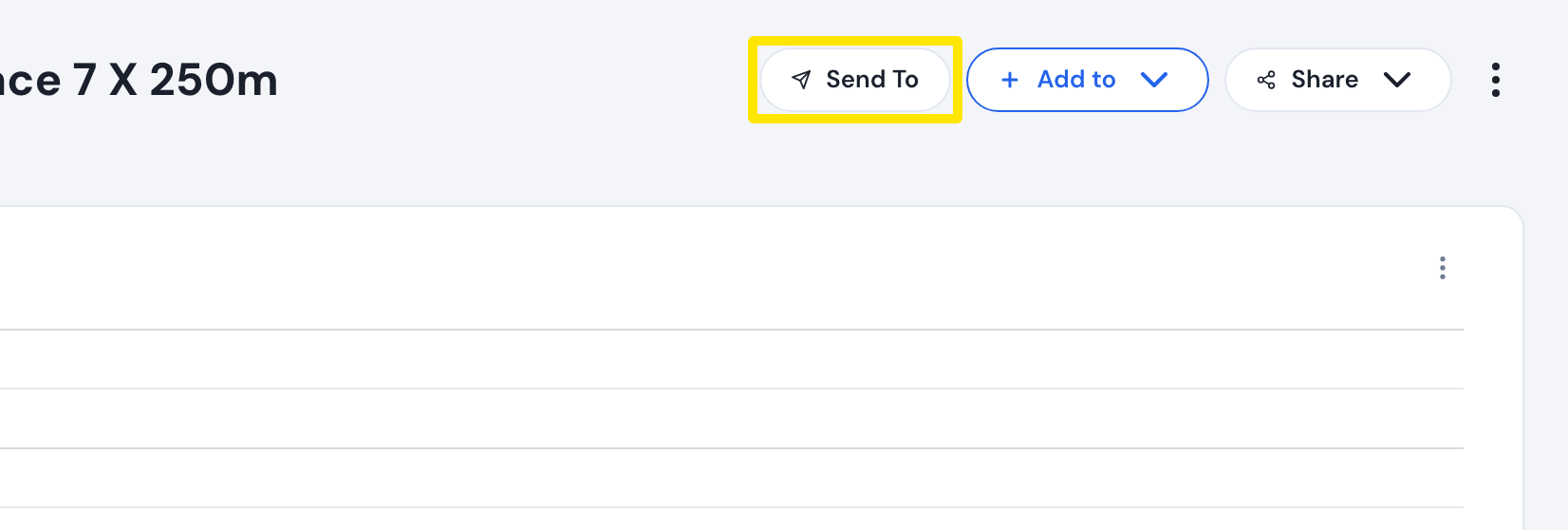 Where: Website · a workout's page
- In the Send a workout window, choose Intervals.icu and click Send. The run lands on today's date in your Intervals.icu calendar.
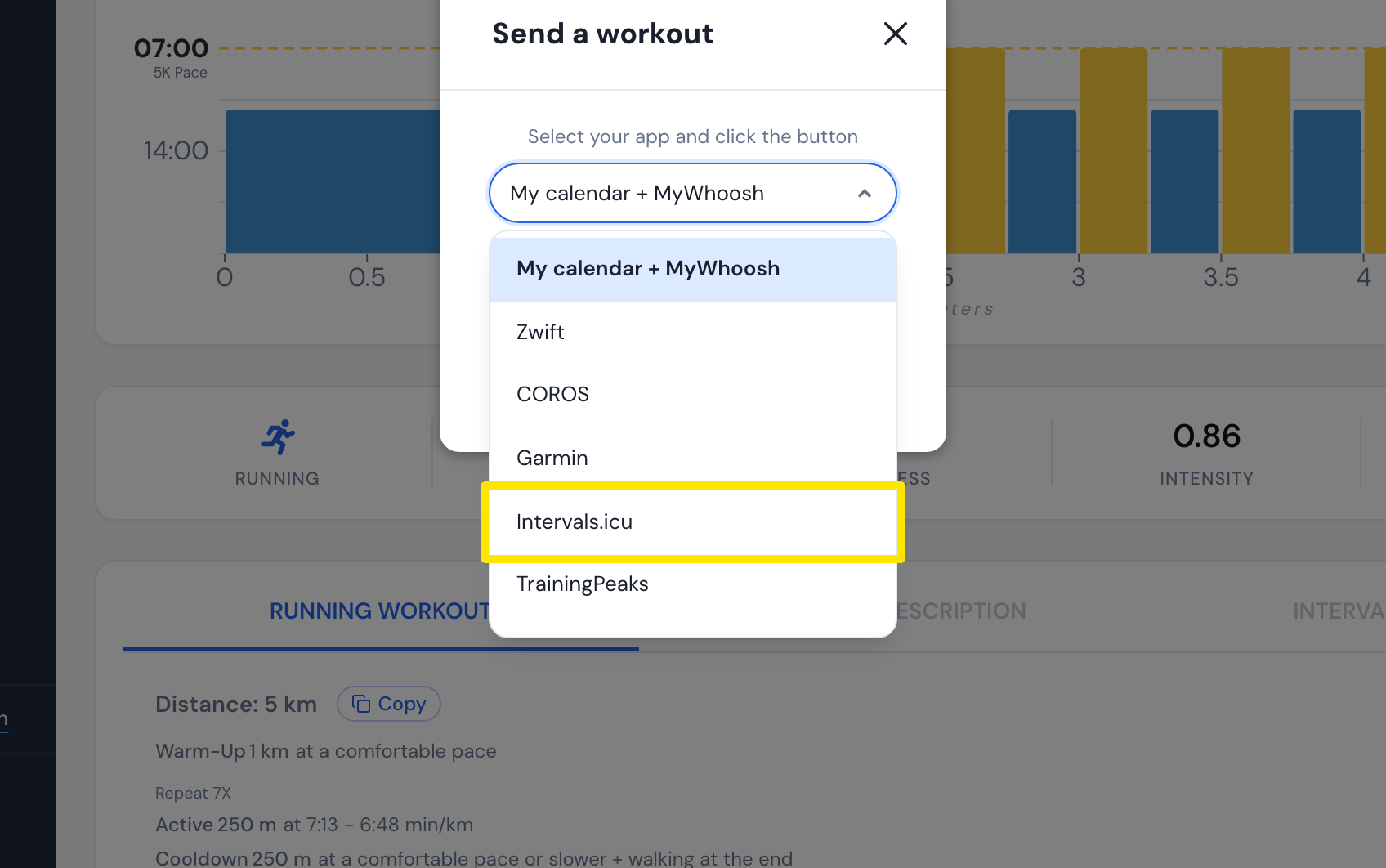 Where: Website · a workout's page
- To send finished runs automatically, go back to Connections (same page as step 1), open Intervals.icu and turn Upload Activities on (Pro).
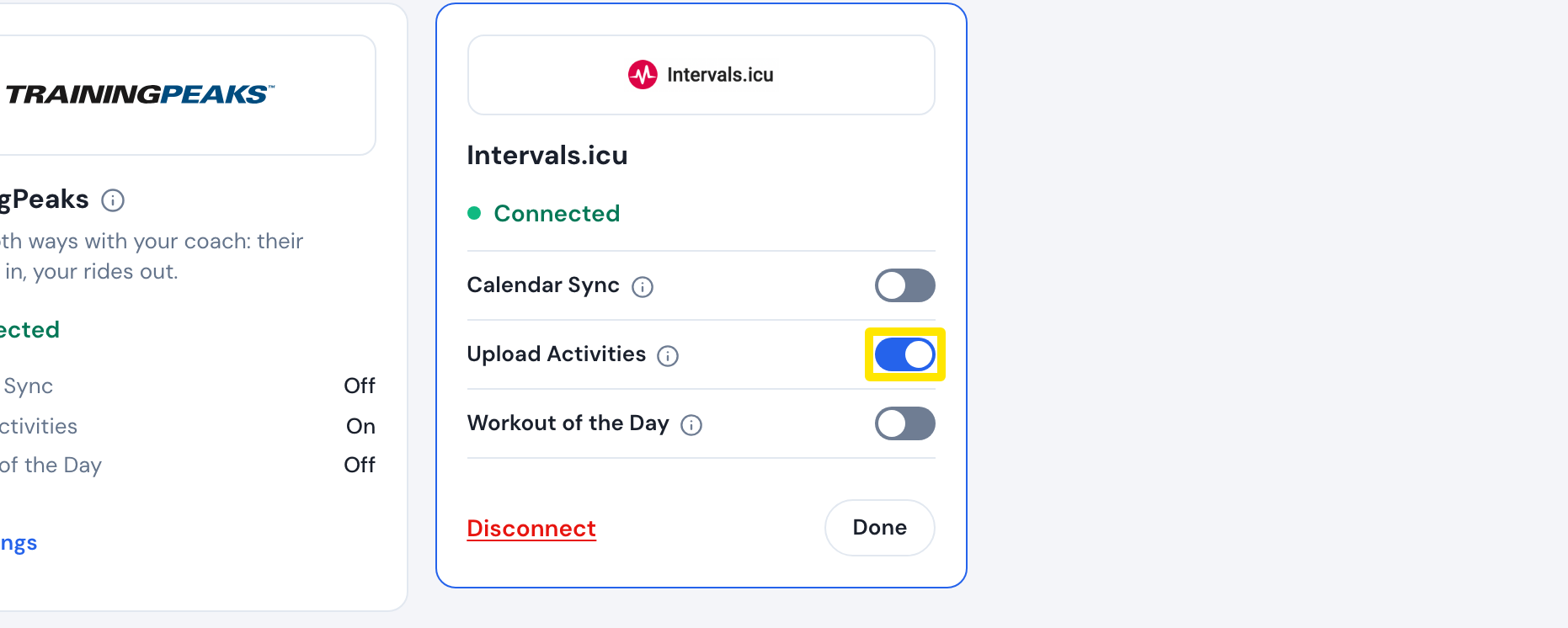 Where: Website · Connections · open it
Good to know: Calendar Sync leaves runs out, and a running plan cannot be sent to Intervals.icu, so send each planned run with Send To.
Works on: website only (the Intervals.icu connection and Send To).